

Dans votre Logiciel Tattoogenda studio,
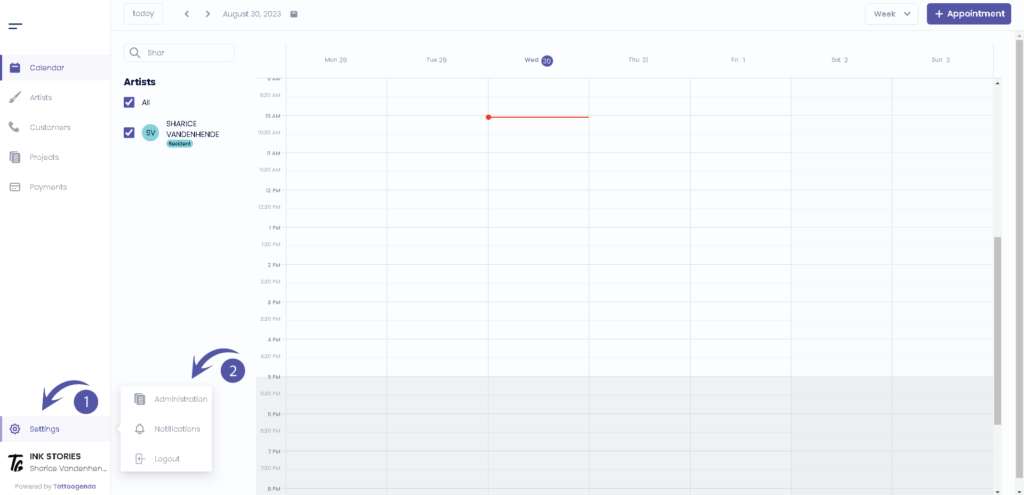
vous trouverez vos paramètres en bas à gauche de votre écran, au-dessus du nom de votre studio.
Accédez à vos paramètres et choisissez ‘Administration’.
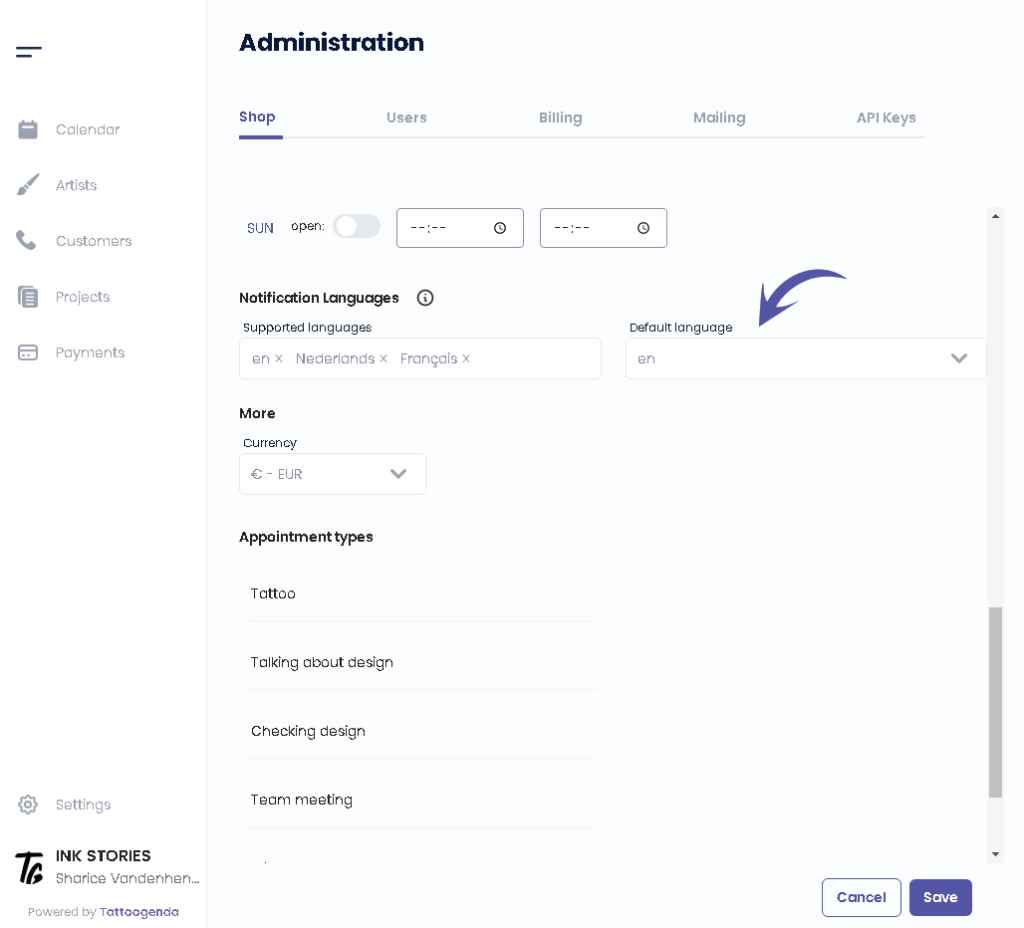
Vous devez automatiquement être sur la table ‘Boutique’. Scroll down until u see ‘Langues de notification‘.
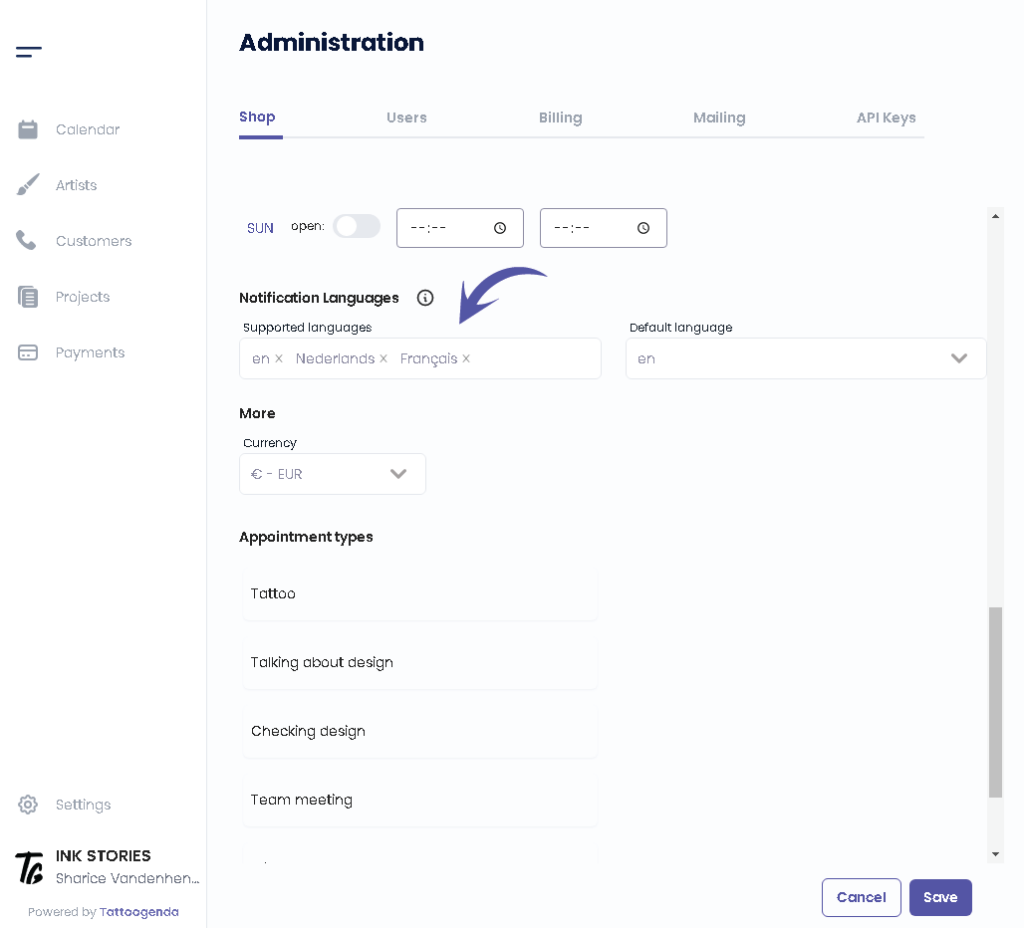
You can see which languages are supported as of right now by Tattoogenda.
Changing or adding a language here does not mean you you are setting the language for your use of TG itself.
TG is only available in English for now.
These languages are only meant as a language for the automated emails towards your customers.
Would like to request another language? Mail to: support@tattoogenda.com.
Select the languages that you want your automated notifications to be supported into.
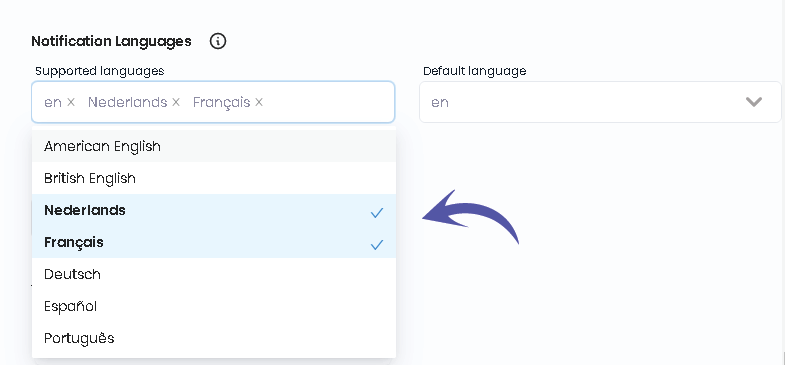
Sélectionnez l'option preferred language this will be the language automatically chosen when creating new customer.
You can still change your customer’s language by editing your customer and click save.
Sélectionnez l'option preferred default language this will be the language automatically chosen when creating new customer.
You can still change your customer’s language by editing your customer.

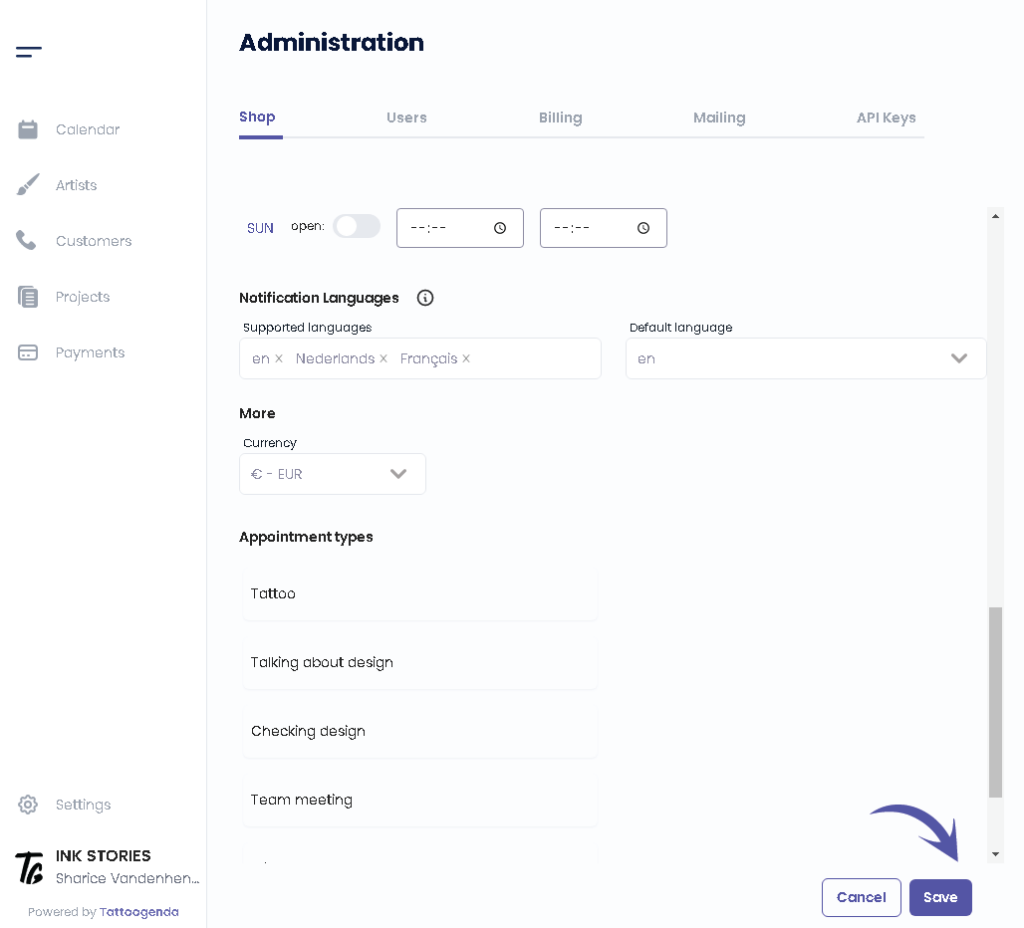
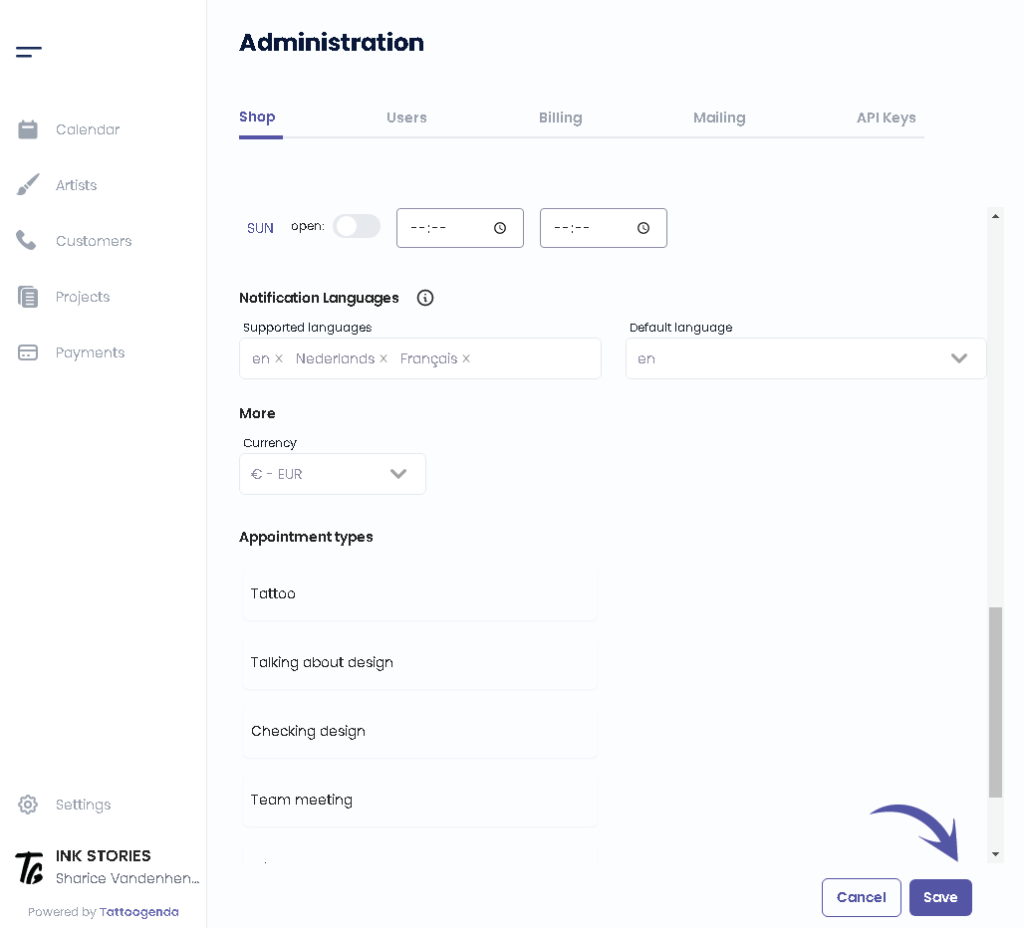
Cliquez sur ‘Sauvegarder’.
LE SAVIEZ-VOUS ?
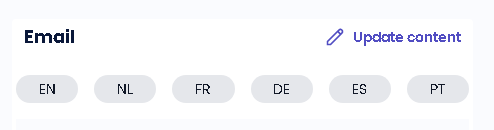
If you would select more languages they will pop up into the language tabs into your notifications emails
Vous avez encore un problème ou une question ?
Vous trouverez ci-dessous un petit lien intitulé ‘Toujours bloqué ? Comment pouvons-nous vous aider ?’
Rédigé par
Sharice Vandenhende
Par Tattoogenda


 English
  Dutch
Dutch  Dutch (Belgium)
  French
  German
  Spanish