

IMPORTANT
SOME FEATURES MIGHT NOT BE AVAILABLE FOR YOU
Financial details are available starting from the ‘Un studio plus grand’ plan.
Ces options ne pas être disponible pour vous lorsque vous ne disposez pas de ce régime ou d'un régime supérieur.
Aller à ‘Artistes’
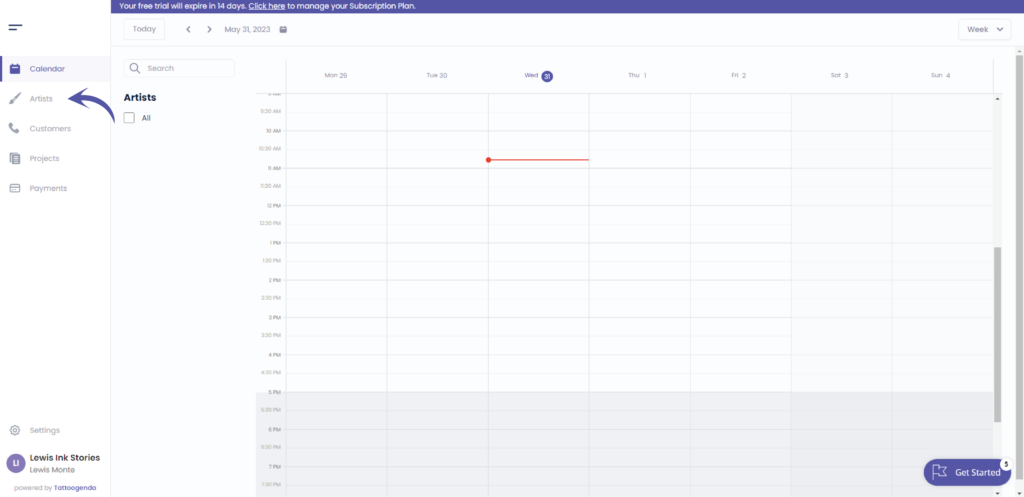
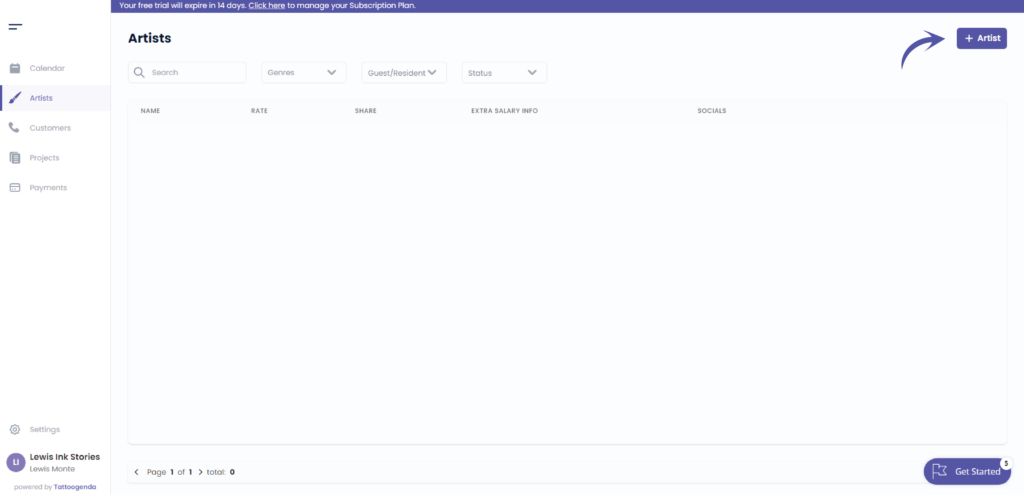
Add your artist
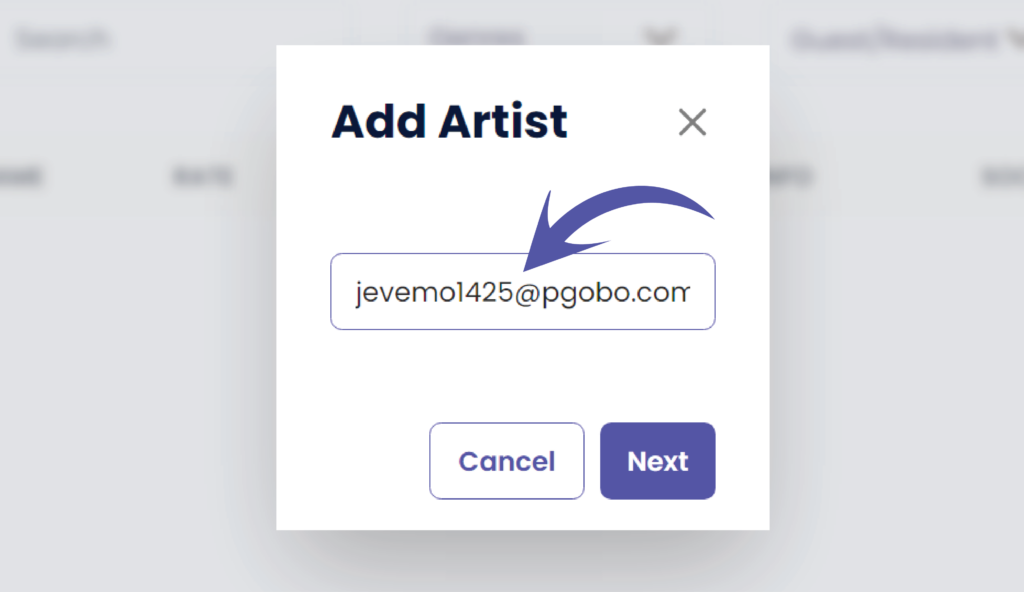
Fill out the email address of the artist you wish to invite
Cliquez sur ‘Sauvegarder’
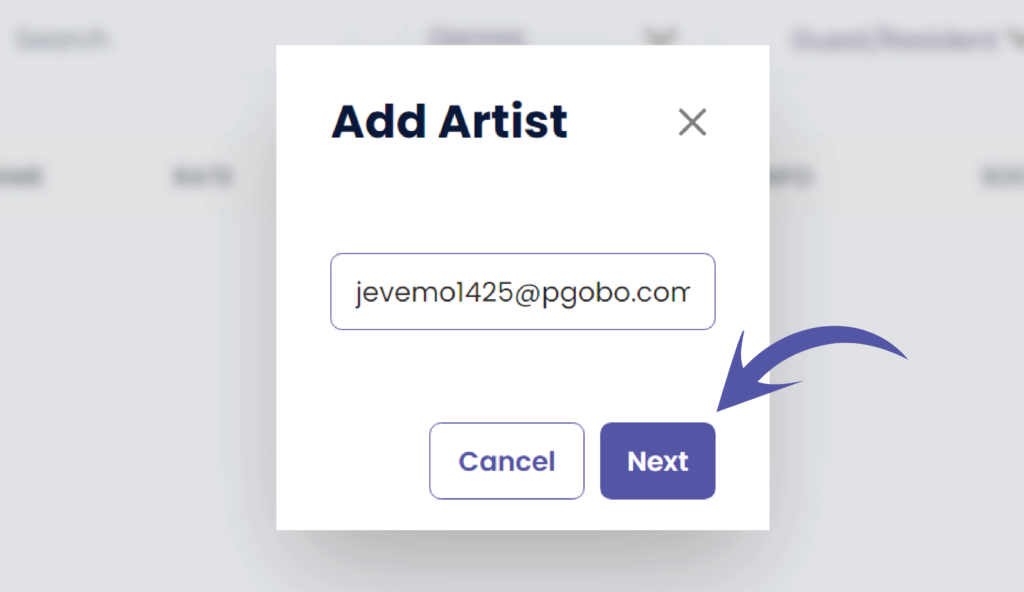
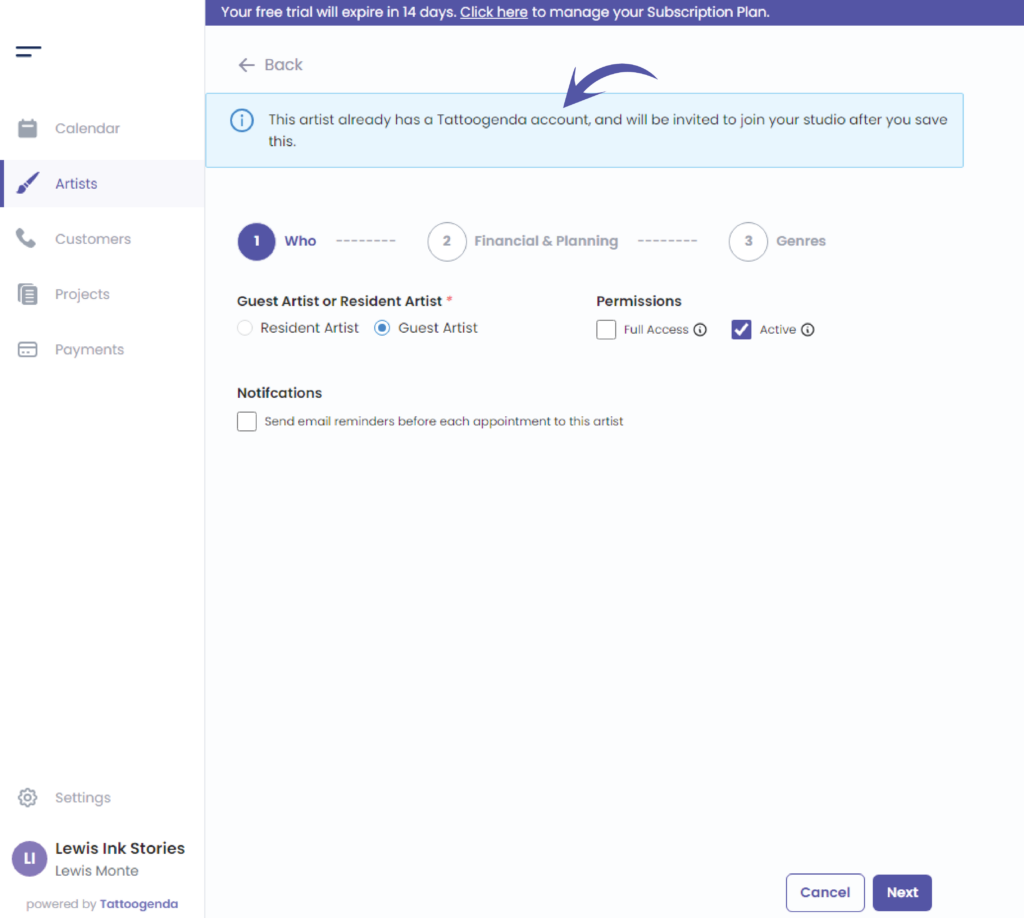
This information box informs you that the artist you just invited is already present into Tattoogenda’s system.
You will only need to fill out the information that applies to your studio.
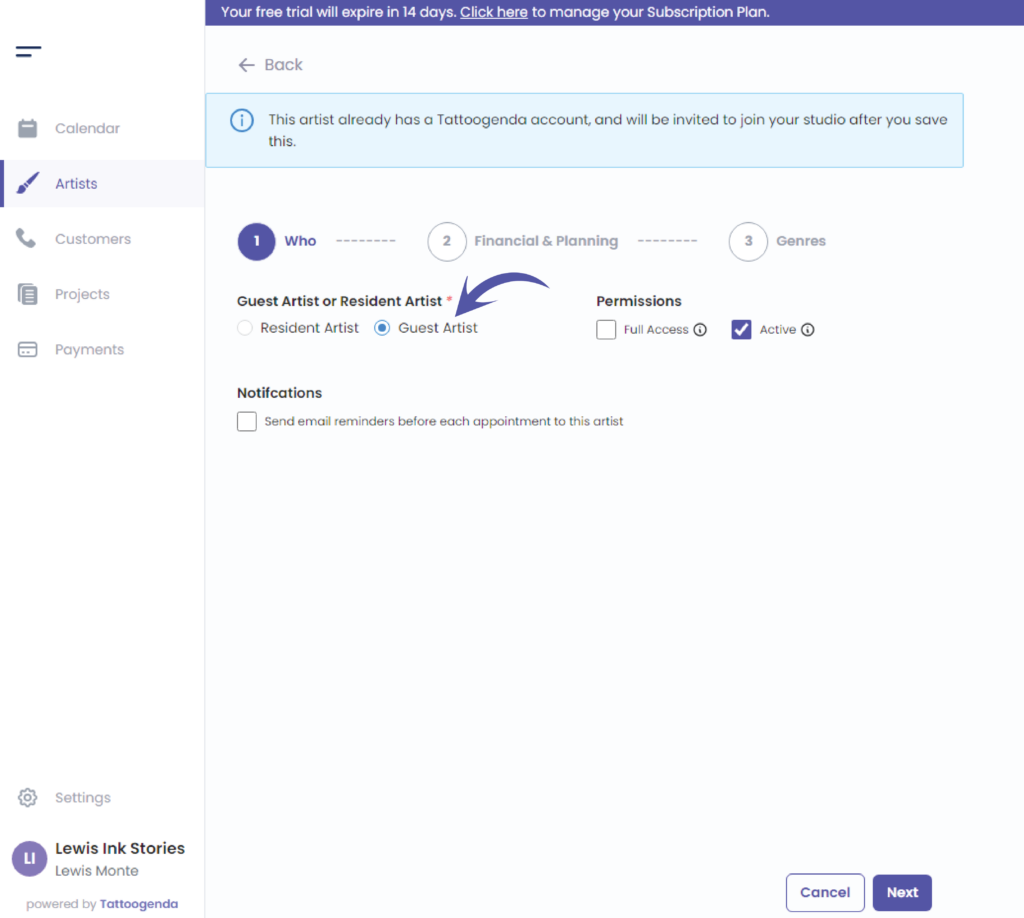
Choose between resident or guest artist.
Most likely, since you invite an artist that already exists in TG, it will be a guest artist for your studio.
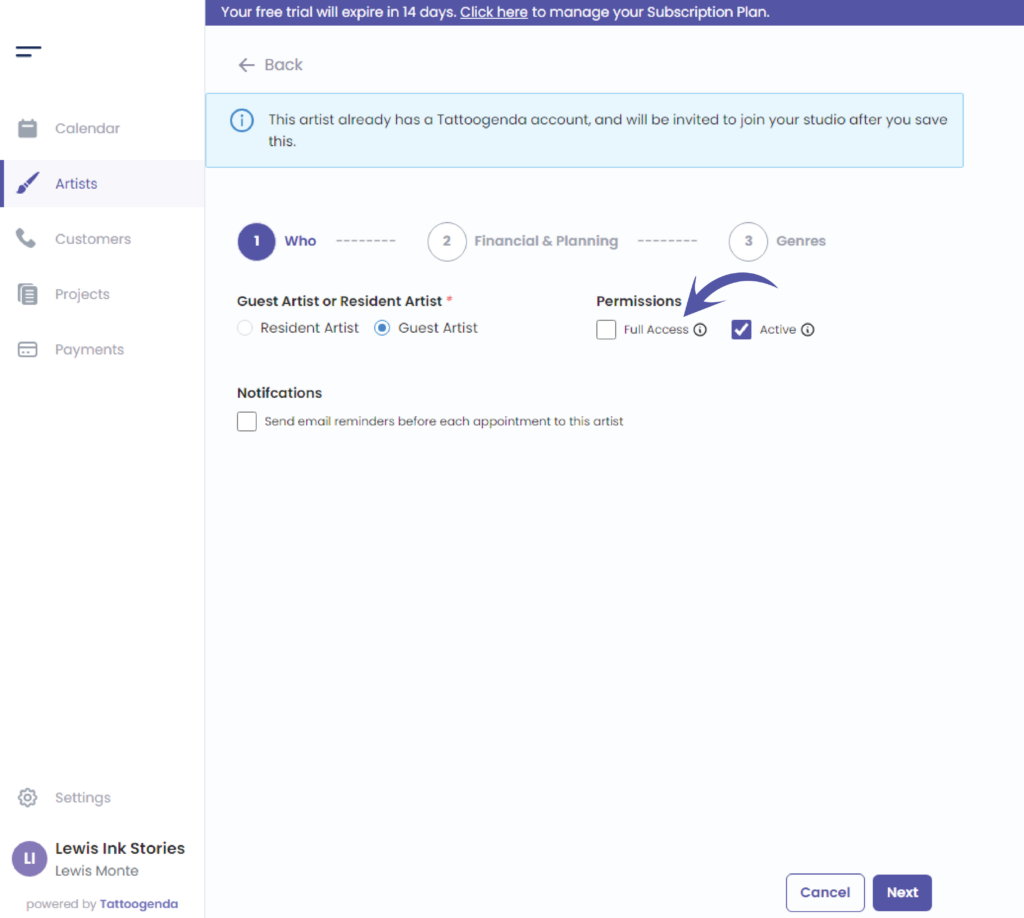
Choose your artists permissions
Click on the following articles to learn more about full access or no full access and active and inactive
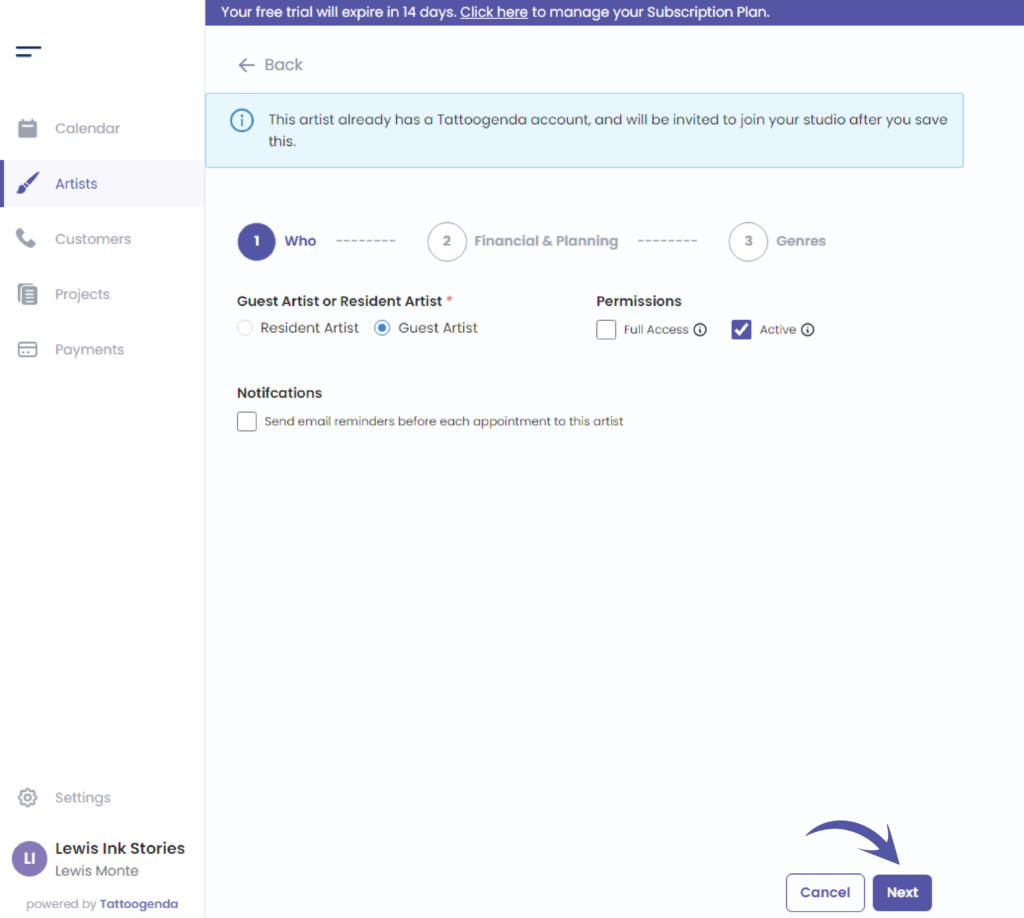
Check this if you want to send reminder notifications to your artist before each appointment.

Cliquez sur ‘Next’
Financial & Planning
The financial part is only available starting from the ‘Un studio plus grand’ plan.
These financial options will ne pas être disponible pour vous lorsque vous ne disposez pas de ce régime ou d'un régime supérieur.
Instead, You will see ‘Planning’ instead of ‘Financial & planning’.
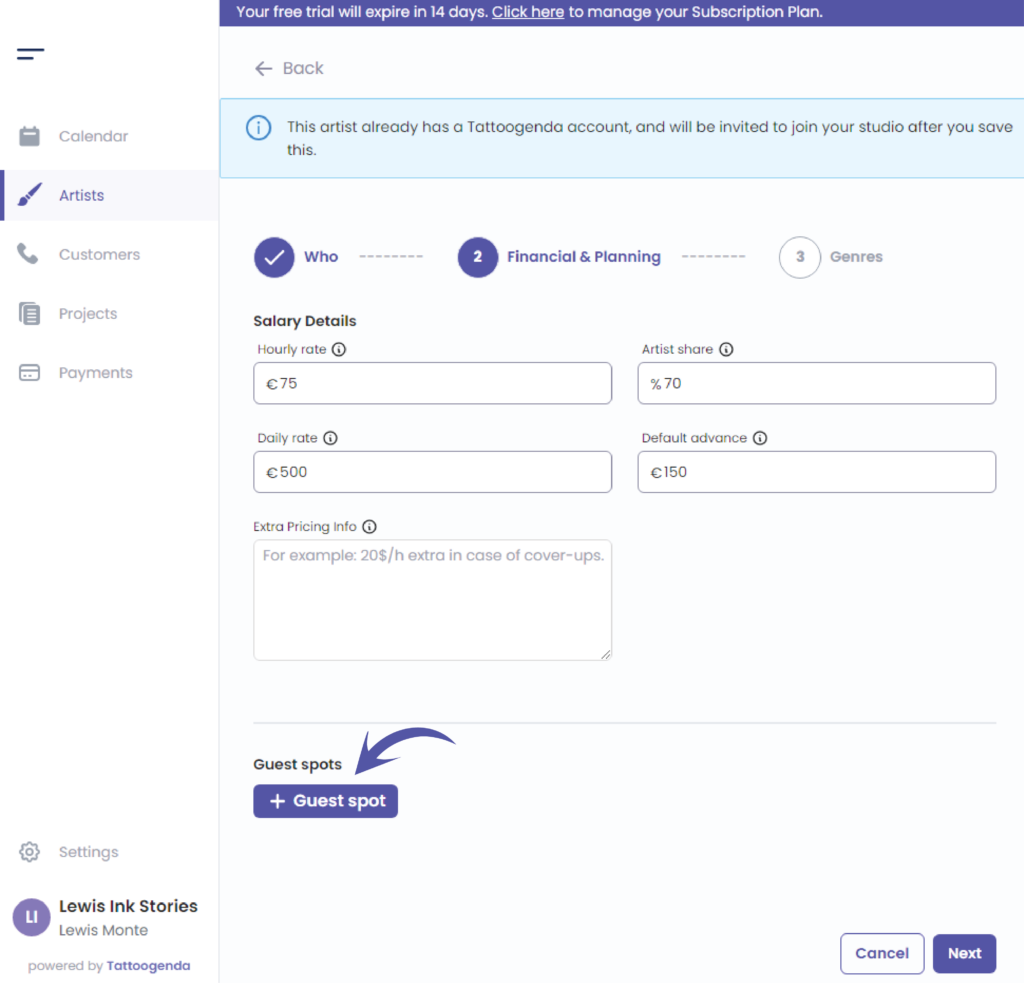
You will be able to set holidays or guest spots depending on the artist type.
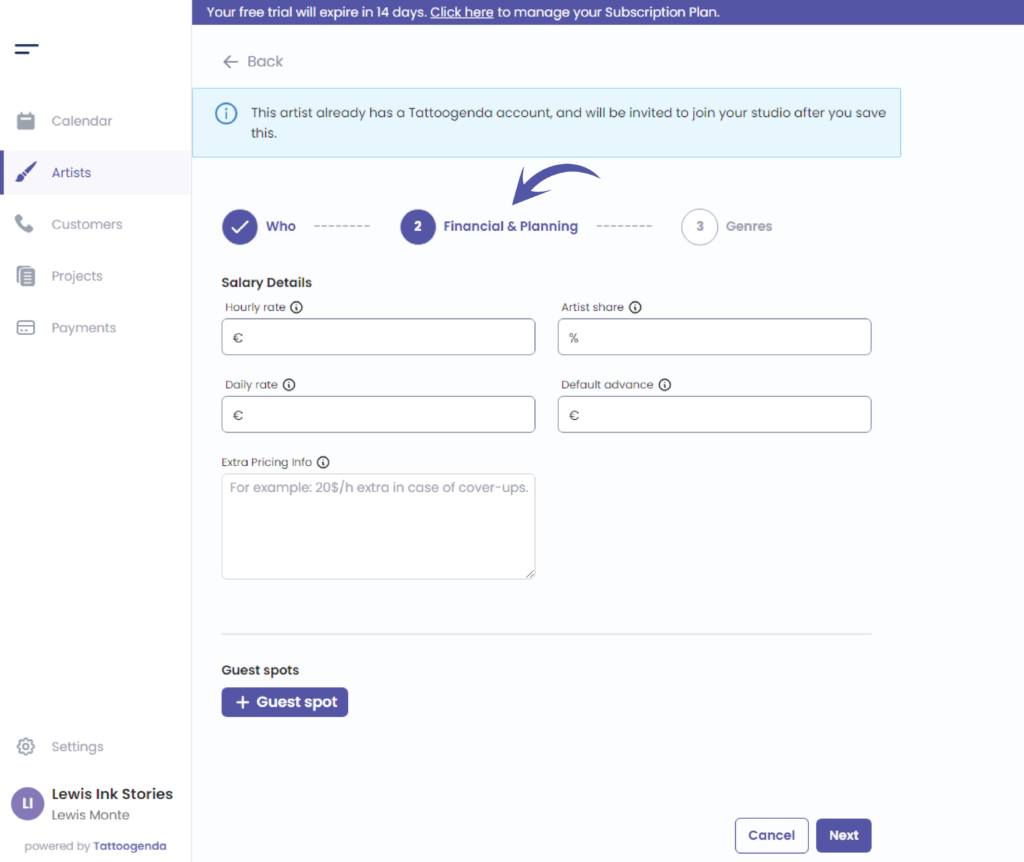
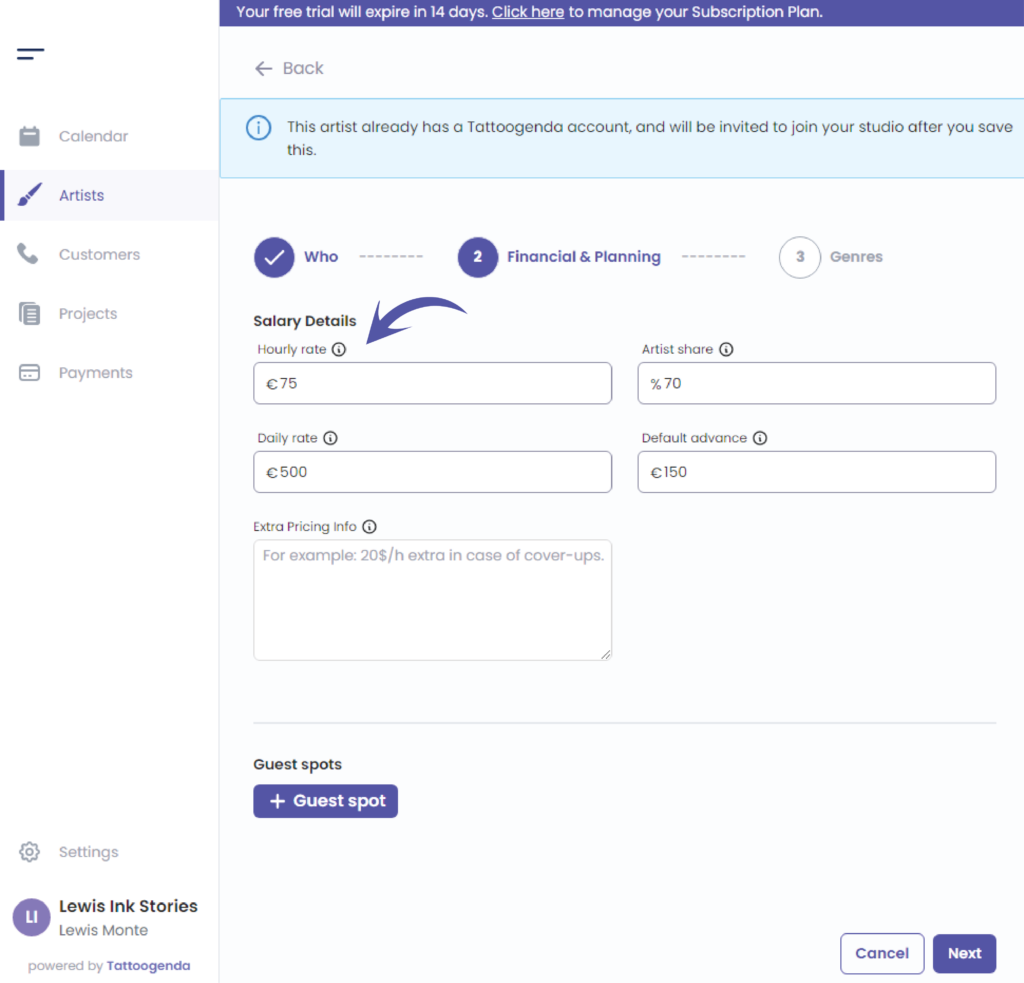
Fill out the artists hourly rate.
This is the rate you charge to the customer for this artist.
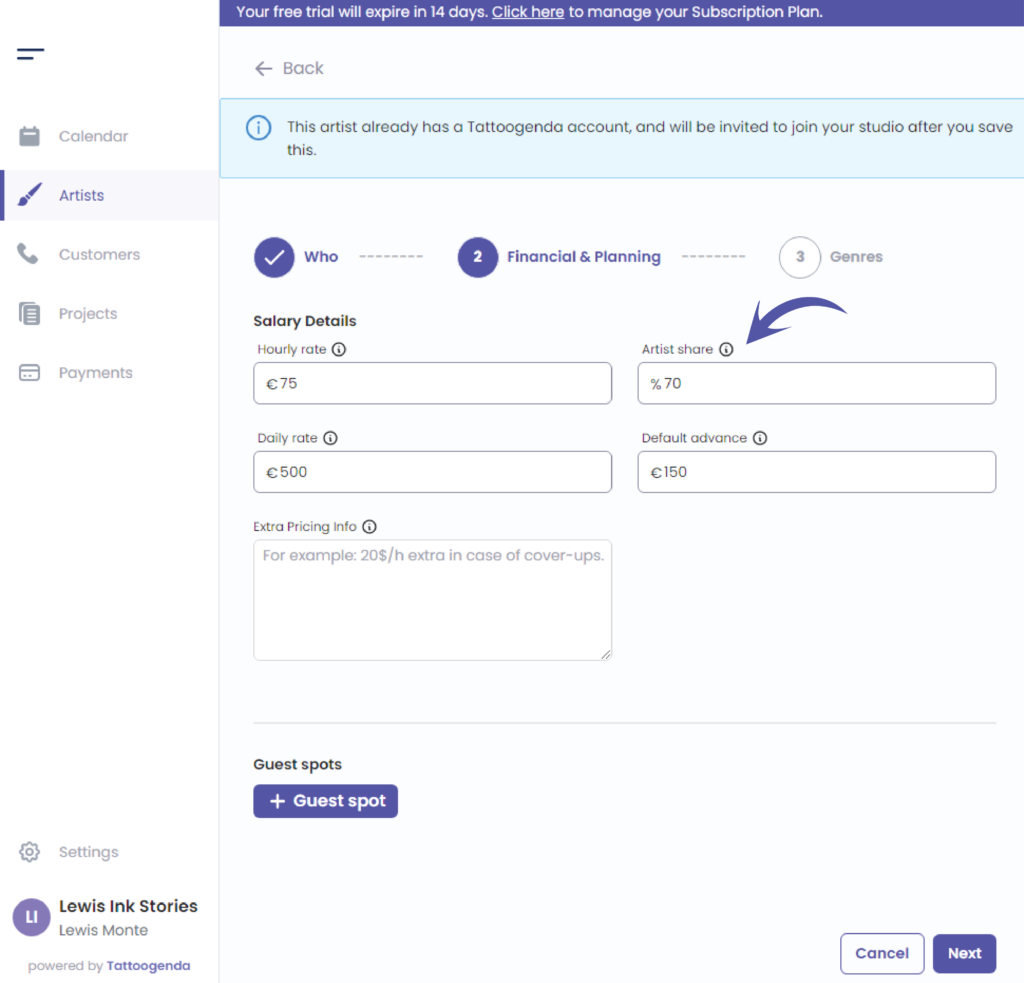
Fill out the artists share
This is the percentage the artist receives from the total they make.
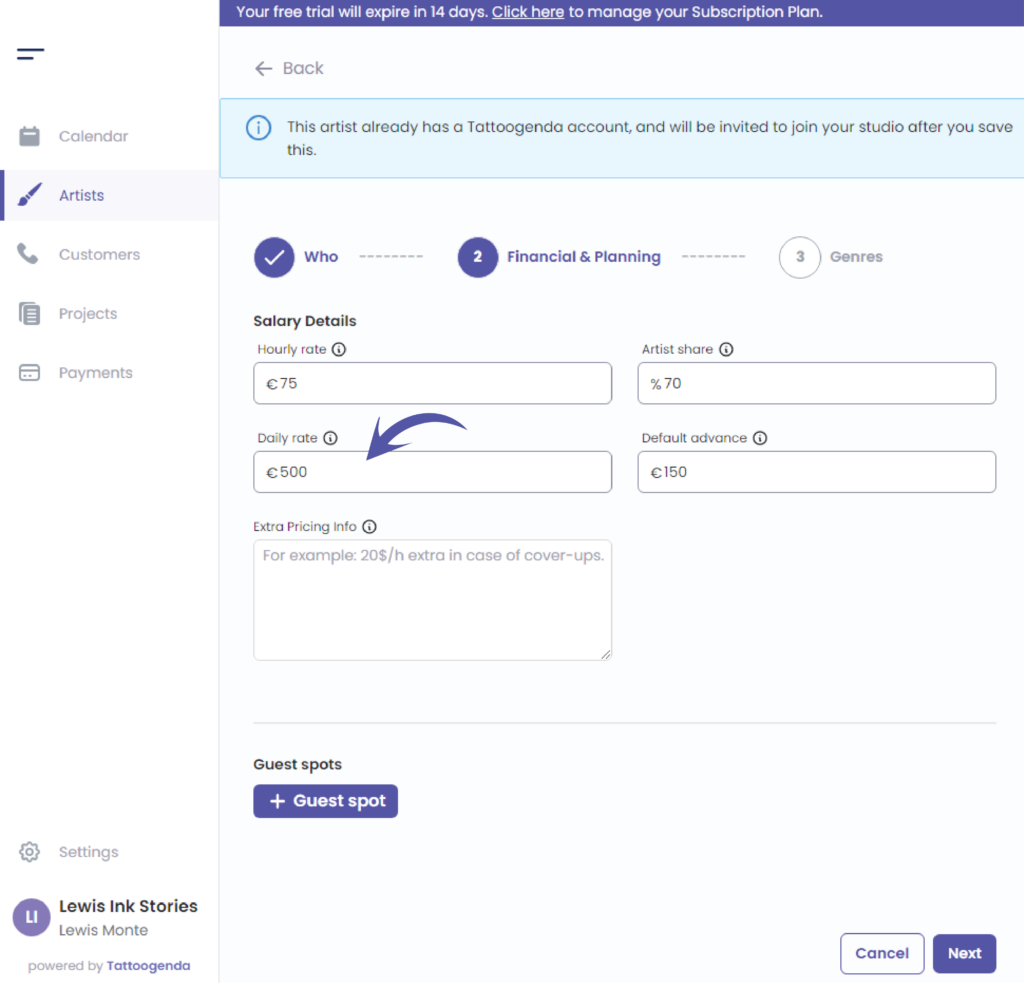
Fill out the artists daily rate
An artist can have a hourly rate, a daily rate or both.
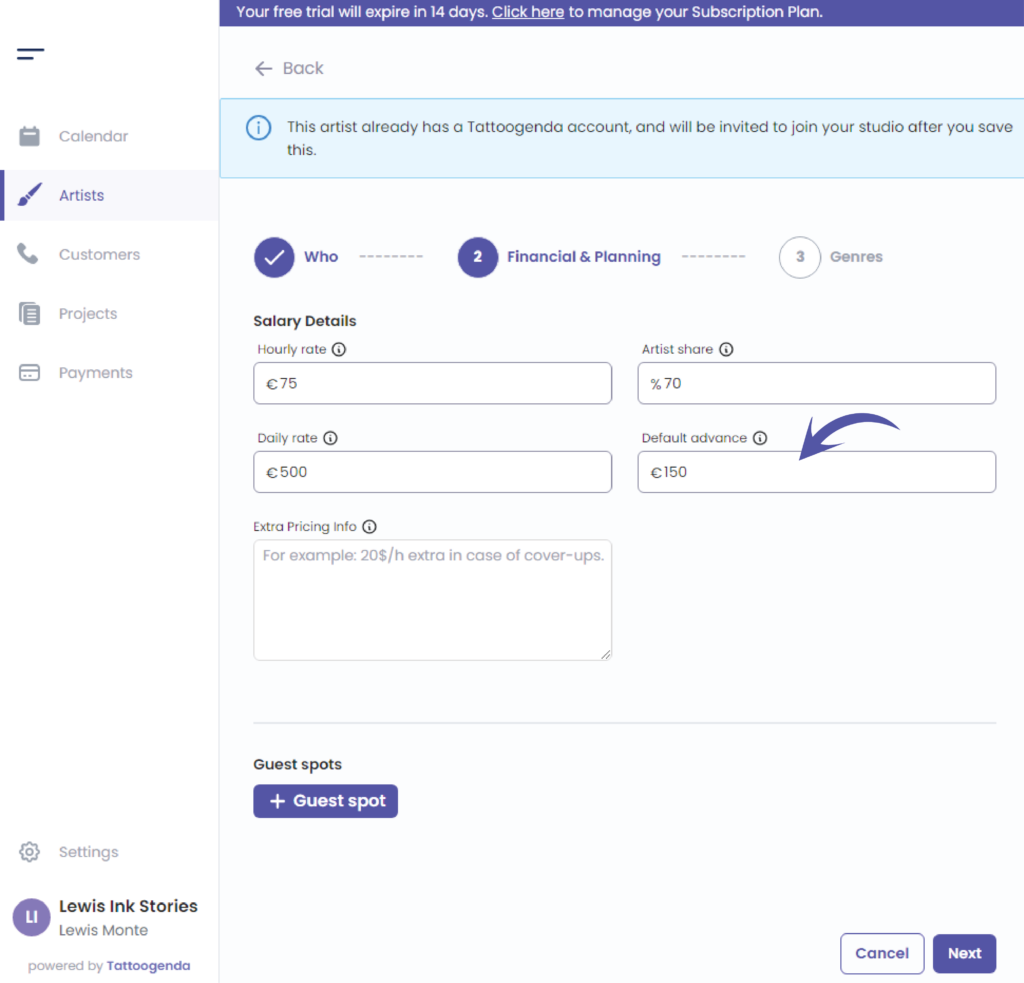
Fill out the artists default advance.
How much do you want a customer to pay you as a deposit when they book in with this artist.
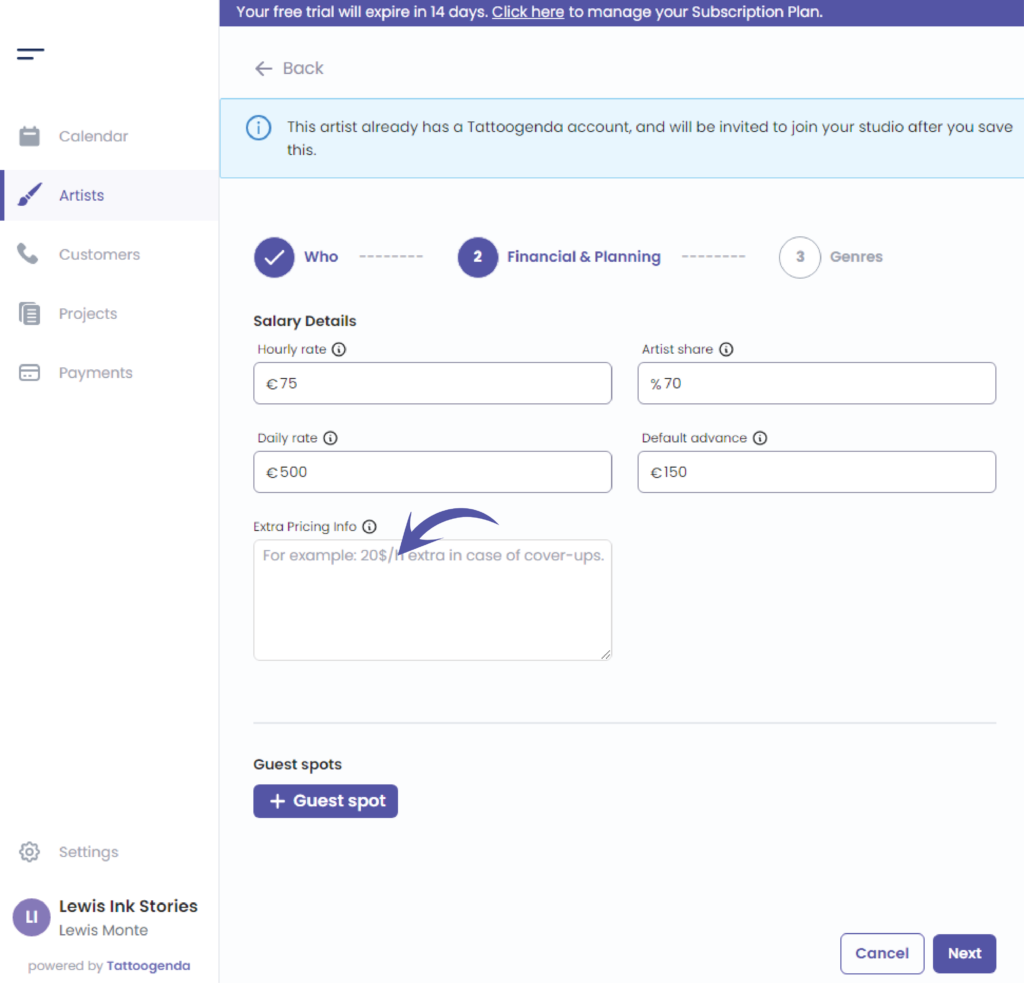
Fill out the artists extra pricing information
( e.g. 25€ extra / h in case of cover-ups. Or a special price for a special style they occasionally do. )
Add holidays / guest spots if necessary
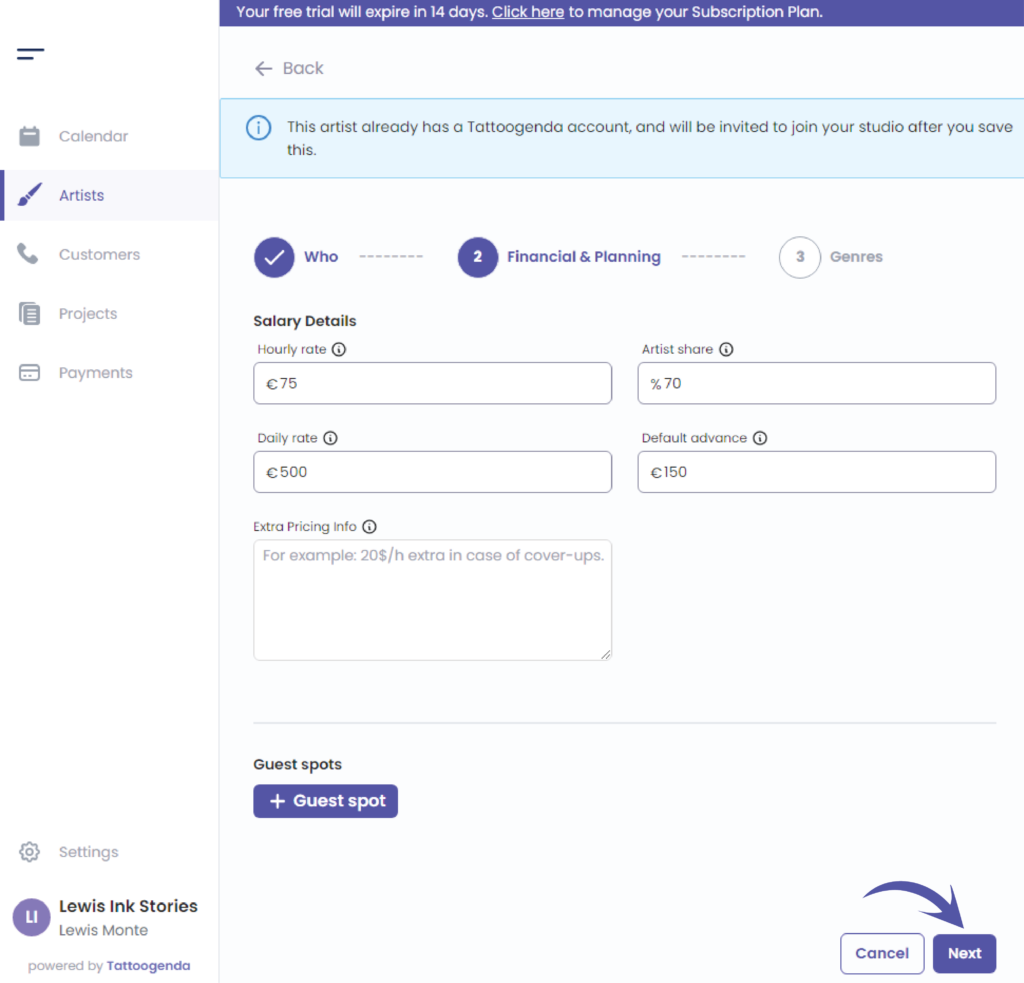
Cliquez sur ‘Next’
Genres
This part is optional, genres are used to display on the calendar page, artist filter by genre and for our TG plugins
Click on the articles below for more information about
How to navigate through the calendar, TG WordPress plugins et how to navigate through artists
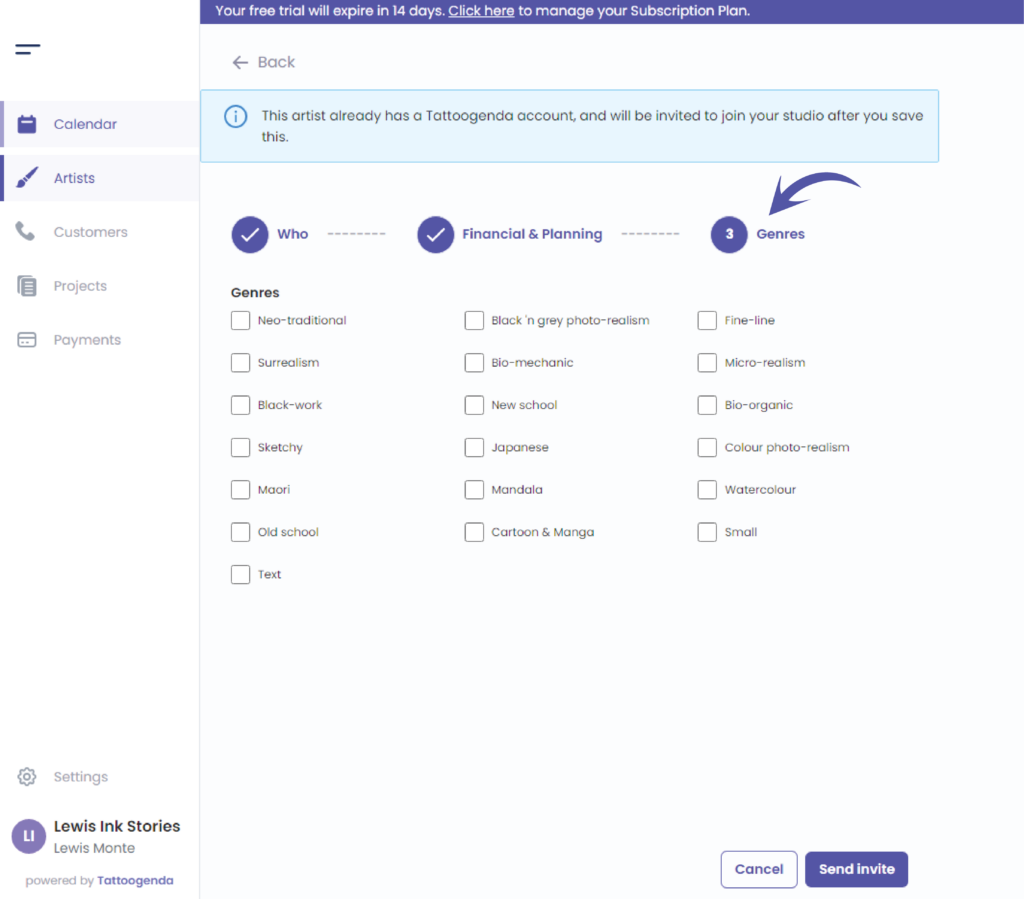
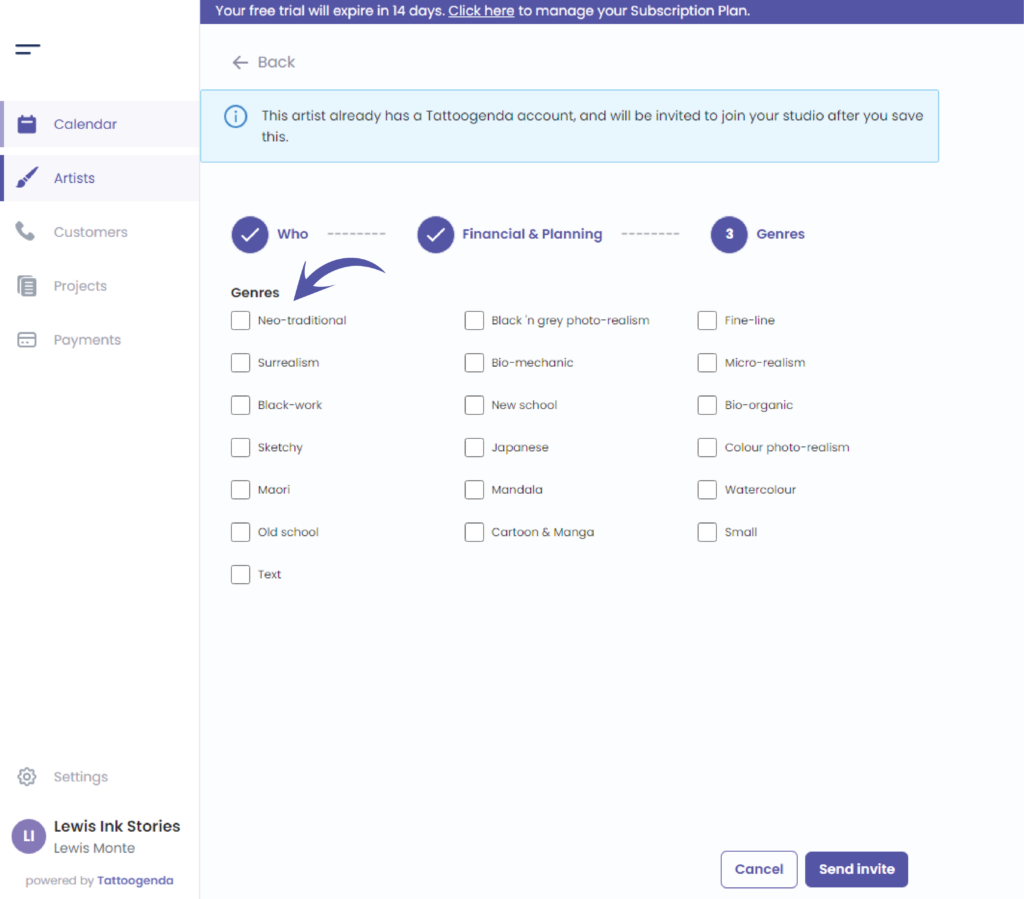
Choose the genres that apply to your artists for your studio
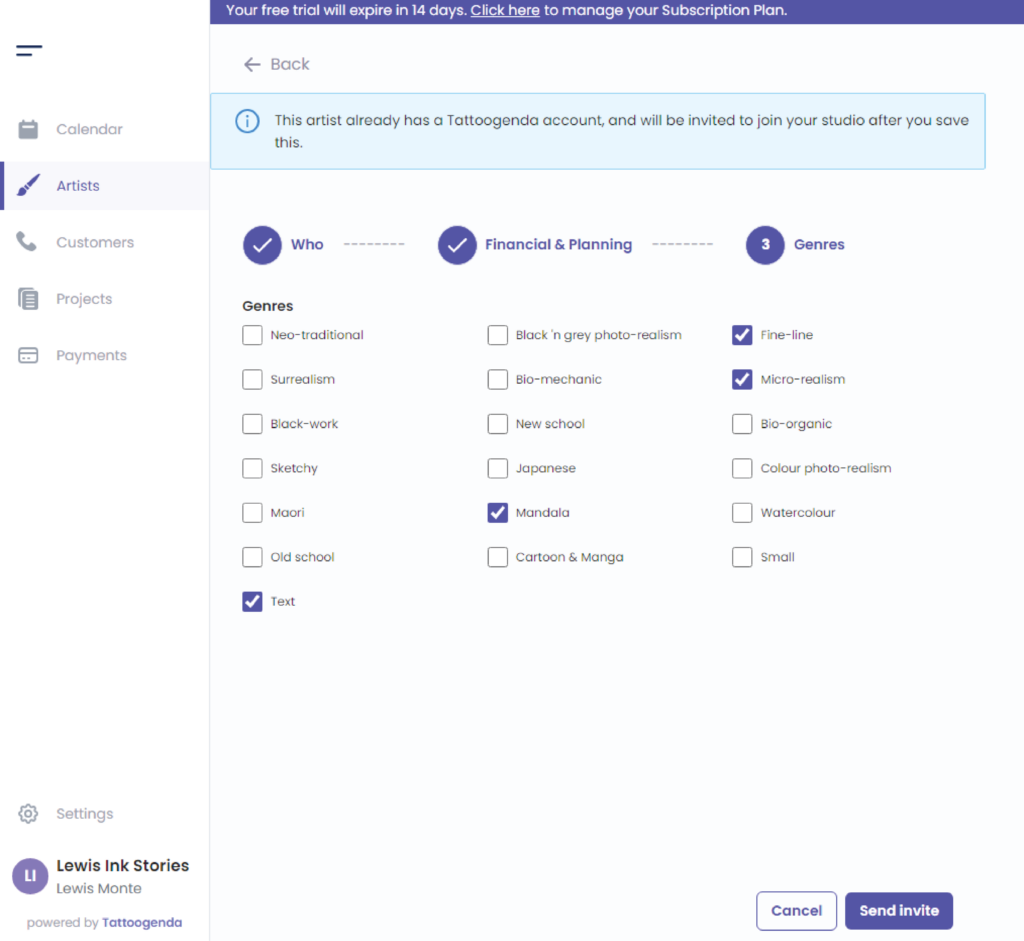
Cliquez sur ‘Envoyer l'invitation’

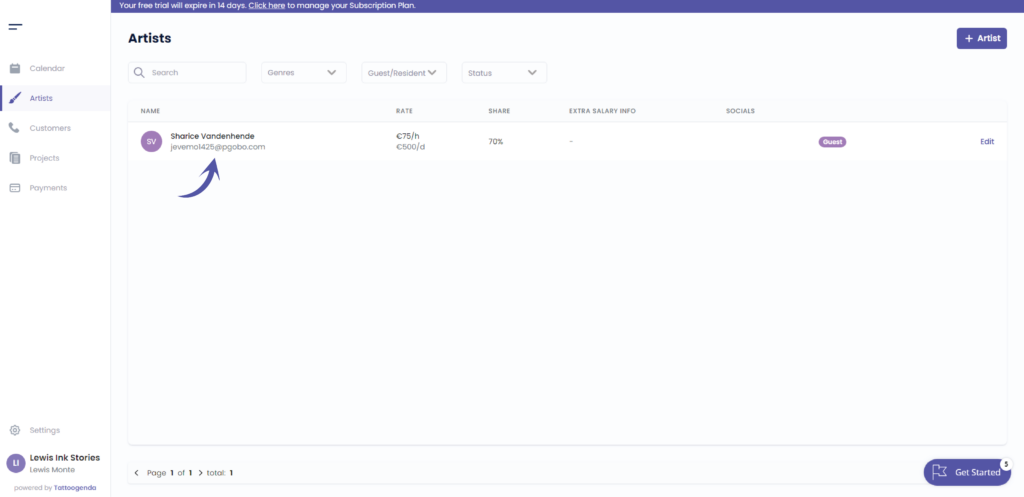
Your artist has been invited into your studio
Vous avez encore un problème ou une question ?
Vous trouverez ci-dessous un petit lien intitulé ‘Toujours bloqué ? Comment pouvons-nous vous aider ?’
Rédigé par
Sharice Vandenhende
Par Tattoogenda


 English
  Dutch
Dutch  Dutch (Belgium)
  French
  German
  Spanish