

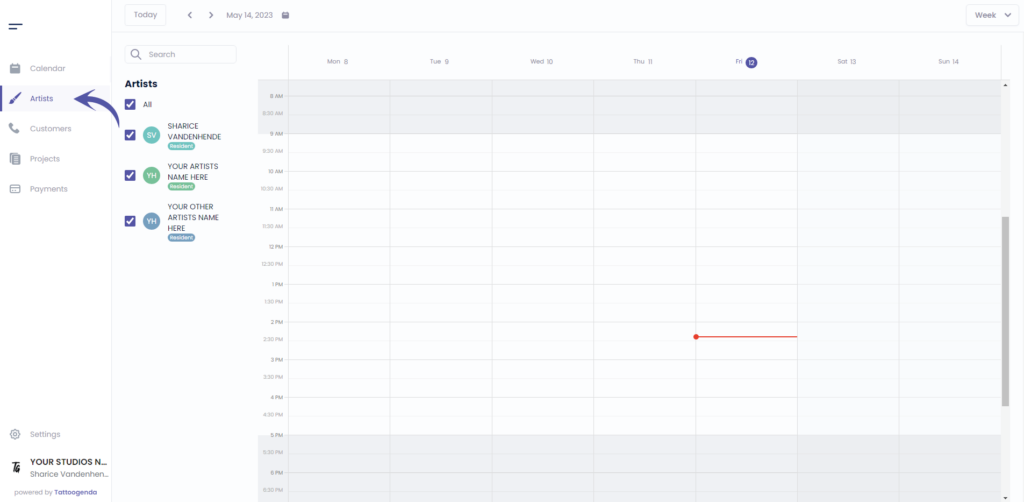
Aller à ‘Artistes’
Si vous êtes connecté en tant qu'artiste, vous devez vous rendre à l'adresse suivante ‘Profil’. Votre menu se présentera comme suit.
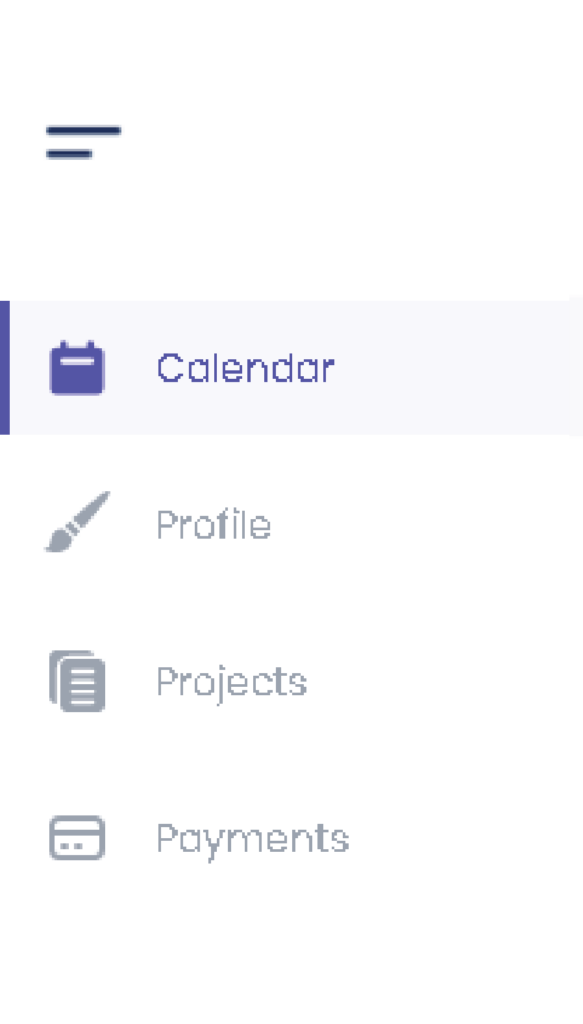
if you are an artist you will automatically go to your own profile.
Dans ce cas, vous pouvez ignorer cette capture d'écran.
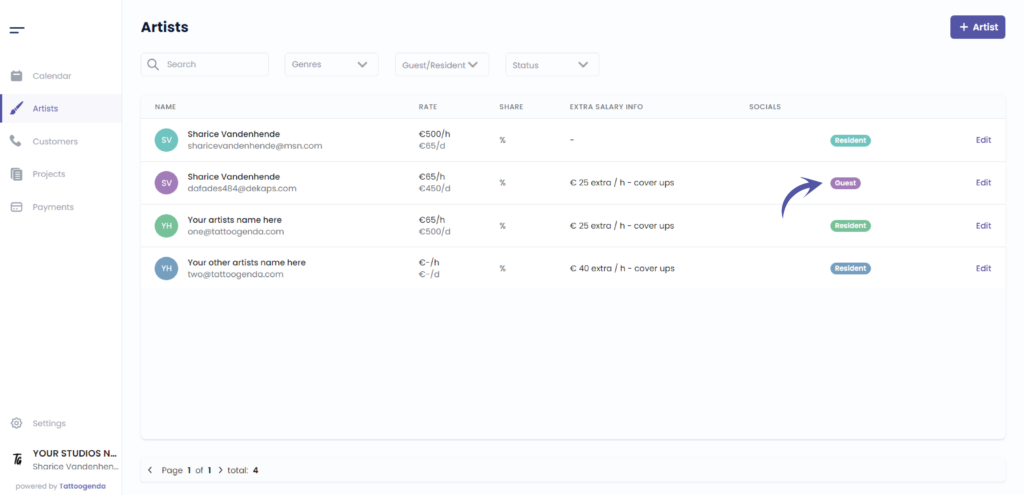
Check if your artist is a guest
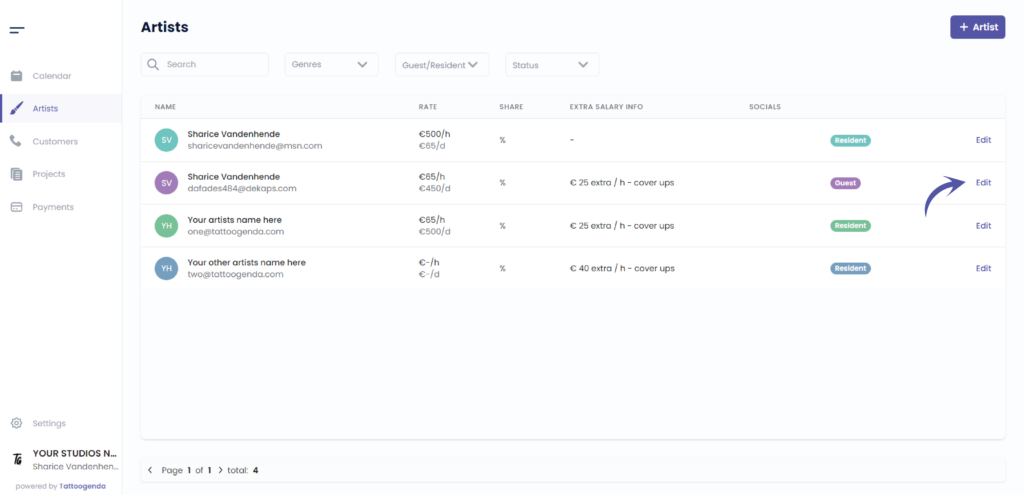
Cliquez sur ‘Edit’ (modifier)’.
Si vous êtes un artiste, vous accéderez automatiquement à votre propre profil.
Dans ce cas, vous pouvez ignorer cette capture d'écran.
Aller à ‘Financial & Planning’
For the ‘Single Artist’ and ‘Small Shop’ subscription, this is just called ‘Planning’.
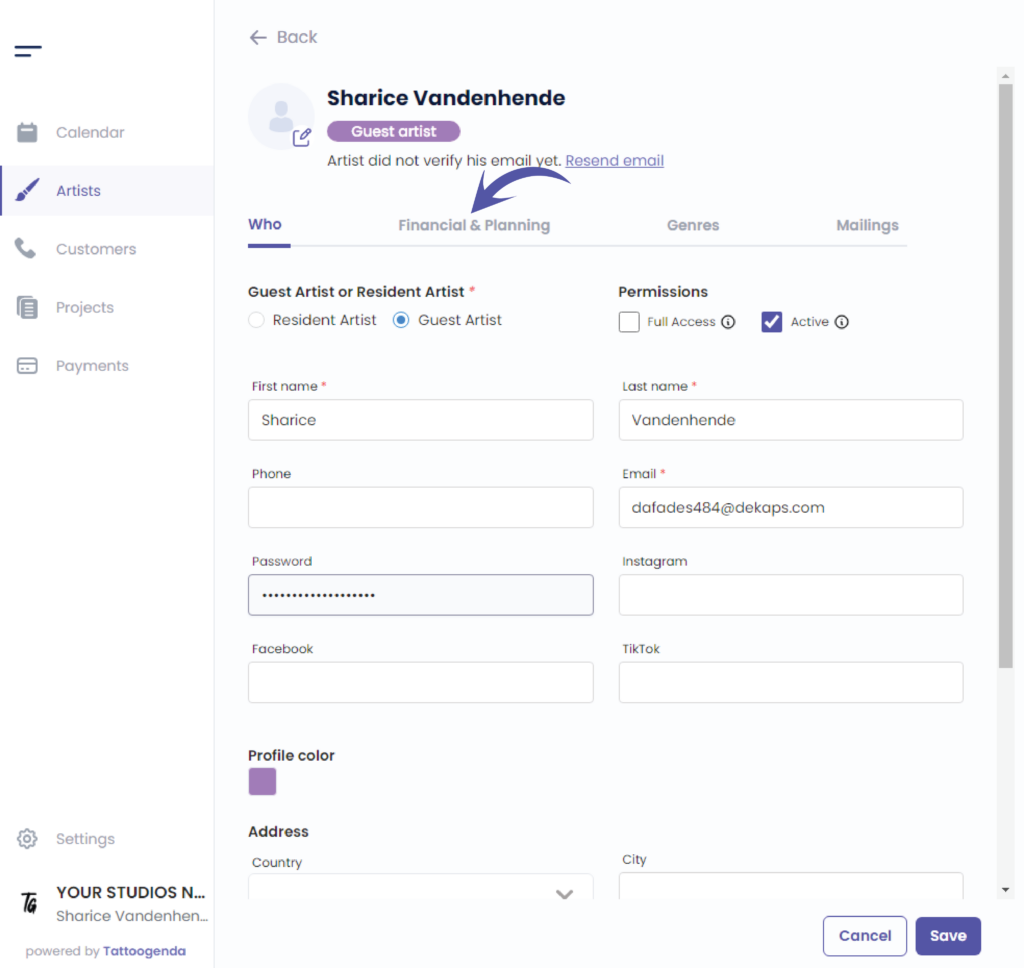
Cliquez sur ‘ + Guest spot’
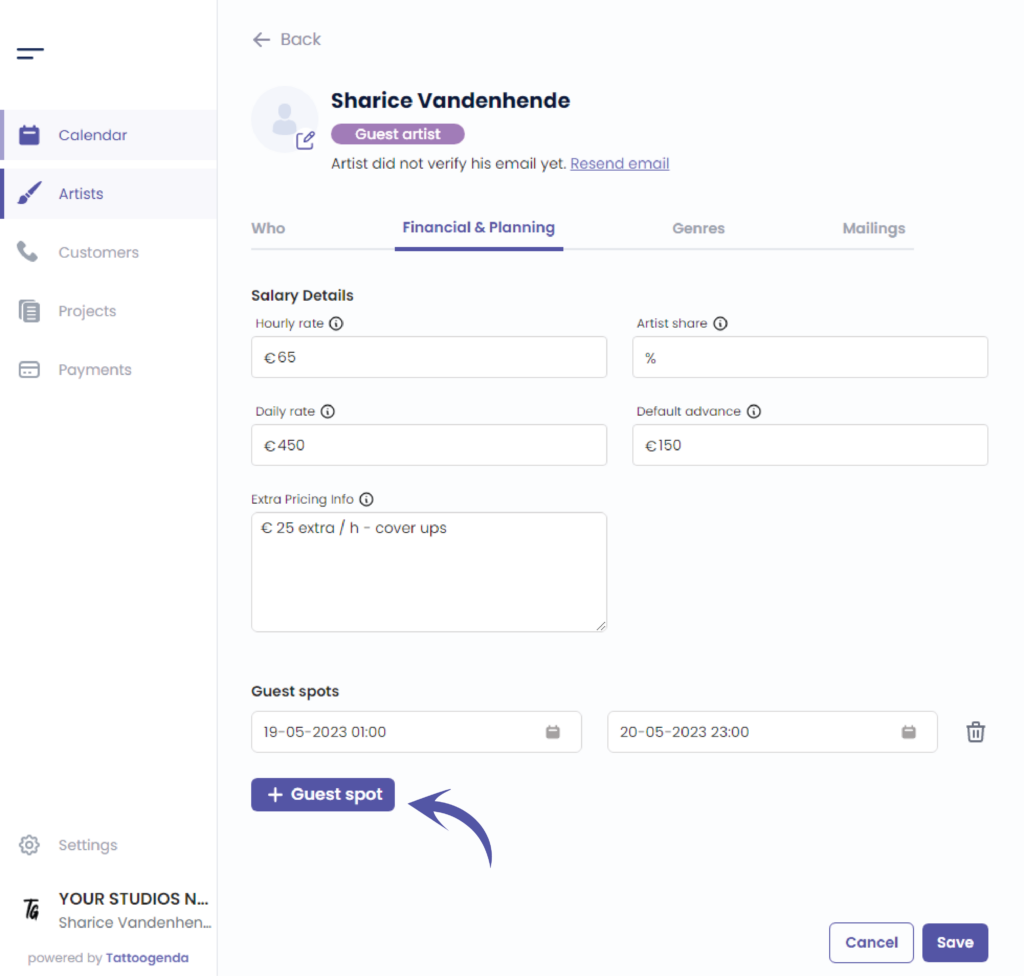
Cliquez sur ‘Start date’
You will see a little mini calendar pop up
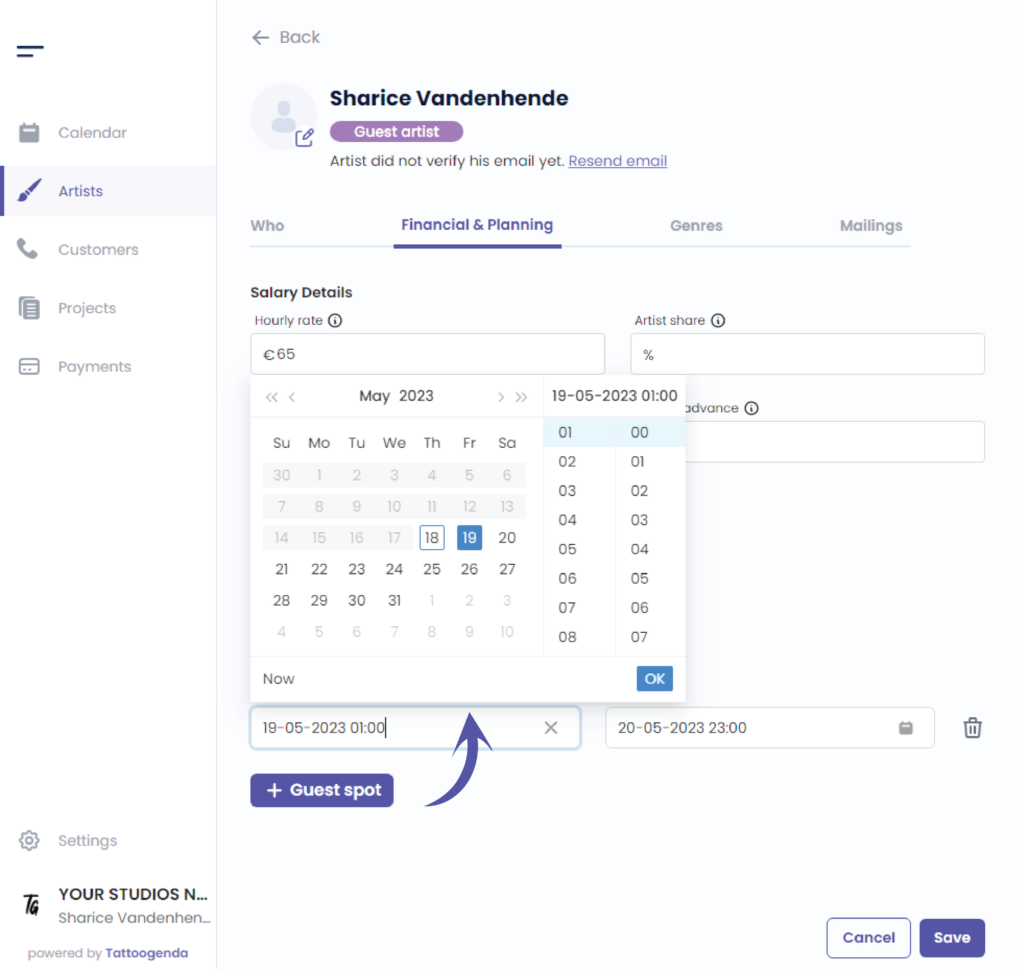
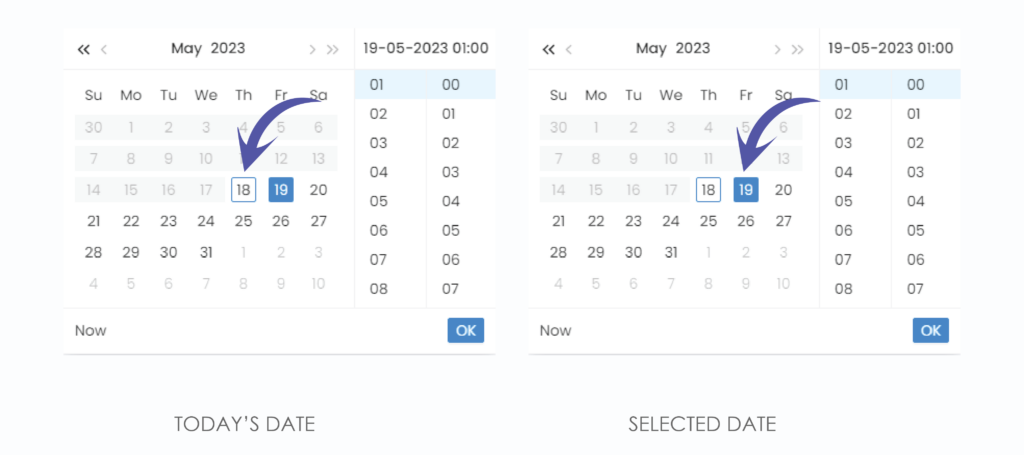
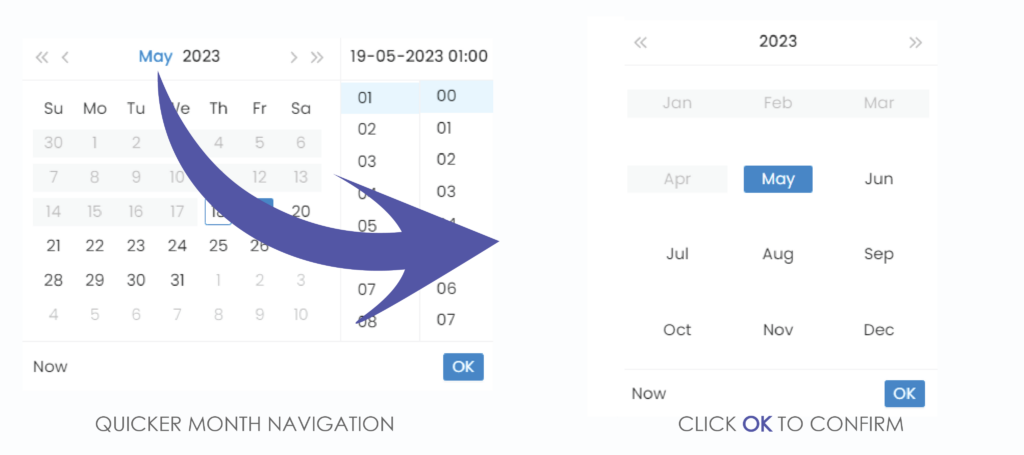
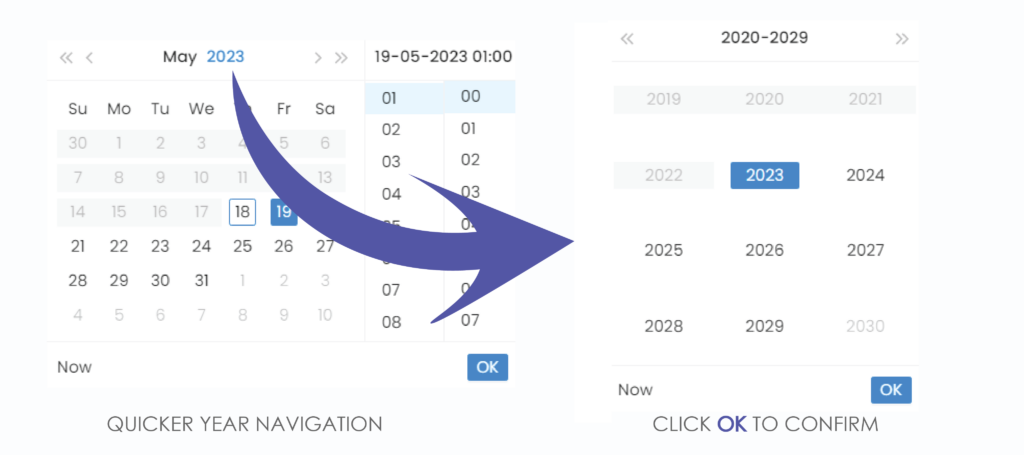
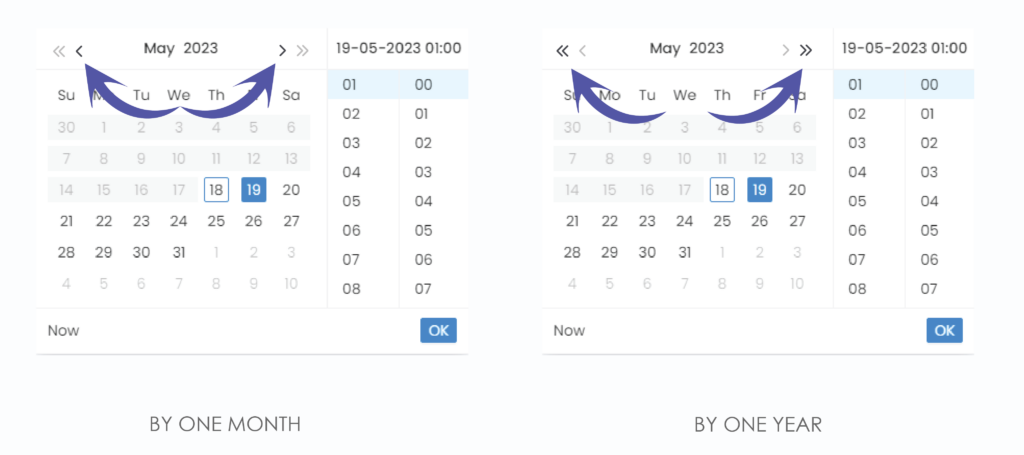
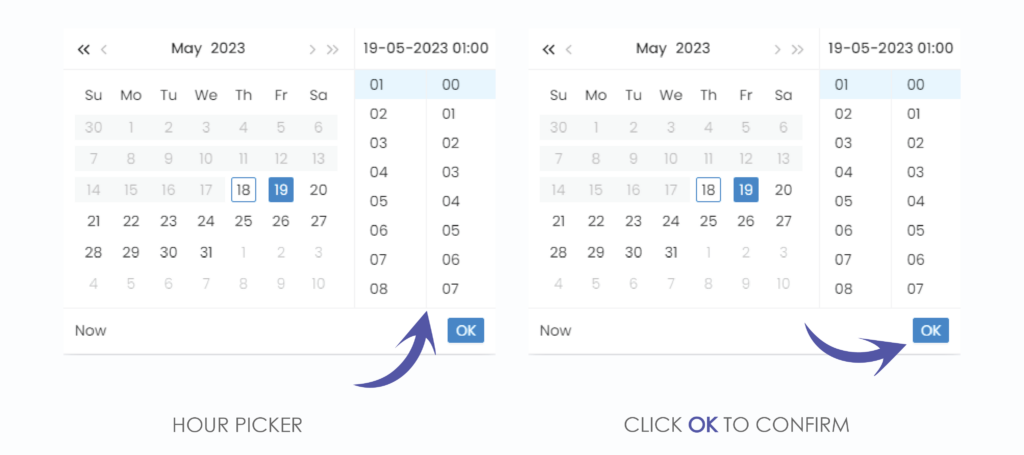
We have now set our start date, do the same for the end date
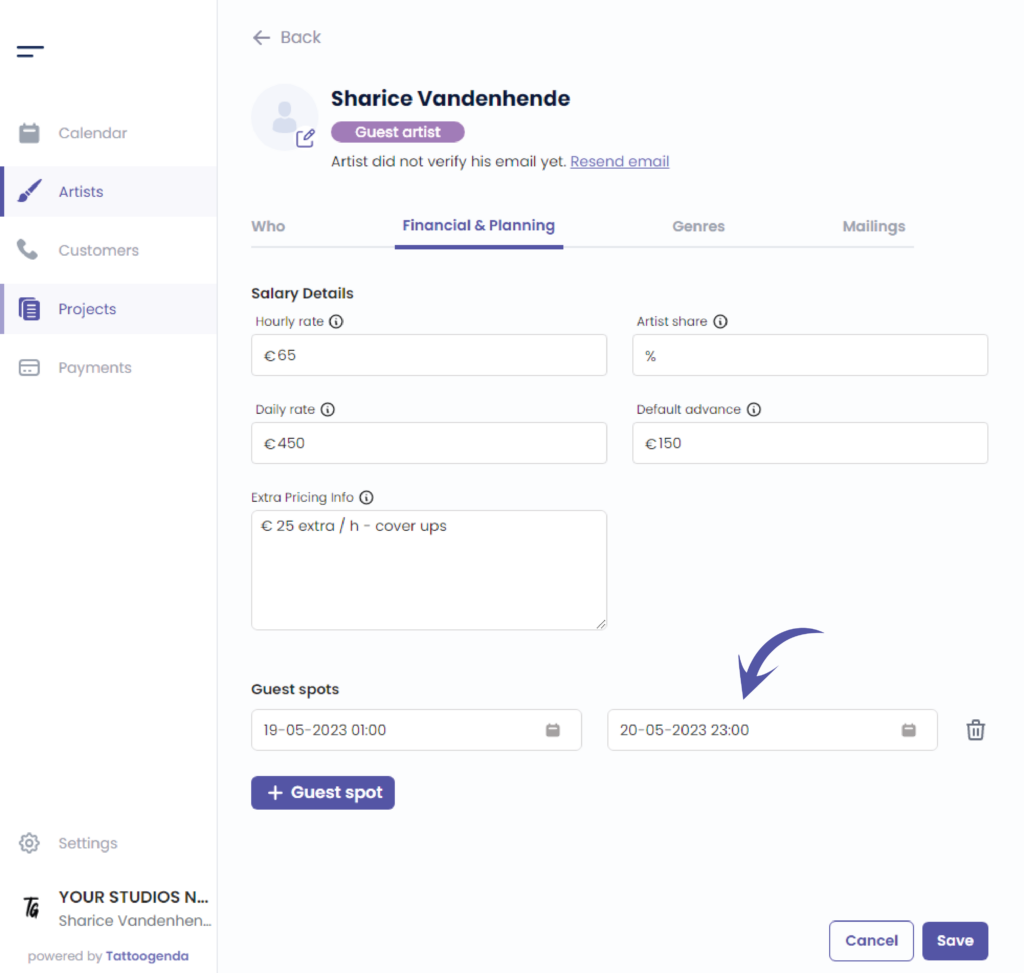
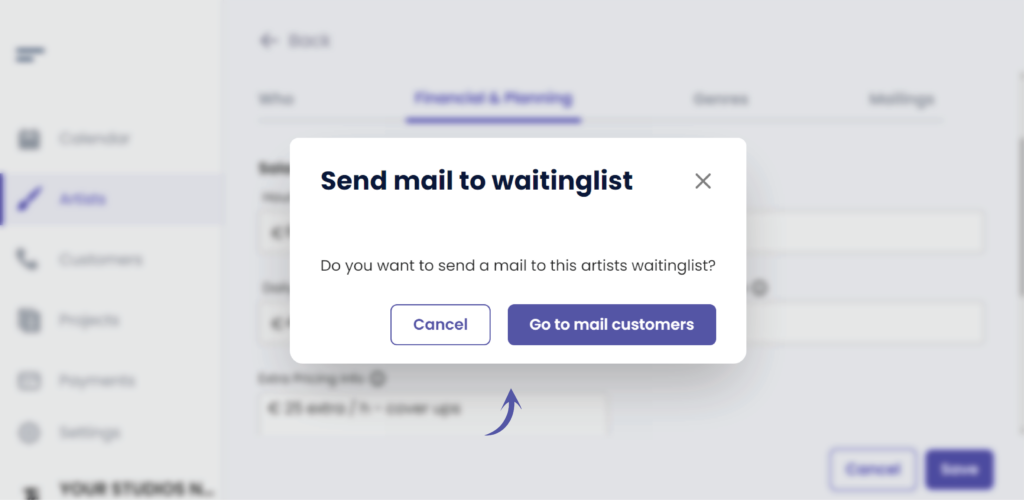
If you have an ‘expert shop’ subscription, TG will now ask you if you want to send a mail to this artists waiting list or customerlist.
Link to Read more about waitinglists
This is to let customers know that your guest artist will be returning to your studio!
Choose if you wish to sent them an email or not.
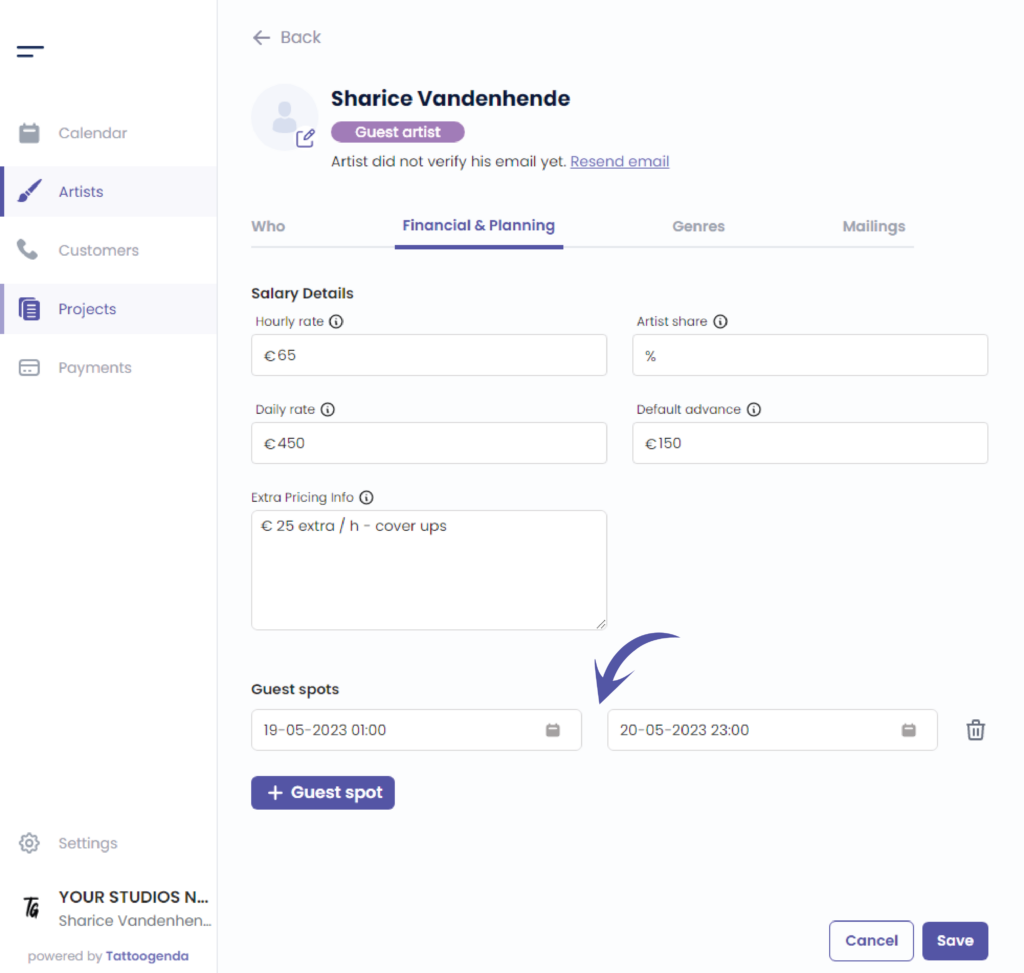
You can now see that your artists guest spot has been added
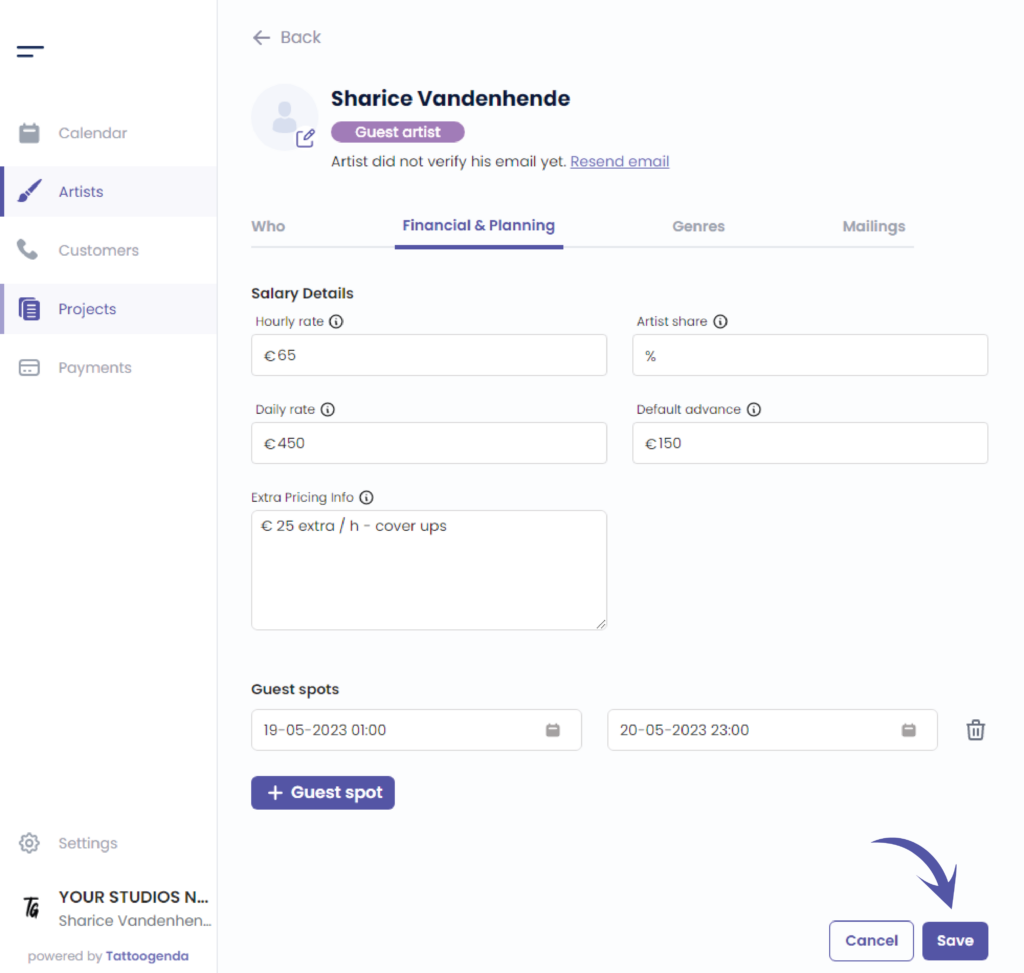
When you’re done adding guest spots cliquer sur enregistrer
Aller à ‘Calendrier’
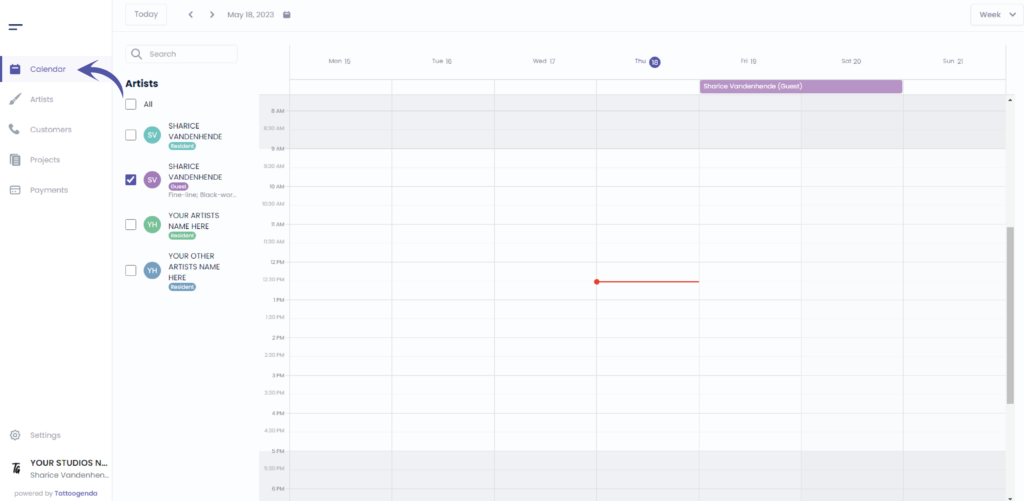
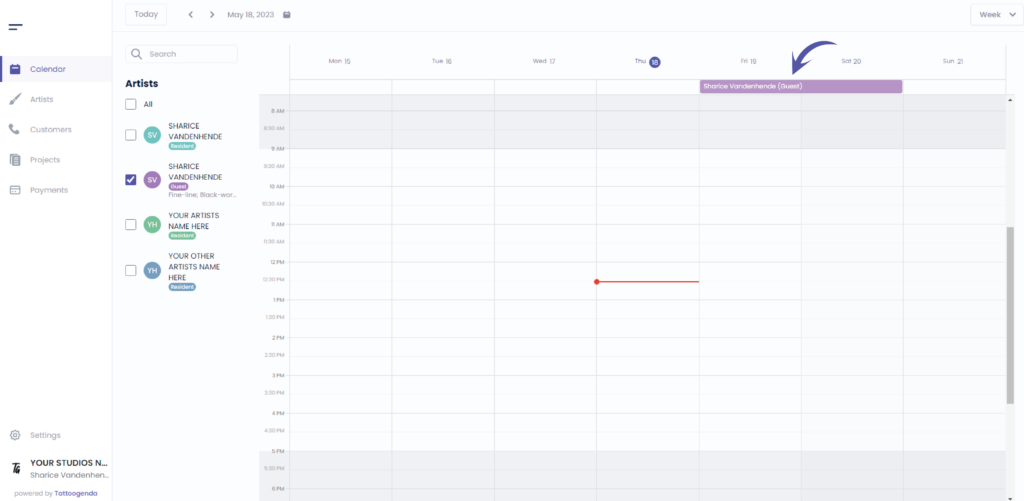
You can see your artists guest spot on the top of your calendar
Vous avez encore un problème ou une question ?
Vous trouverez ci-dessous un petit lien intitulé ‘Toujours bloqué ? Comment pouvons-nous vous aider ?’
Rédigé par
Sharice Vandenhende
Par Tattoogenda


 English
  Dutch
Dutch  Dutch (Belgium)
  French
  German
  Spanish