

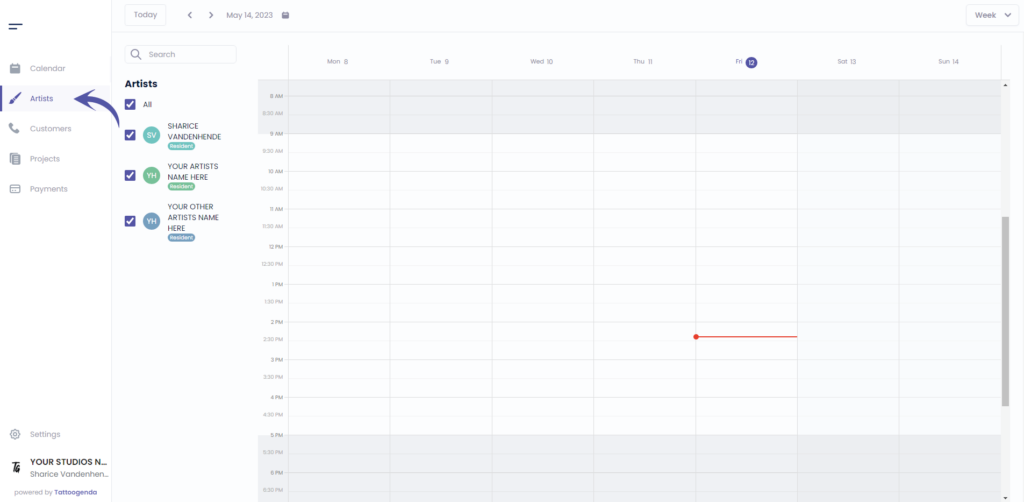
Ga naar ‘Kunstenaars’
If you are logged in as an artist you will need to go to ‘Profile’. Your menu will look like this instead.
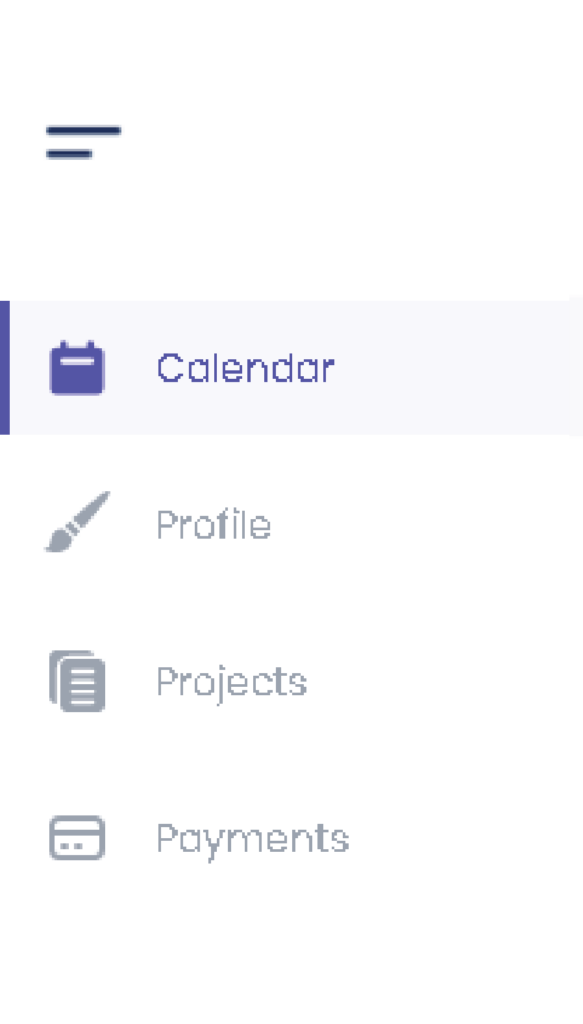
if you are an artist you will automatically go to your own profile.
In that case u can skip this screenshot.
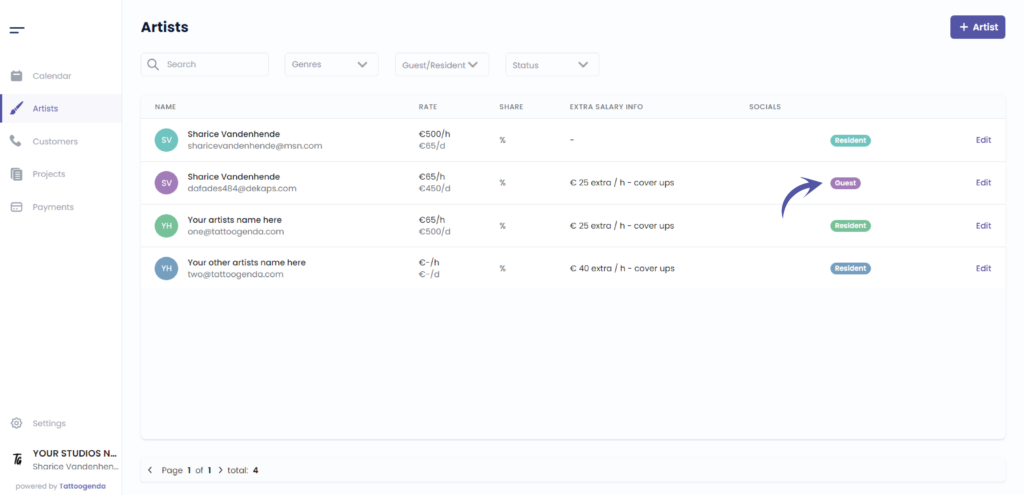
Check if your artist is a guest
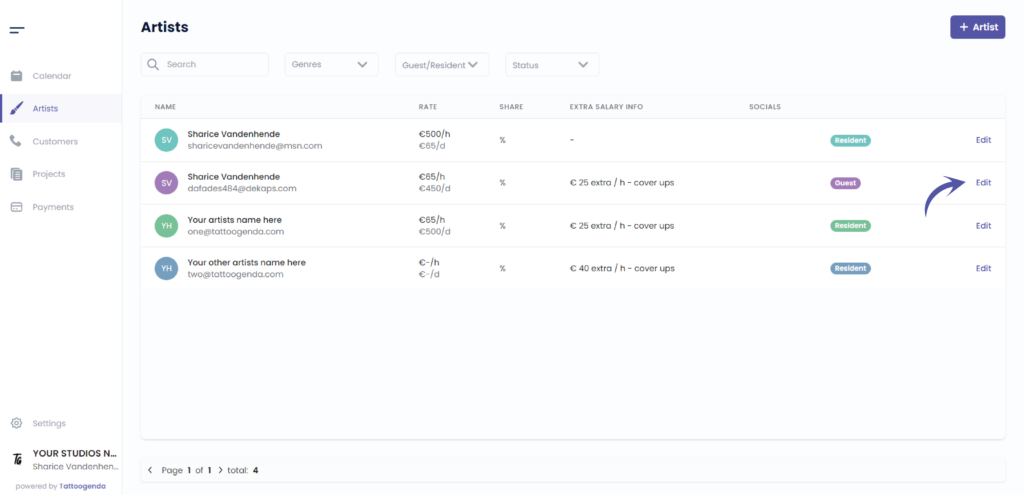
Klik op ‘Bewerken’.
Or if you are an artist you will automatically go to your own profile.
In that case u can skip this screenshot.
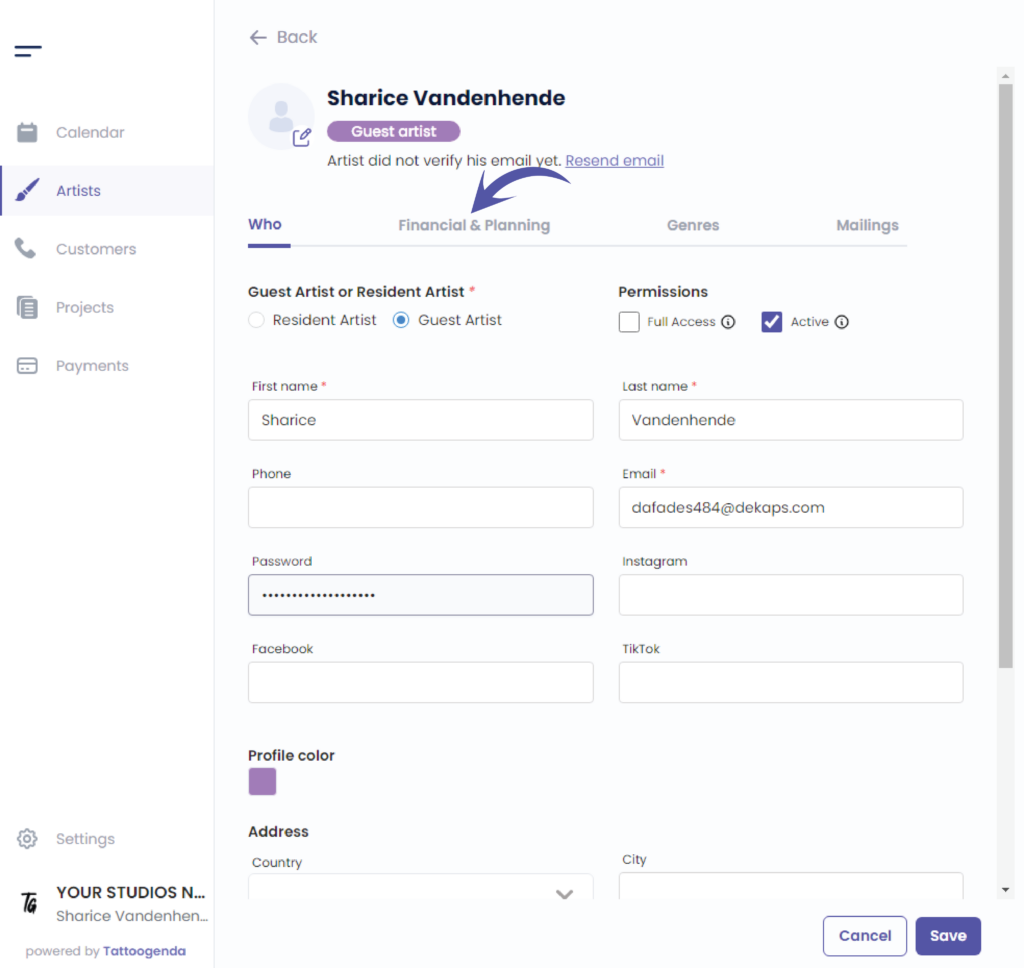
Ga naar ‘Financieel & planning’
For the ‘Single Artist’ and ‘Small Shop’ subscription, this is just called ‘Planning’.
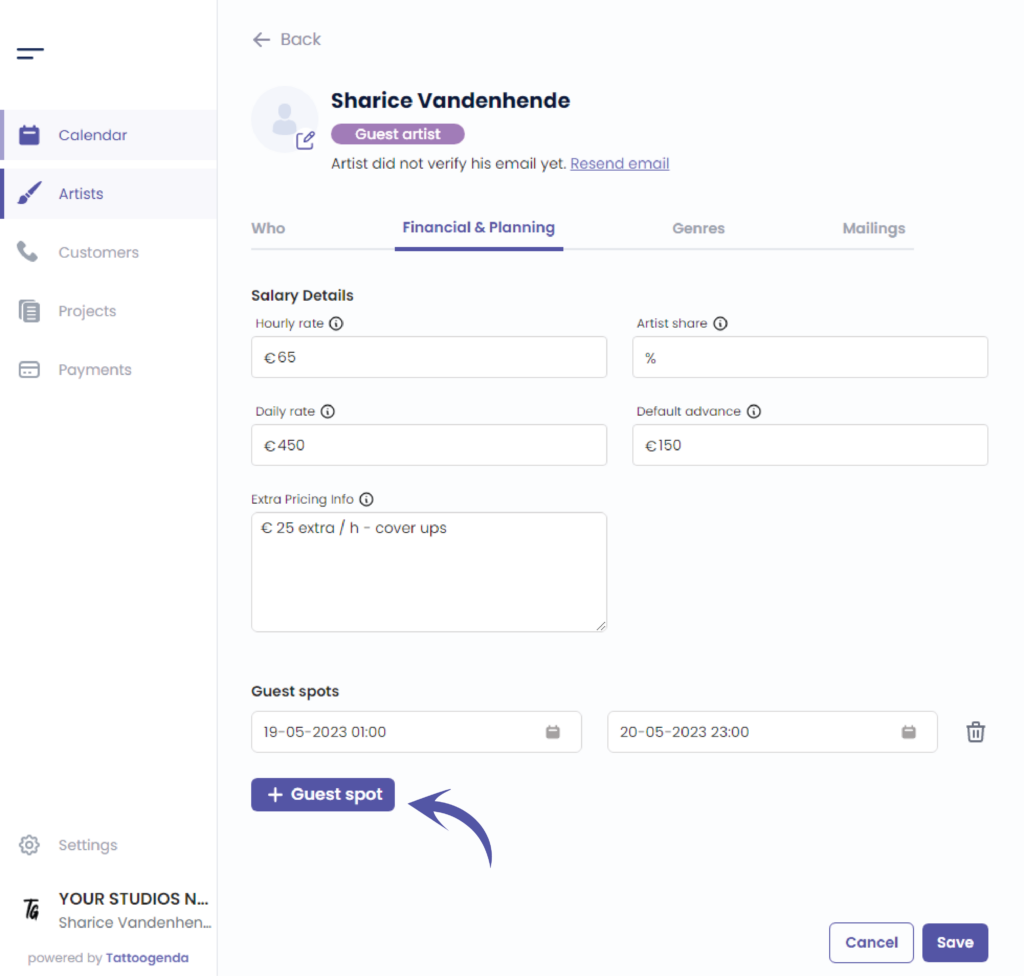
Klik op ‘ + Guest spot’
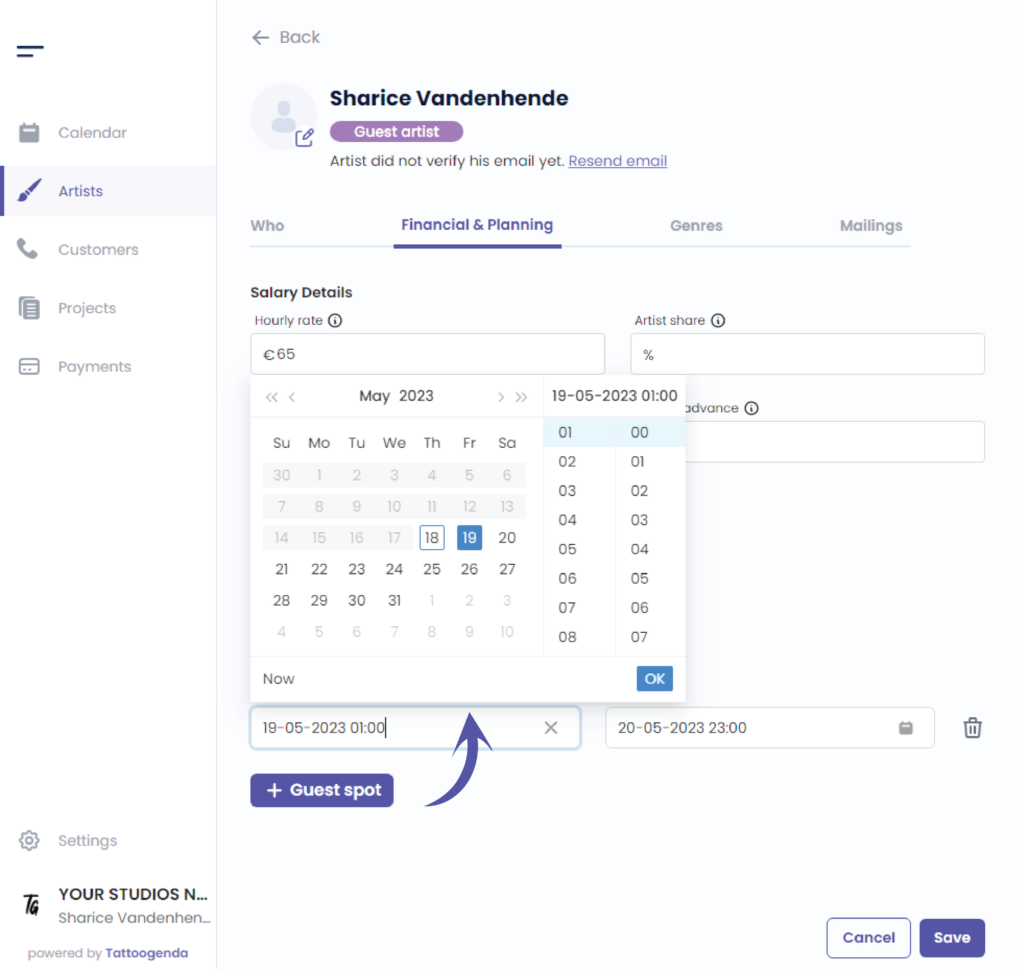
Klik op ‘Start date’
You will see a little mini calendar pop up
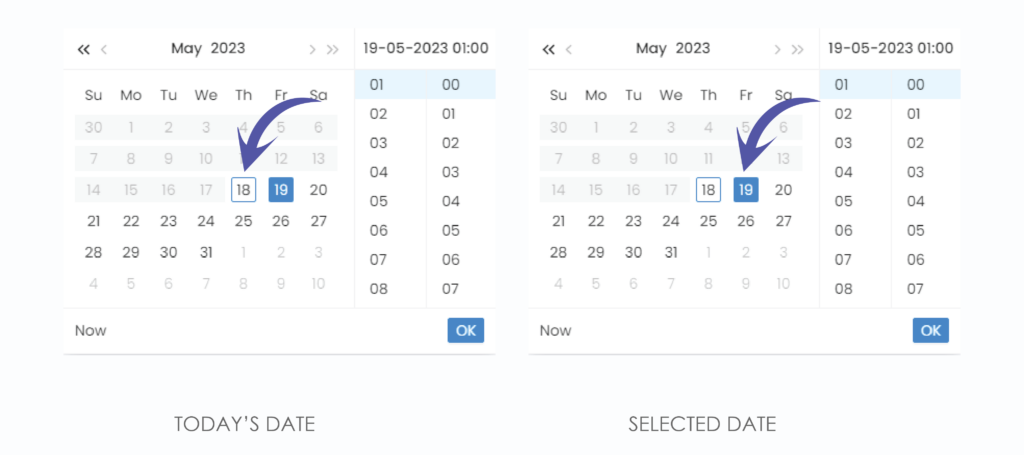
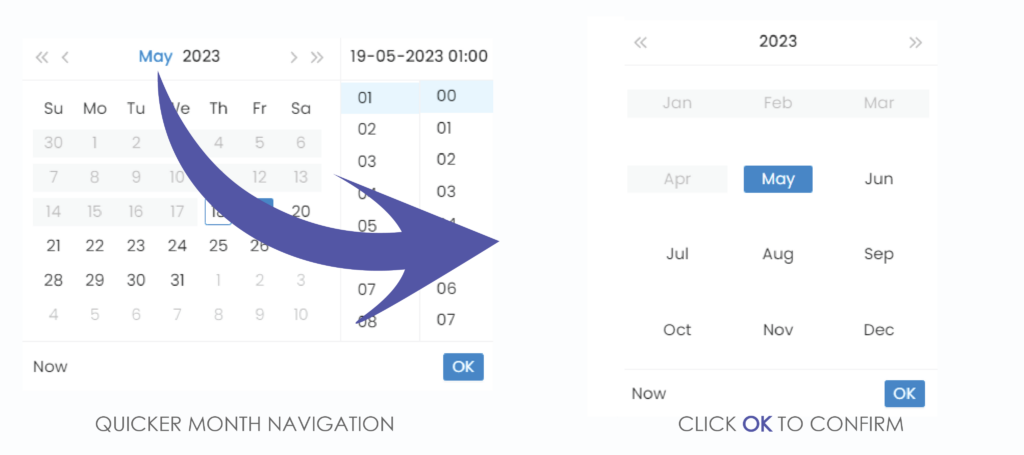
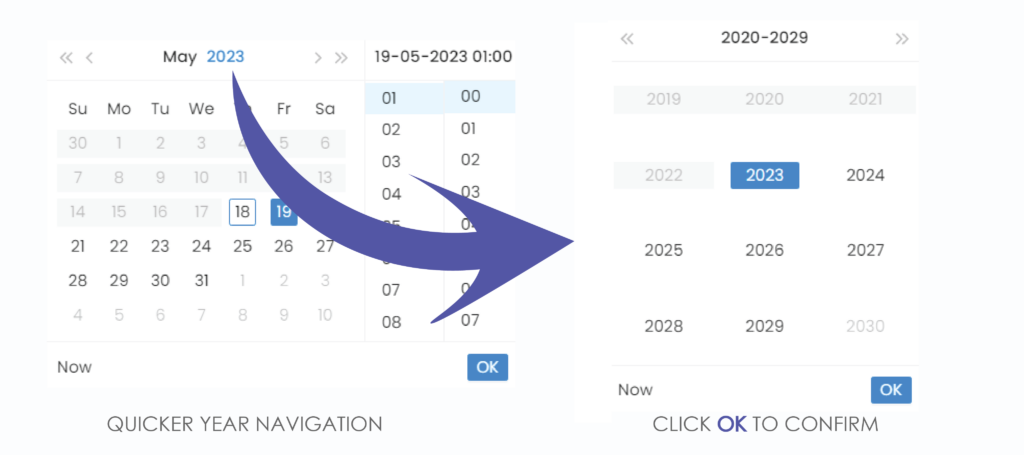
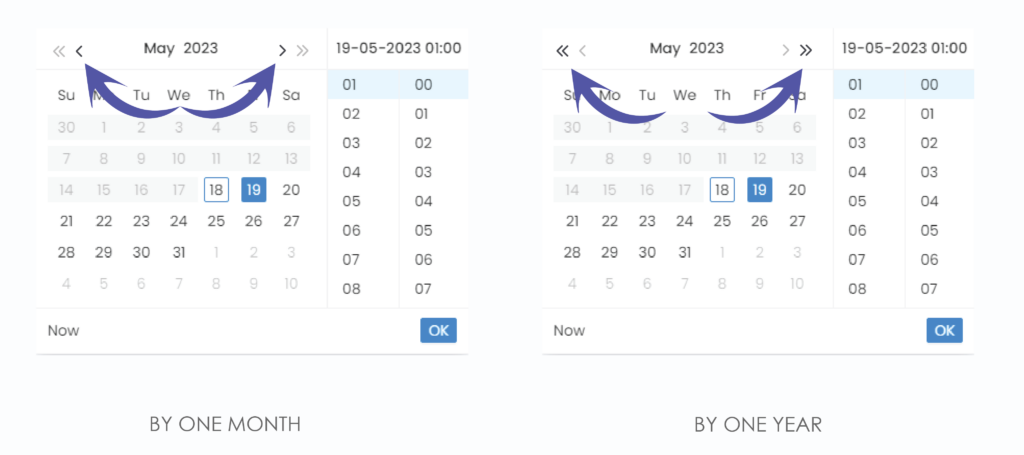
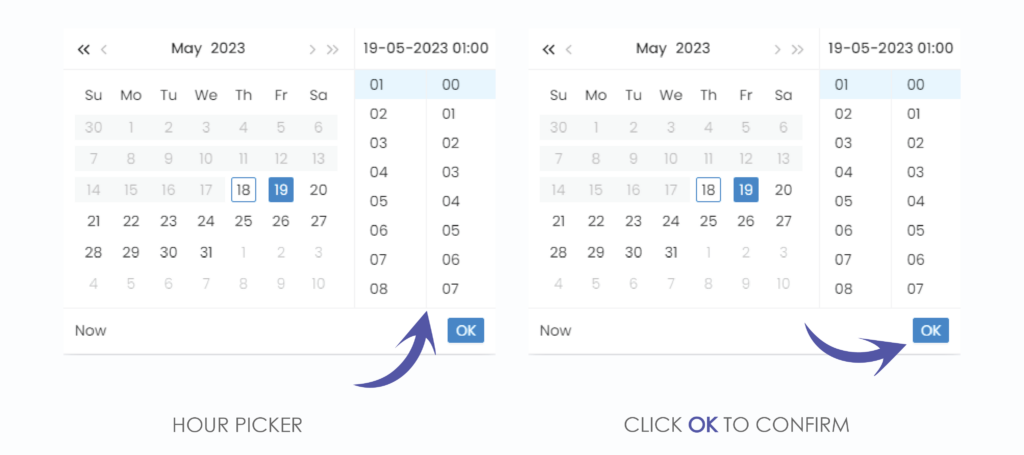
We have now set our start date, do the same for the end date
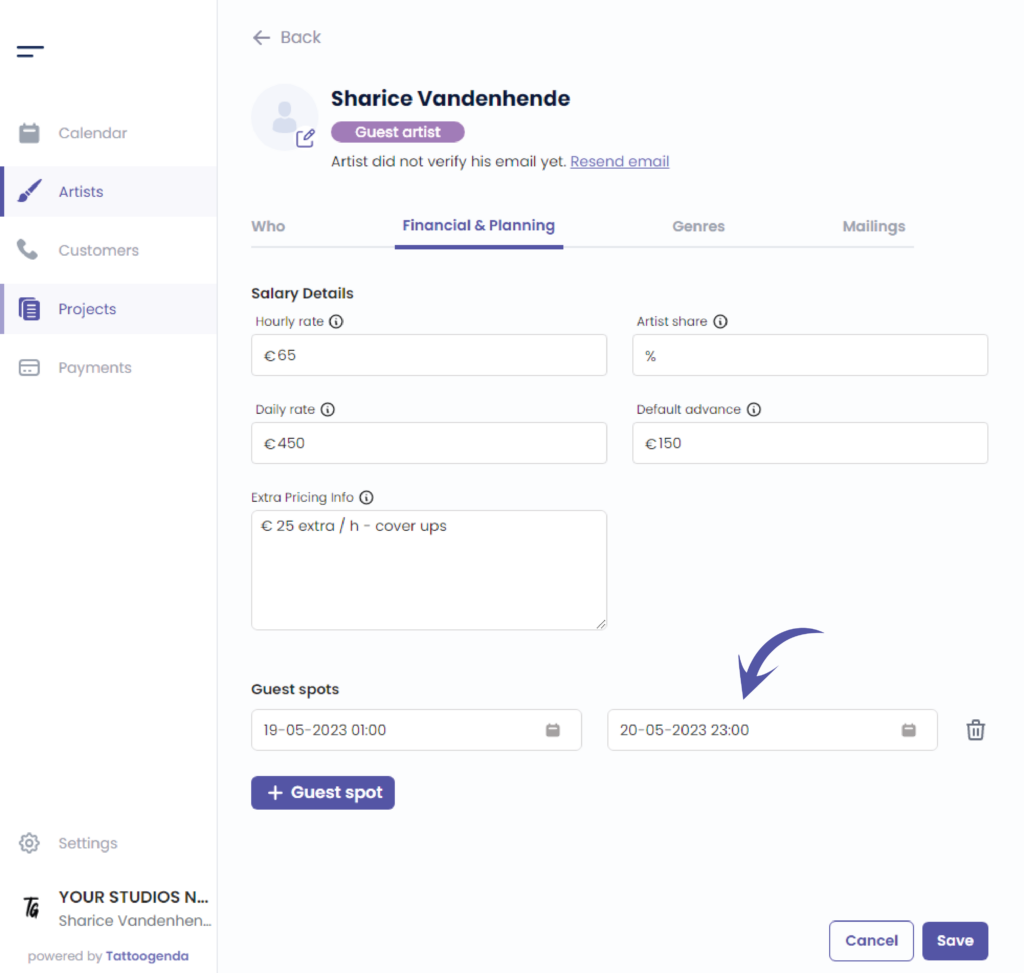
If you have an ‘expert shop’ subscription, TG will now ask you if you want to send a mail to this artists waiting list or customerlist.
Link to Read more about waitinglists
This is to let customers know that your guest artist will be returning to your studio!
Choose if you wish to sent them an email or not.
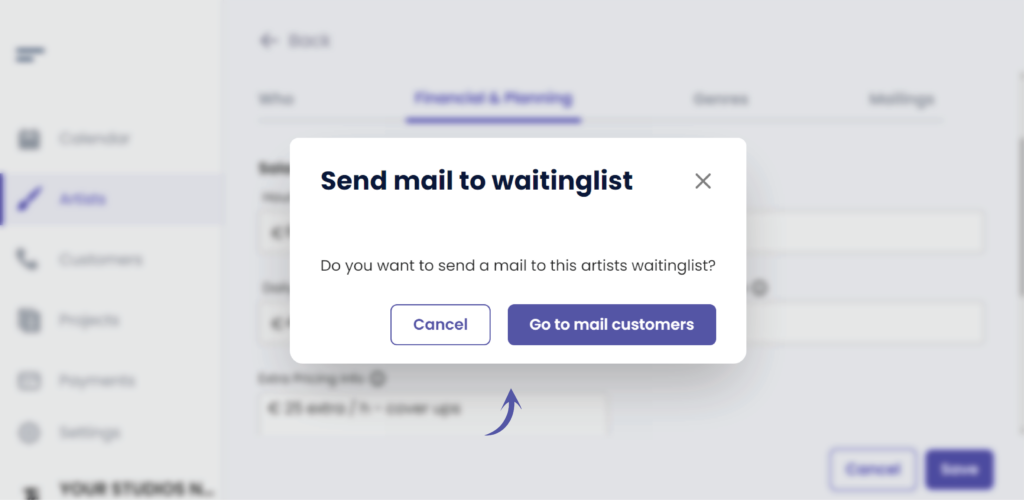
You can now see that your artists guest spot has been added
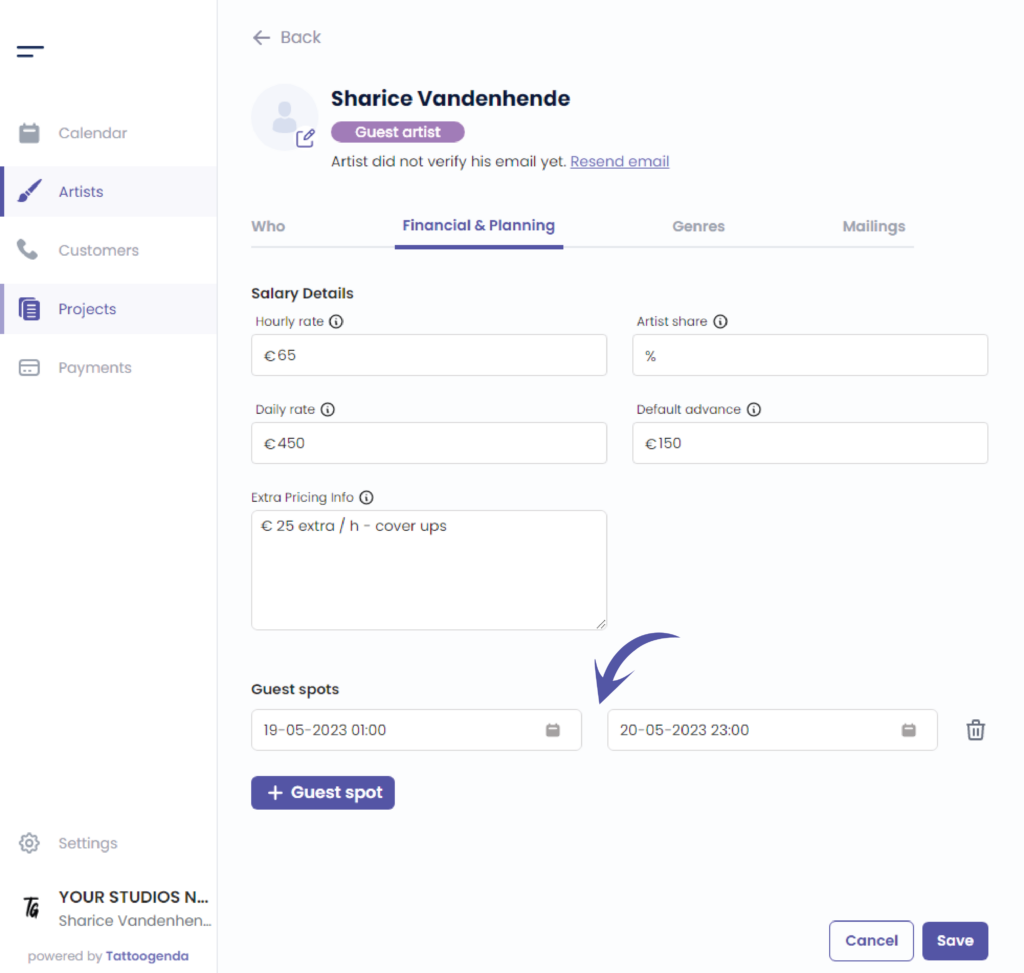
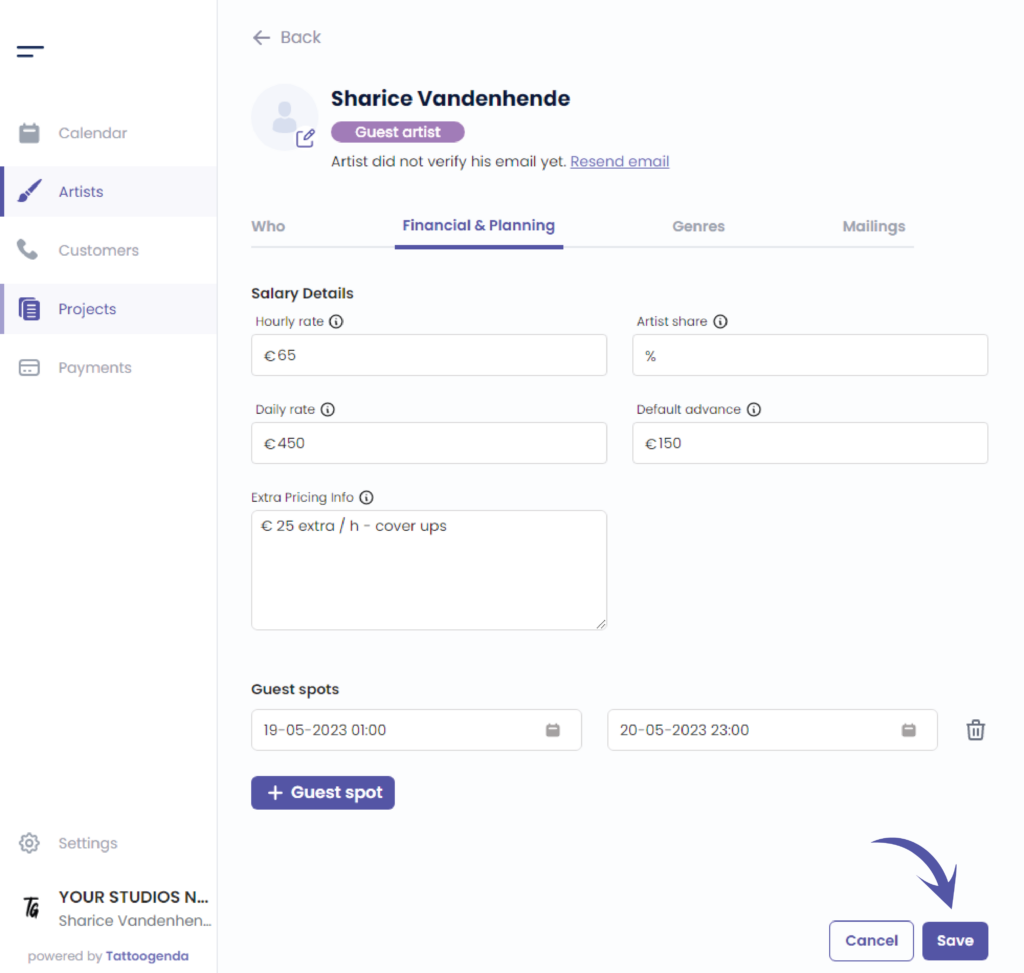
When you’re done adding guest spots klik op opslaan
Ga naar ‘Kalender’
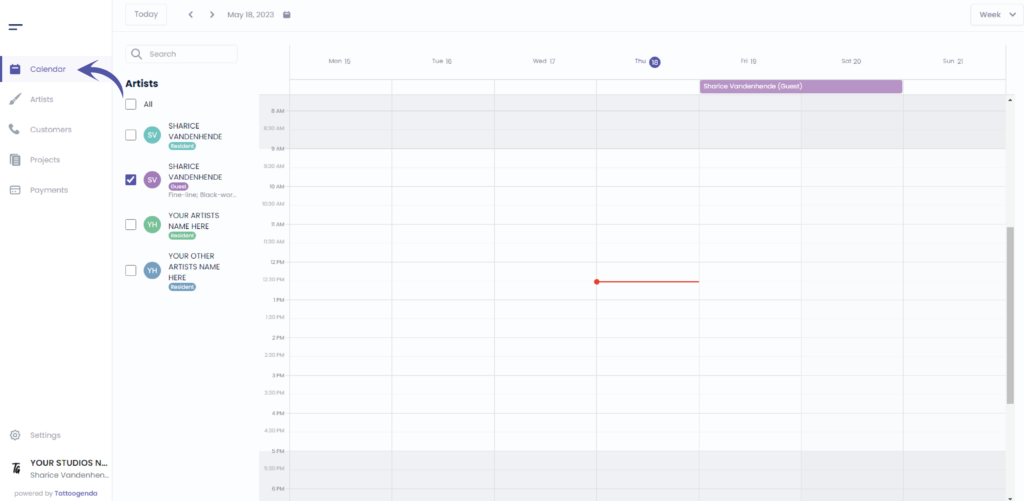
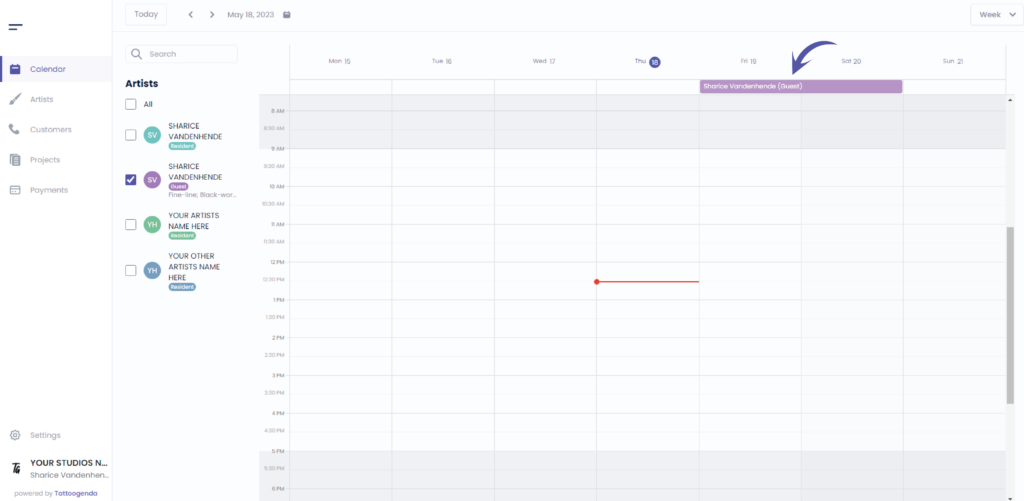
You can see your artists guest spot on the top of your calendar
Heb je nog steeds een probleem of een vraag?
Hieronder vind je een kleine link met de naam ‘Nog steeds vast? Hoe kunnen we helpen!’
Geschreven door
Sharice Vandenhende
Door Tattoogenda


 English
  Dutch
Dutch  Dutch (Belgium)
  French
  German
  Spanish