

Ga naar ‘Kunstenaars’ if you are logged into as a receptionist or owner.
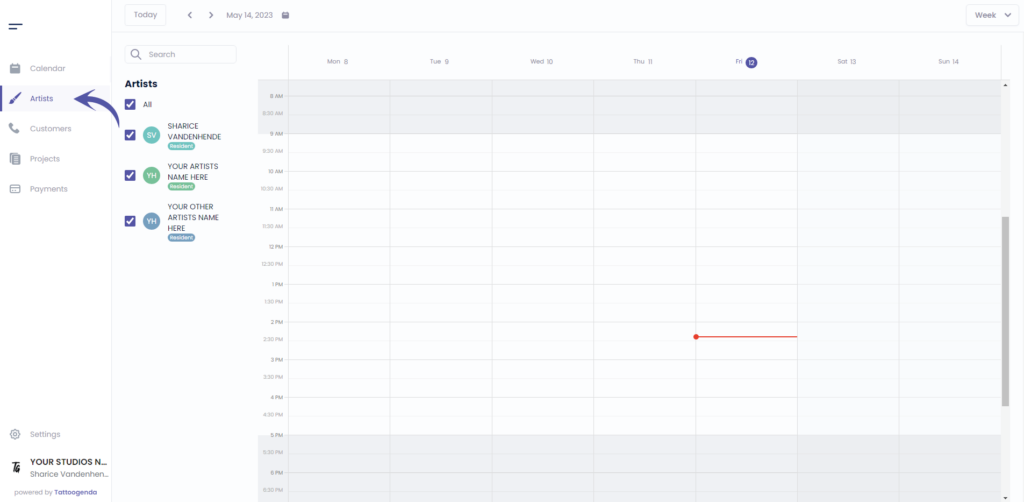
If you are logged in as an artist you will need to go to ‘Profile’. Your menu will look like this instead.
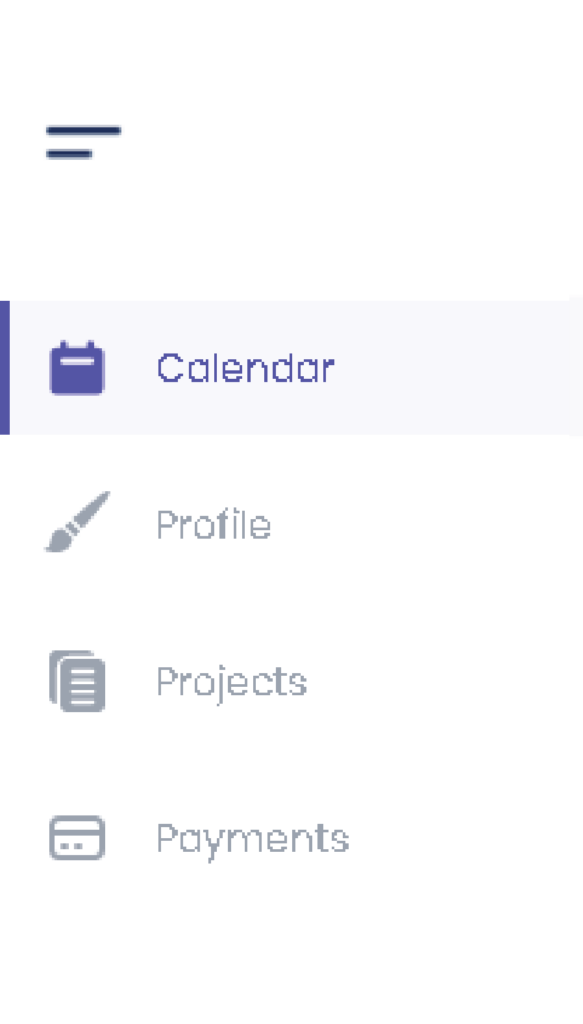
Klik op ‘Bewerken’.
Or if you are an artist you will automatically go to your own profile.
In that case u can skip this screenshot.
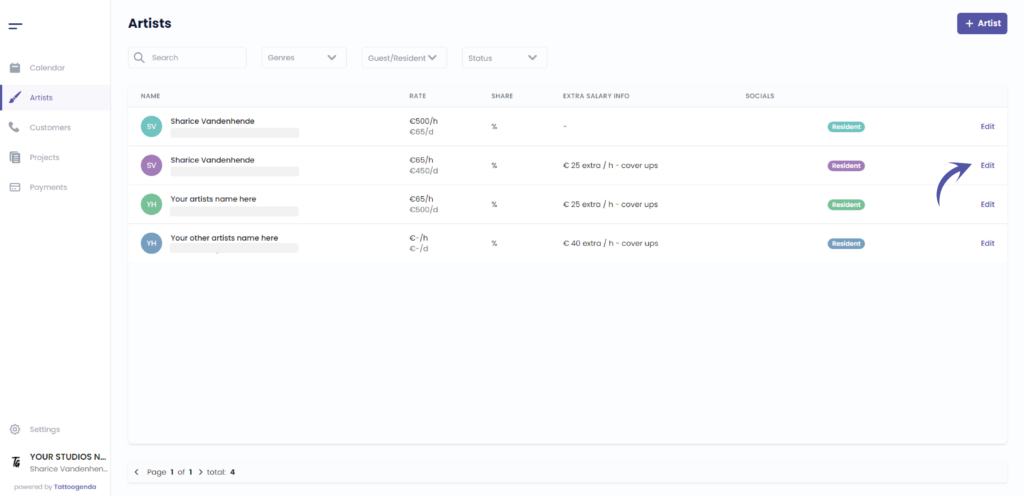
You will see the following screen.

CHANGE PROFILE IMAGE #
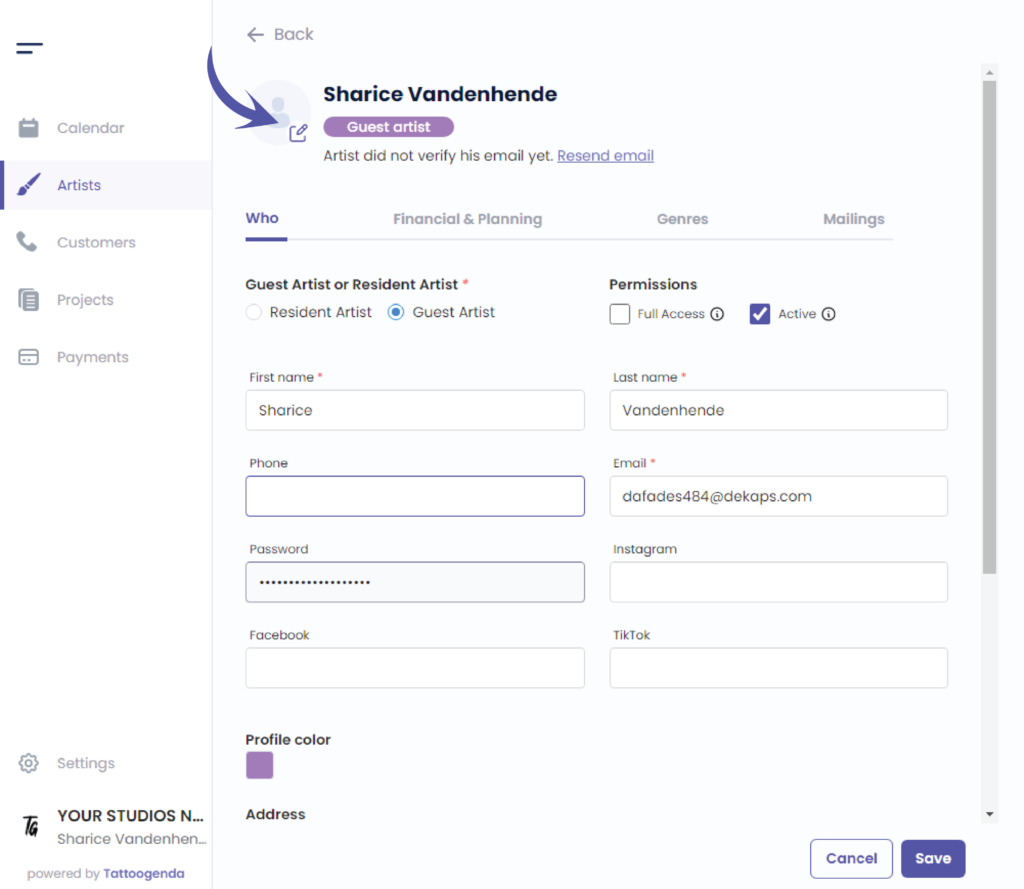
Click on the following icon to select a profile image on your device.
CHANGE PROFILE COLOR #
Edit the color by clicking on the colored square.
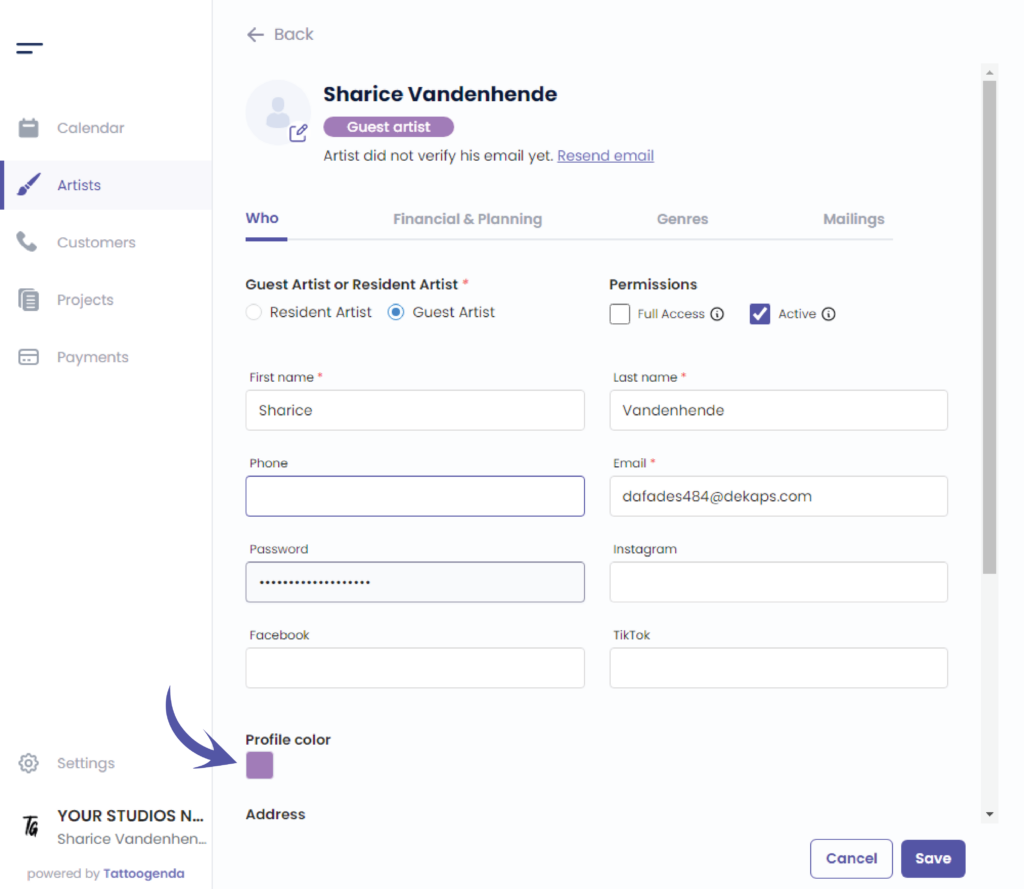
Je kunt je kleur op twee verschillende manieren kiezen.
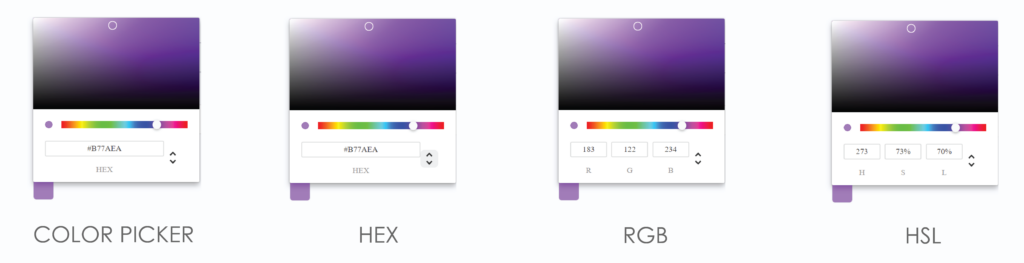
By the color picker.
By entering a Hex code.
By entering a RGB code.
By entering a HSL code.
Je kunt van mogelijkheid wisselen door op de pijl omhoog of omlaag te klikken.
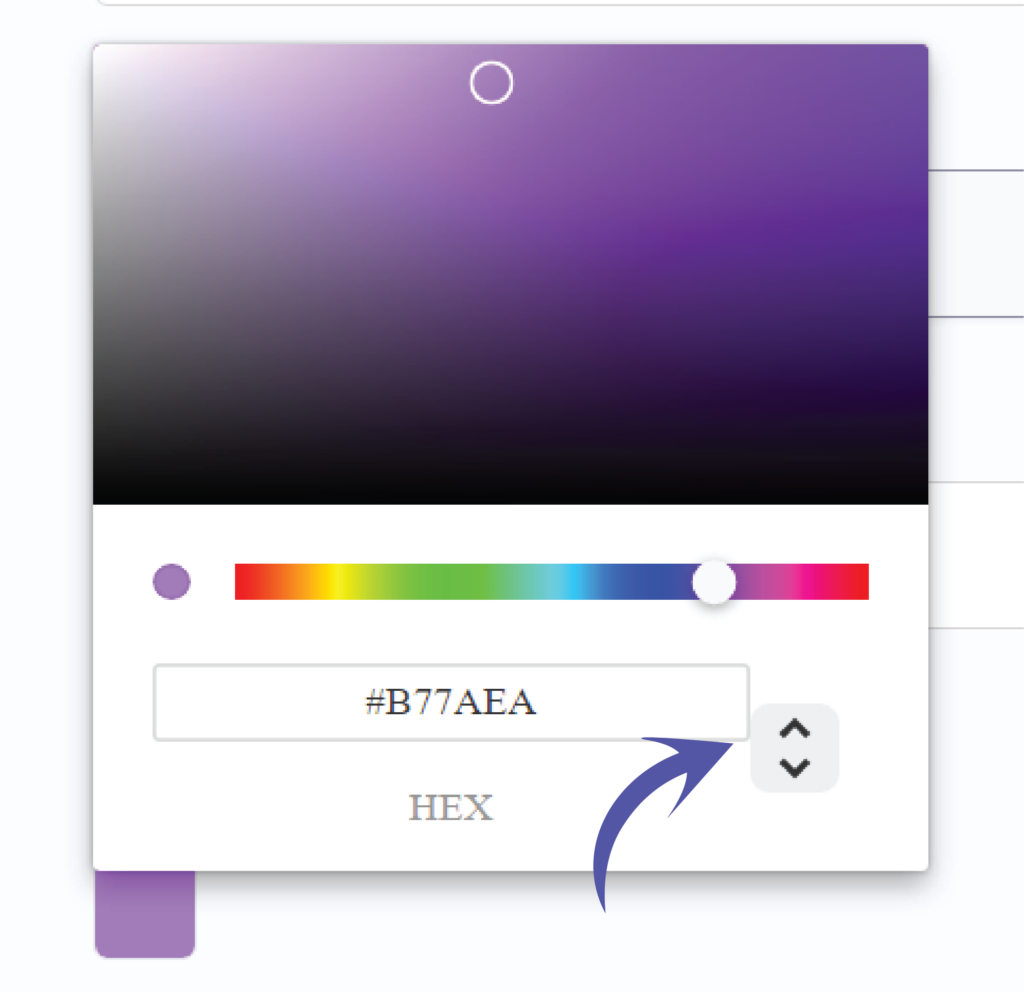
We’ve put the possibilities for you together so you can see the difference.
Click on save to save your artists changes.
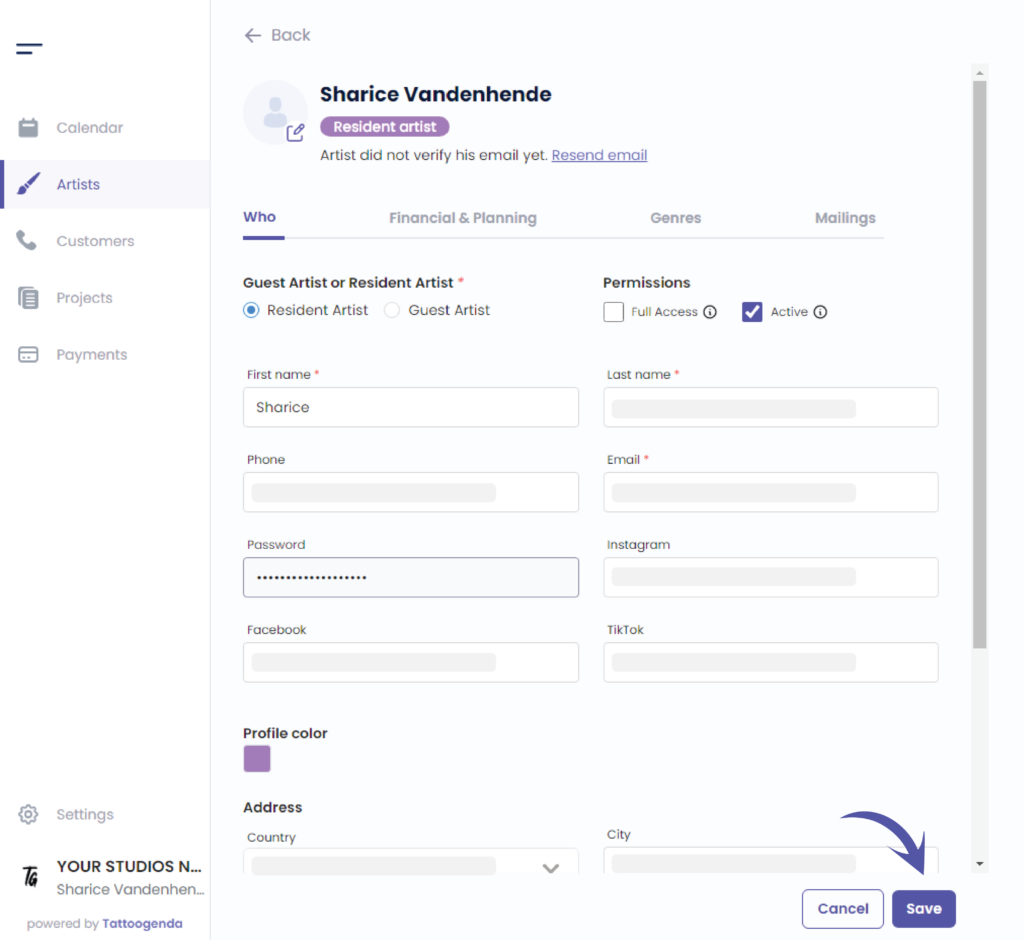
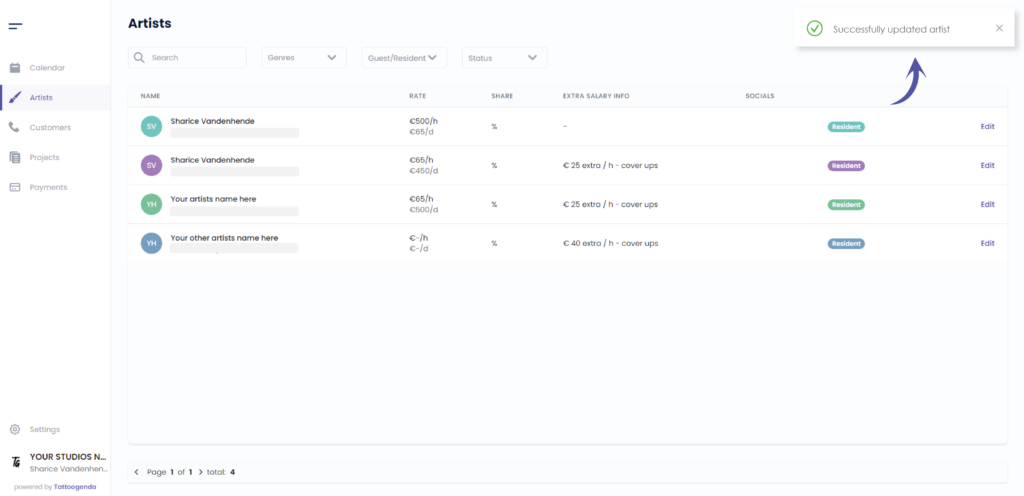
U ziet een melding dat u ‘Successfully updated your artist’.
Heb je nog steeds een probleem of een vraag?
Hieronder vind je een kleine link met de naam ‘Nog steeds vast? Hoe kunnen we helpen!’
Geschreven door
Sharice Vandenhende
Door Tattoogenda


 English
  Dutch
Dutch  Dutch (Belgium)
  French
  German
  Spanish