

In uw Tattoogenda studio software,
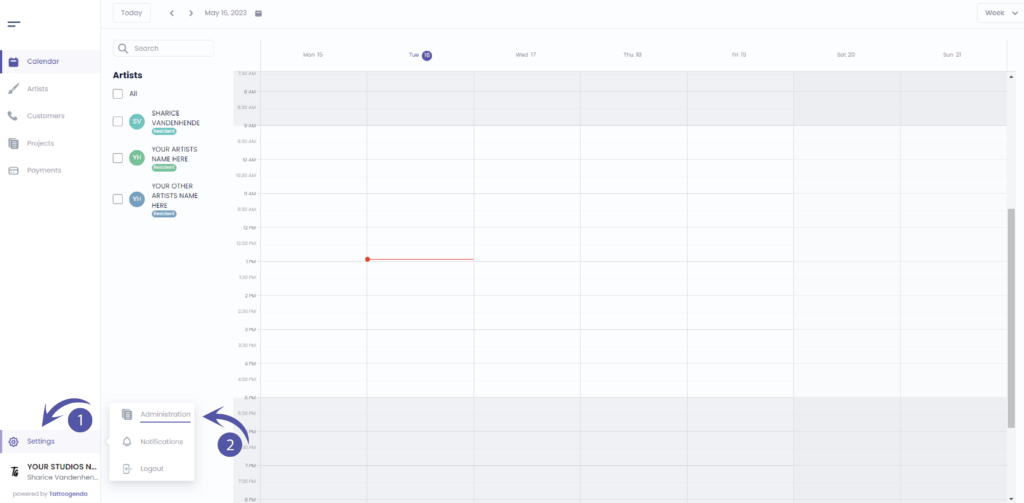
U vindt uw instellingen linksonder in uw scherm boven uw studionaam.
Ga naar je instellingen en kies ‘Administratie’
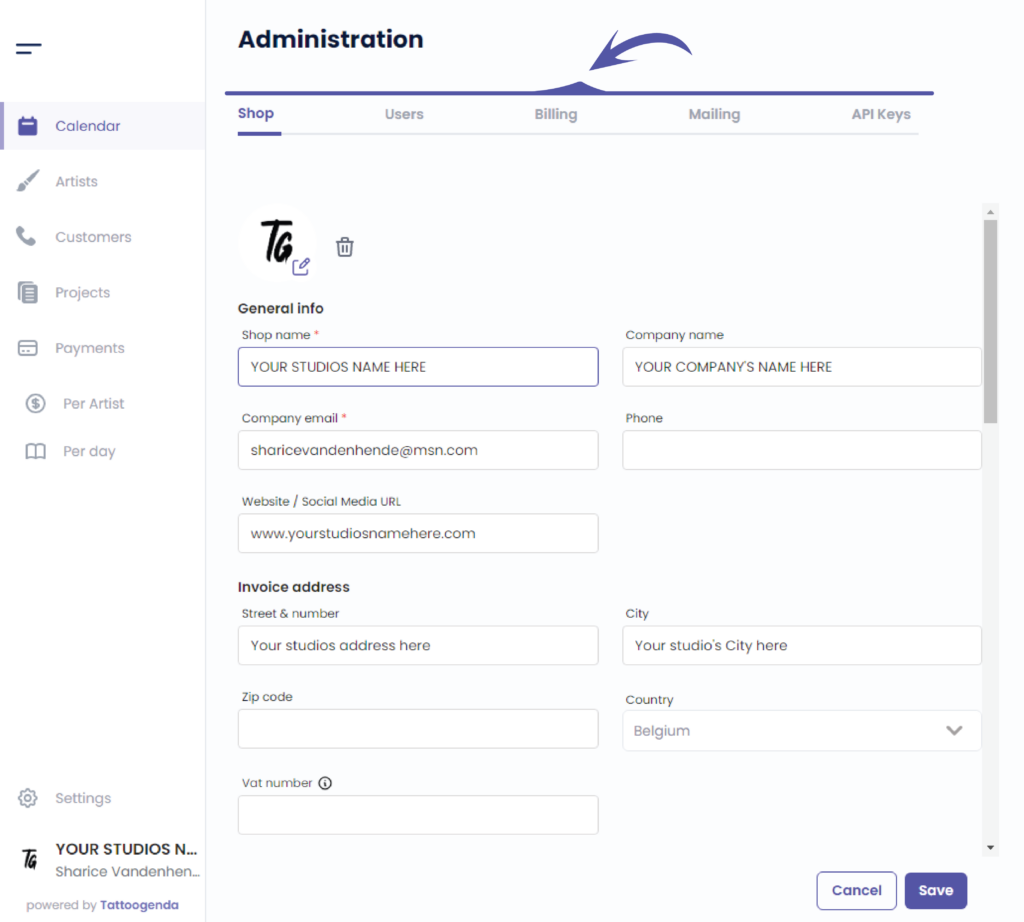
In je administratie kun je navigeren via de volgende tabbladen
Winkel, Gebruikers, Facturering, Mailing, API-sleutels
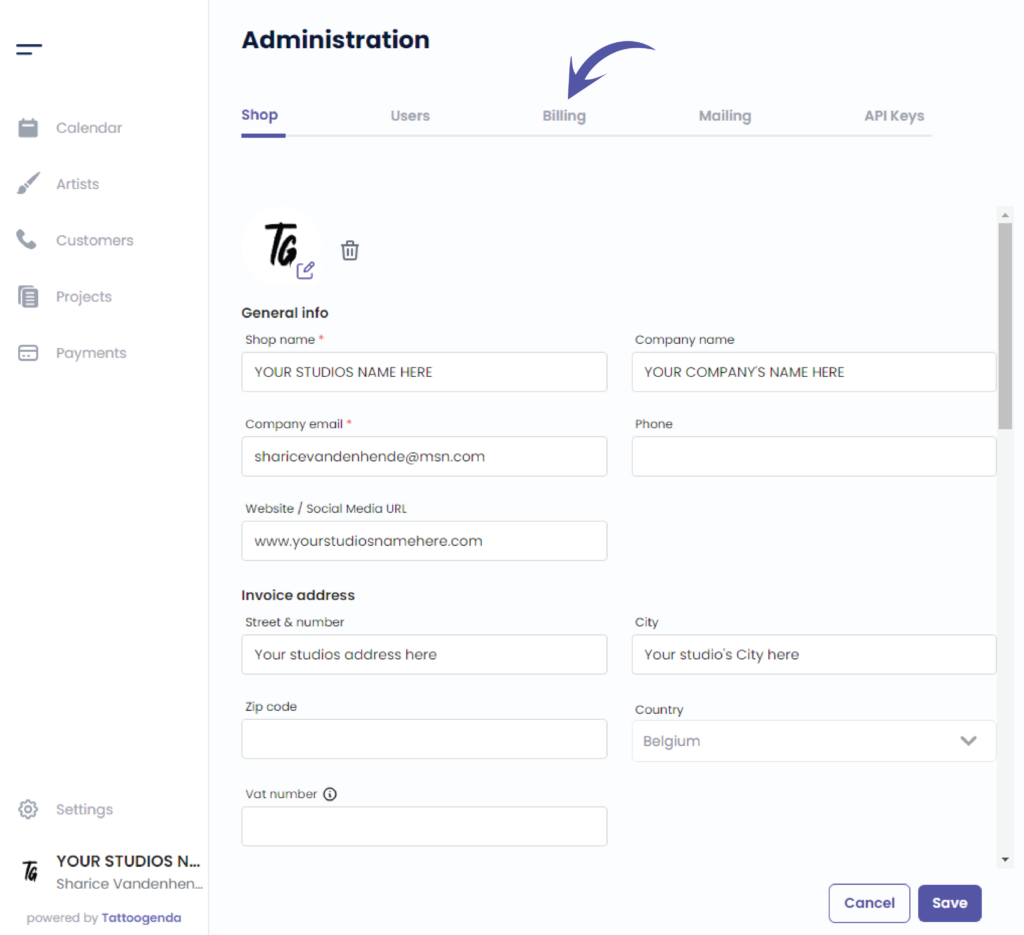
Klik op ‘Billing’
U ziet het volgende scherm
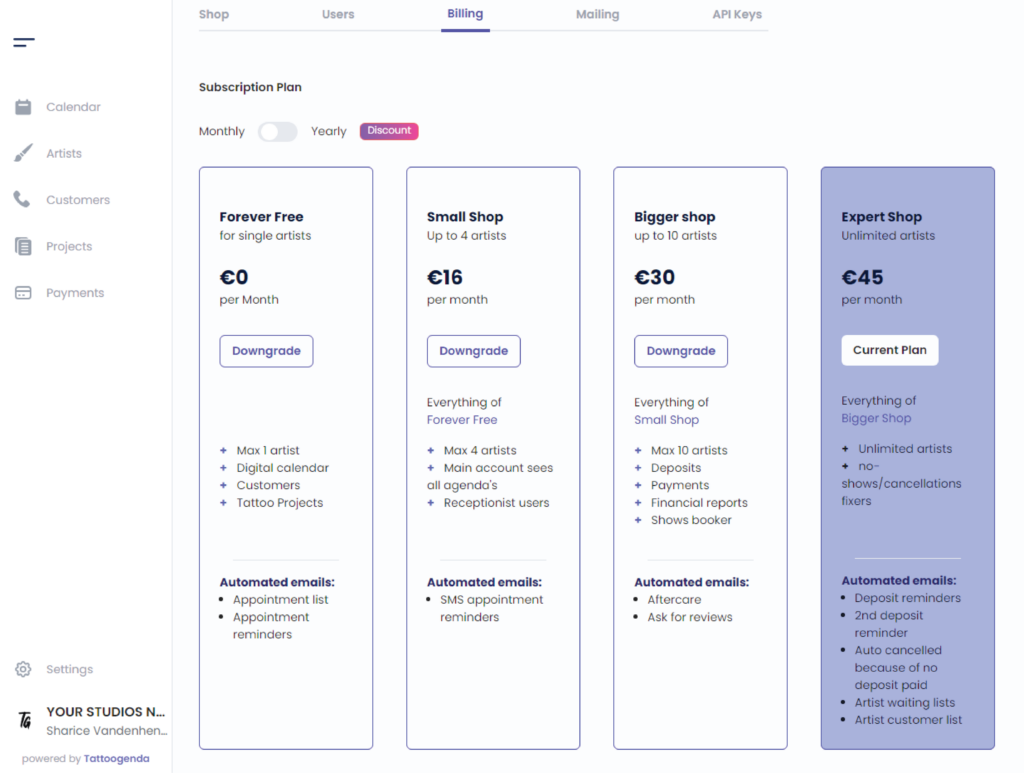
Choose if you like to pay yearly or monthly.
When you choose the yearly subscription you will get a discount.
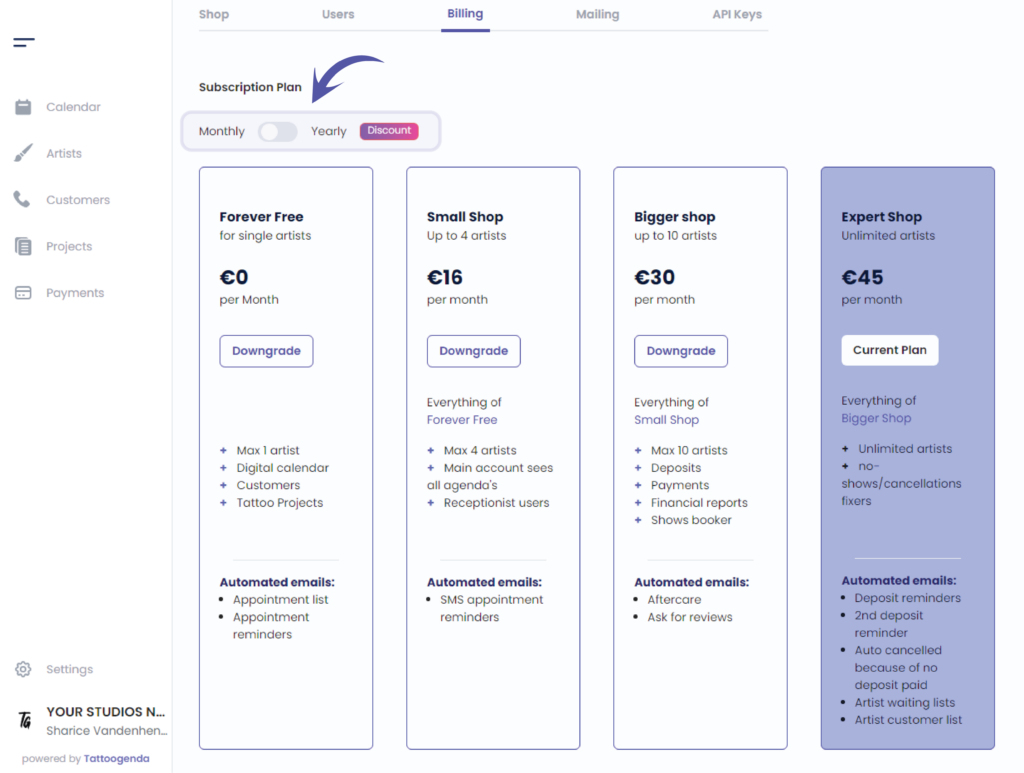
Schakelen op the button to see the yearly prices
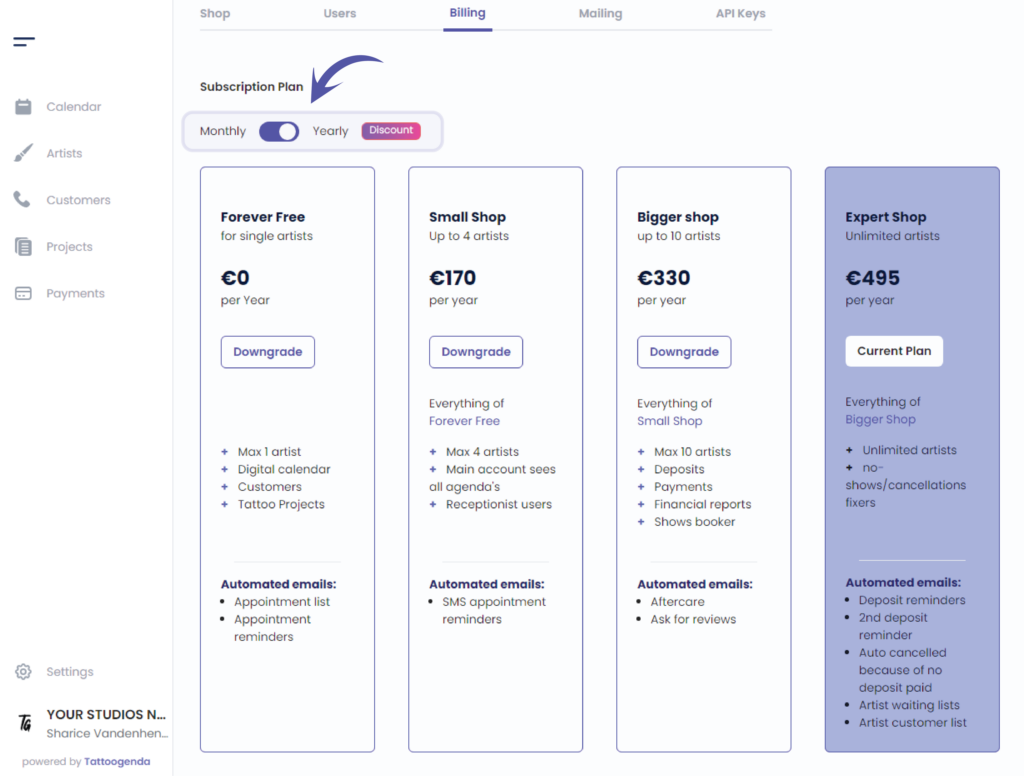
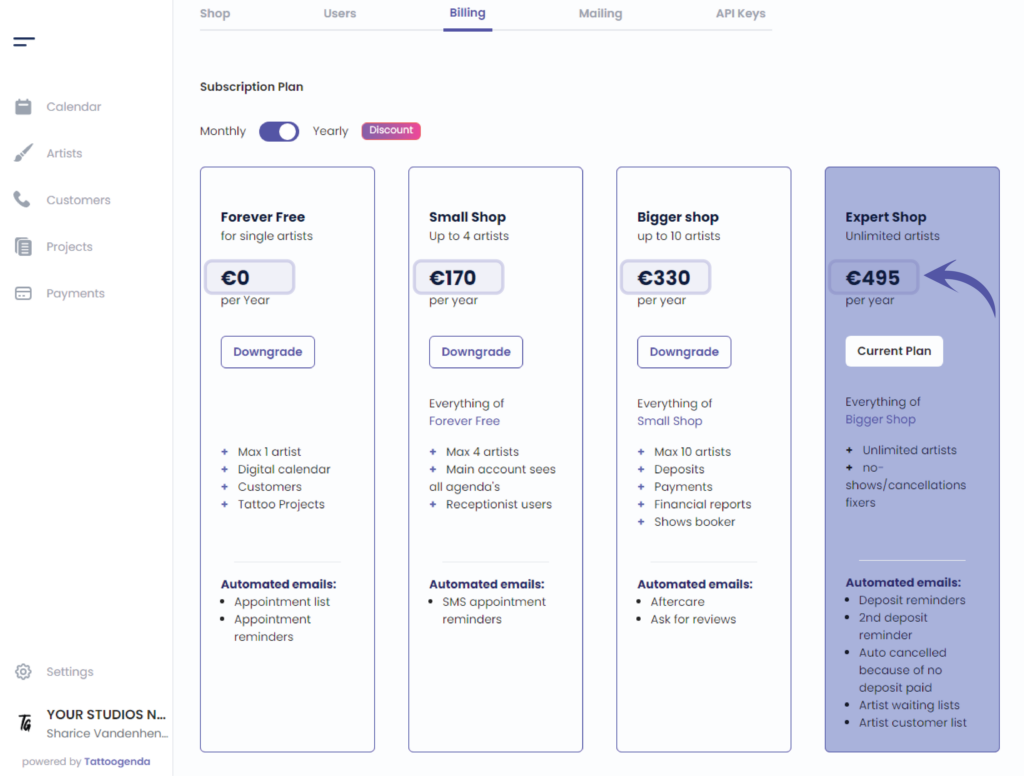
You current plan
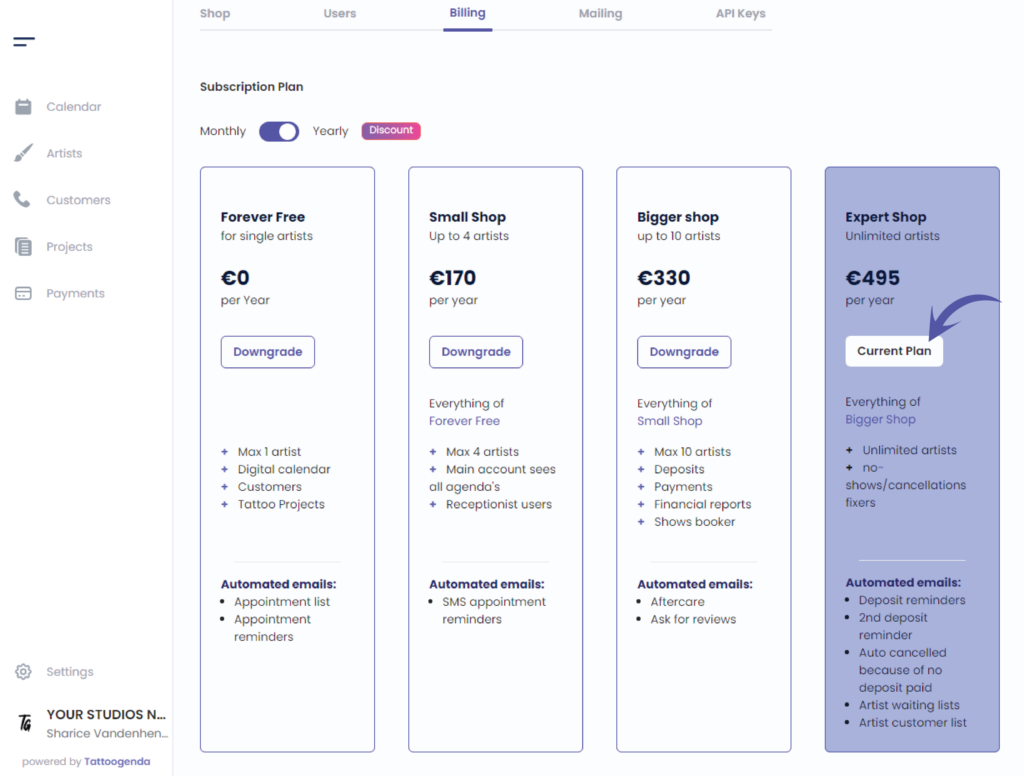
Click this button if you want to downgrade

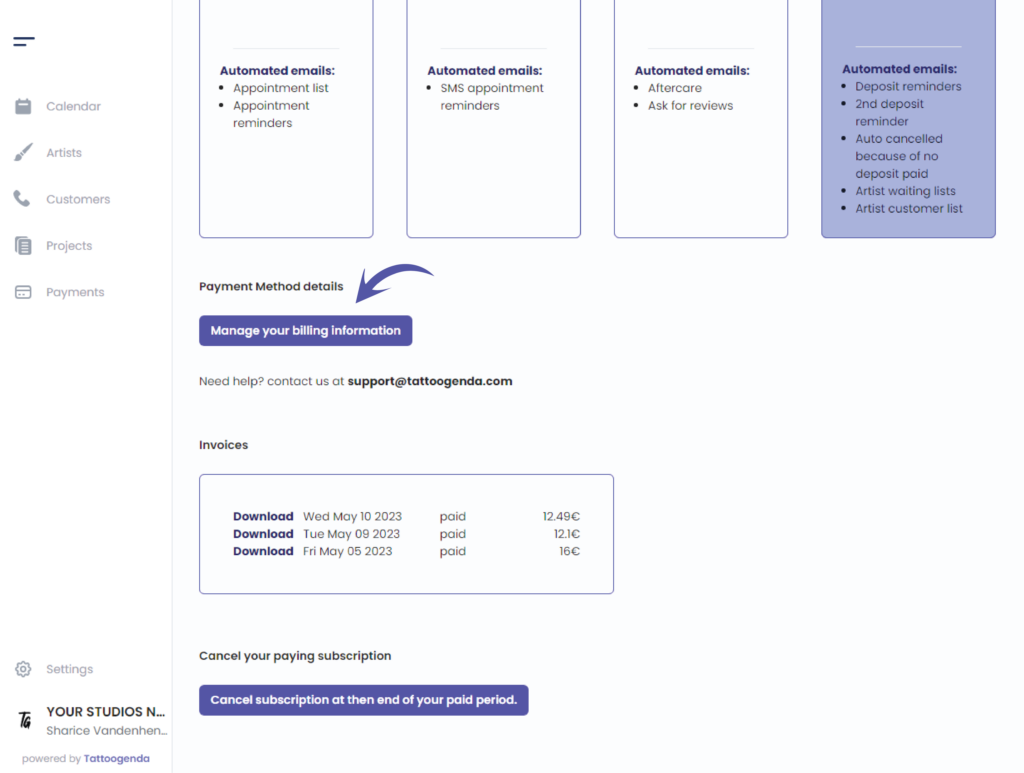
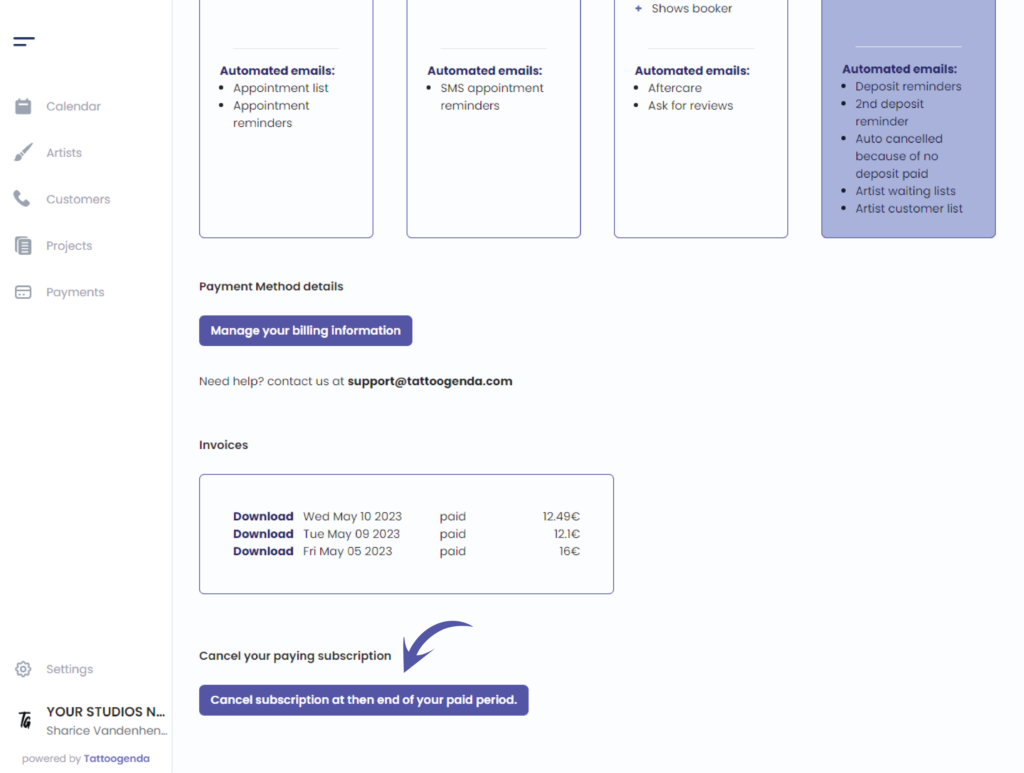
Mange your billing information by clicking this button.
The billing information is your details you want to see on your invoice.
Choose or change your payment method,
Also by clicking this Manage your billing information button.
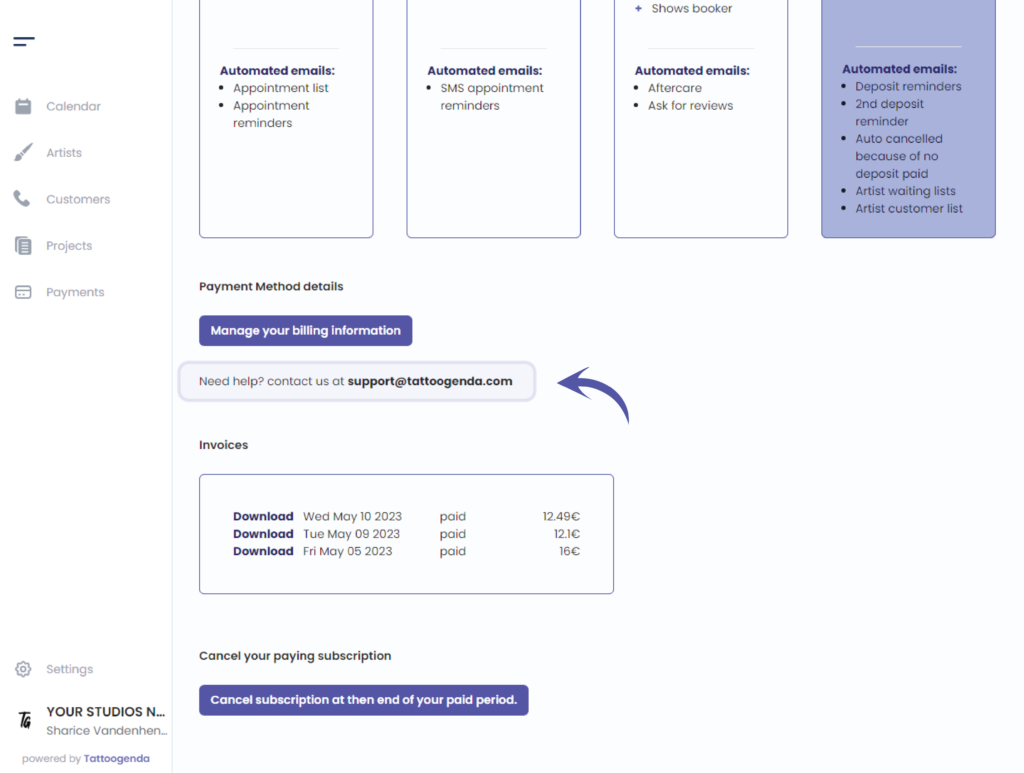
Need support? Mail this email address, we are happy to help!
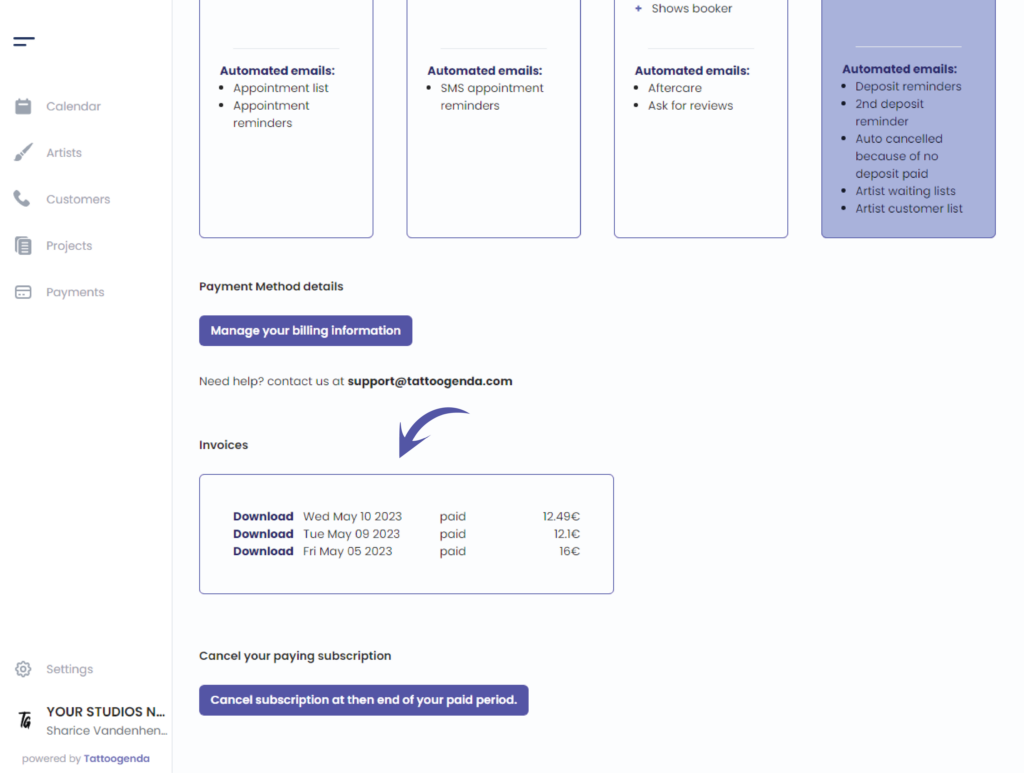
Invoices
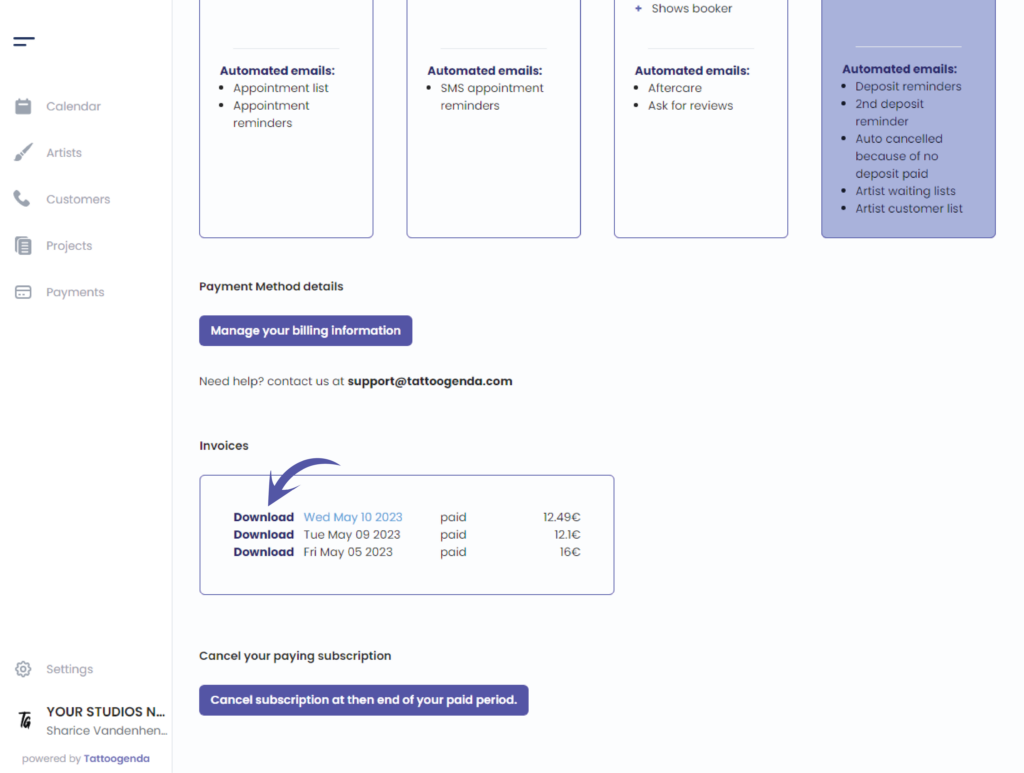
Klik op ‘Download’ for a detailed invoice or receipt
This action will take u to a new tab into your browser and you will see the following screen
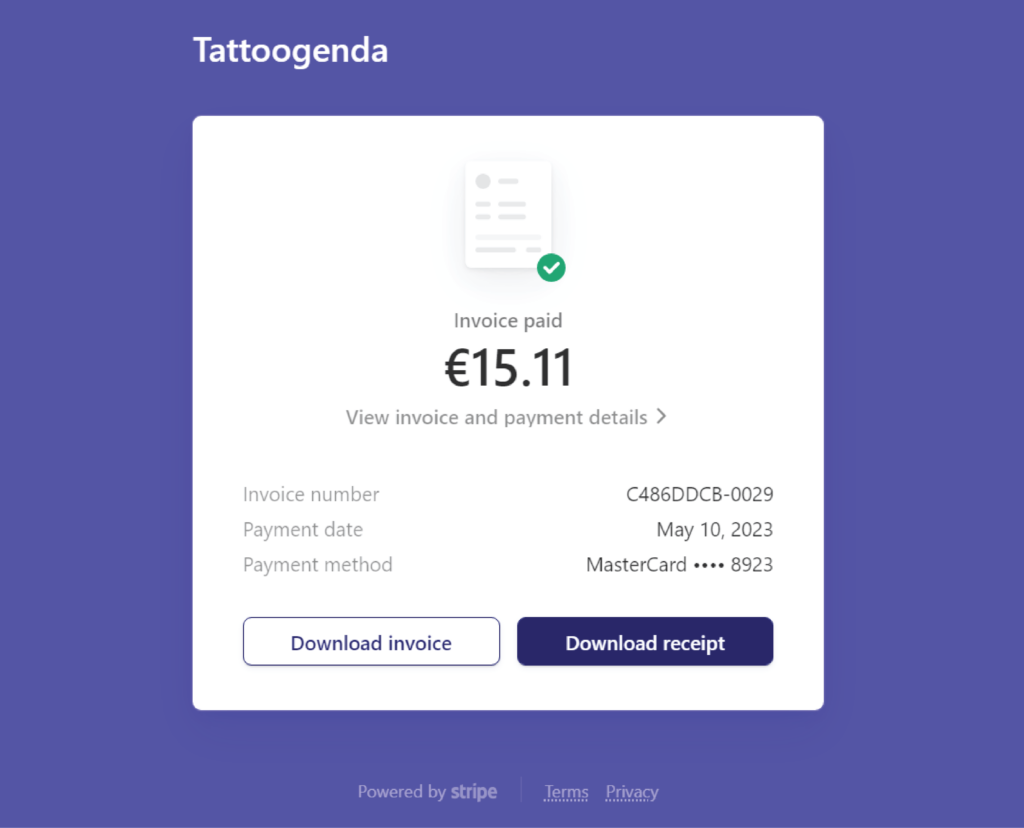
Klik op ‘Download invoice’ to download this document
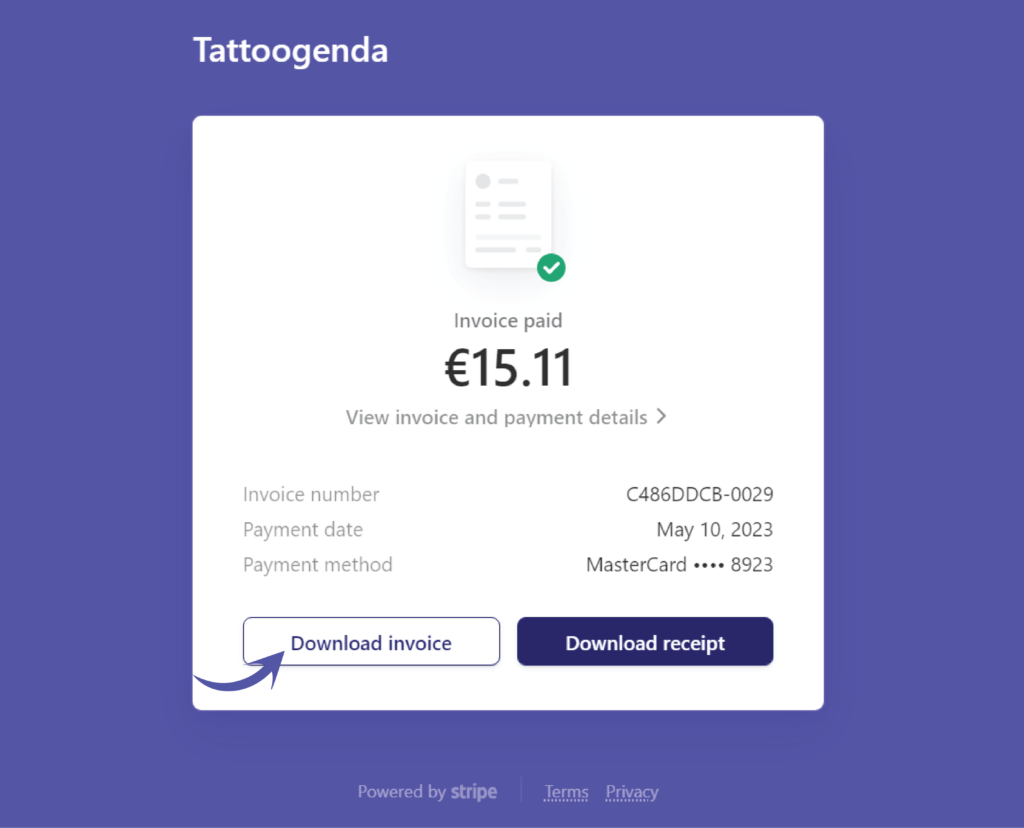
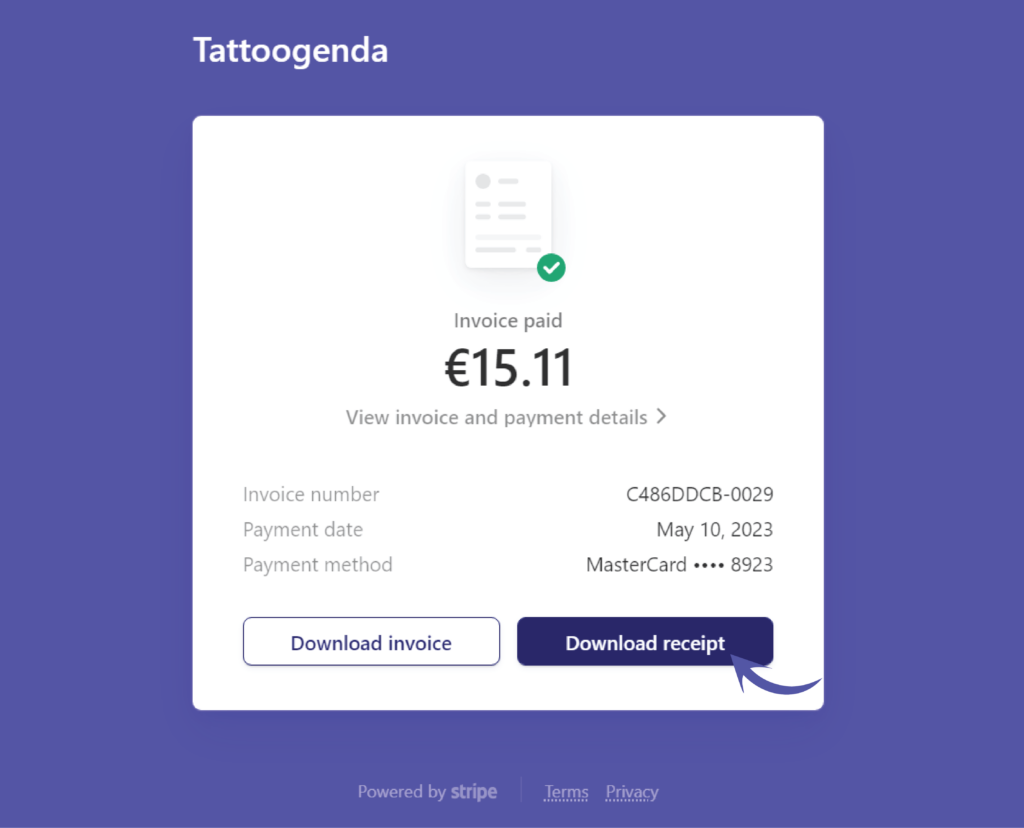
Klik op ‘Download receipt’ to download this document
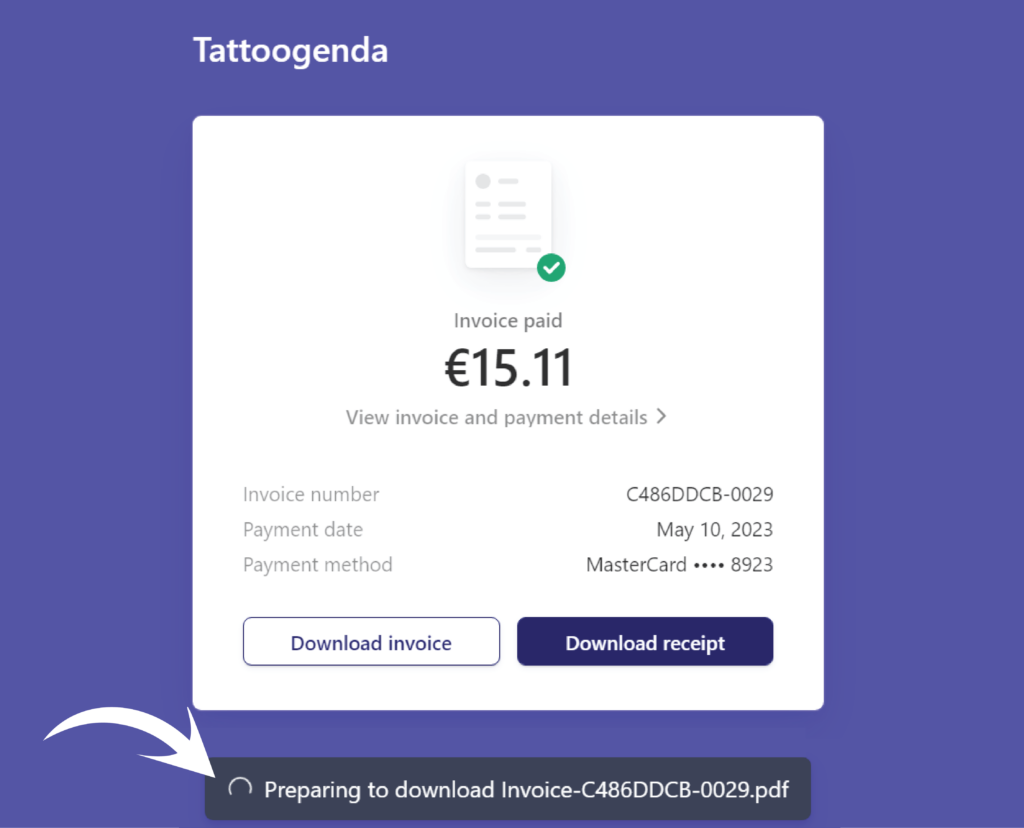
When you clicked either of these buttons you will see your download is being processed
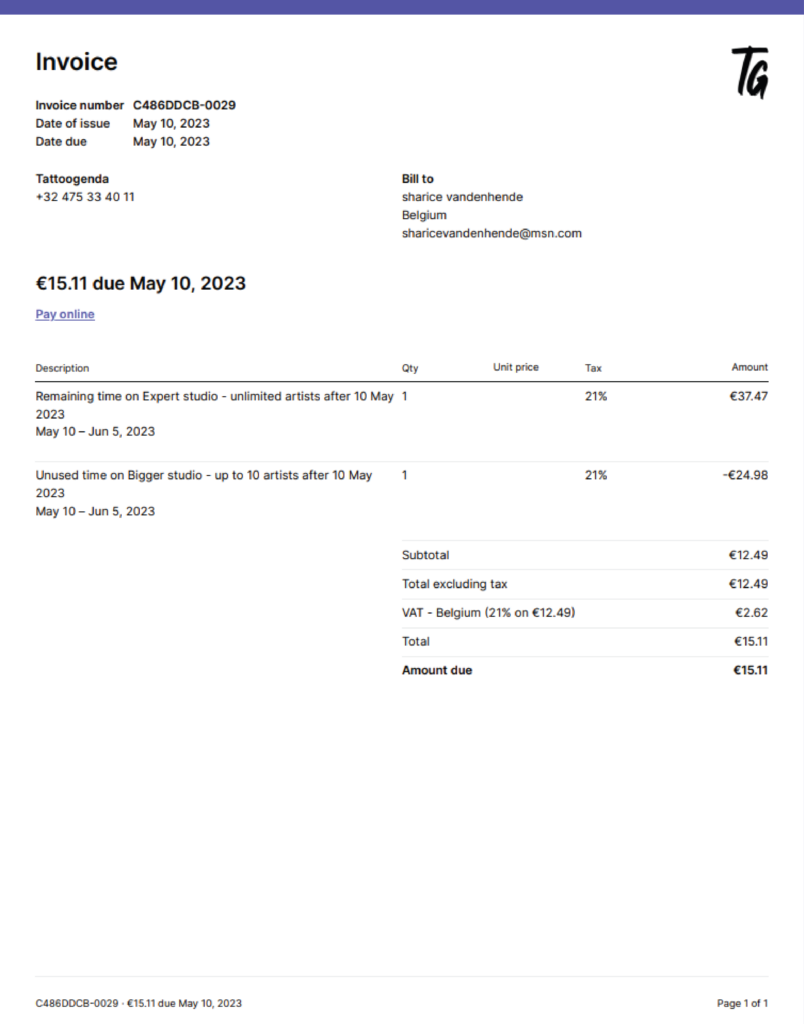
An invoice could look like this
Going back to your Tattoogenda software
You could cancel your subscription here
If you have any questions don’t be afraid to contact our support!
Heb je nog steeds een probleem of een vraag?
Hieronder vind je een kleine link met de naam ‘Nog steeds vast? Hoe kunnen we helpen!’
Geschreven door
Sharice Vandenhende
Door Tattoogenda


 English
  Dutch
Dutch  Dutch (Belgium)
  French
  German
  Spanish