

Ga naar ‘Kalender’
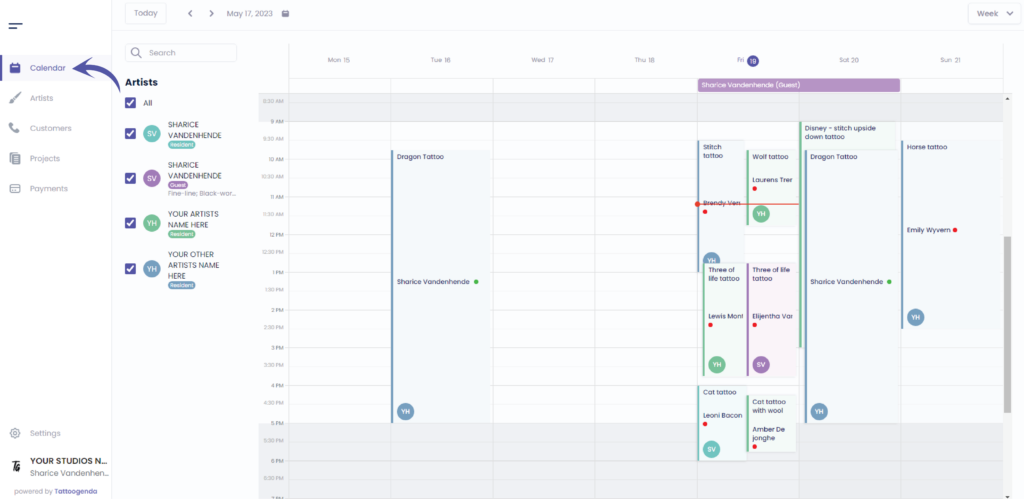
As the main account you will automatically see all artists calendars
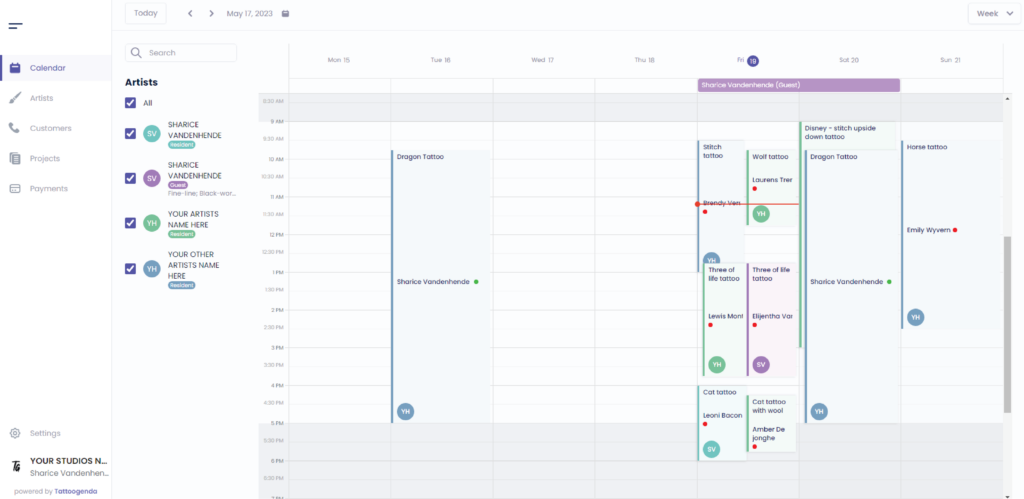
Choose how you wish to navigate
by week or by day
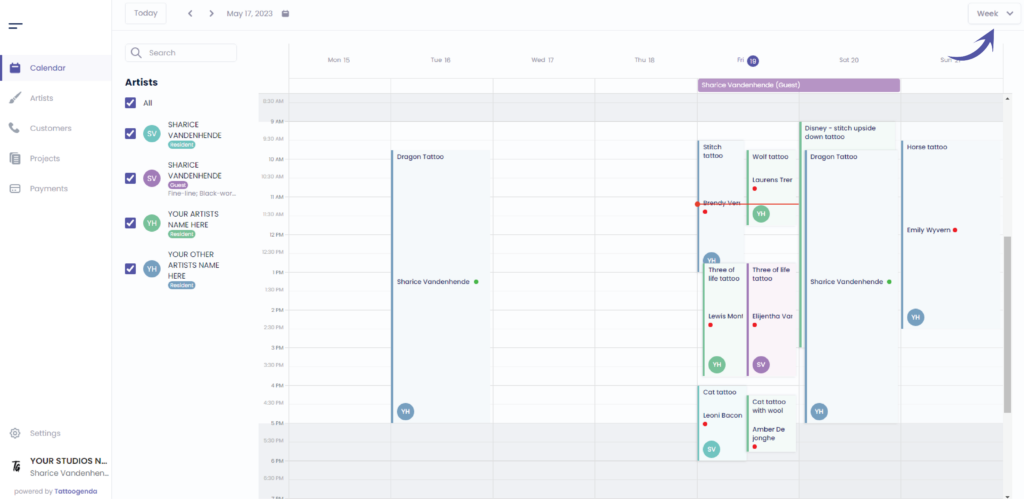
Navigate by day or week
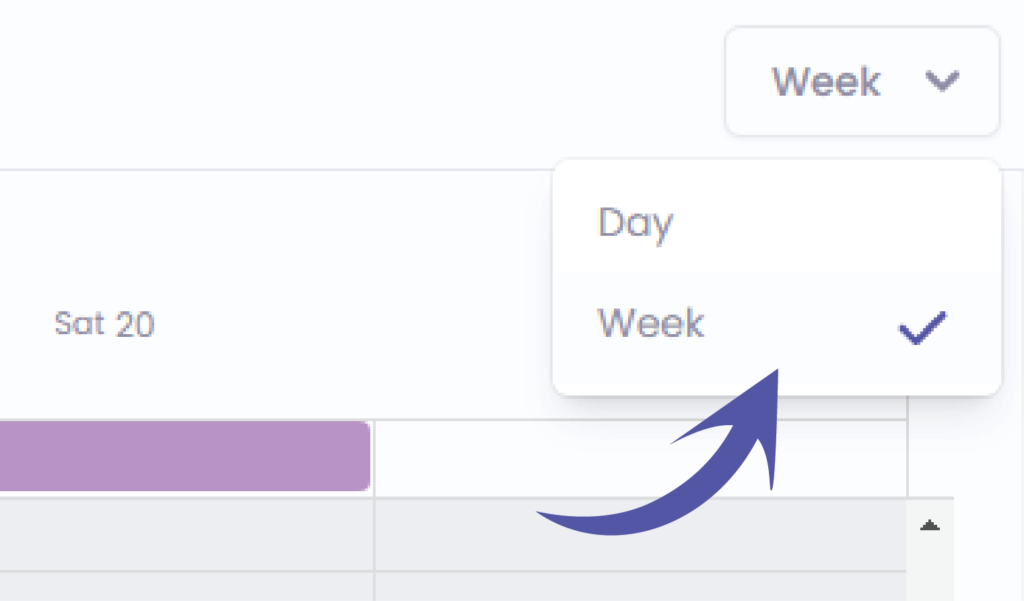
Navigate through your calendar
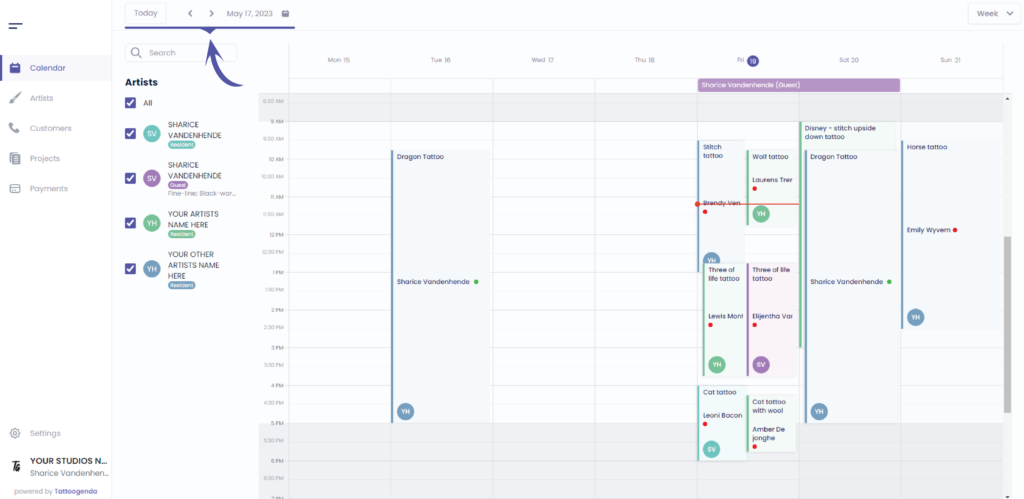
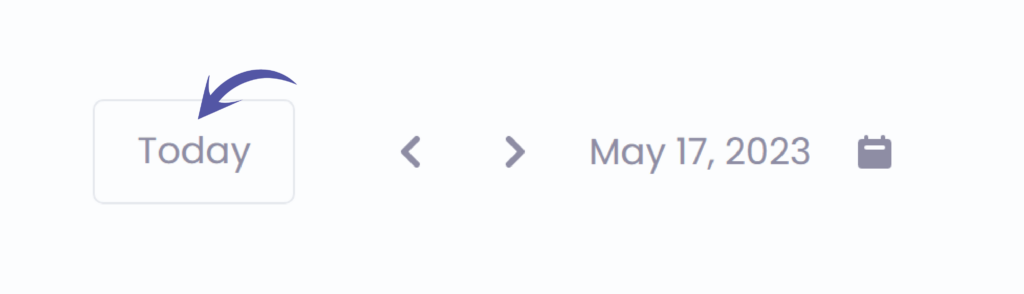
Ga naar today
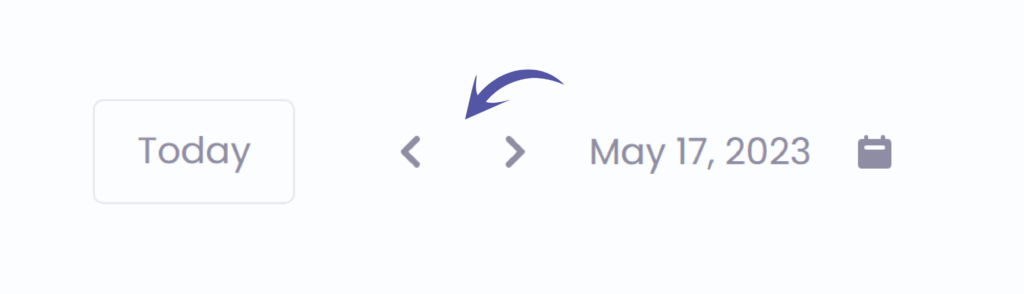
Navigate by ( day or week ) depending on what you previously selected
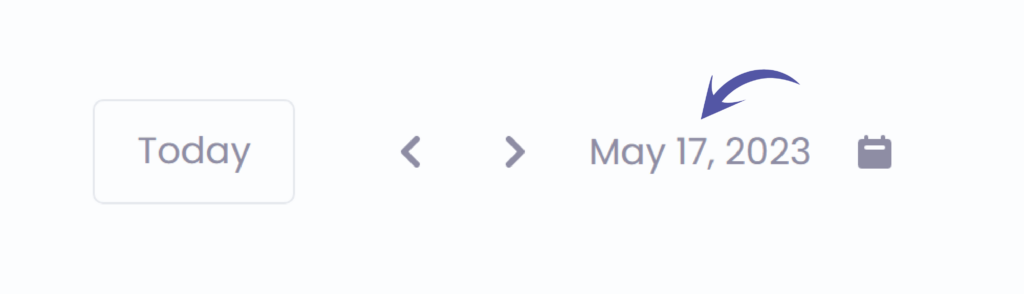
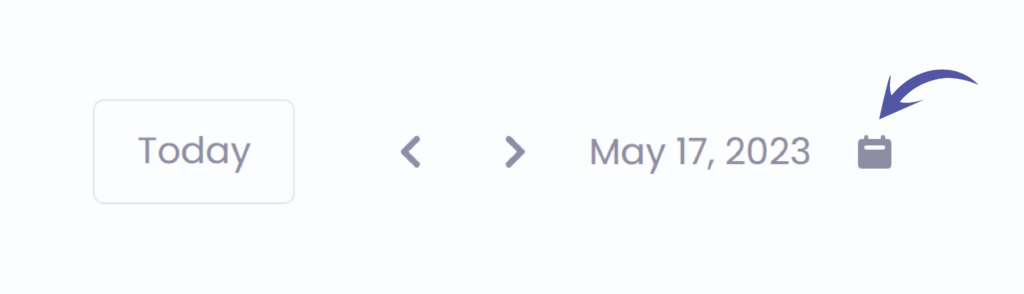
The current selected date
Click on this icon to open your mini calendar to navigate faster
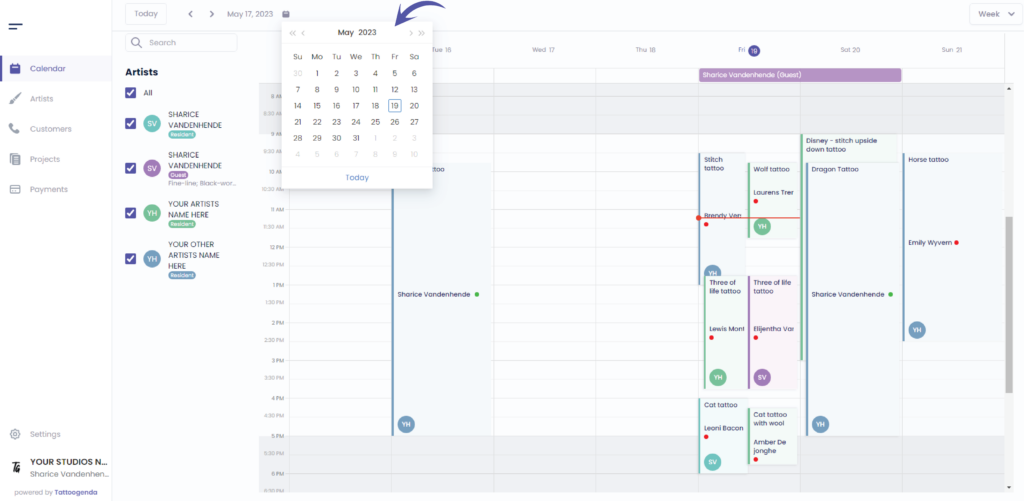
Wanneer u click on the calendar icon it will open a mini calendar
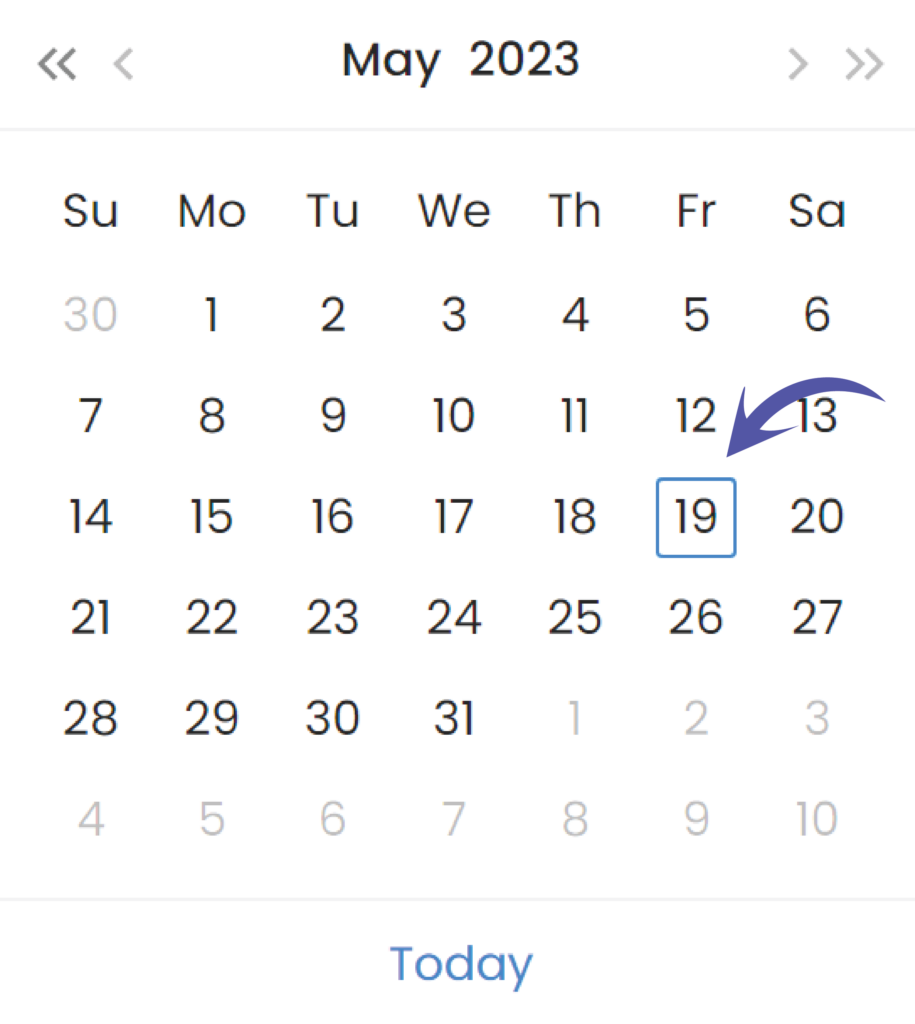
This indicated today’s date
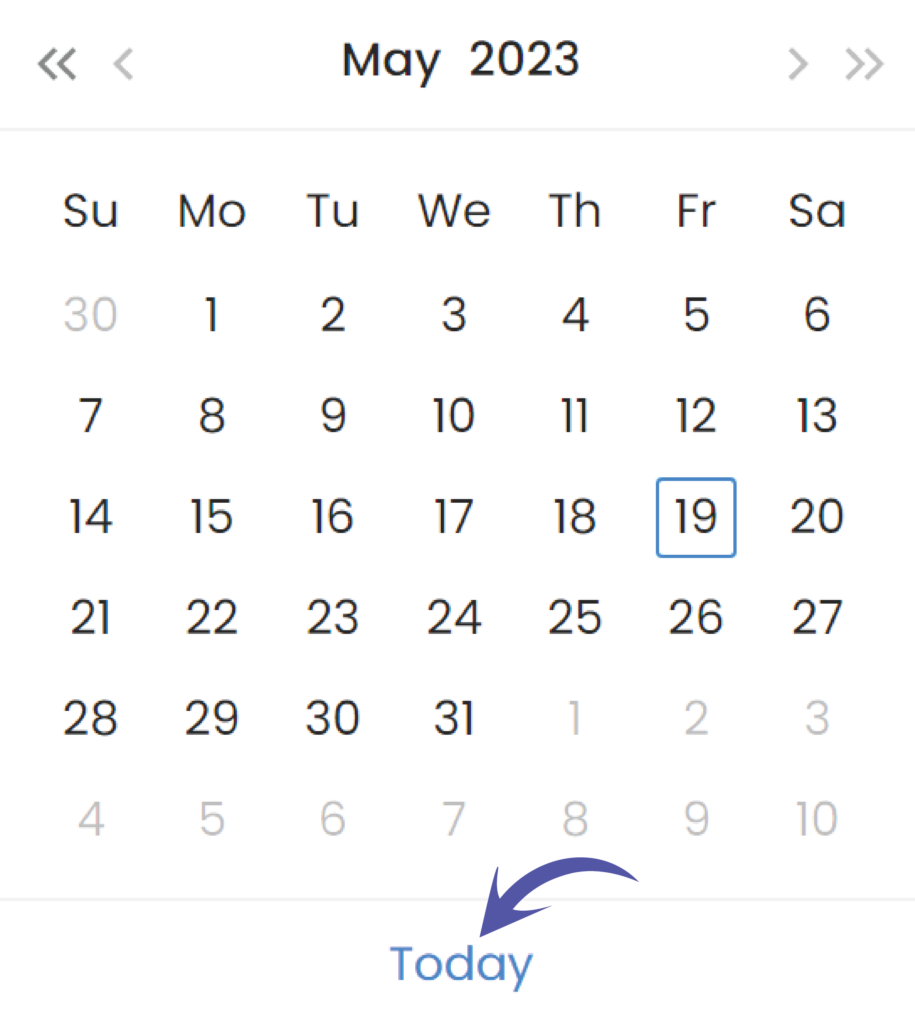
Go back to today’s date on your mini calendar
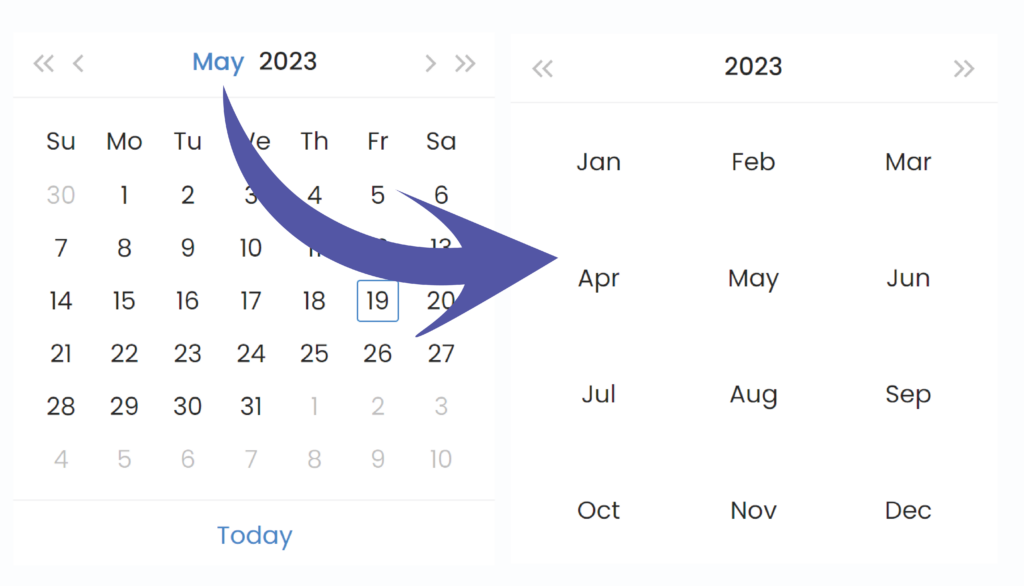
Click on the month in the mini calendar header to choose another month
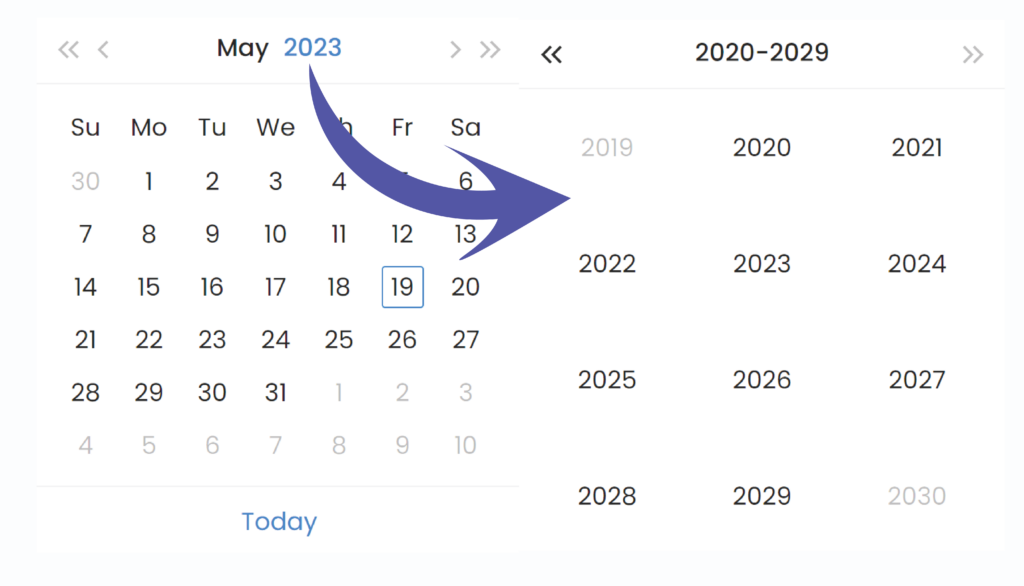
Click on the year in the mini calendar header to choose another year
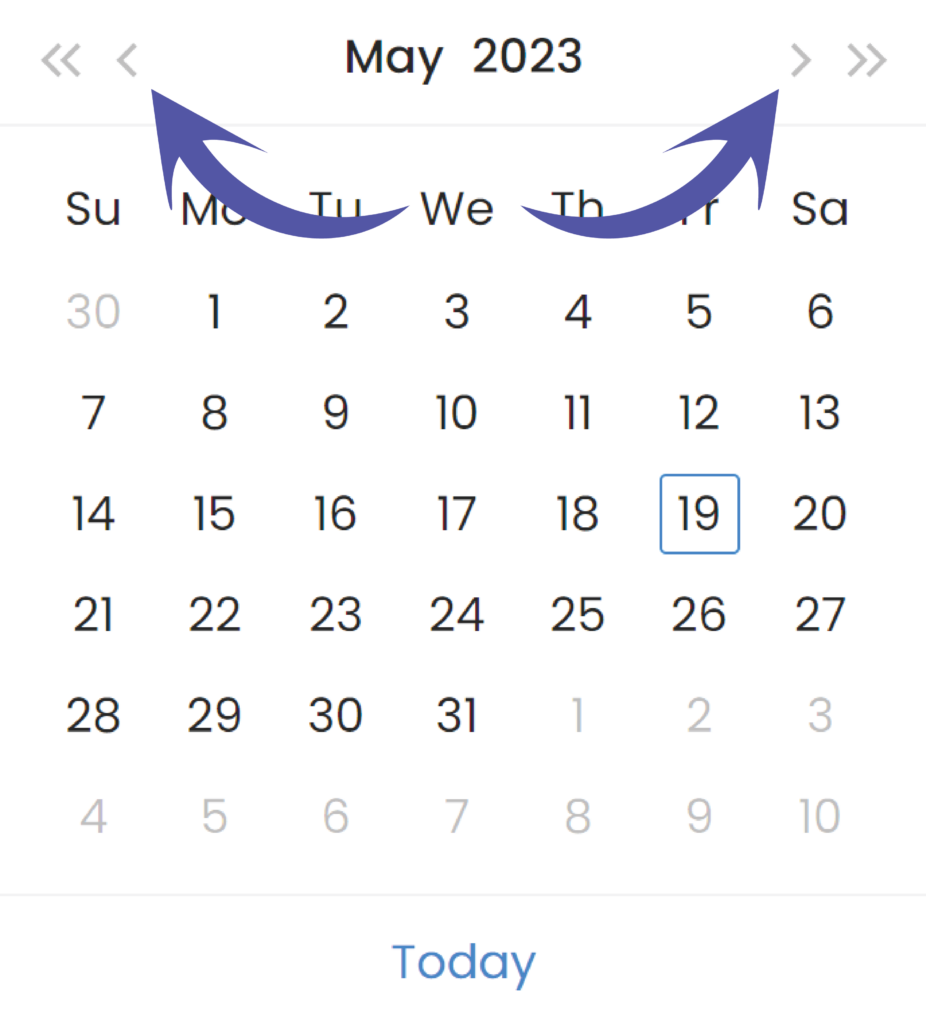
Use the small arrows to navigate back and forward by one month
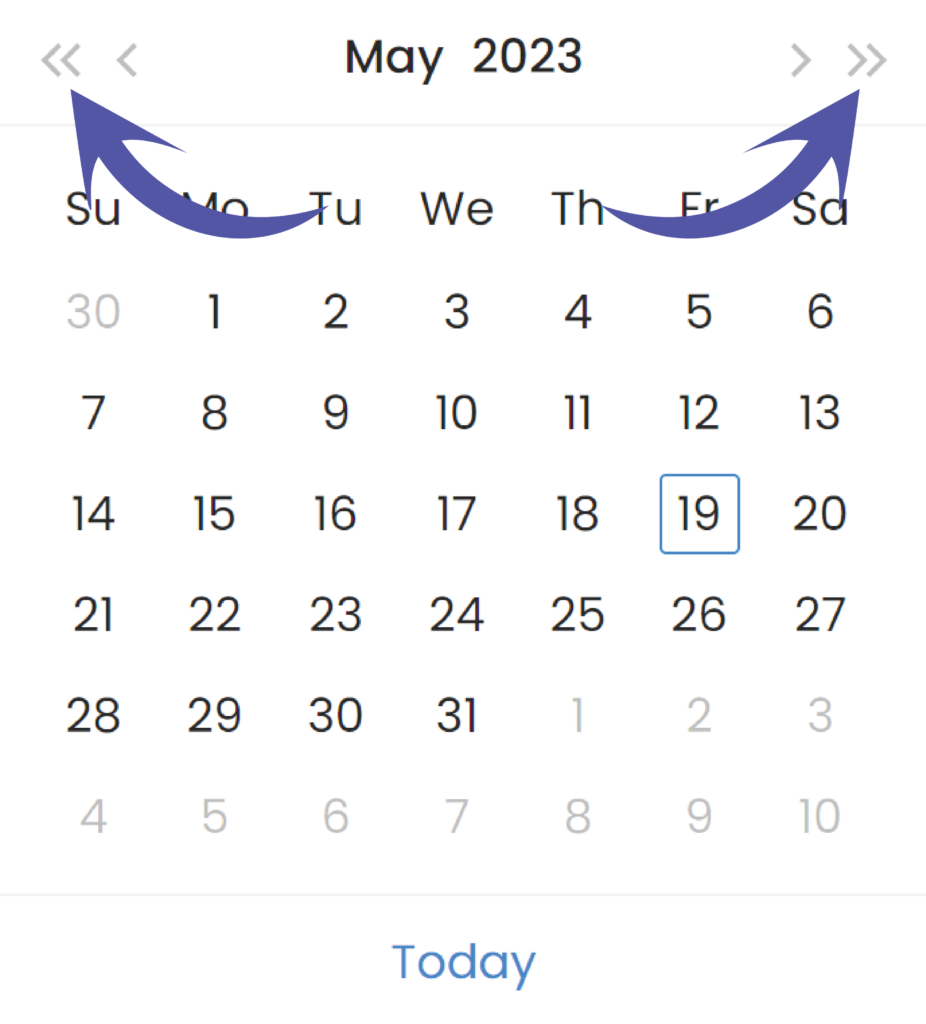
Use the small arrows to navigate back and forward by one year
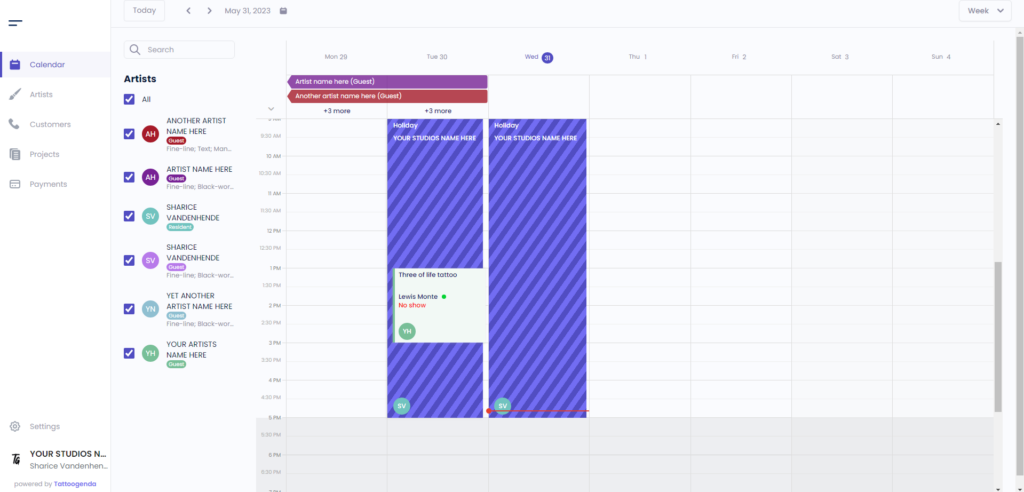
The horizontal colored bar indicates when an artist will be available into your studio as a guest.
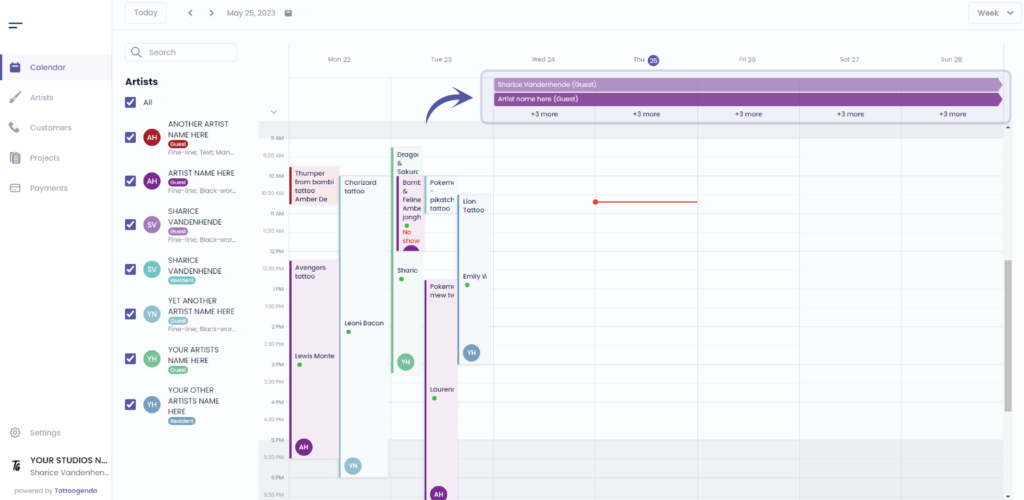
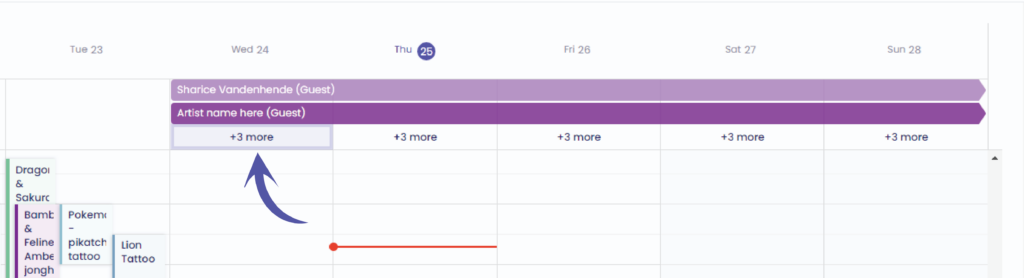
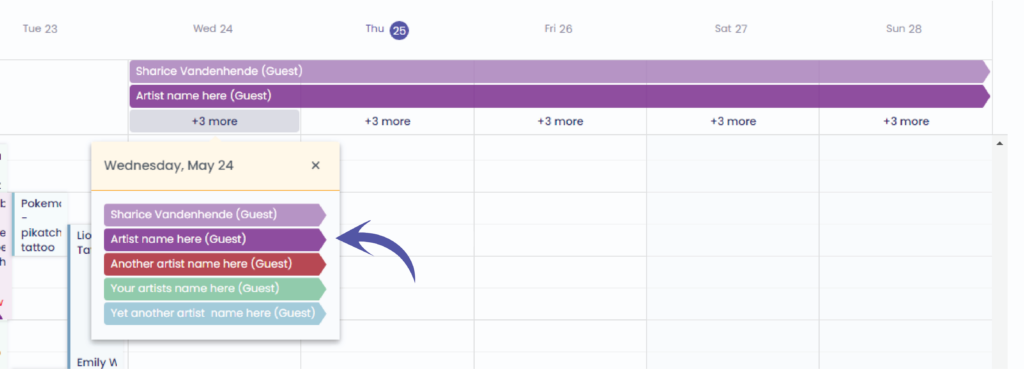
Klik op ‘ + 3 more ‘
This will open up a popup screen showing more artists who have a guest spot into your studio
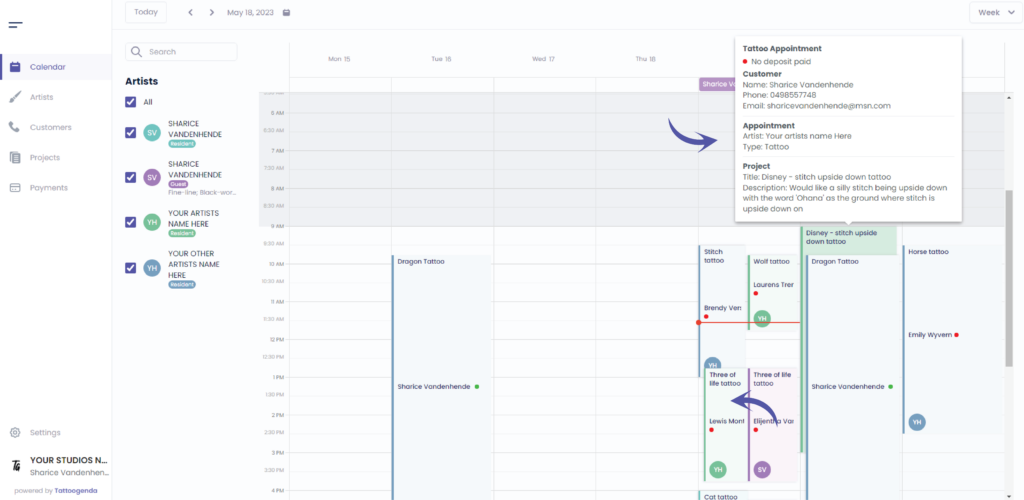
These are booked appointments
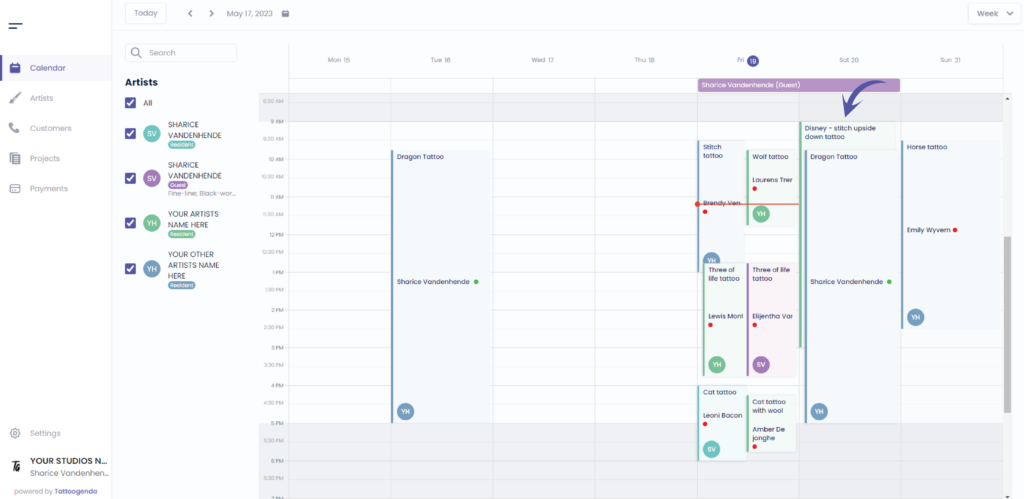
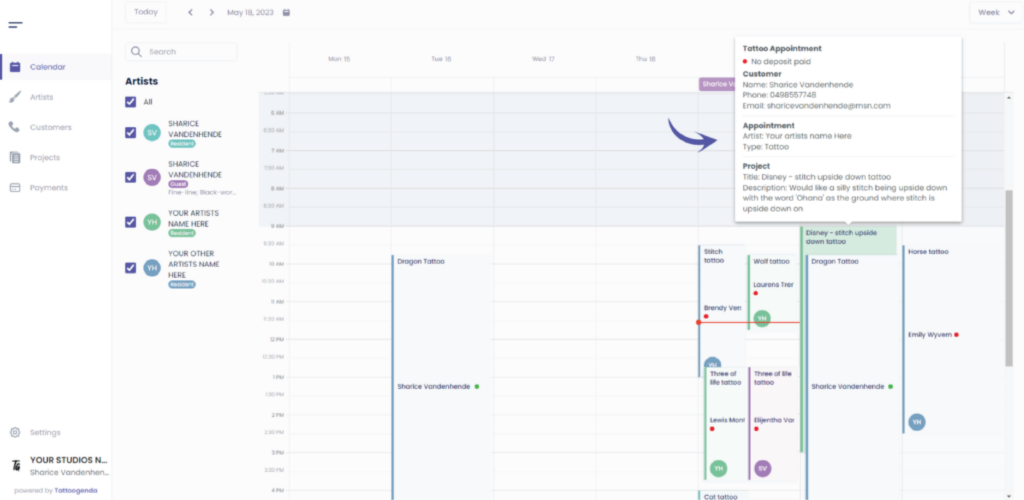
U kunt hover over an appointment to see more details
This is your artists initials or it could be a profile picture
You can find the artists you’d like to display on the calendar here
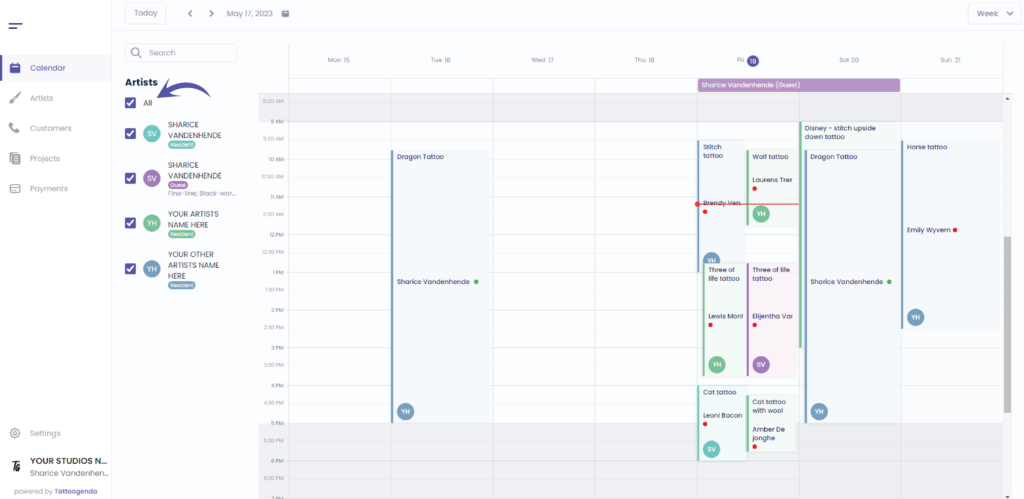
U kunt uncheck all to get a clean calendar view
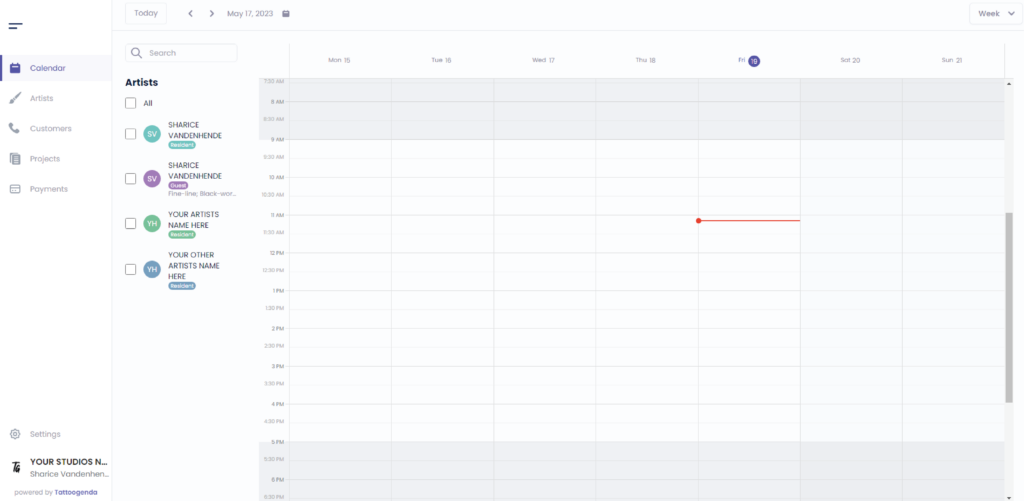
Check only the artists you wish to see on your calendar
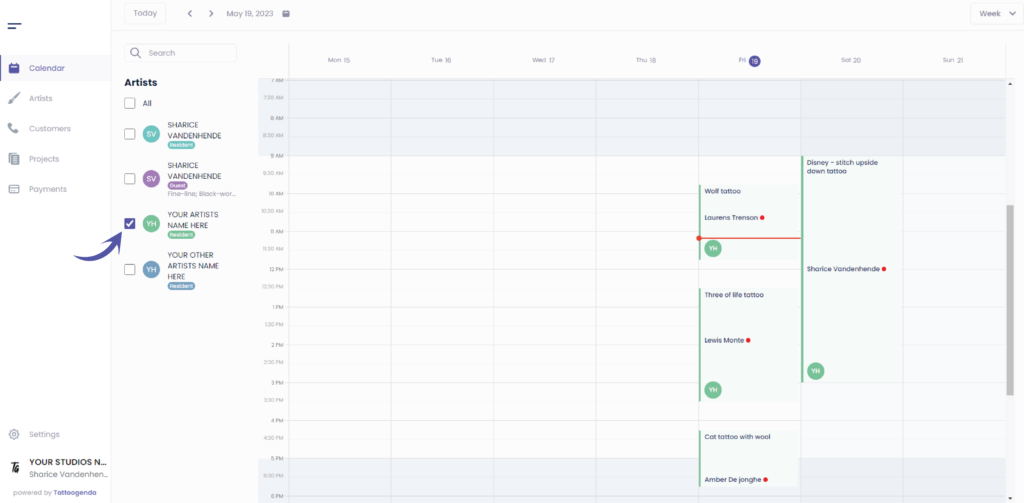
Search for your artists met naam

Check the artists from your search you wish to see

This indicates today’s date
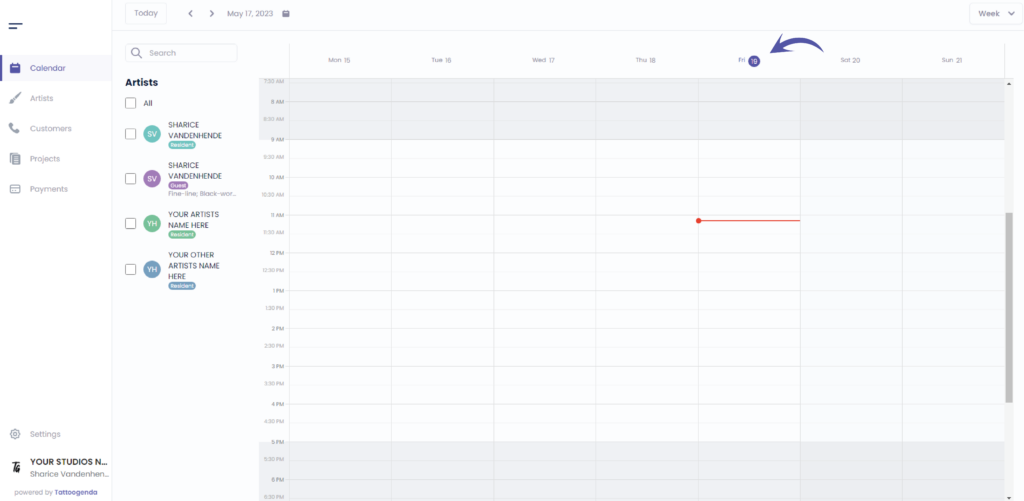
This indicates de huidige tijd of today

U kunt use the scrollbar to scroll up or down

You can also on zoom in and out into your calendar
Windows: hold CTRL + scroll
Mac: hold command ⌘ + scroll
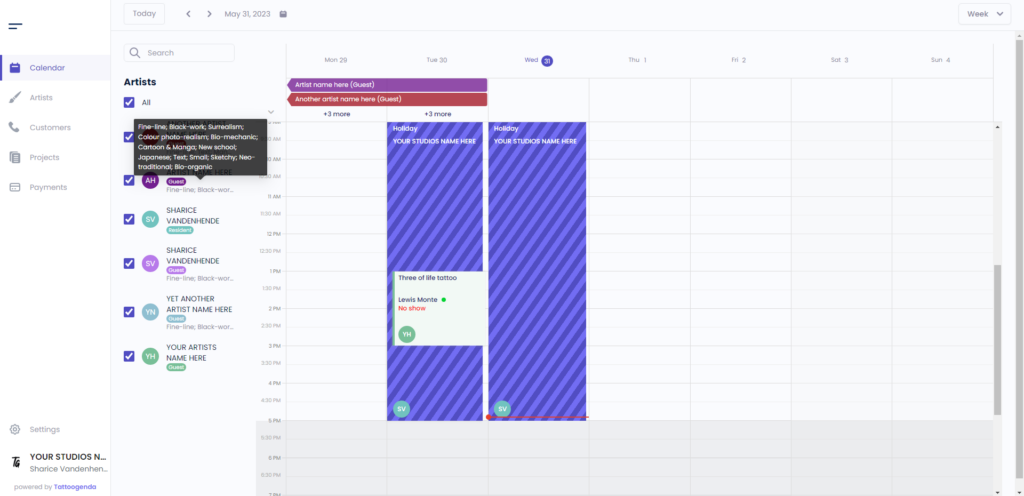
You can also spot artists preformed genres on the calendar
Hover over the artists preformed genres into the calendar to get a little information box.
You can find the genres under the artists tag type.
Heb je nog steeds een probleem of een vraag?
Hieronder vind je een kleine link met de naam ‘Still stuck? How can we help?’
Geschreven door
Sharice Vandenhende
Door Tattoogenda


 English
  Dutch
Dutch  Dutch (Belgium)
  French
  German
  Spanish