

INTRODUCTION #
For the following information we assume that you have knowledge about API calls and endpoints.
Your shops information is safe and is only available when you pass the API key.
This means that no one else can access your TG account’s information without this key.

REQUIREMENTS
A Tattoogenda software login.
Knowledge about endpoints, how to use them and what they stand for.
Depending on the amount of information you need, you might need a certain subscription plan.
HOW TO AUTHORIZE YOUR API CALL #
You can test out your endpoints in postman to see what information / response you get.
In this part we will show u how to pass the correct header to authorize your API call.
https://www.postman.com
BELANGRIJK
We will always need to pass the API key .
In every single API call, in the header of your request, add this key:
x-api-key

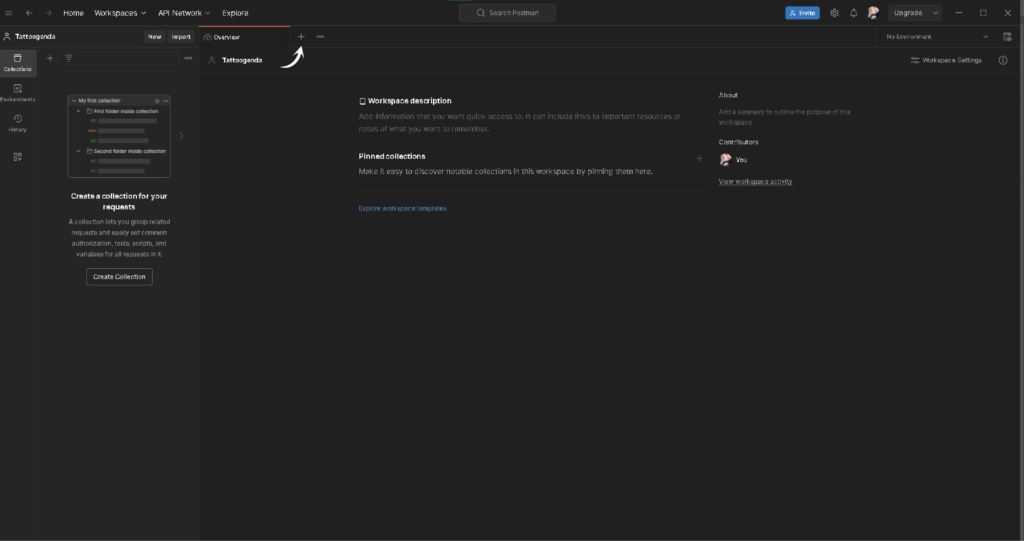
If you wish to use postman to test it out go to postman and go to a desired workspace you’d like to test on.
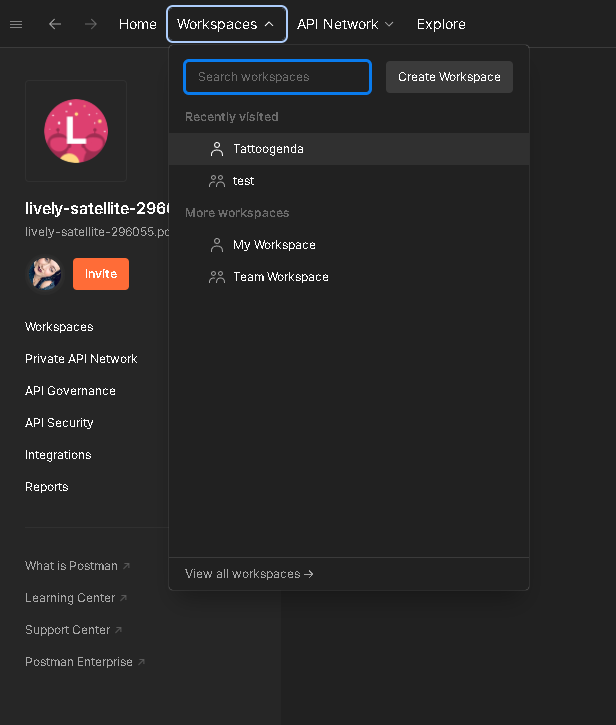
Start a new one.
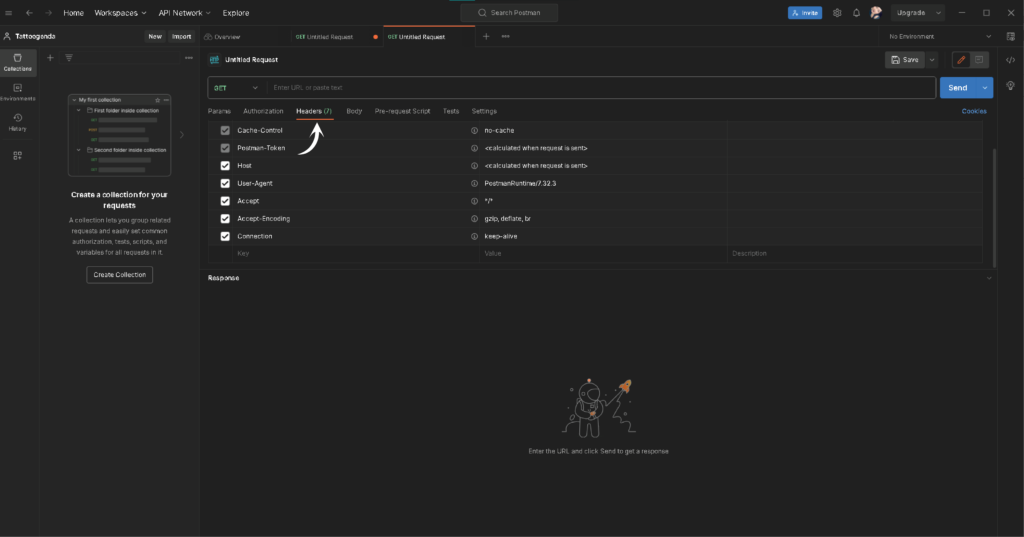
Ga naar ‘Headers’.
Pass the API KEY WORD and enter: ‘x-api-key’.
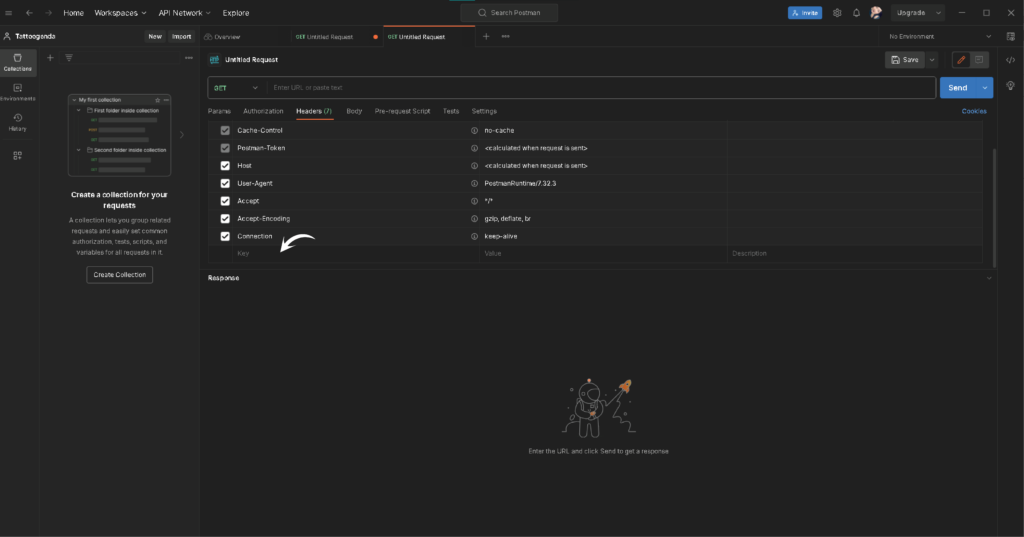
Pass the API KEY VALUE.
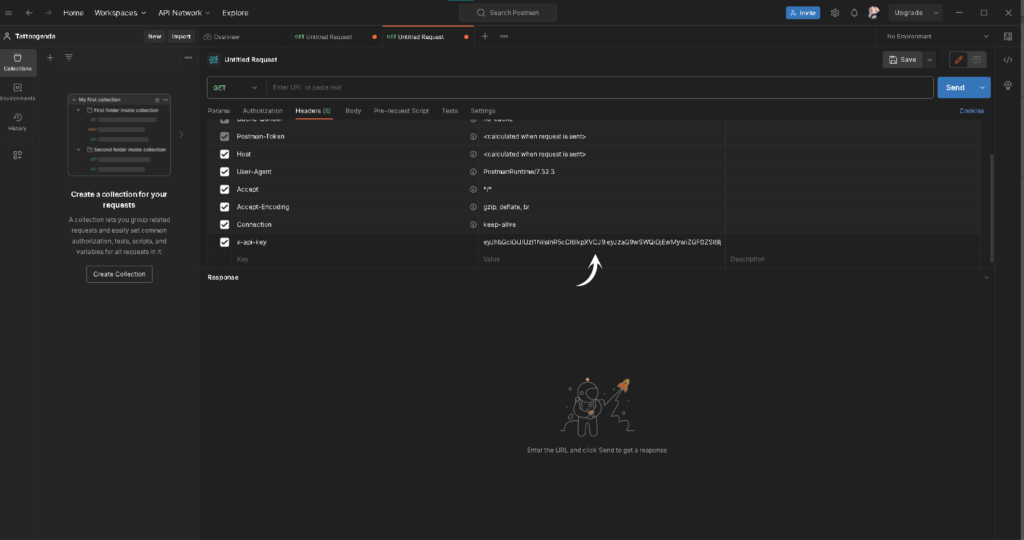
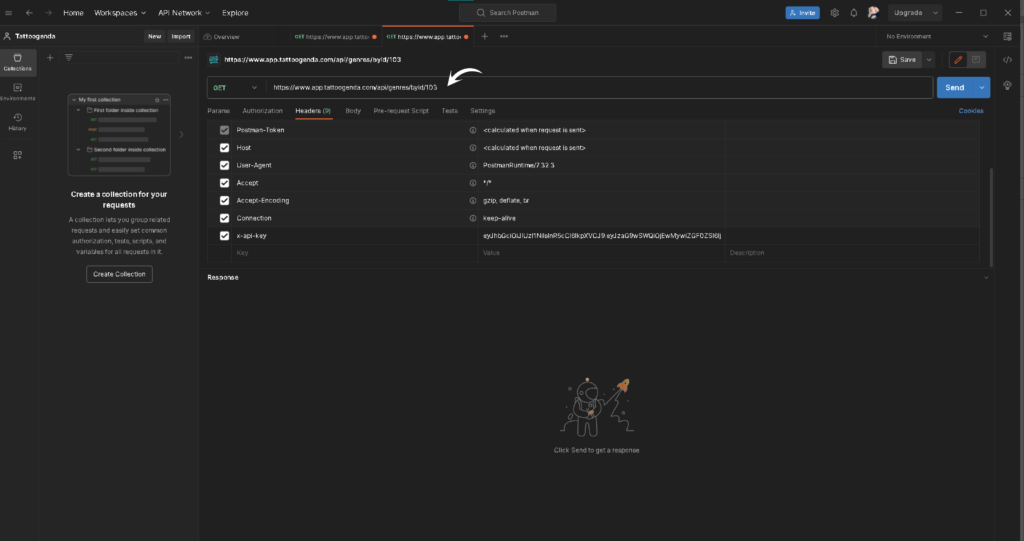
for example we will use the endpoint to get a shops genres:
https://www.app.tattoogenda.com/api/genres/byId/103
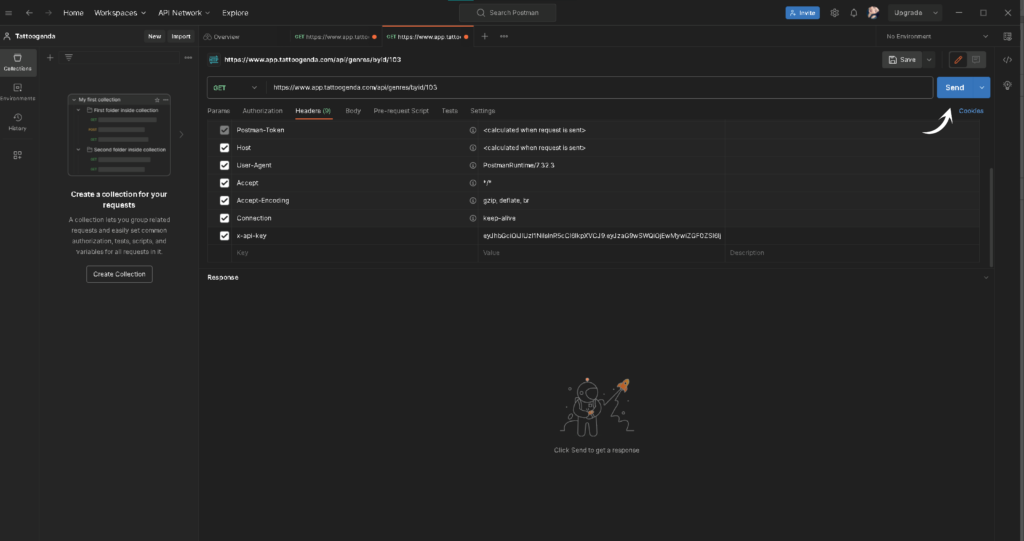
Press send.
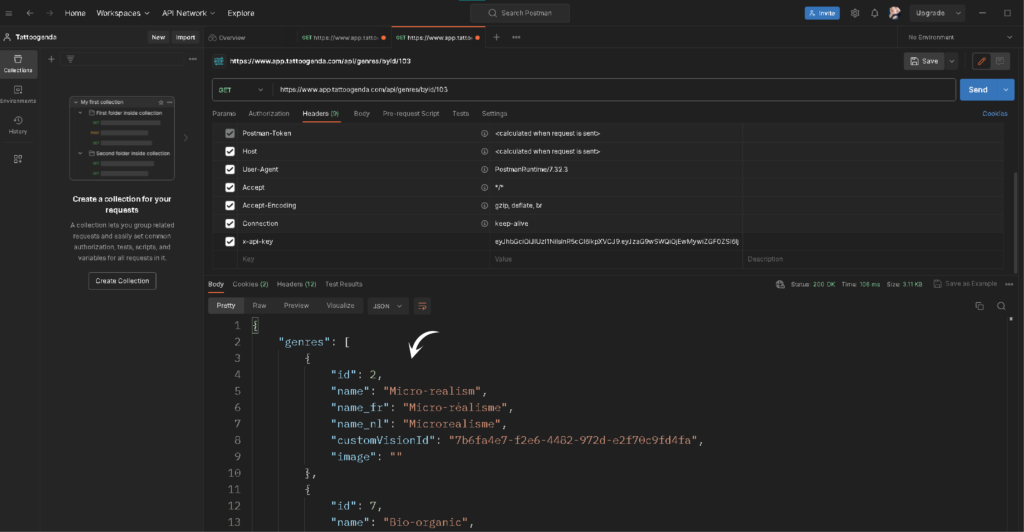
Read the response.
Heb je nog steeds een probleem of een vraag?
Hieronder vind je een kleine link met de naam ‘Nog steeds vast? Hoe kunnen we helpen!’
Geschreven door
Sharice Vandenhende
Door Tattoogenda


 English
  Dutch
Dutch  Dutch (Belgium)
  French
  German
  Spanish