

In uw Tattoogenda studio software,
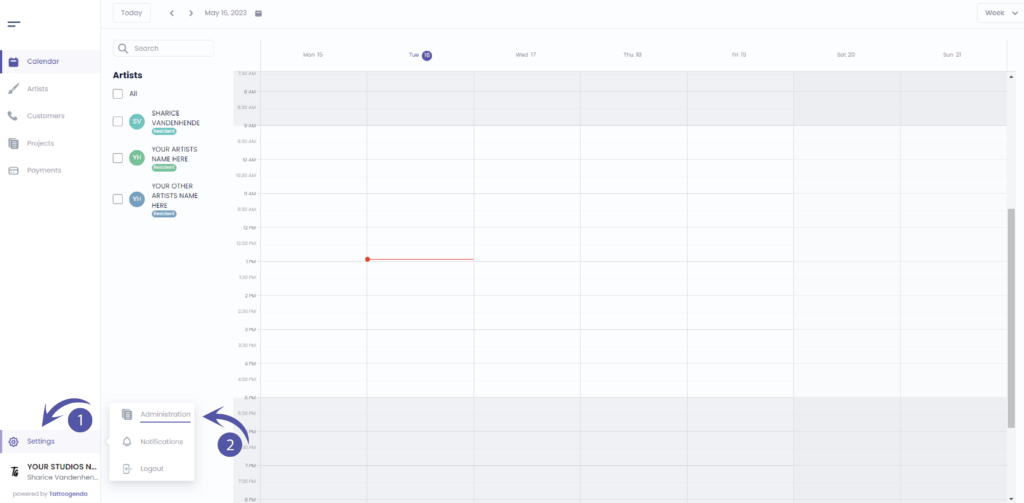
U vindt uw instellingen linksonder in uw scherm boven uw studionaam.
Ga naar je instellingen en kies ‘Administratie’
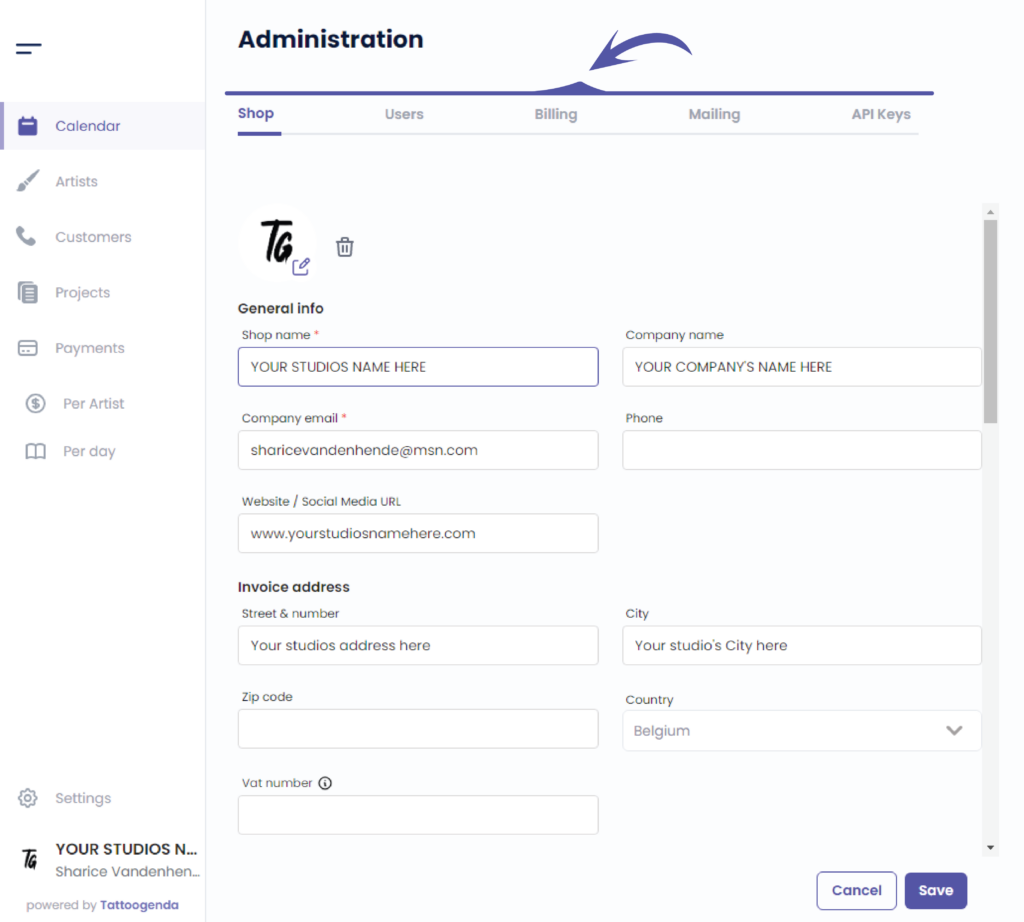
In je administratie kun je navigeren via de volgende tabbladen
Winkel, Gebruikers, Facturering, Mailing, API-sleutels
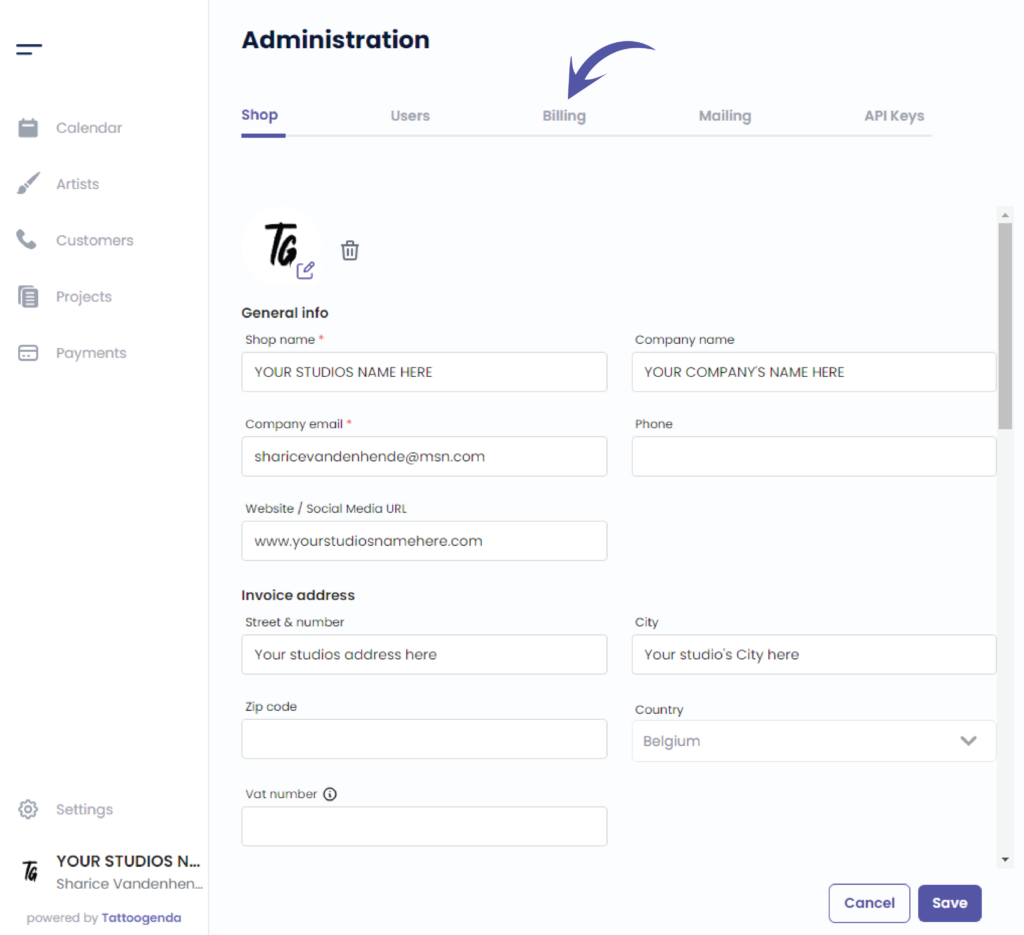
Klik op ‘Billing’
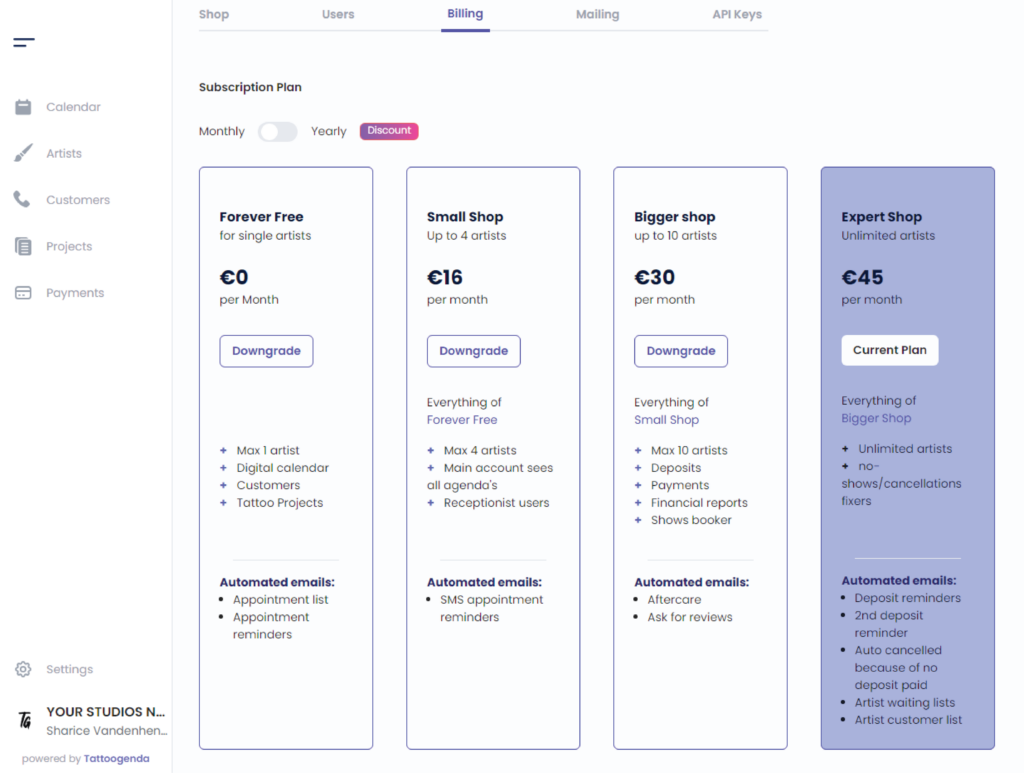
U ziet het volgende scherm
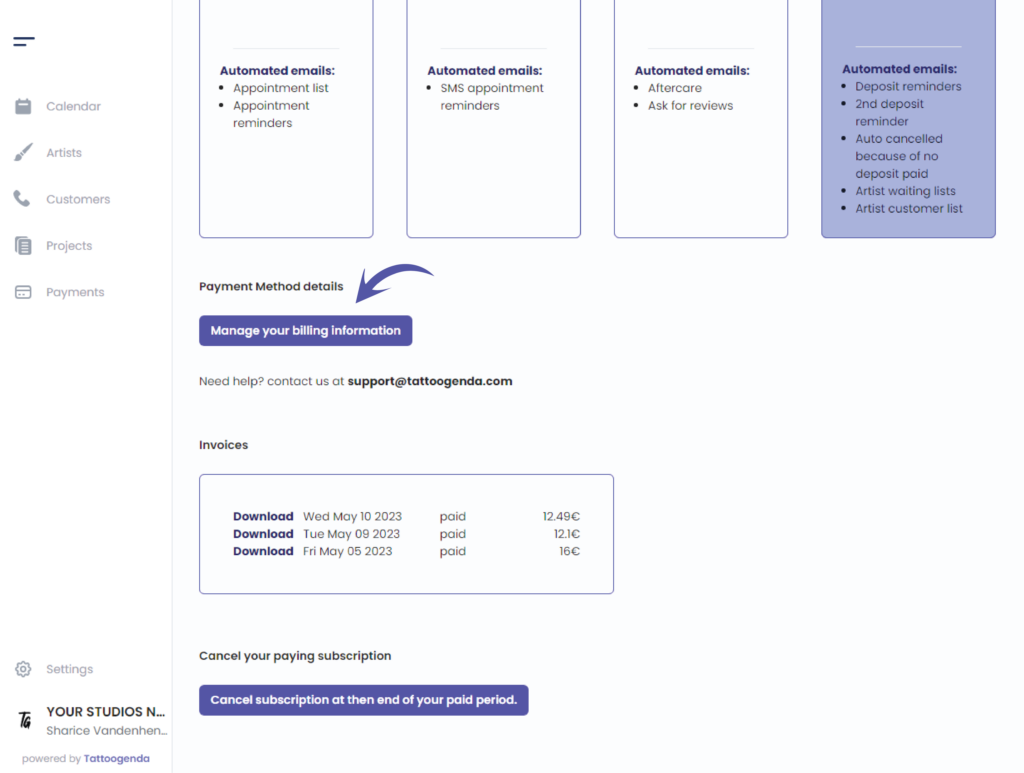
Scroll down until you see ‘Manage your billing information’
Mange your billing information by clicking this button.
The billing information is your details you want to see on your invoice.
Choose or change your payment method,
Also by clicking this Manage your billing information button.
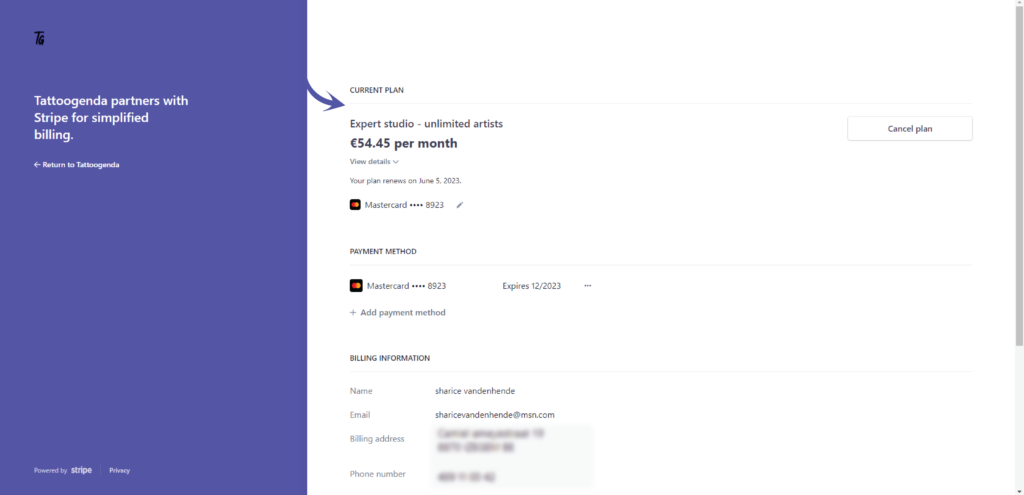
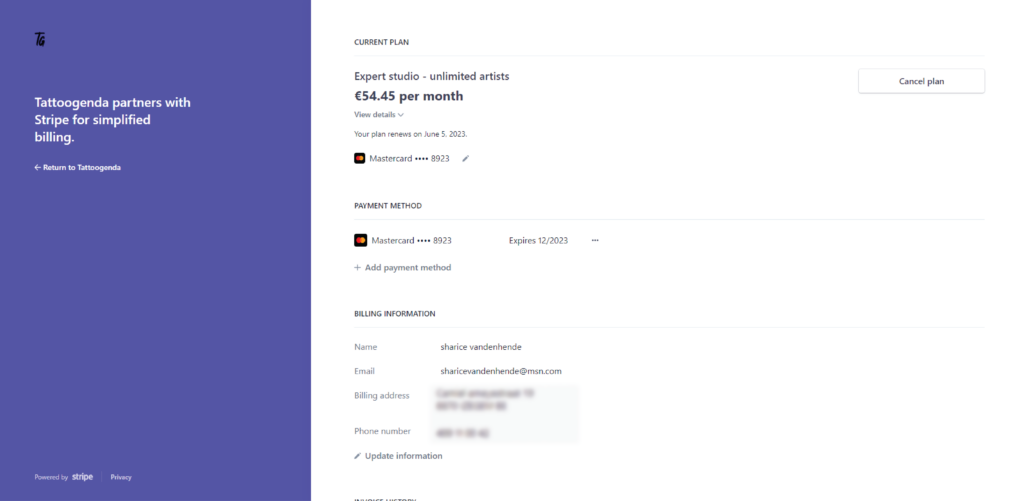
Current plan details #
You can find your current plan details here
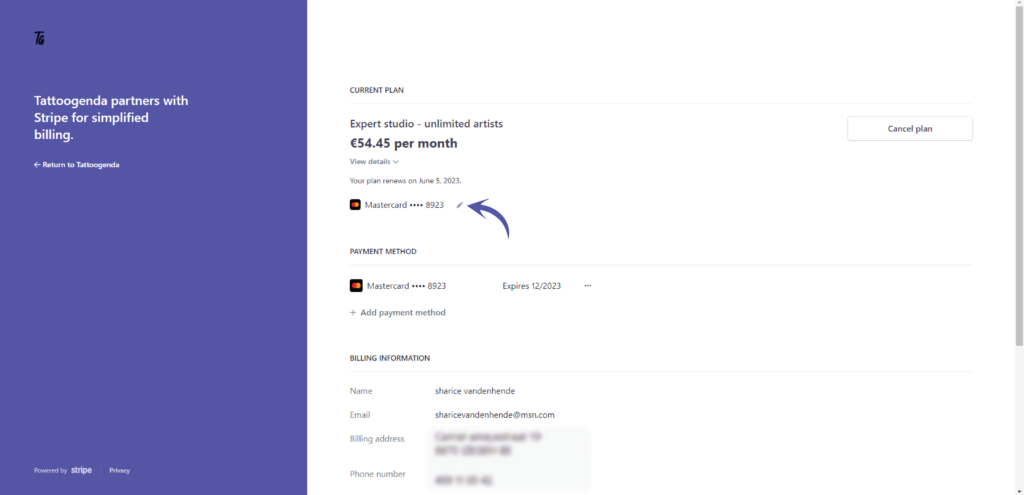
U kunt edit your card here
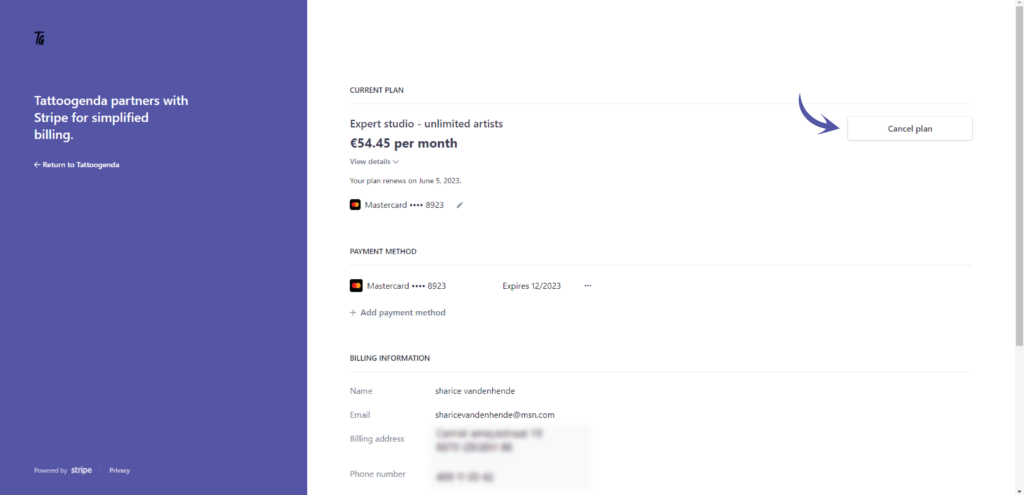
To cancel your plan
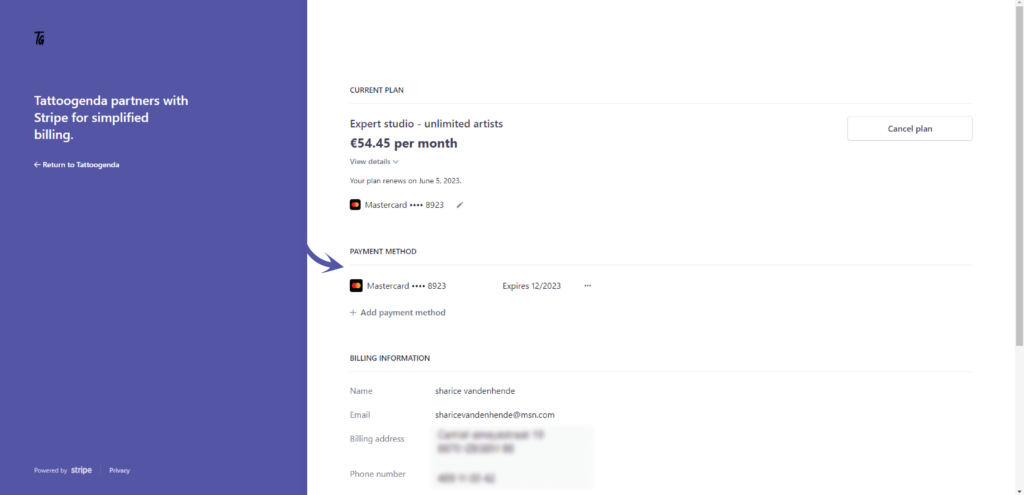
Payment method #
Your registered payment method(s) will be displayed here
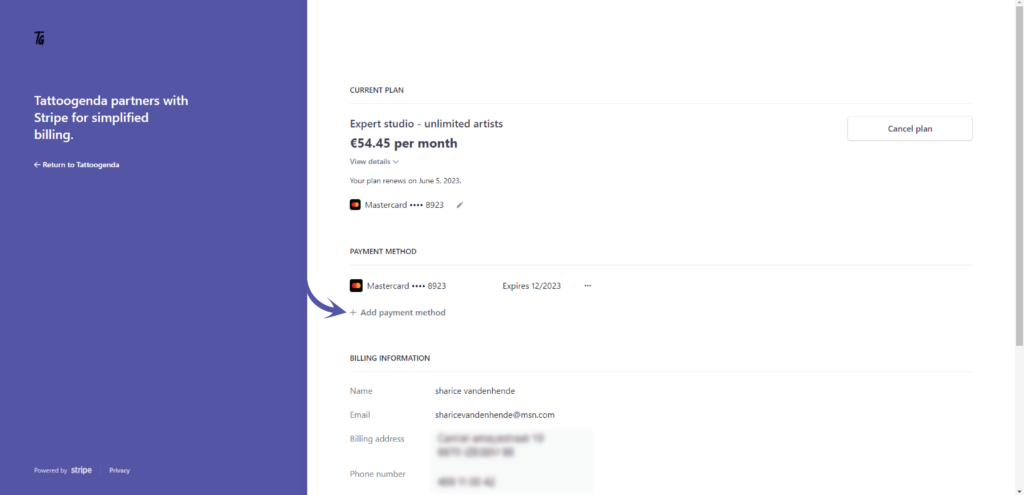
Add a new payment method
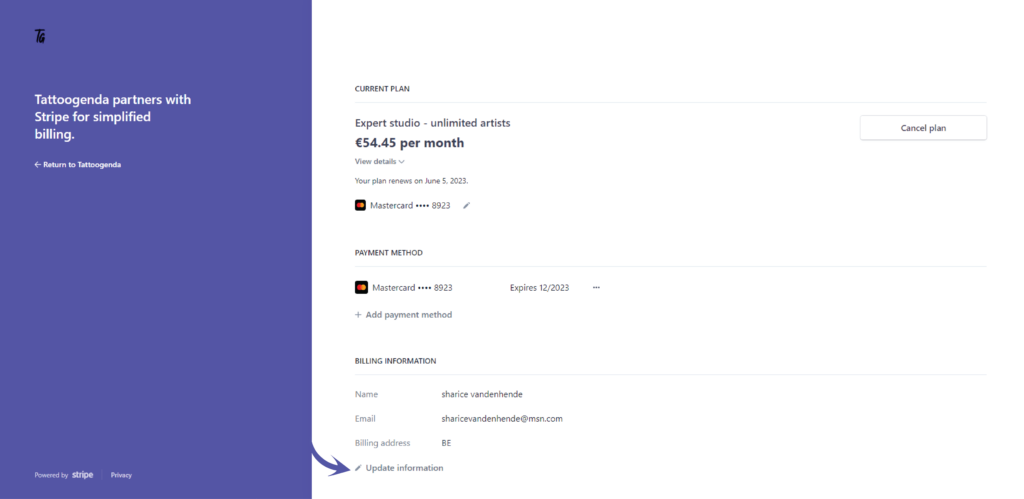
Invoice address #
Ga naar update your information
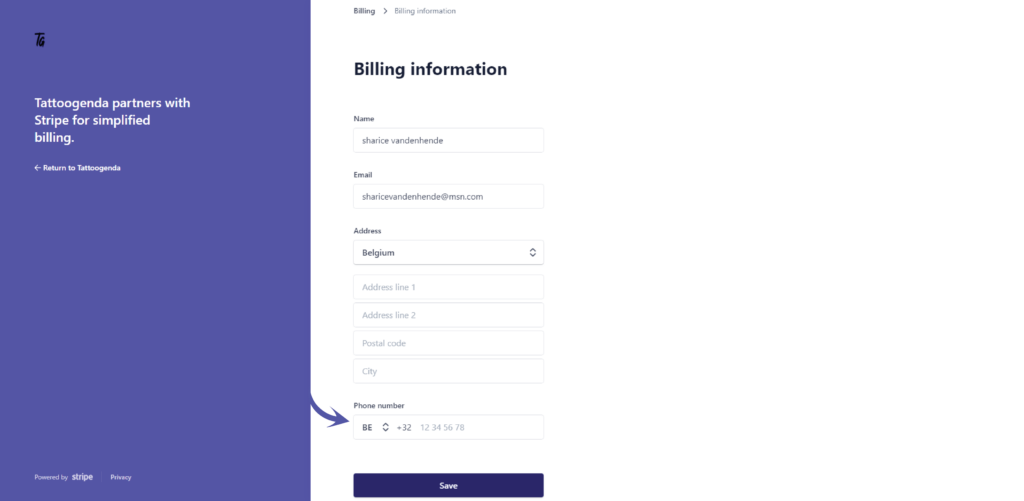
Fill out your credentials
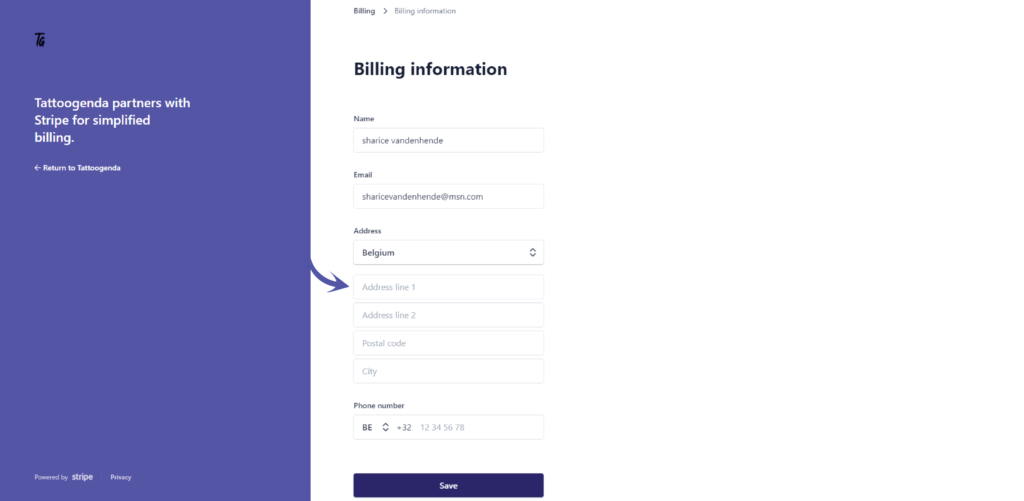
Fill out your phone number and select your country code
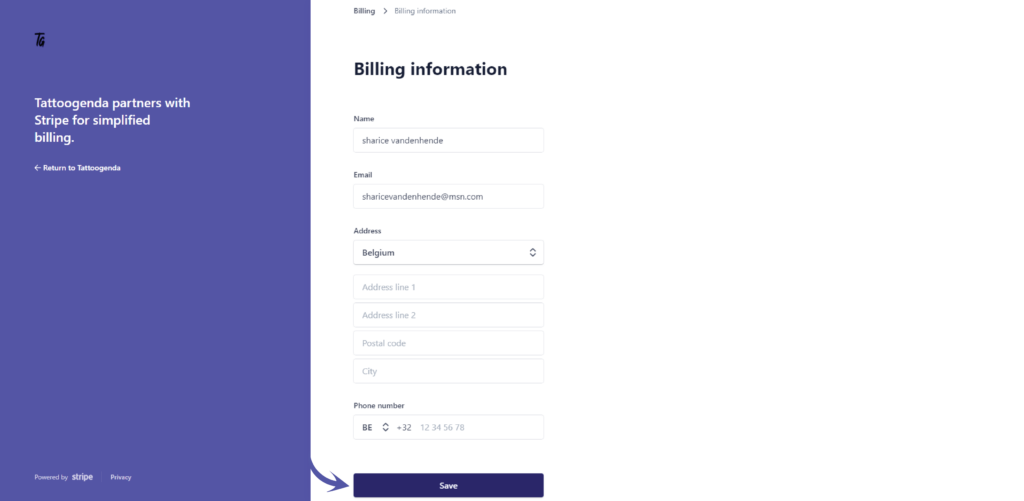
Klik op ‘Opslaan’
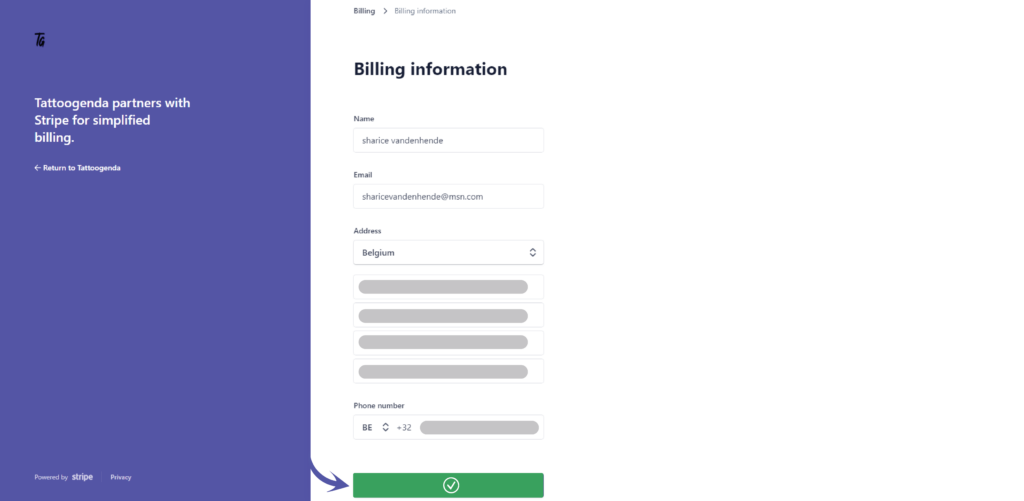
Your information is now updated
Heb je nog steeds een probleem of een vraag?
Hieronder vind je een kleine link met de naam ‘Nog steeds vast? Hoe kunnen we helpen!’
Geschreven door
Sharice Vandenhende
Door Tattoogenda


 English
  Dutch
Dutch  Dutch (Belgium)
  French
  German
  Spanish