

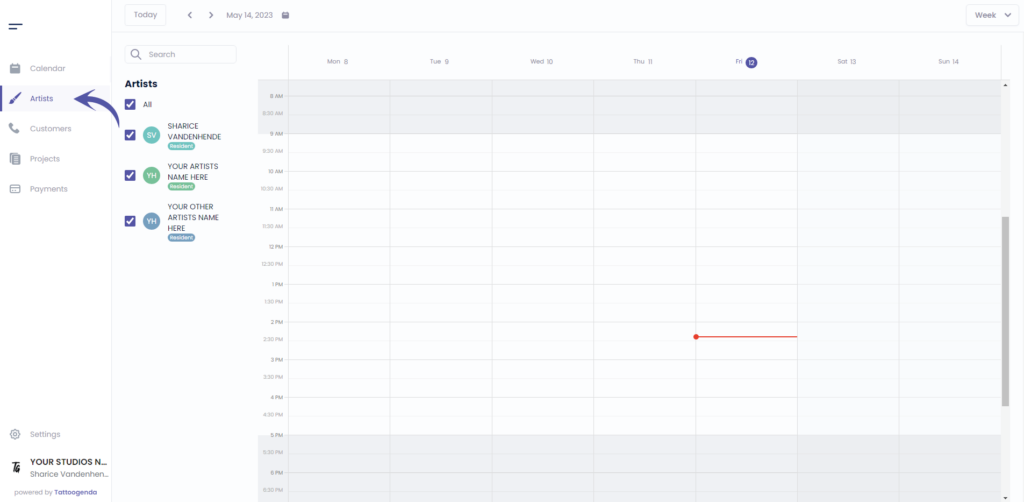
Ir a ‘Artistas’ if you are logged into as a receptionist or owner.
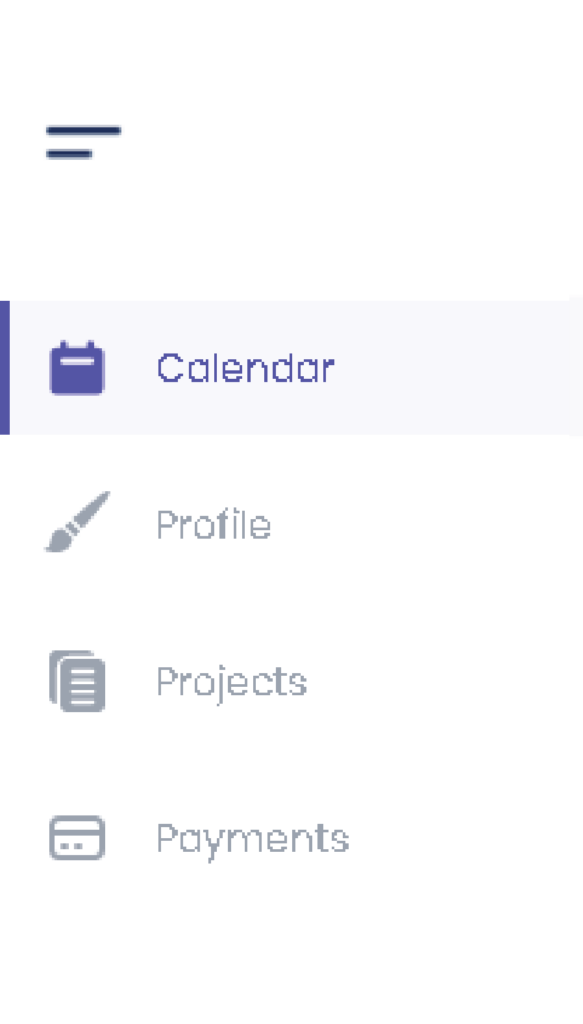
Si ha iniciado sesión como artista, tendrá que ir a ‘Perfil’. Su menú tendrá este aspecto.
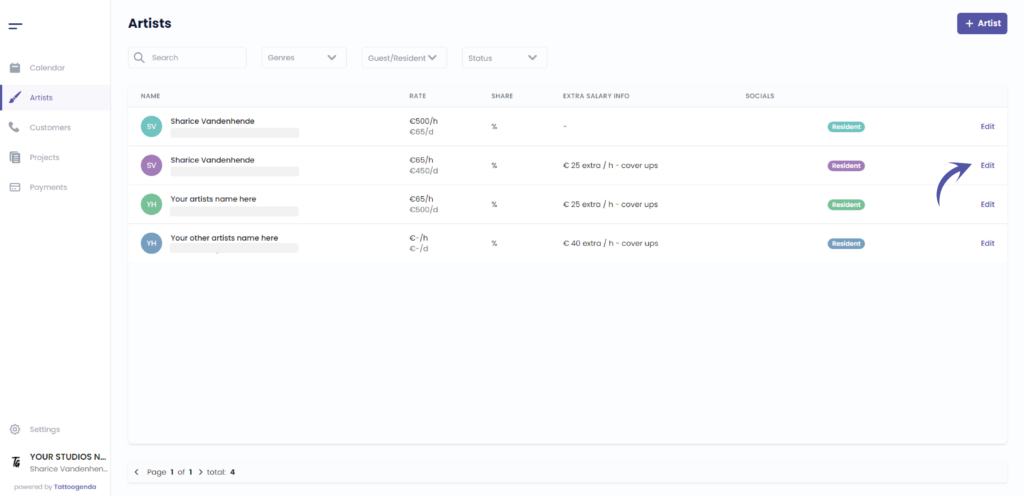
Haga clic en ‘Editar’.
O si eres artista irás automáticamente a tu propio perfil.
En ese caso, puede omitir esta captura de pantalla.
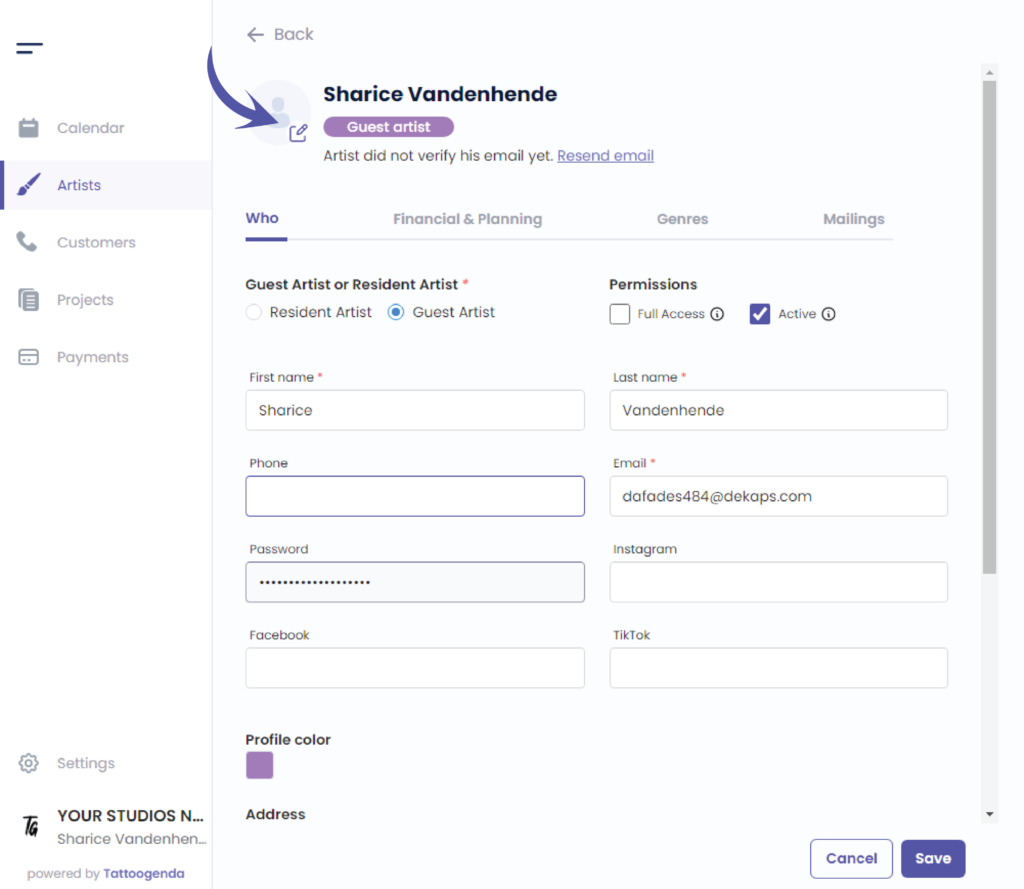
You will see the following screen.

CHANGE PROFILE IMAGE #
Click on the following icon to select a profile image on your device.
CHANGE PROFILE COLOR #
Edit the color by clicking on the colored square.
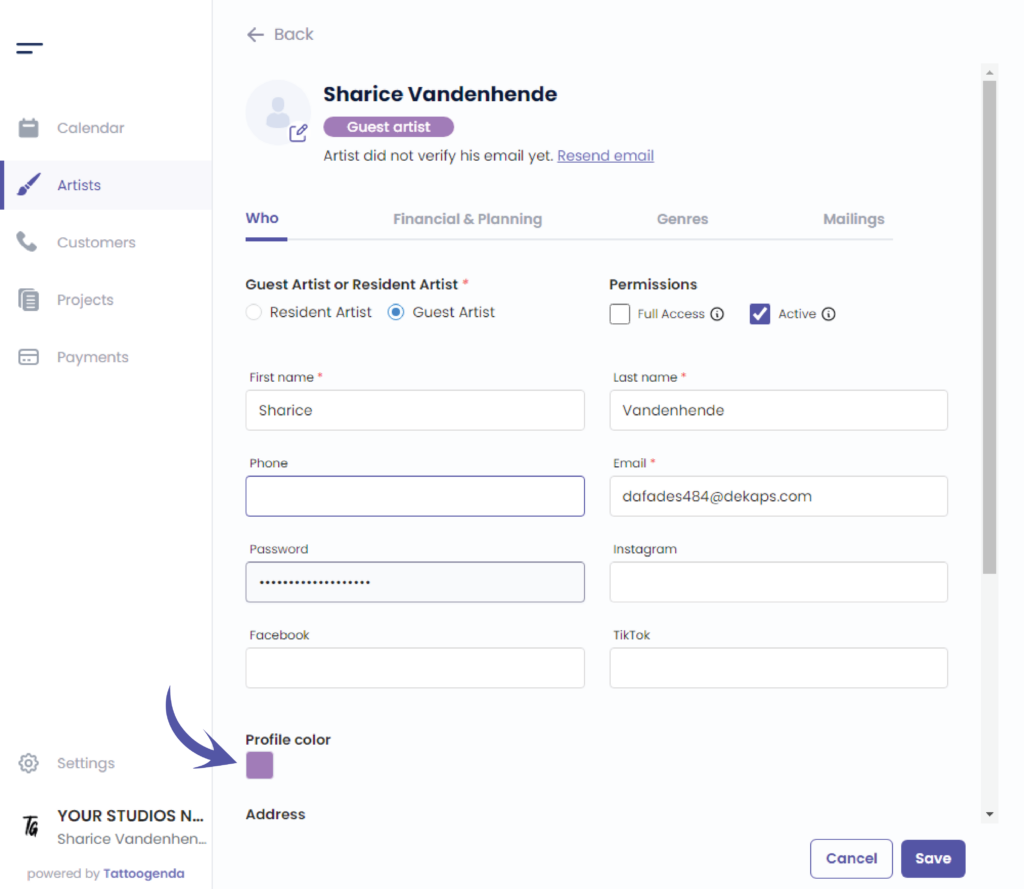
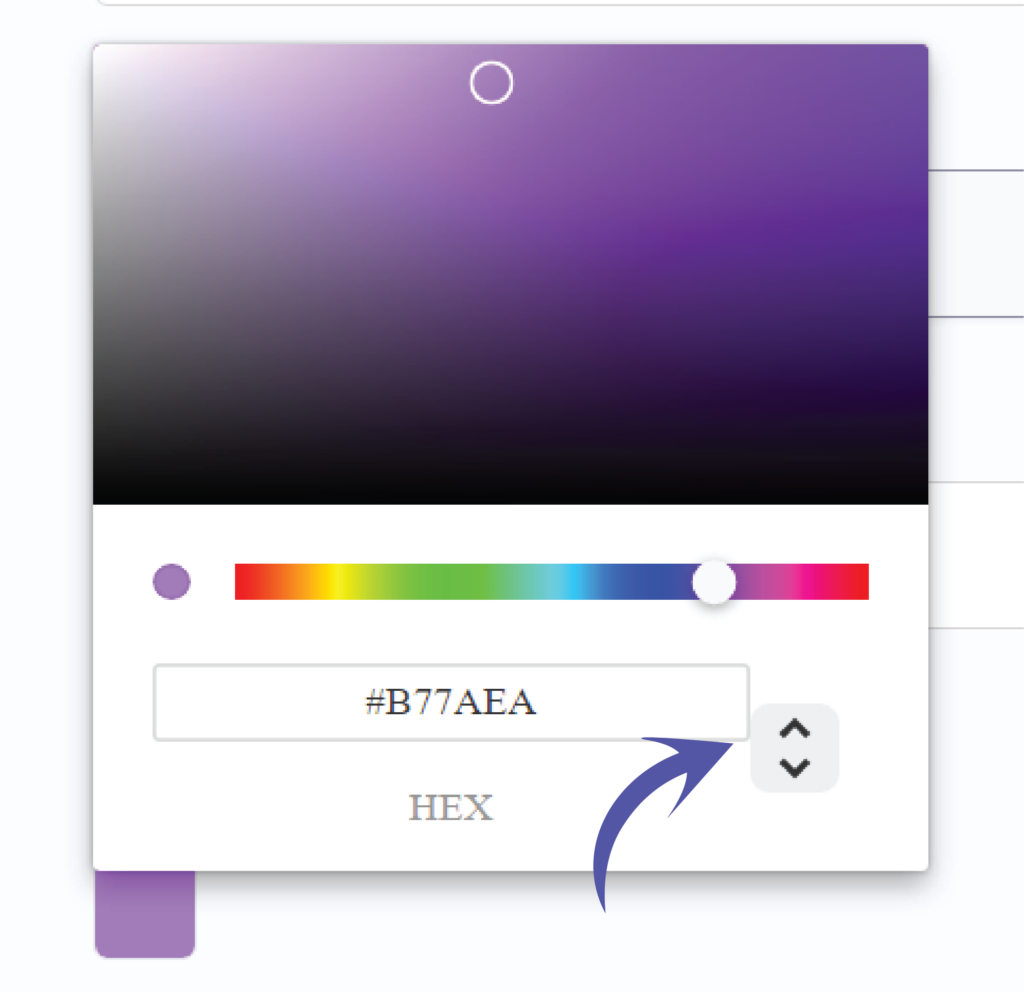
You can choose your color in two different ways.
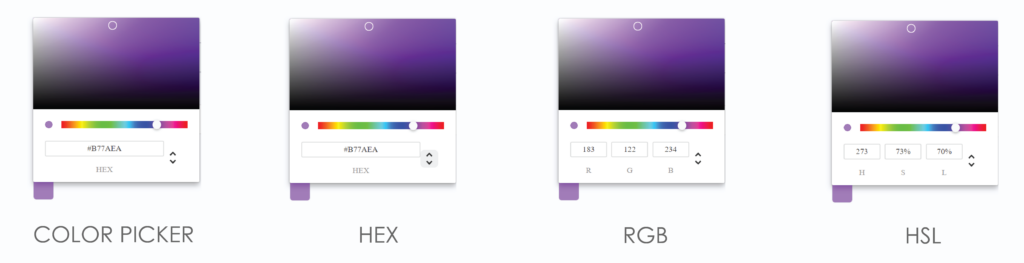
By the color picker.
By entering a Hex code.
By entering a RGB code.
By entering a HSL code.
You can switch possibilities by clicking on the up or down arrow.
We’ve put the possibilities for you together so you can see the difference.
Click on save to save your artists changes.
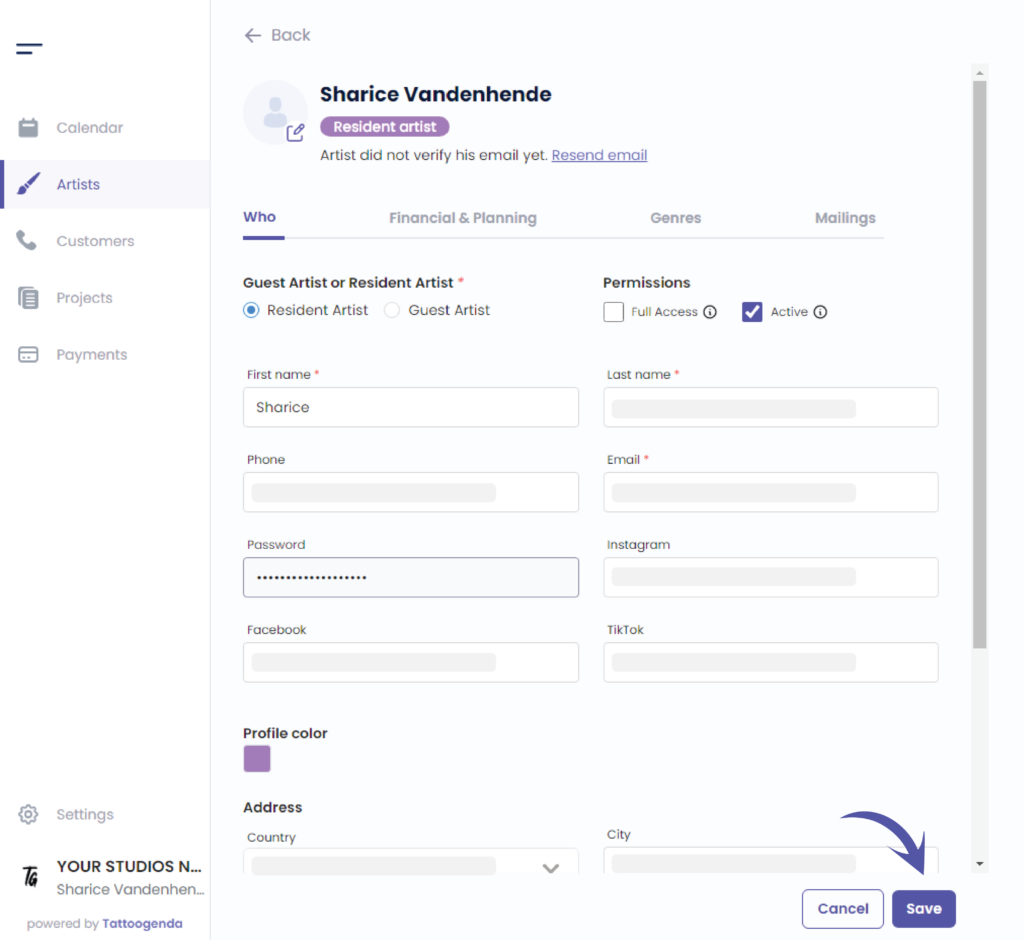
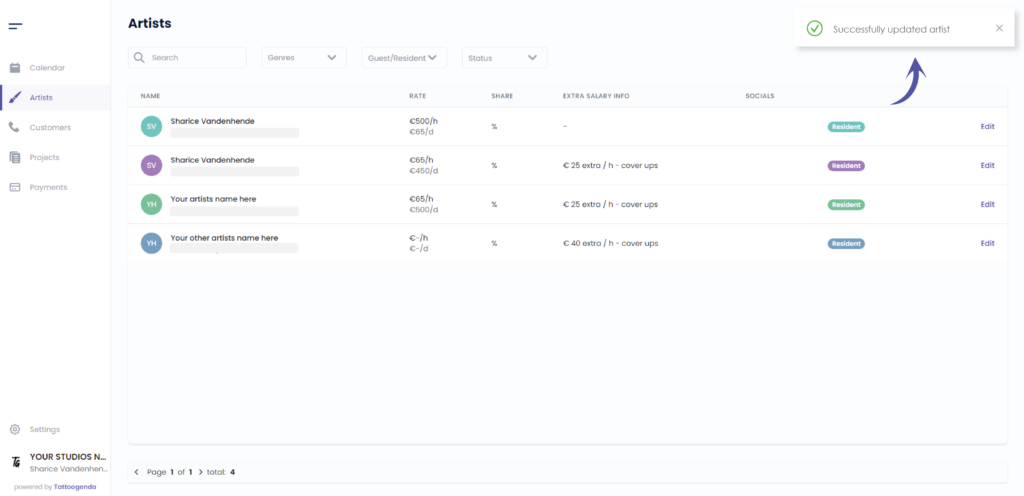
You will see a notification saying that you have ‘Successfully updated your artist’.
¿Todavía tiene un problema o una pregunta?
A continuación encontrará un pequeño enlace llamado ‘¿Sigues atascado? ¿Cómo podemos ayudarle?’
Escrito por
Sharice Vandenhende
Por Tattoogenda


 English
  Dutch
Dutch  Dutch (Belgium)
  French
  German
  Spanish