

En tu Software de estudio Tattoogenda,
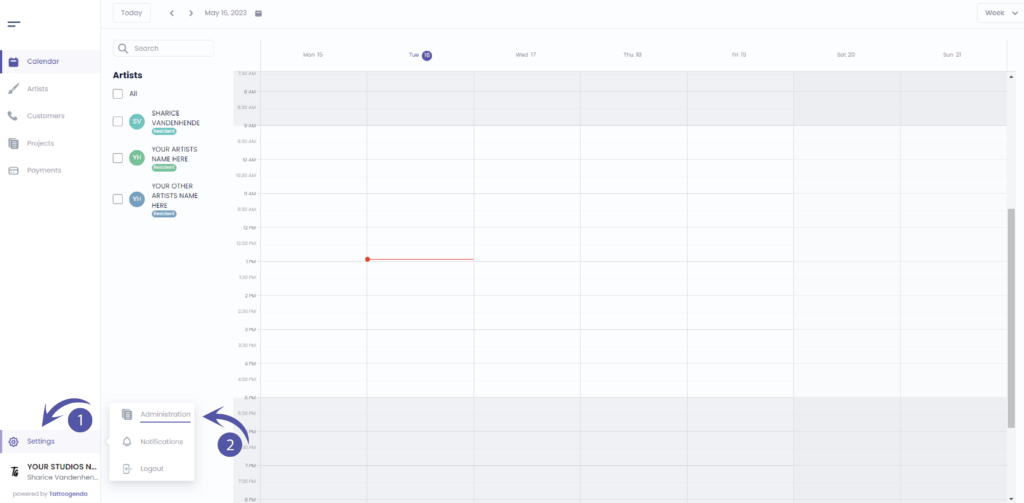
puedes encontrar tu configuración en la parte inferior izquierda de la pantalla, encima del nombre de tu estudio.
Vaya a su configuración y elija ‘Administración’
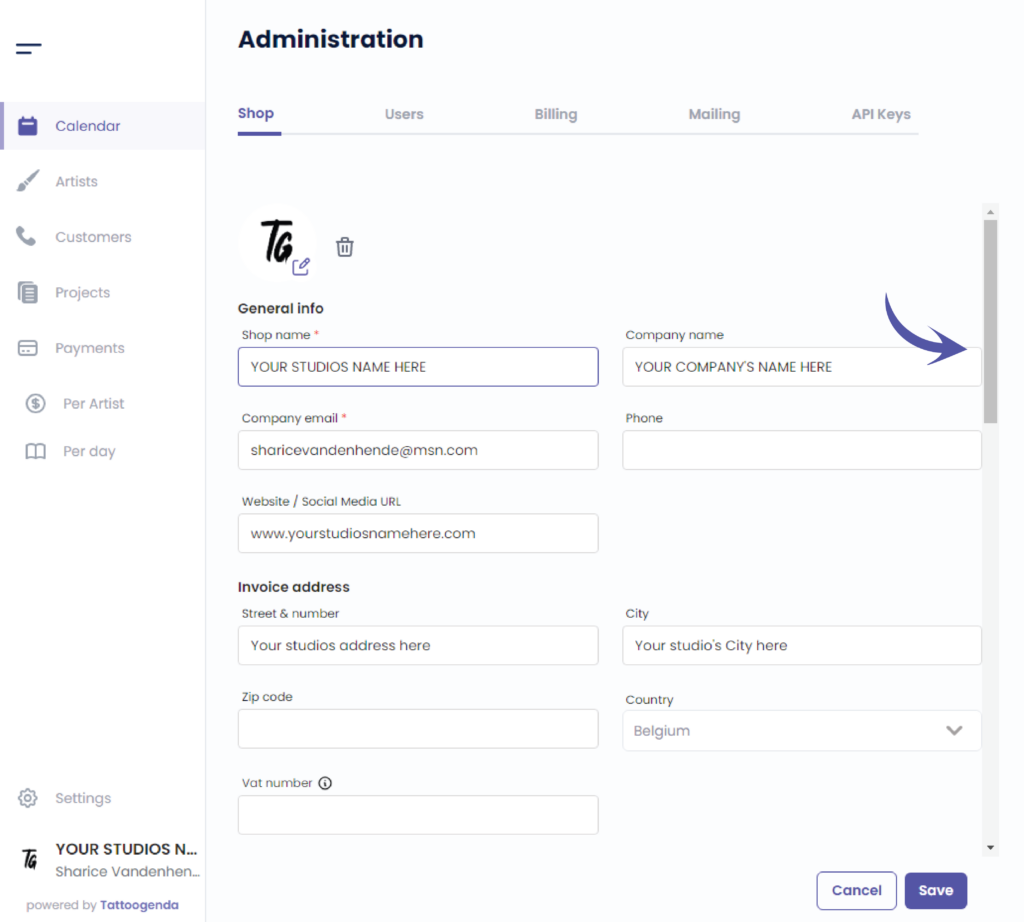
Deberías automáticamente estar en ficha ‘Tienda’, Si no es así, haga clic en la tienda.

Use the scrollbar to scroll all the way down
Appointment types
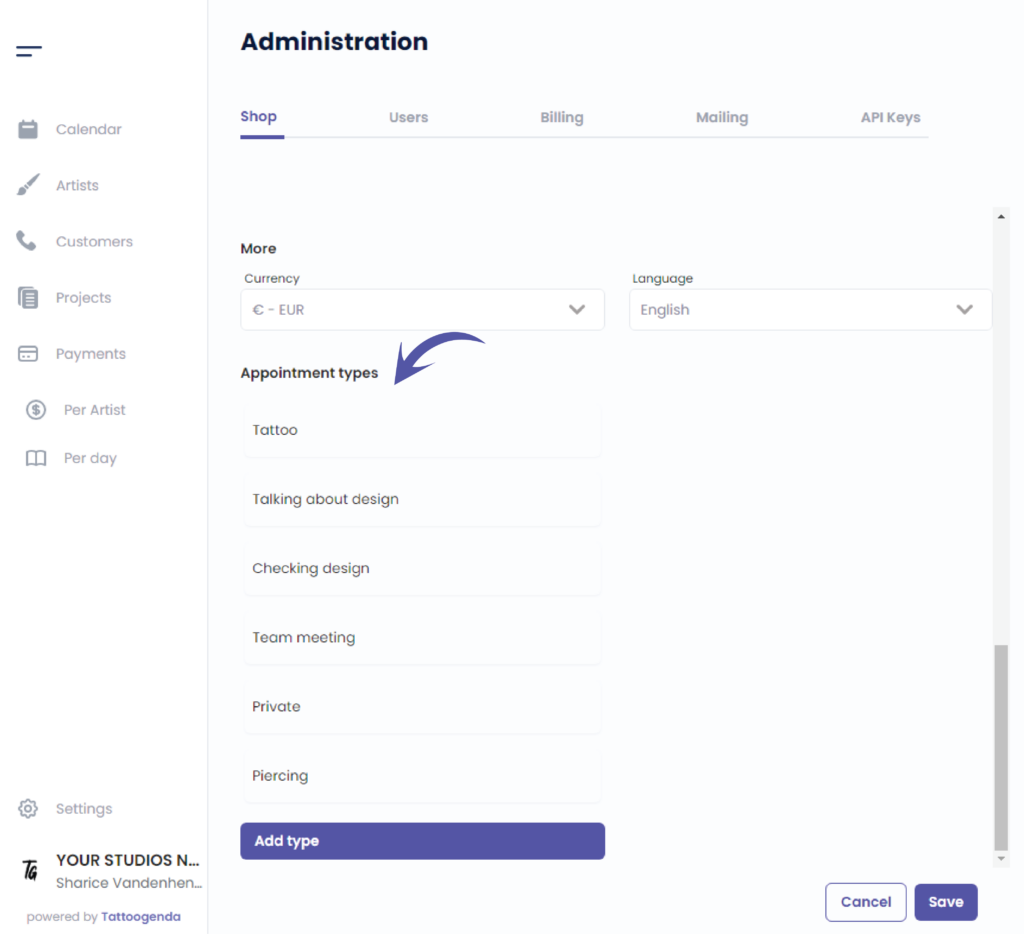
You can add your own appointment types here
Click on the article below to find out more about appointment types
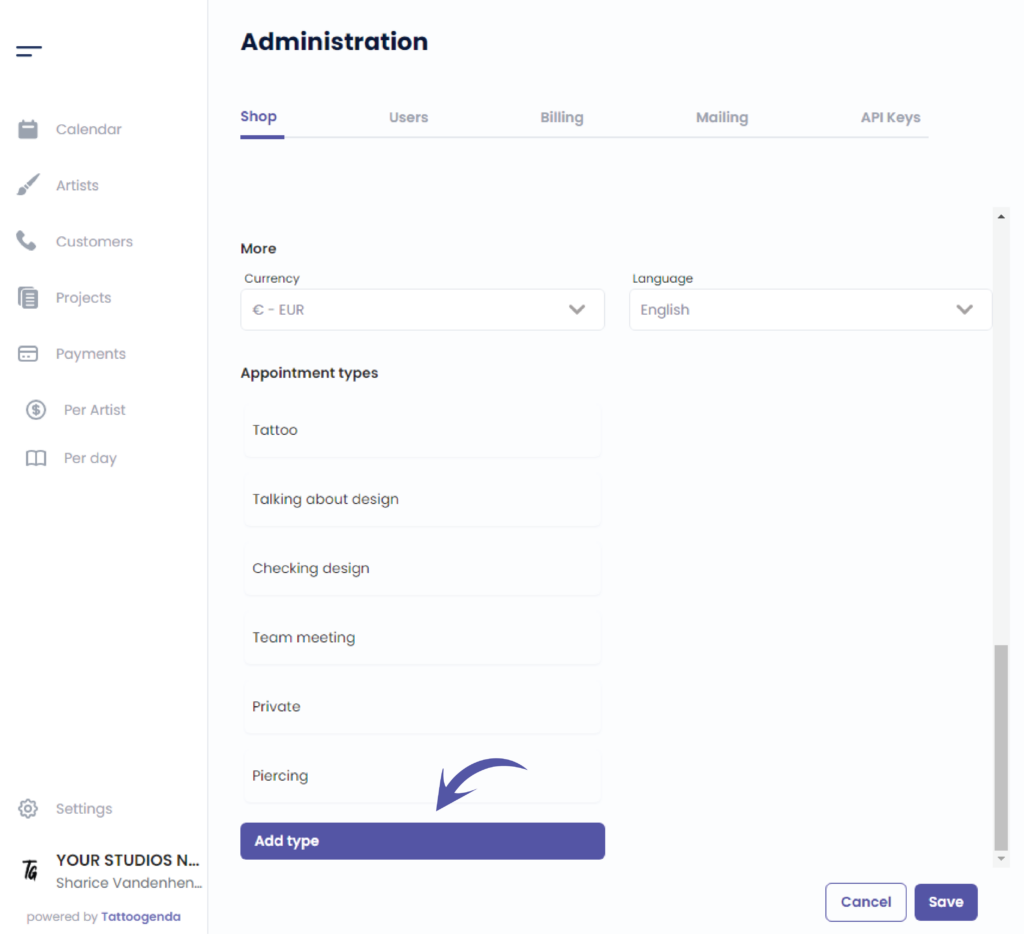
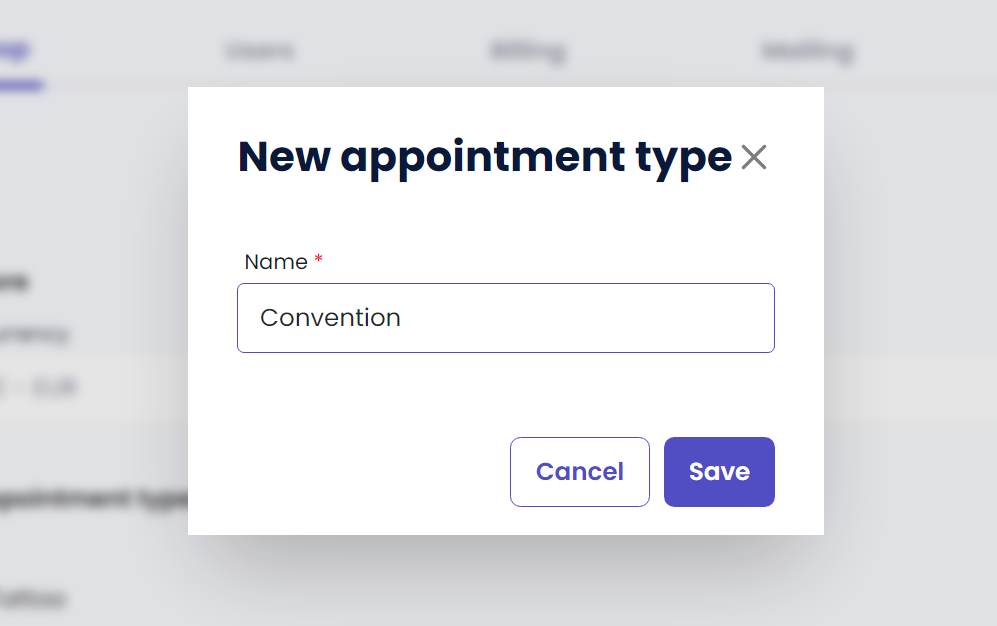
Enter the name of your new appointment type
( e.g. Convention, Podcast recordings, Teambuilding, .. whatever frequently returns in your stuio )
Haga clic en ‘Guardar’ to save your new appointment type
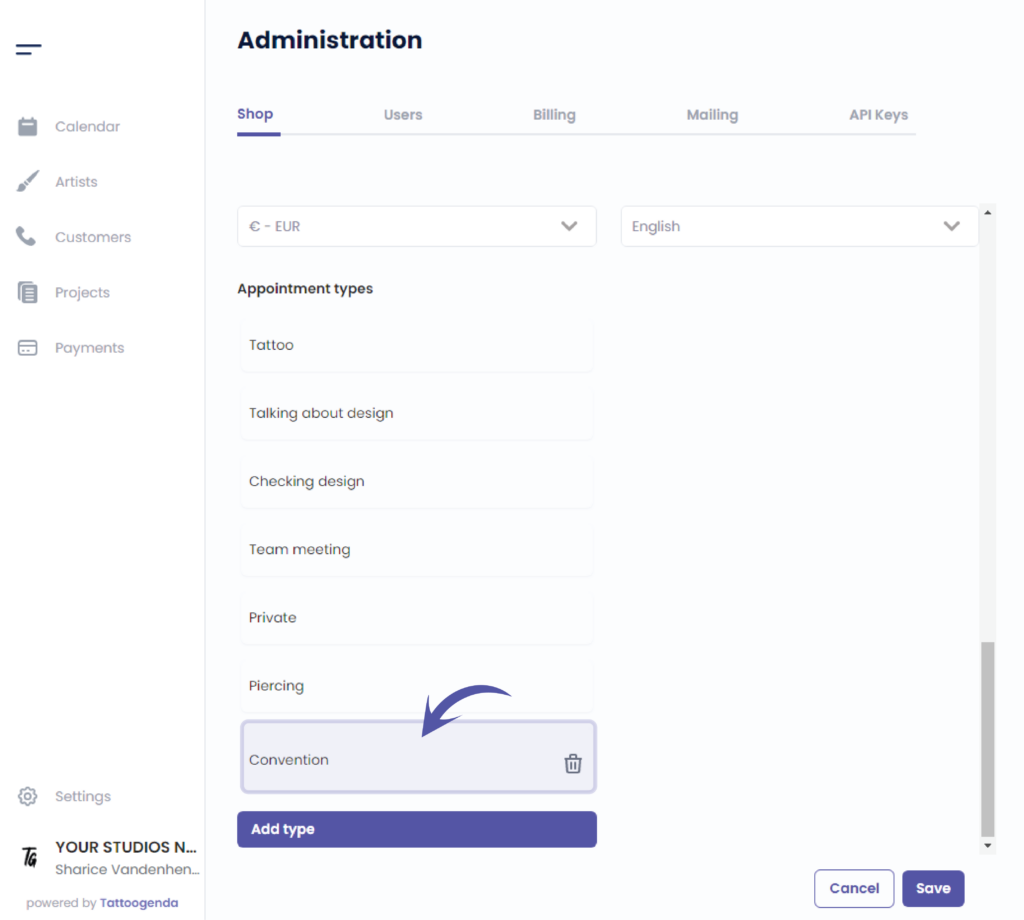
You can see your newly added appointment type here
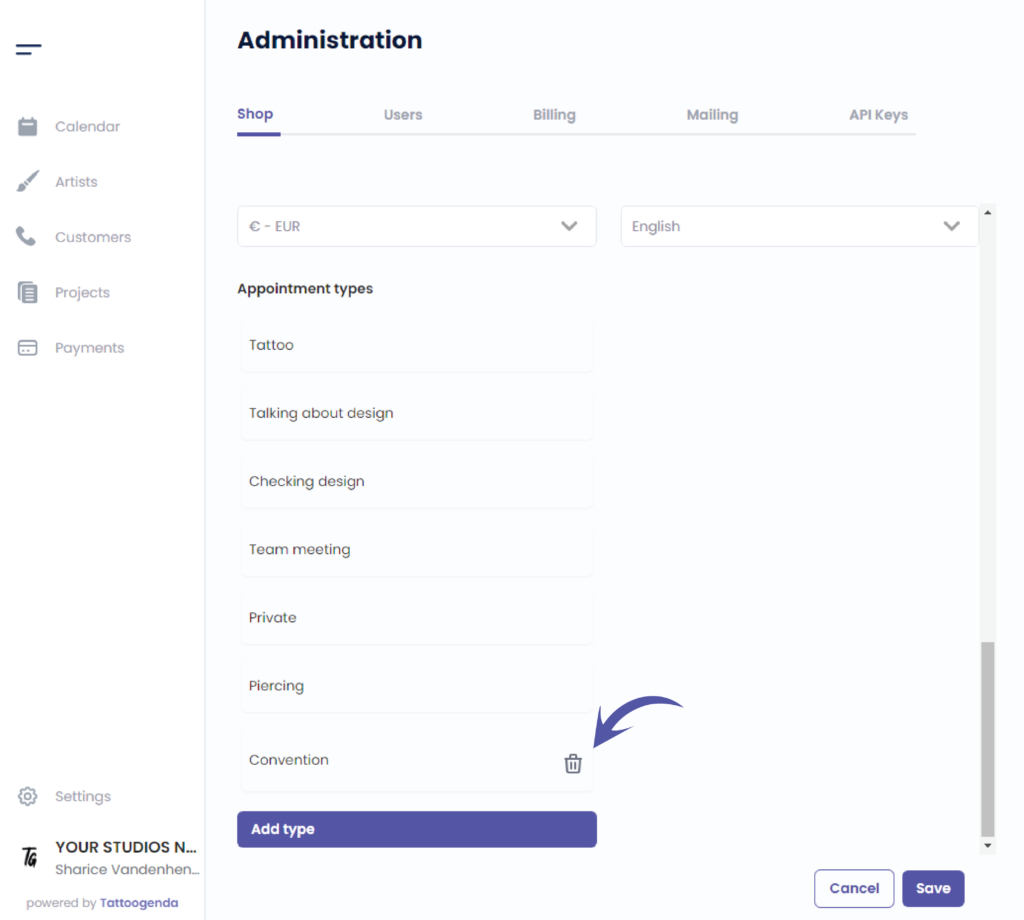
To remove an added appointment type simply click on the bin icon
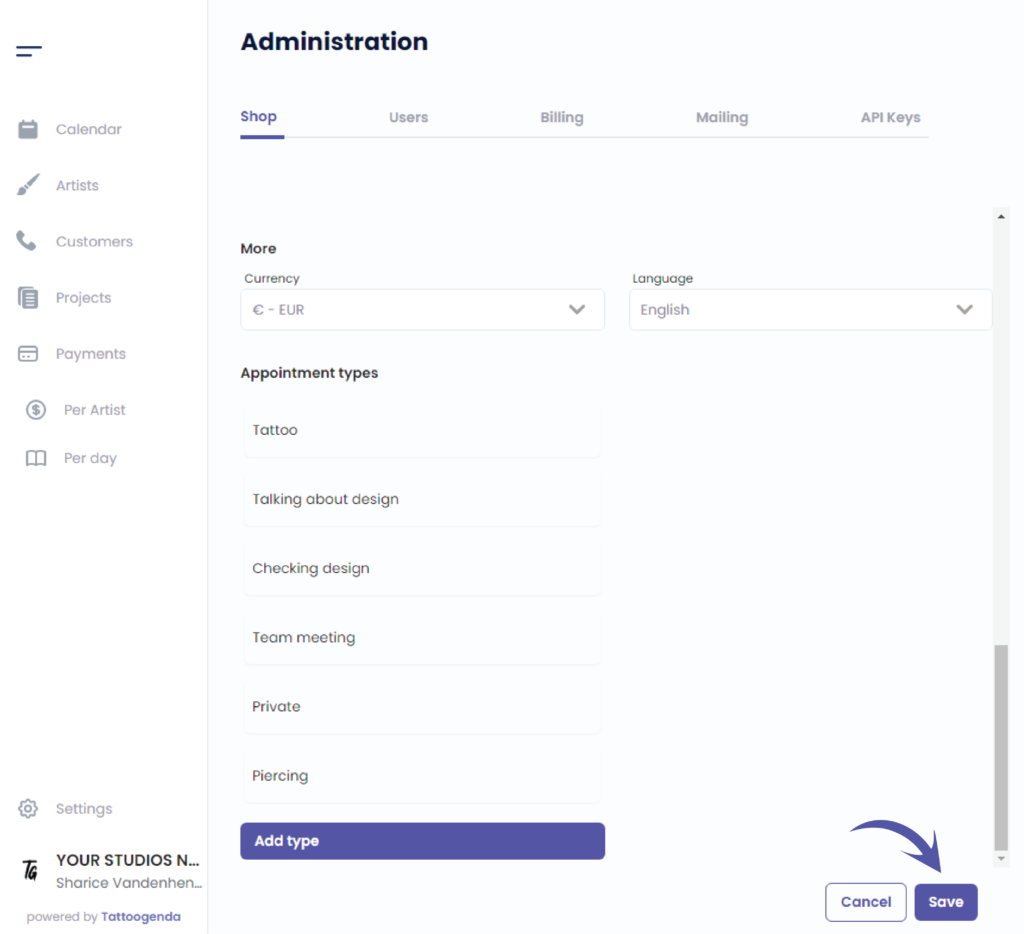
Haga clic en ‘Guardar’ to save your shop settings
¿Todavía tiene un problema o una pregunta?
A continuación encontrará un pequeño enlace llamado ‘¿Sigues atascado? ¿Cómo podemos ayudarle?’
Escrito por
Sharice Vandenhende
Por Tattoogenda


 English
  Dutch
Dutch  Dutch (Belgium)
  French
  German
  Spanish