
IMPORTANTE
Certain features in this guide require different subscription plans.
Estas opciones no estar disponible para usted cuando no disponga de este plan o de un plan superior.
We will point this out per feature below.

ADD A CUSTOMER THROUGH AN APPOINTMENT #
Ir a ‘Calendario’
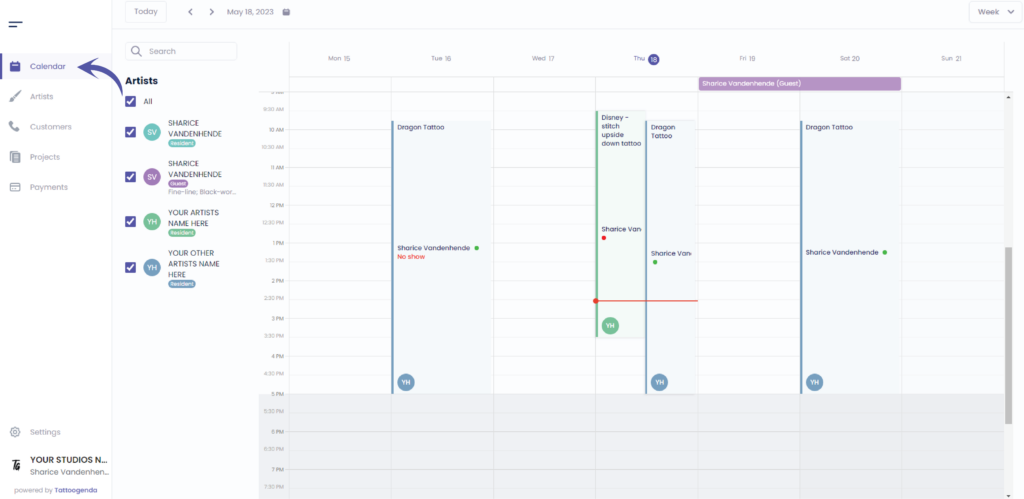
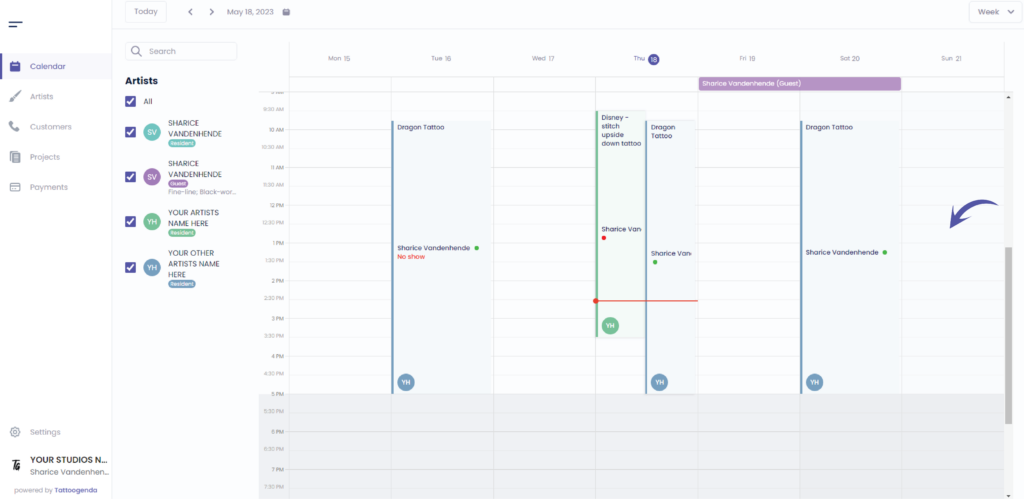
Click on the time where you’d like to make an appointment for your New customer
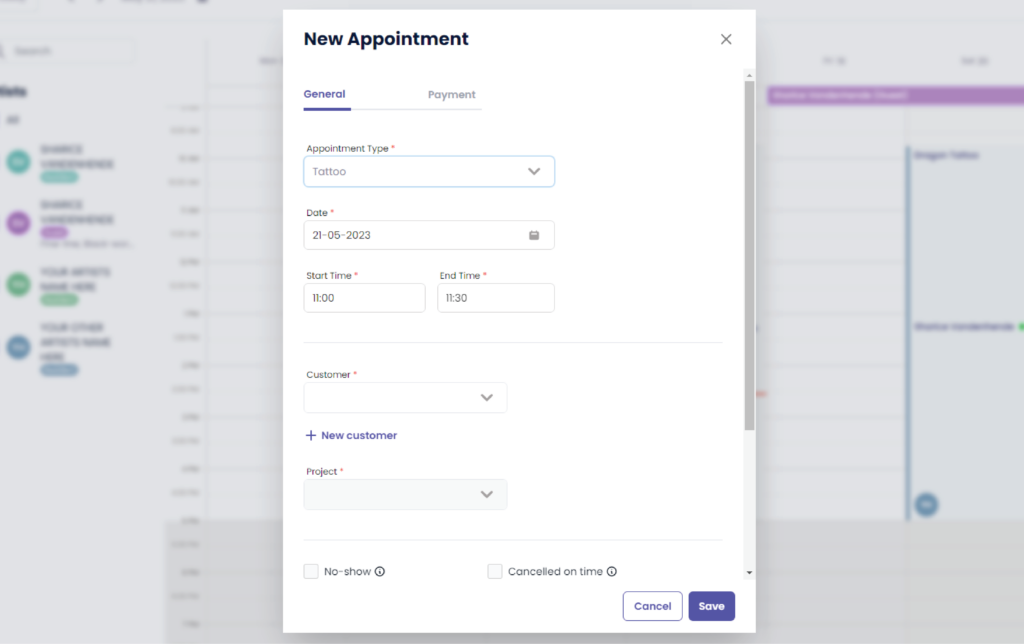
Verá la siguiente pantalla emergente
Verá la siguiente pantalla emergente
The payment tab will no estar disponible para usted si no posee el ‘Un estudio más grande’ o superior.
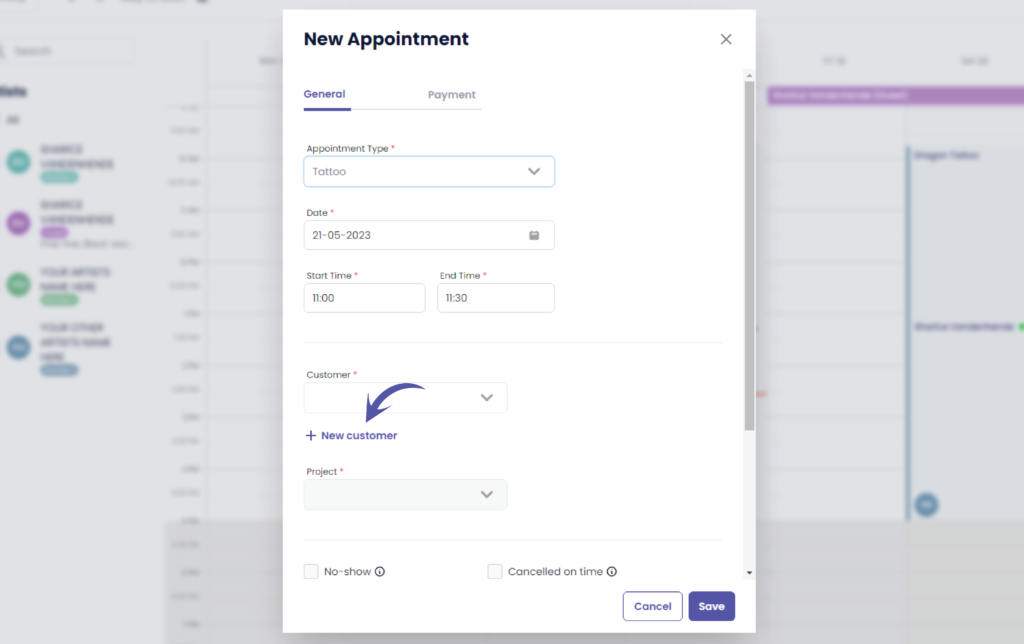
Haga clic en ‘ + New customer’
Rellene los campos
Verá la siguiente pantalla emergente
Some of these options might no estar disponible para usted si no posee el ‘Un estudio más grande’ o superior.
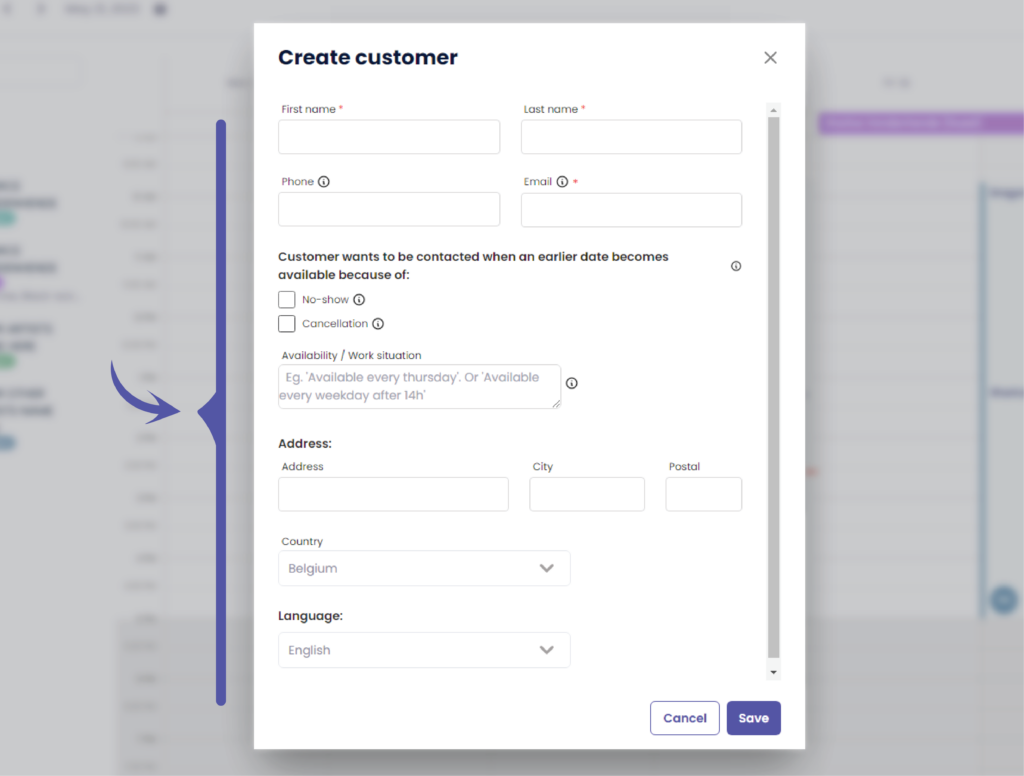
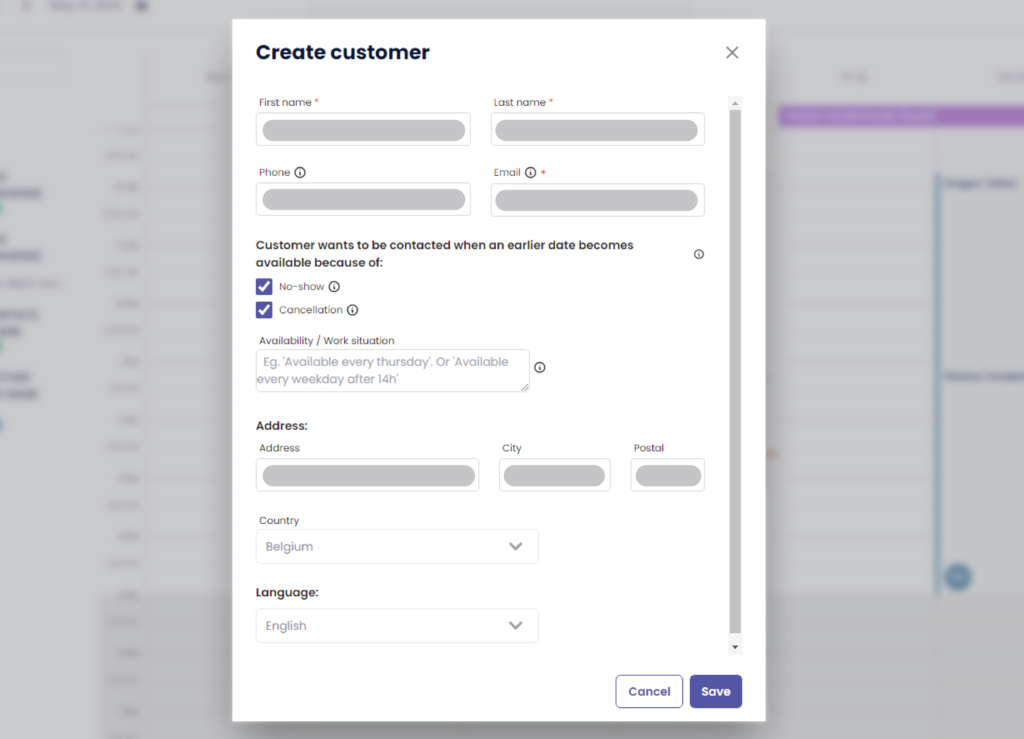
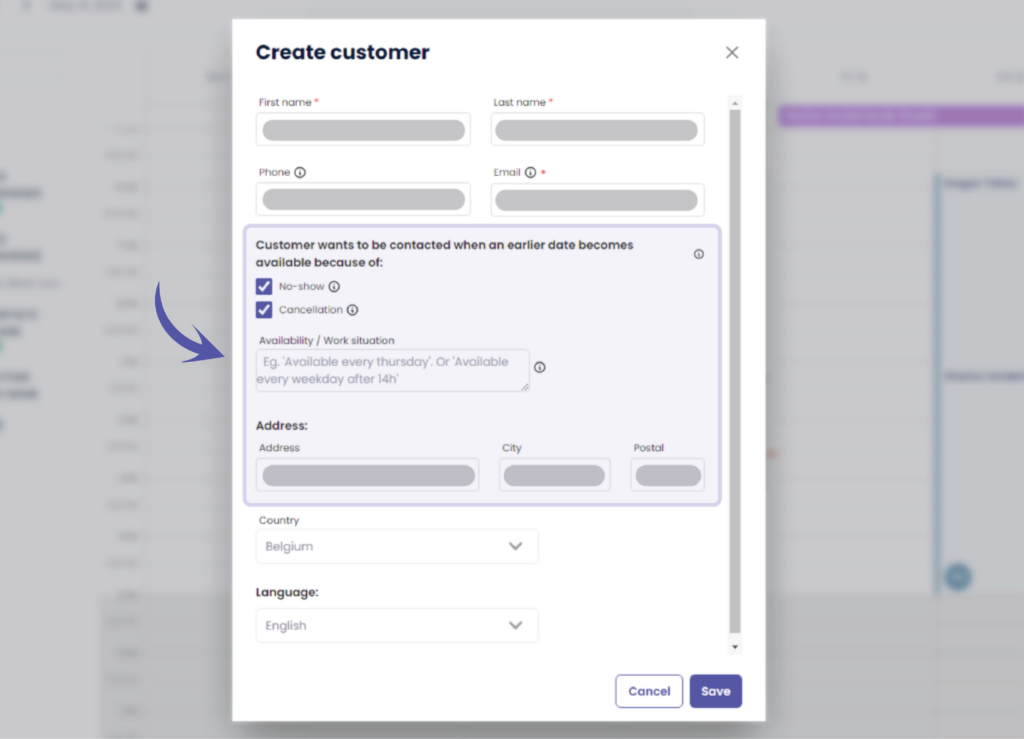
Starting from here these options might no estar disponible para usted si no posee el ‘Un estudio más grande’ o superior.
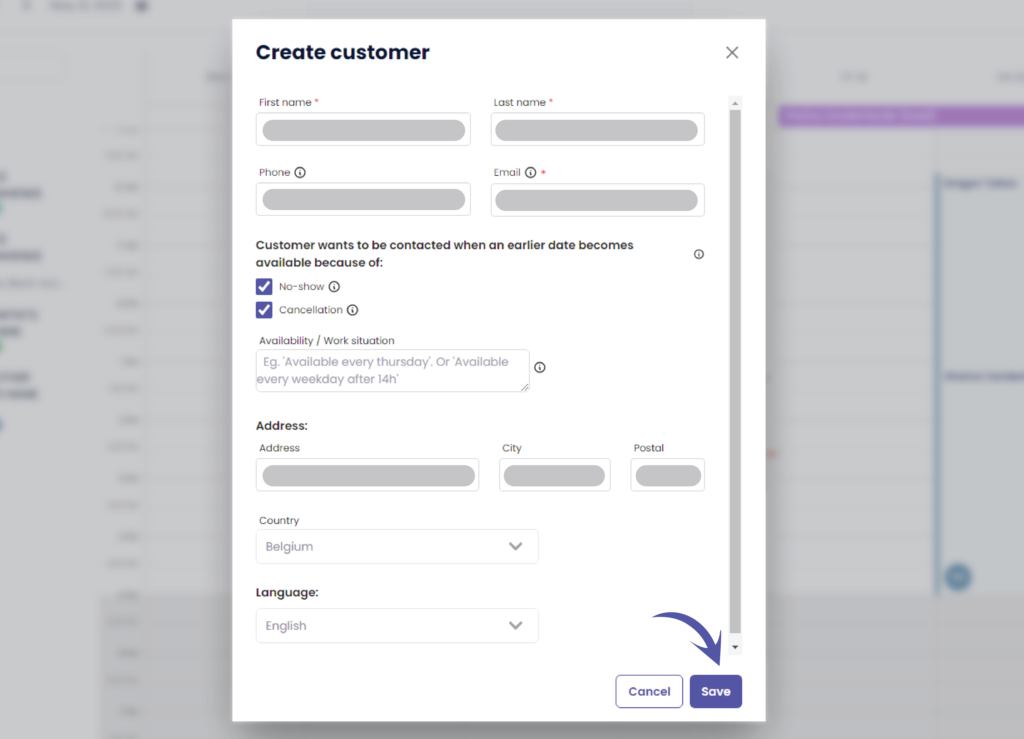
Haga clic en ‘Guardar’ to save your new customer
ADD A CUSTOMER THROUGH CUSTOMERS #
Ir a ‘Clientes’
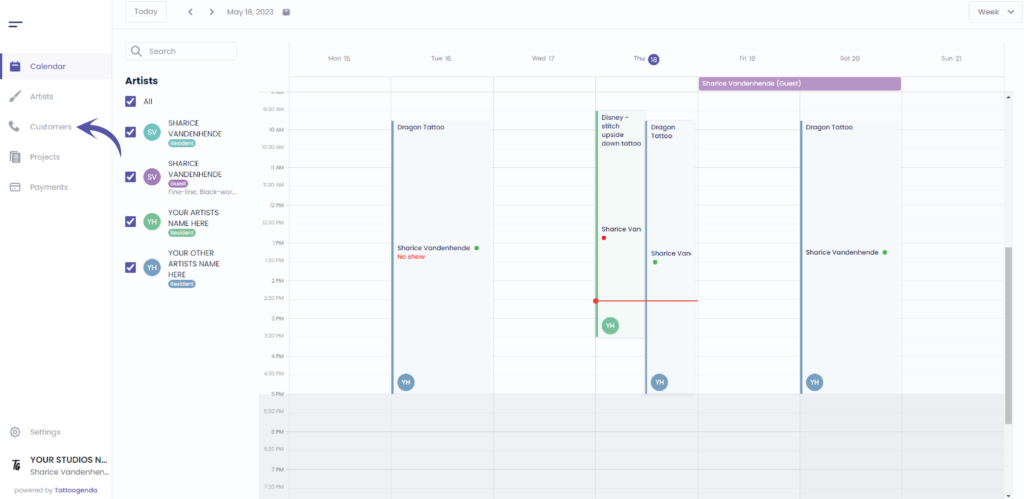
Verá la siguiente pantalla
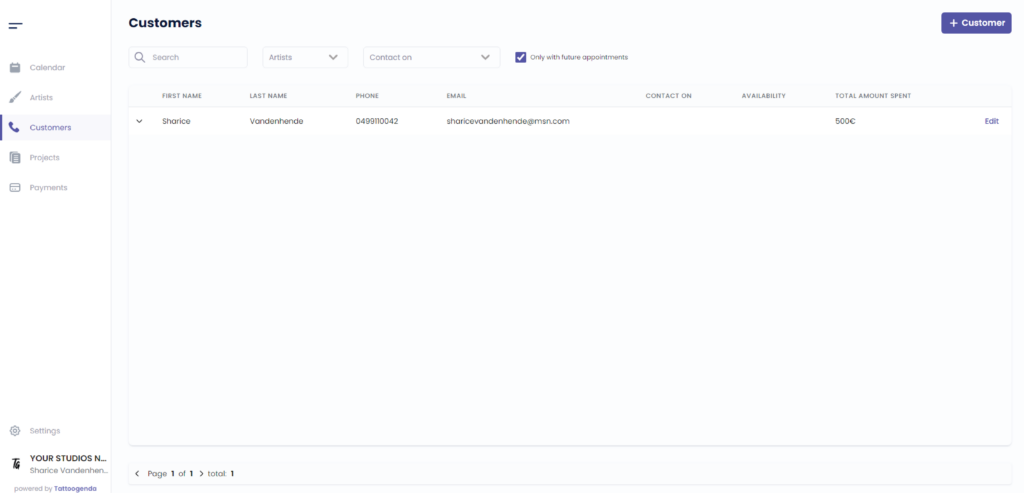
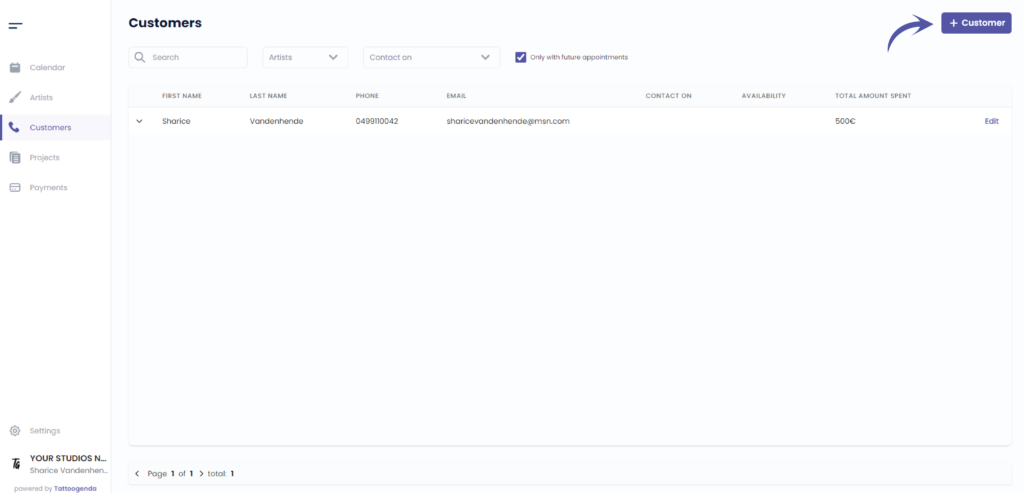
Haga clic en ‘ + Customer ‘
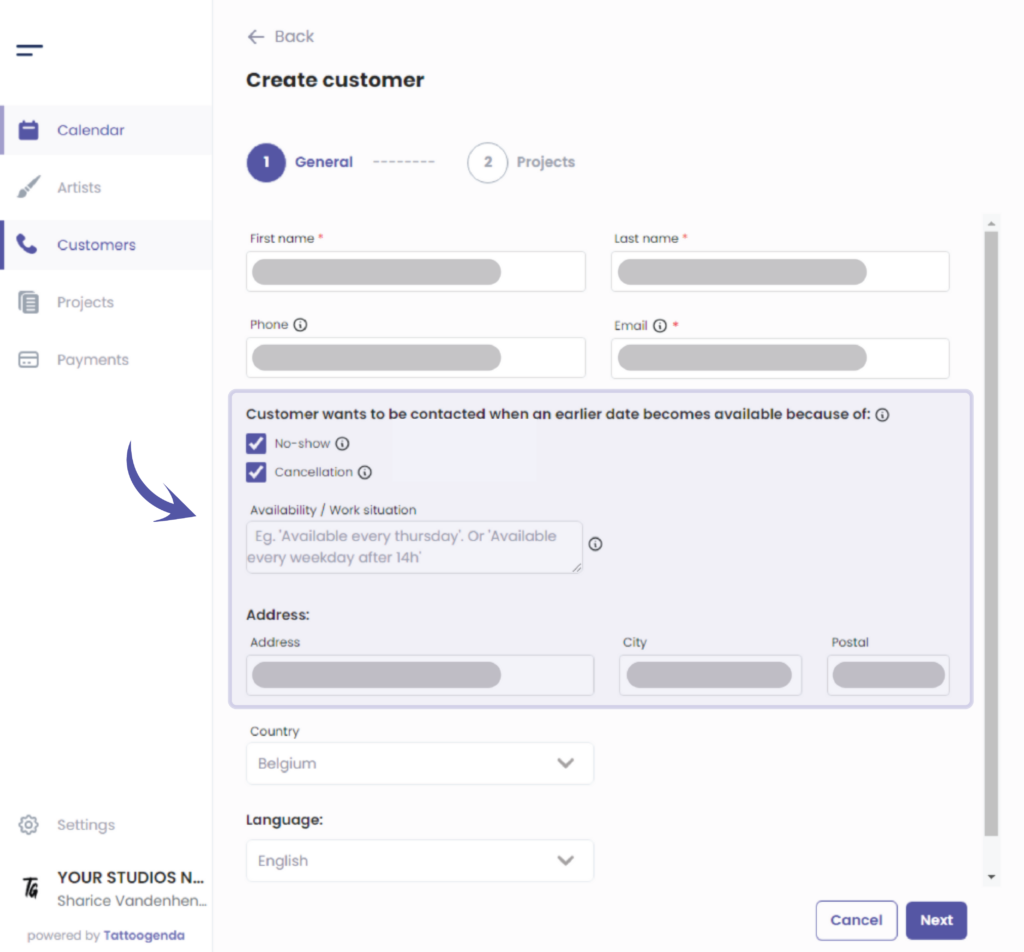
Fill out the fields for you customer
Some of these options might no estar disponible para usted si no posee el ‘Un estudio más grande’ o superior.
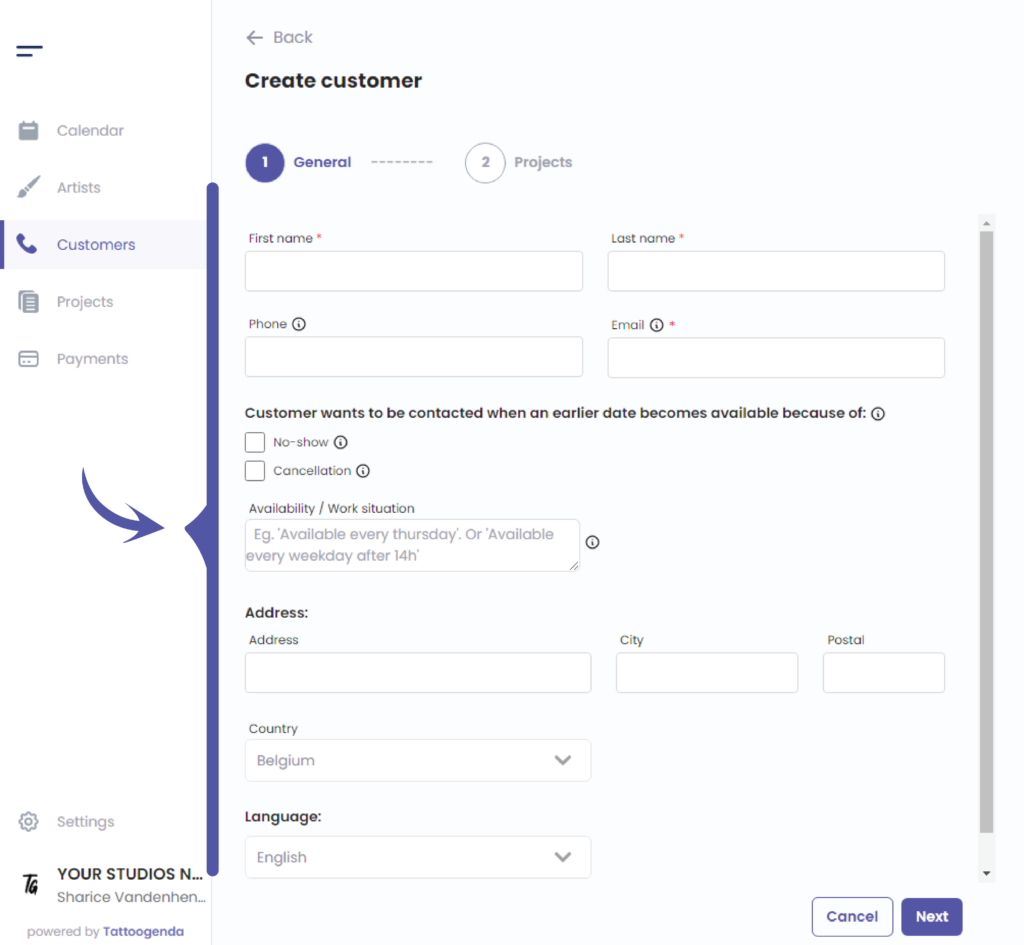
Starting from here some of these options might not be available for you if you do not have the required plan
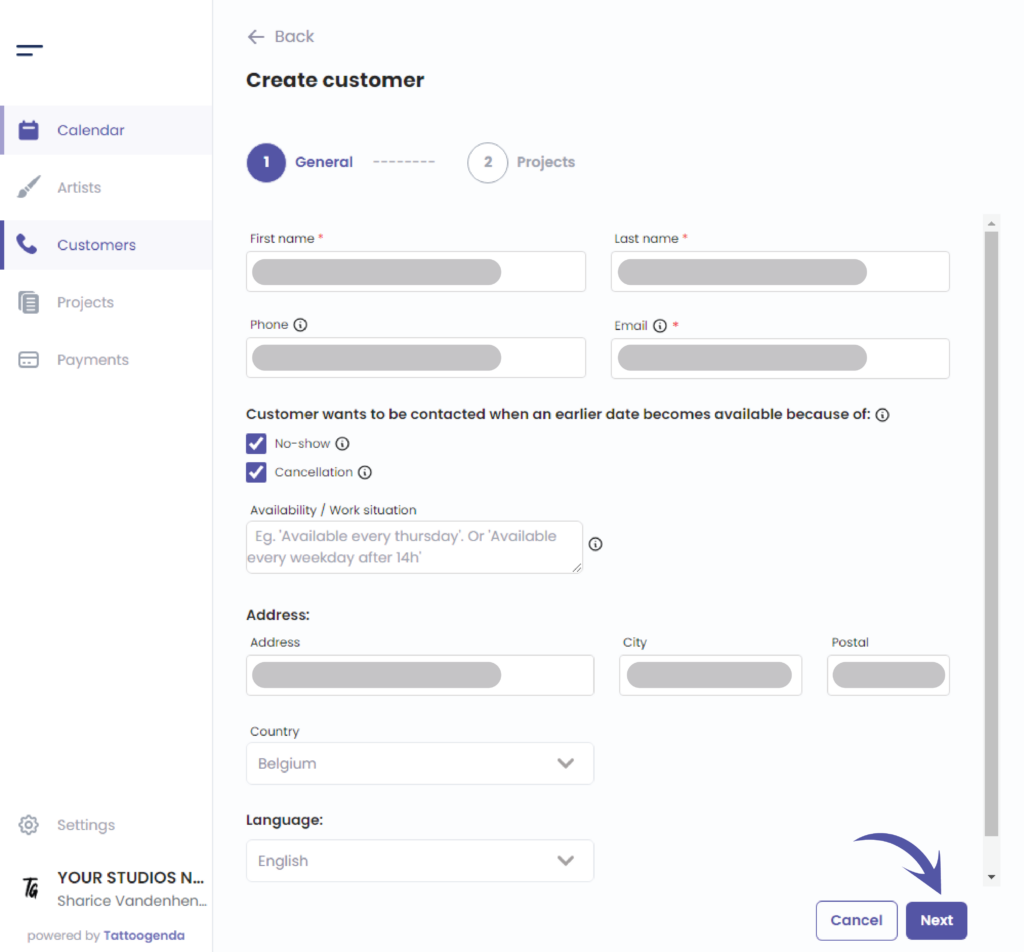
Haga clic en ‘Next’ to save your customer
¿Todavía tiene un problema o una pregunta?
A continuación encontrará un pequeño enlace llamado ‘¿Sigues atascado? ¿Cómo podemos ayudarle?’
Escrito por
Sharice Vandenhende
Por Tattoogenda


 English
  Dutch
Dutch  Dutch (Belgium)
  French
  German
  Spanish