
IMPORTANT
Certain features in this guide require different subscription plans.
Ces options ne pas être disponible pour vous lorsque vous ne disposez pas de ce régime ou d'un régime supérieur.
We will point this out per feature below.

ADD A CUSTOMER THROUGH AN APPOINTMENT #
Aller à ‘Calendrier’
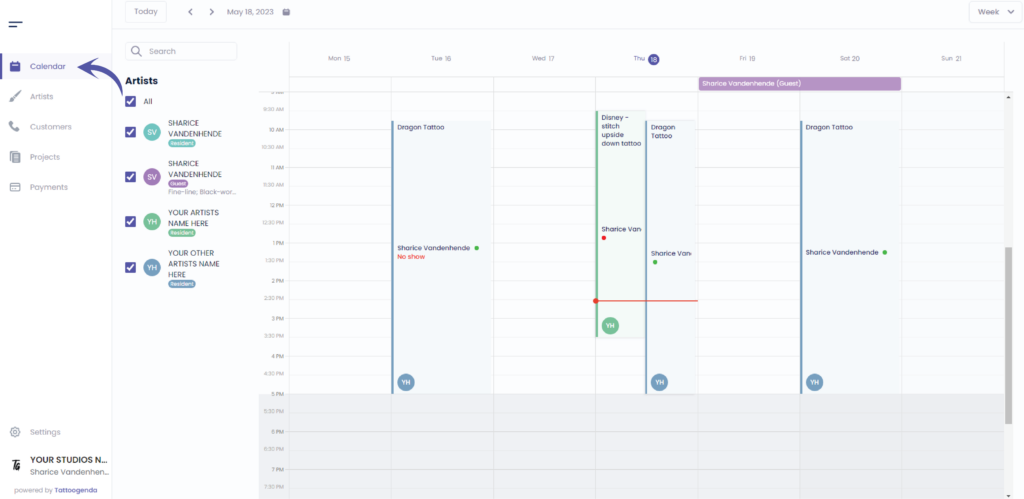
Click on the time where you’d like to make an appointment for your New customer
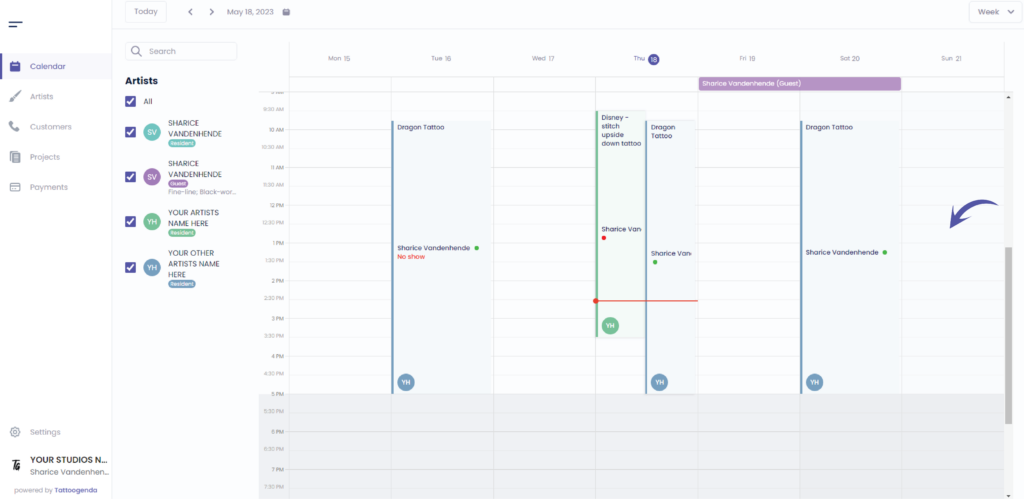
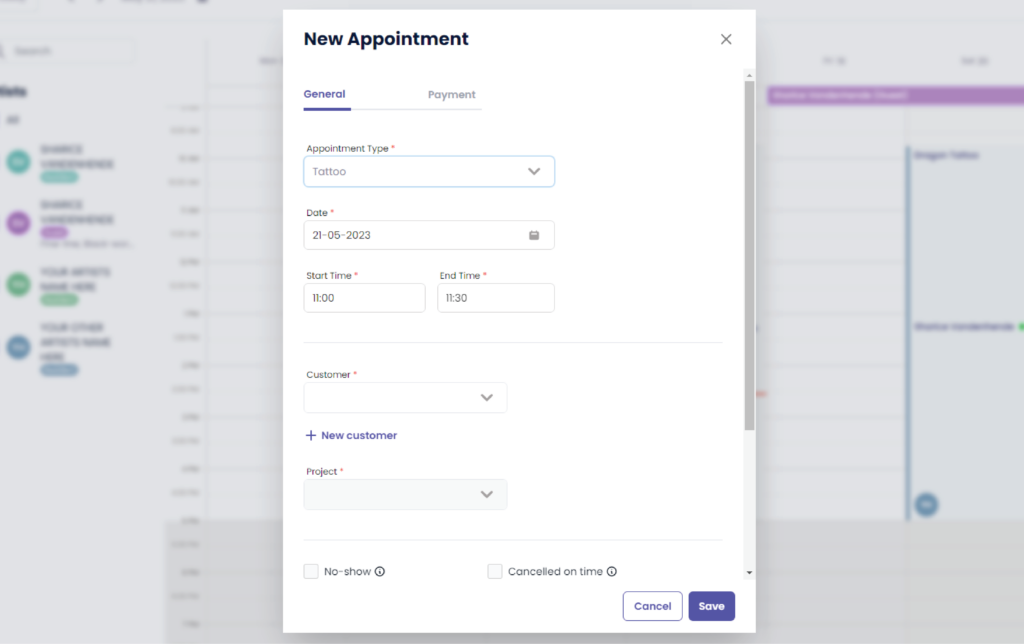
L'écran suivant s'affiche
L'écran suivant s'affiche
The payment tab will ne pas être disponible pour vous si vous ne possédez pas le ‘Un studio plus grand’ ou plus.
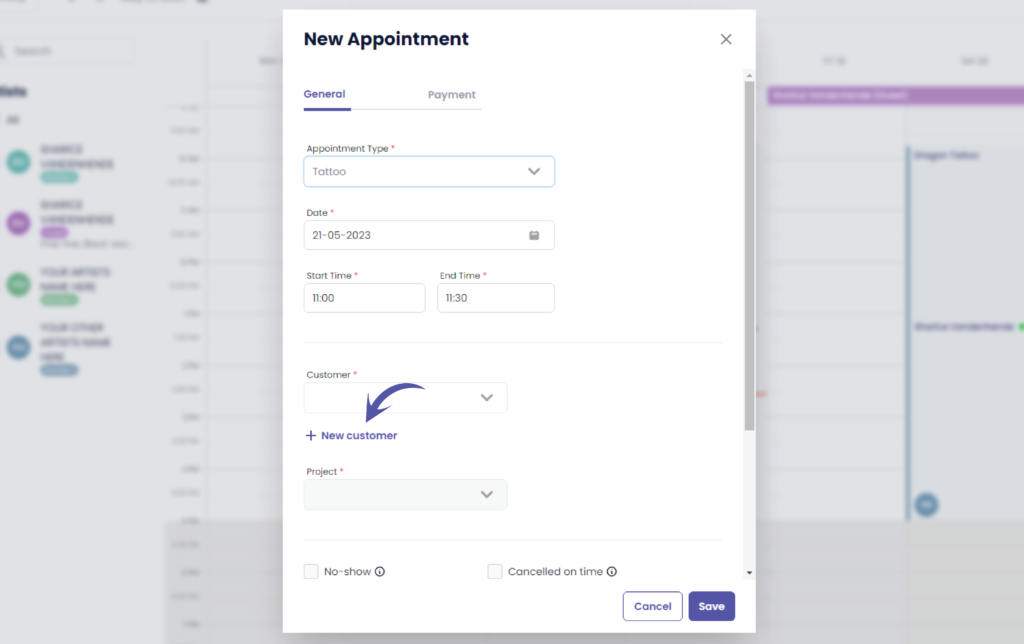
Cliquez sur ‘ + New customer’
Remplir les champs
L'écran suivant s'affiche
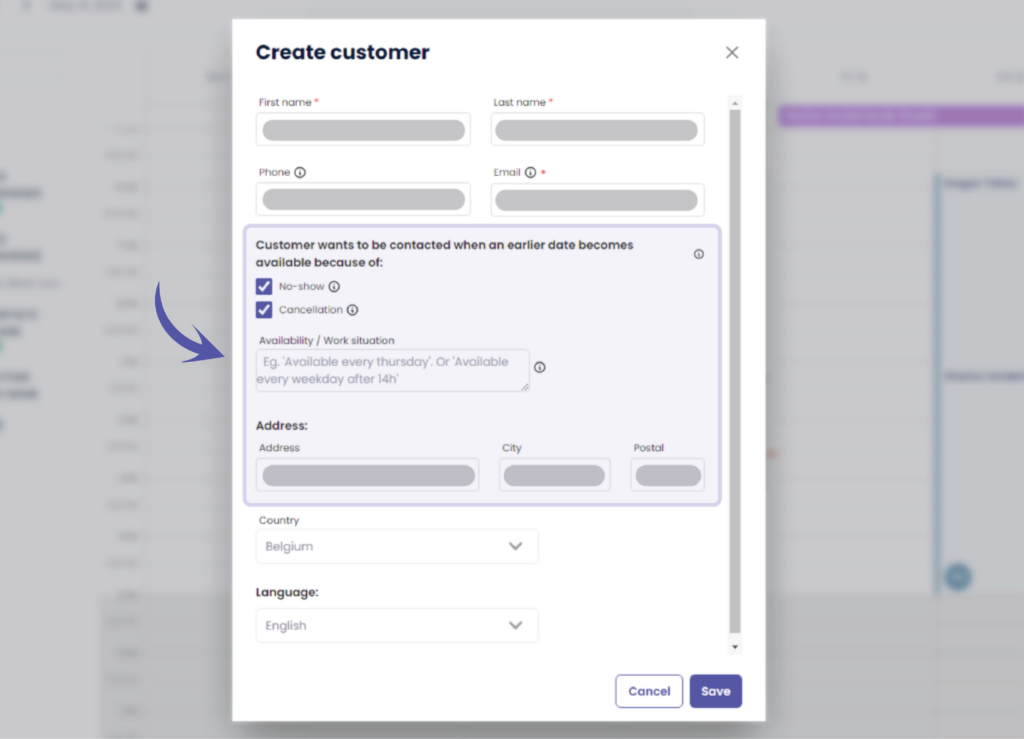
Some of these options might ne pas être disponible pour vous si vous ne possédez pas le ‘Un studio plus grand’ ou plus.
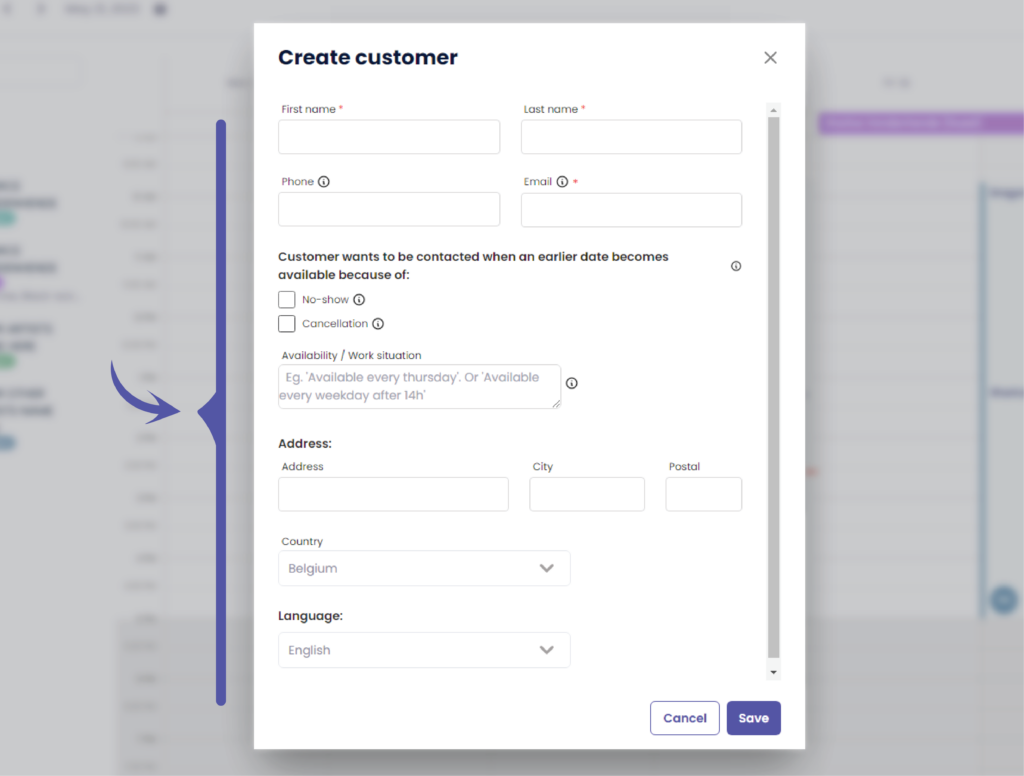
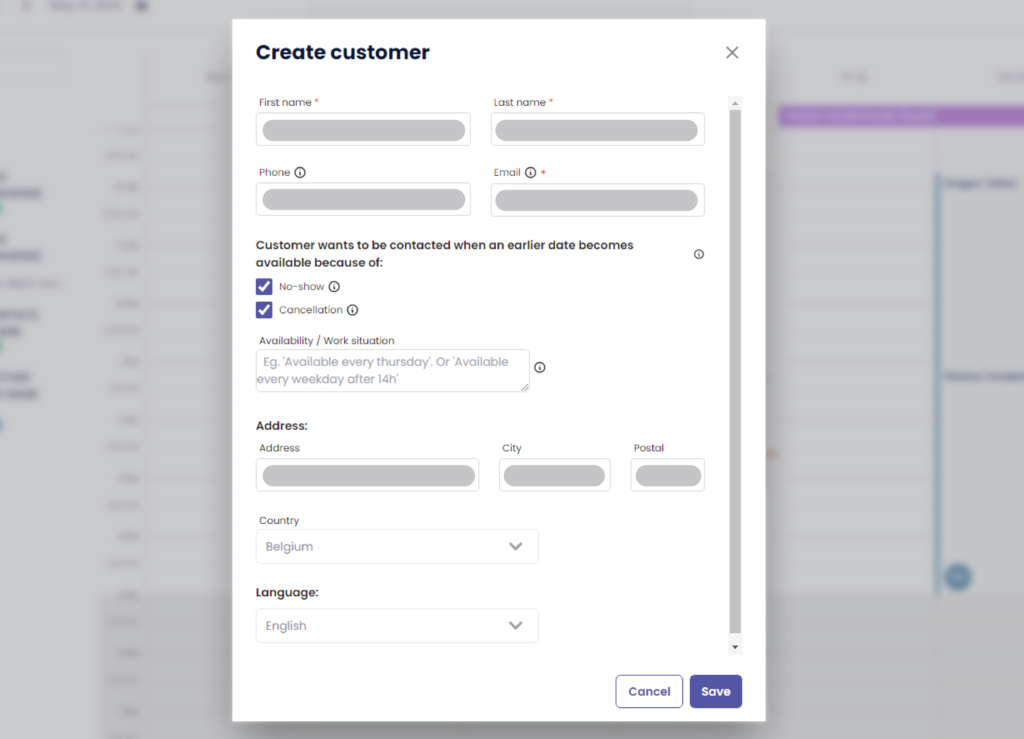
Starting from here these options might ne pas être disponible pour vous si vous ne possédez pas le ‘Un studio plus grand’ ou plus.
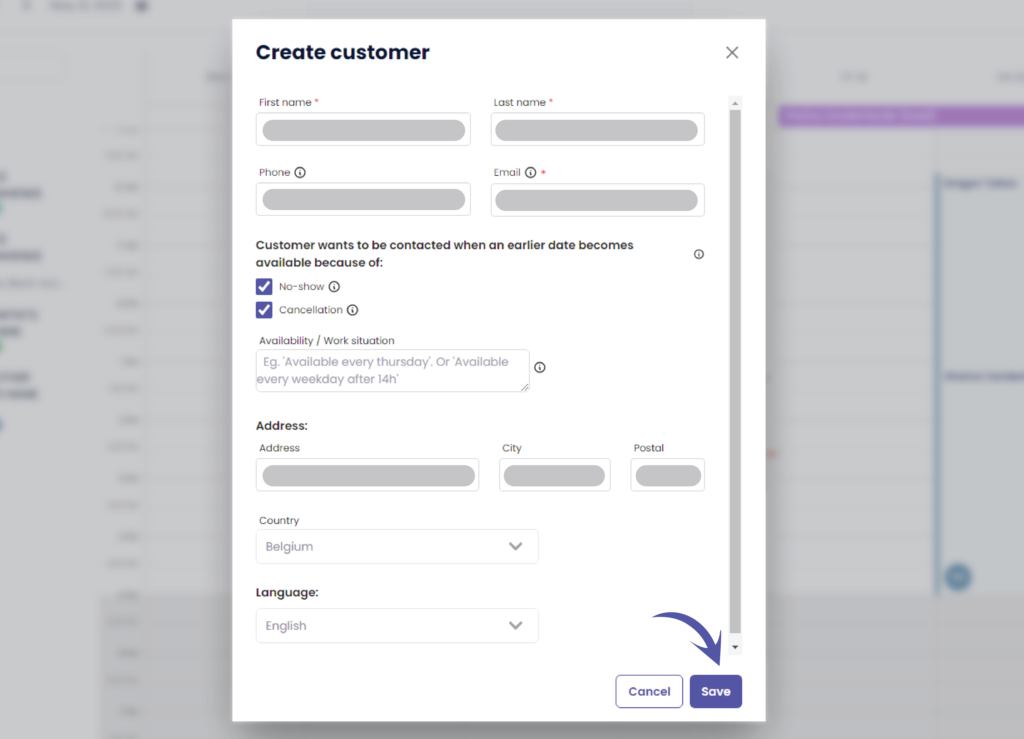
Cliquez sur ‘Sauvegarder’ to save your new customer
ADD A CUSTOMER THROUGH CUSTOMERS #
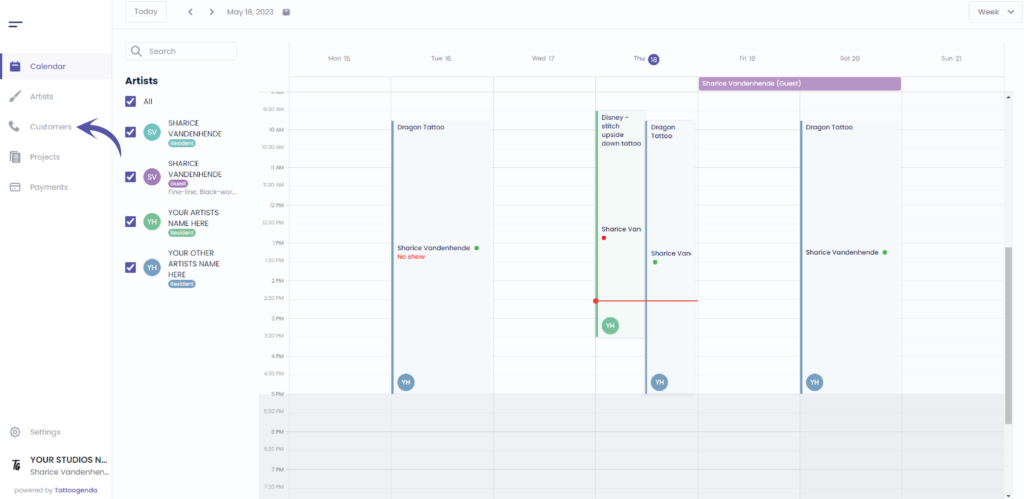
Aller à ‘Clients’
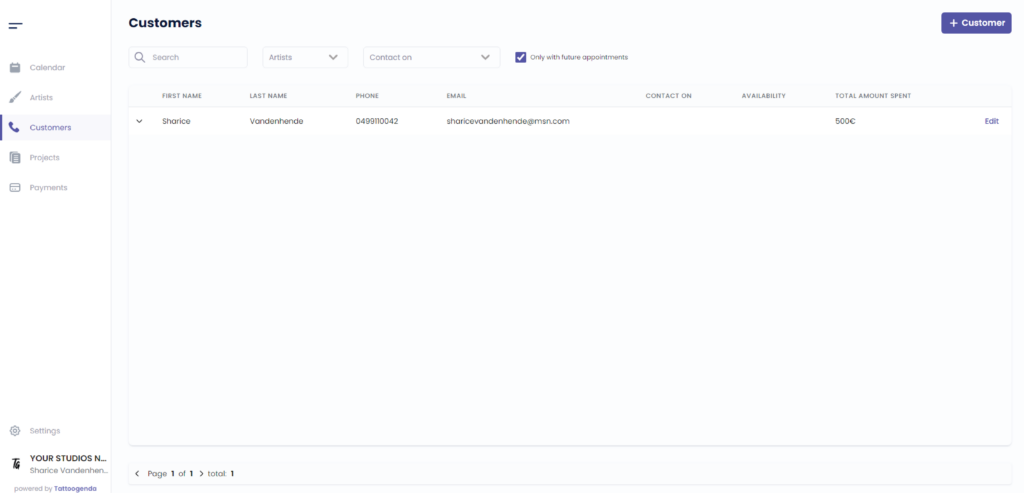
L'écran suivant s'affiche
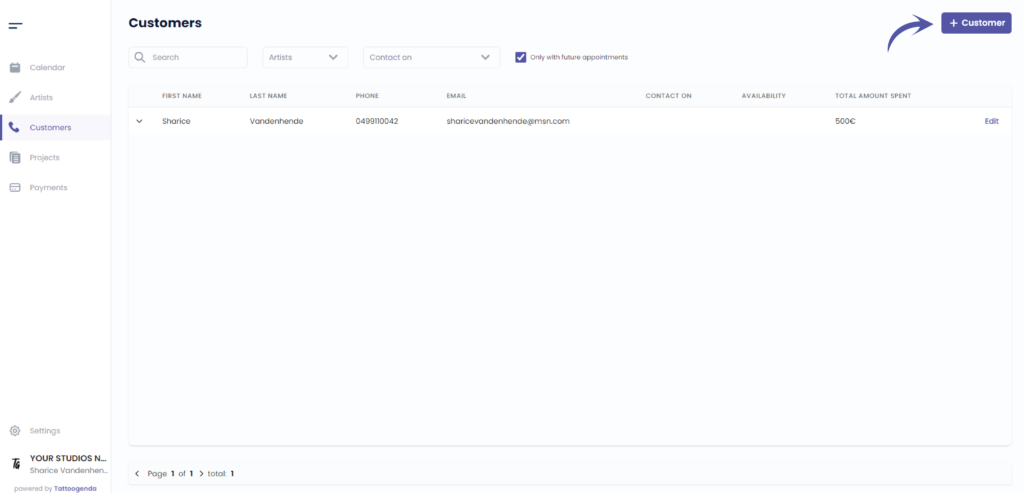
Cliquez sur ‘ + Customer ‘
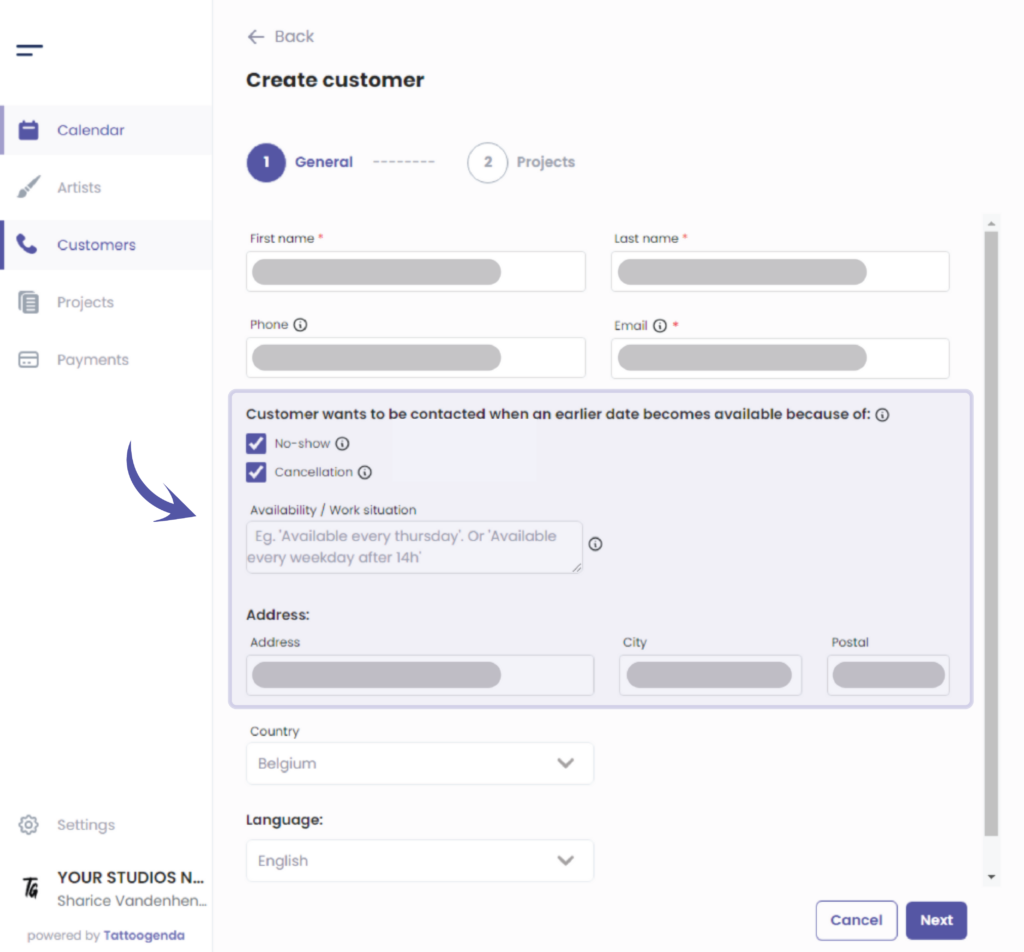
Fill out the fields for you customer
Some of these options might ne pas être disponible pour vous si vous ne possédez pas le ‘Un studio plus grand’ ou plus.
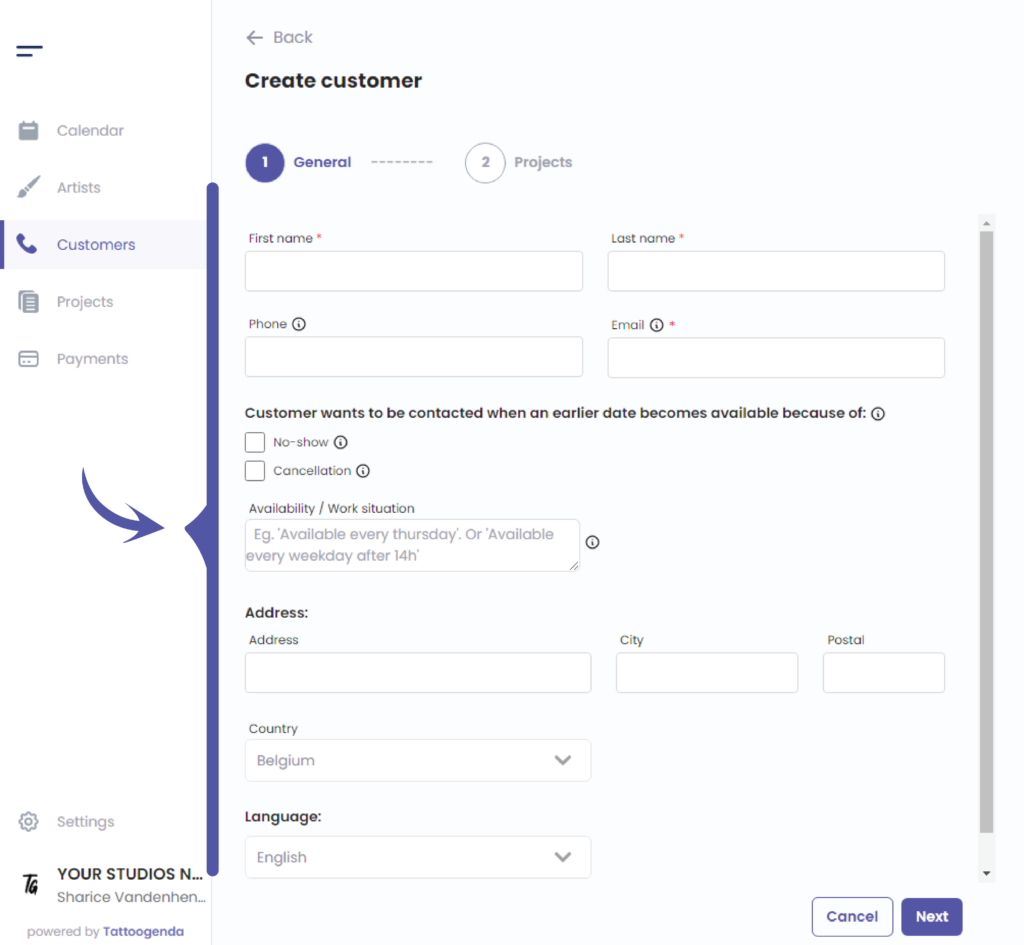
Starting from here some of these options might not be available for you if you do not have the required plan
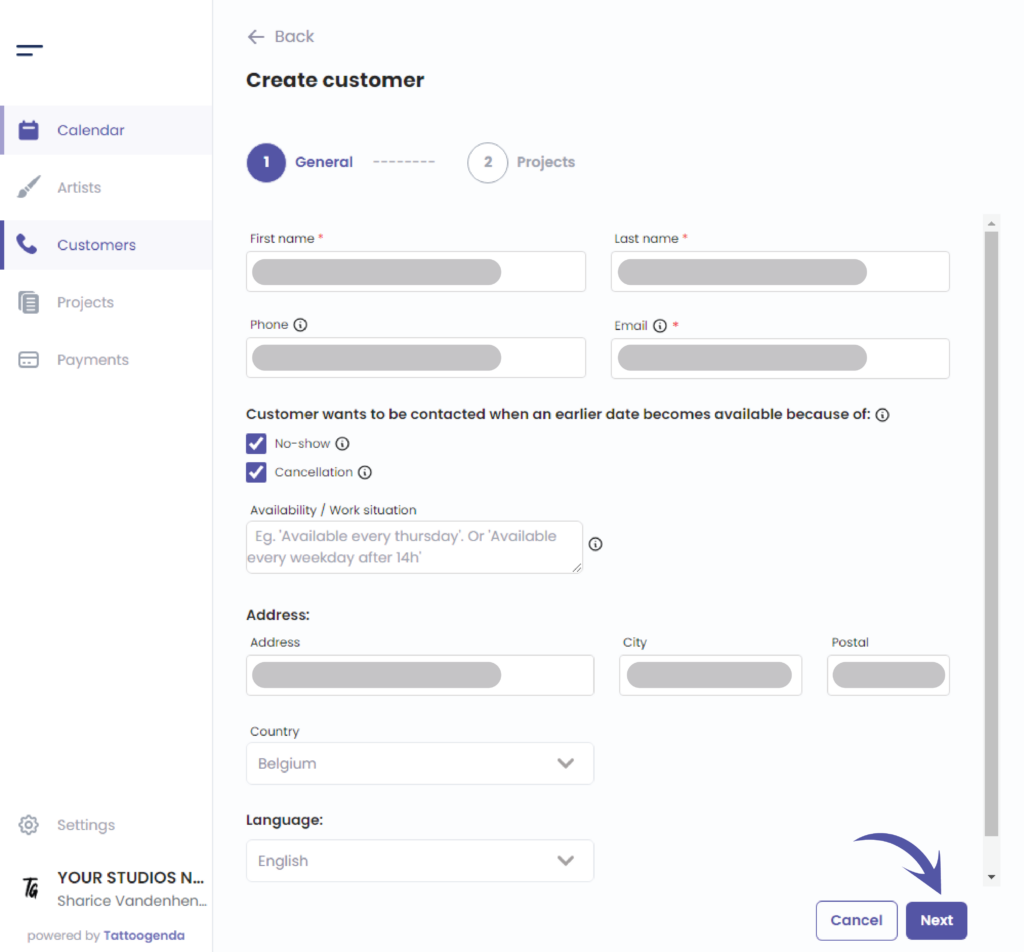
Cliquez sur ‘Next’ to save your customer
Vous avez encore un problème ou une question ?
Vous trouverez ci-dessous un petit lien intitulé ‘Toujours bloqué ? Comment pouvons-nous vous aider ?’
Rédigé par
Sharice Vandenhende
Par Tattoogenda


 English
  Dutch
Dutch  Dutch (Belgium)
  French
  German
  Spanish