

Dans votre Logiciel Tattoogenda studio,
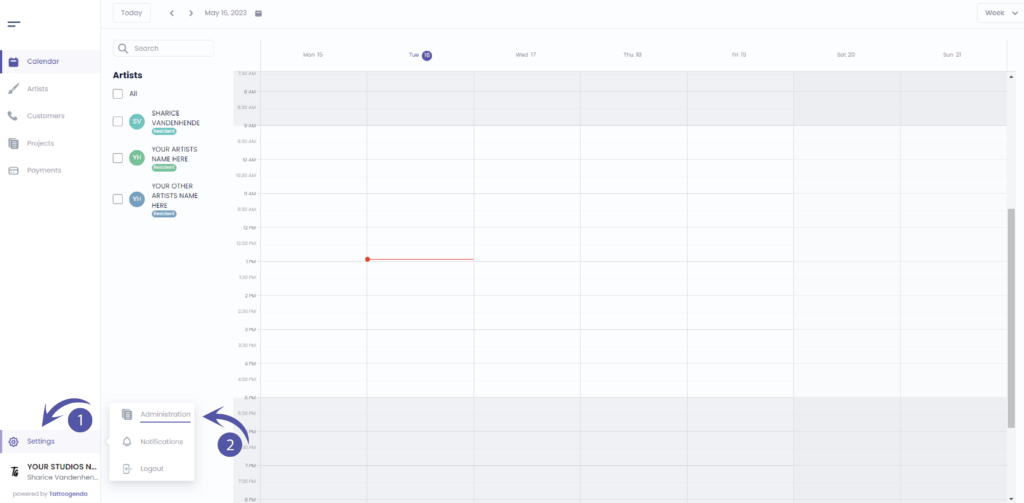
vous trouverez vos paramètres en bas à gauche de votre écran, au-dessus du nom de votre studio.
Accédez à vos paramètres et choisissez ‘Administration’
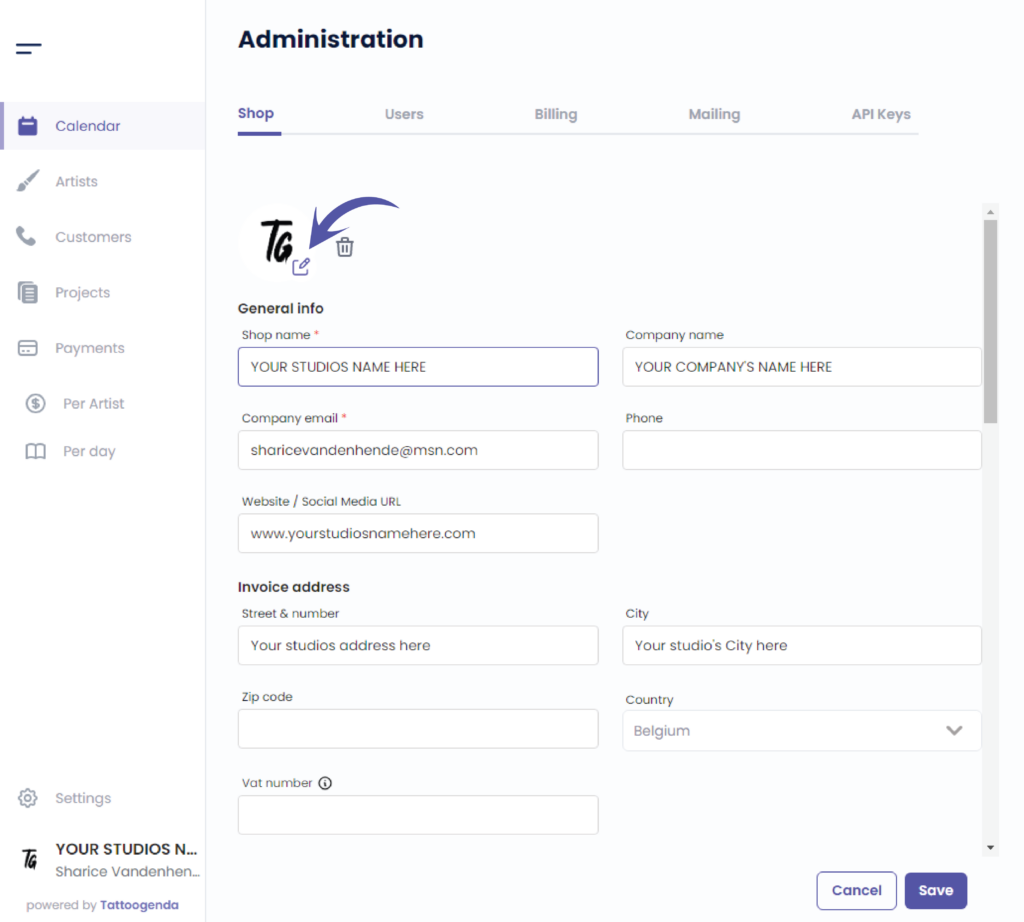
You will automatiquement être sur la table ‘Boutique’

Change your shop’s image here
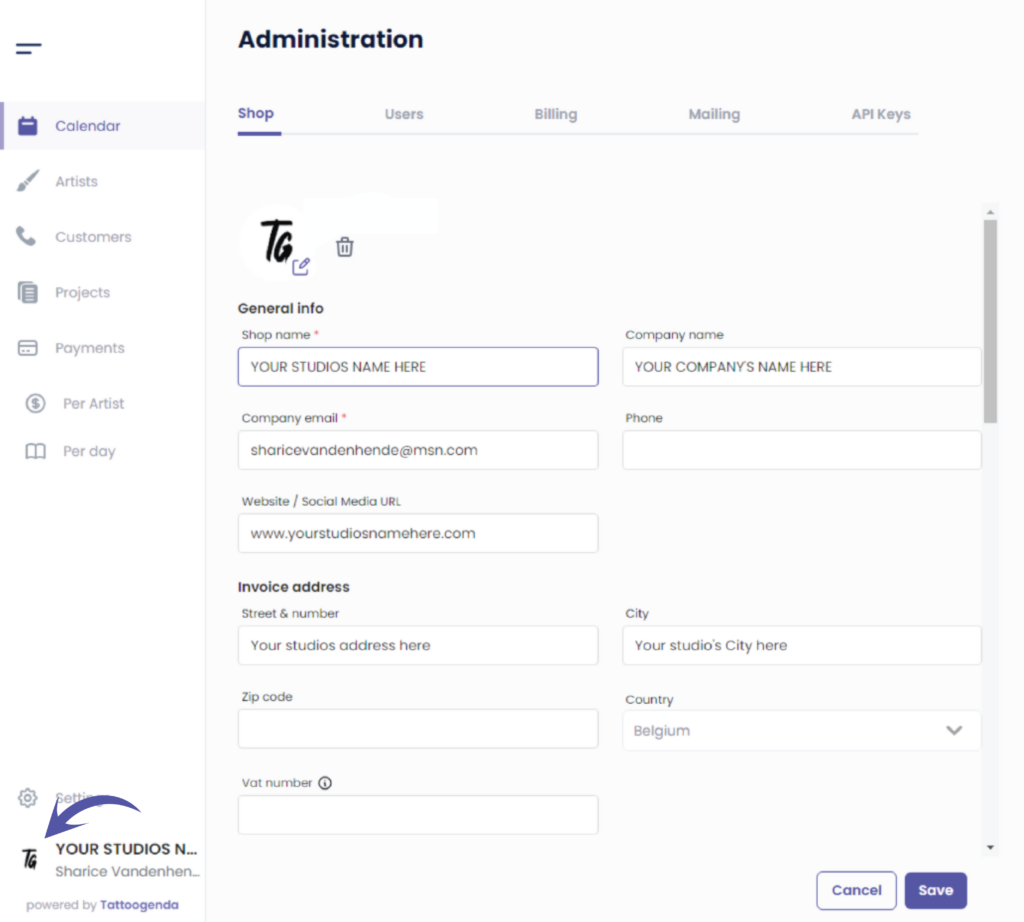
Your profile picture will be visible for artists logging into their account or on your own account
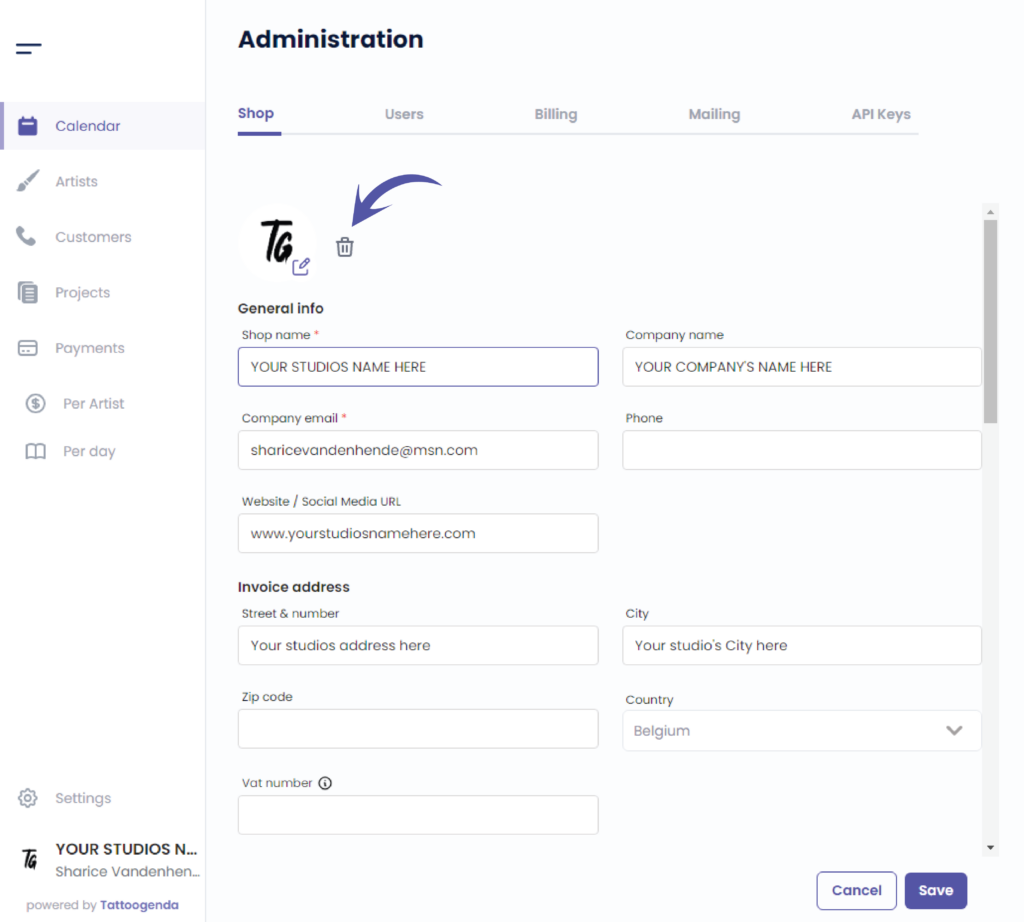
Delete the image
Vous avez encore un problème ou une question ?
Vous trouverez ci-dessous un petit lien intitulé ‘Toujours bloqué ? Comment pouvons-nous vous aider ?’
Rédigé par
Sharice Vandenhende
Par Tattoogenda


 English
  Dutch
Dutch  Dutch (Belgium)
  French
  German
  Spanish