

IMPORTANT
VOUS AVEZ BESOIN DU PLAN D'ABONNEMENT SUIVANT
Les dépôts sont disponibles à partir du ‘Un studio plus grand’ plan.
Ces options ne pas être disponible pour vous lorsque vous ne disposez pas de ce régime ou d'un régime supérieur.
Gardez à l'esprit que rappels de dépôt sont uniquement disponible dans le ‘studio Expert’.’ plan.
WHY SETUP STRIPE WITH TATTOOGENDA
Connecting Stripe with Tattoogenda allows you demander le dépôt pour les rendez-vous de tatouage
dans les courriels automatisés et permettre au client de payer numériquement.
If you do not have Stripe connected with tattoogenda,
vous le ferez pas avoir le ‘confirmer le rendez-vous’ dans vos courriels automatisés.
Les courriers électroniques rappelleront toujours à votre client qu'il doit verser un acompte, mais il ne pourra pas le payer en ligne.
Cliquez sur les articles ci-dessous pour en savoir plus sur les courriels automatiques :
appointment list, deposit reminders, How to personalize your automated emails and how to setup a Mollie connection.
Dans votre Logiciel Tattoogenda studio,
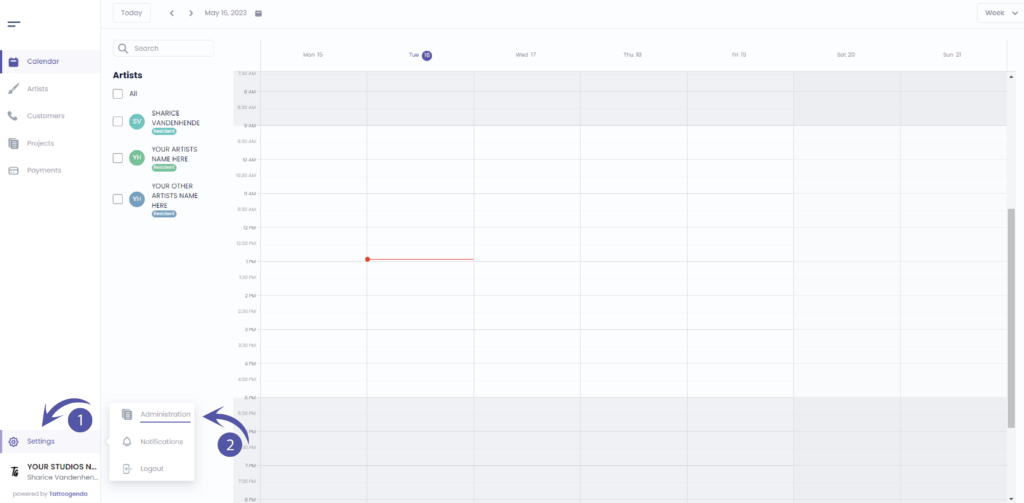
vous trouverez vos paramètres en bas à gauche de votre écran, au-dessus du nom de votre studio.
Accédez à vos paramètres et choisissez ‘Administration’.
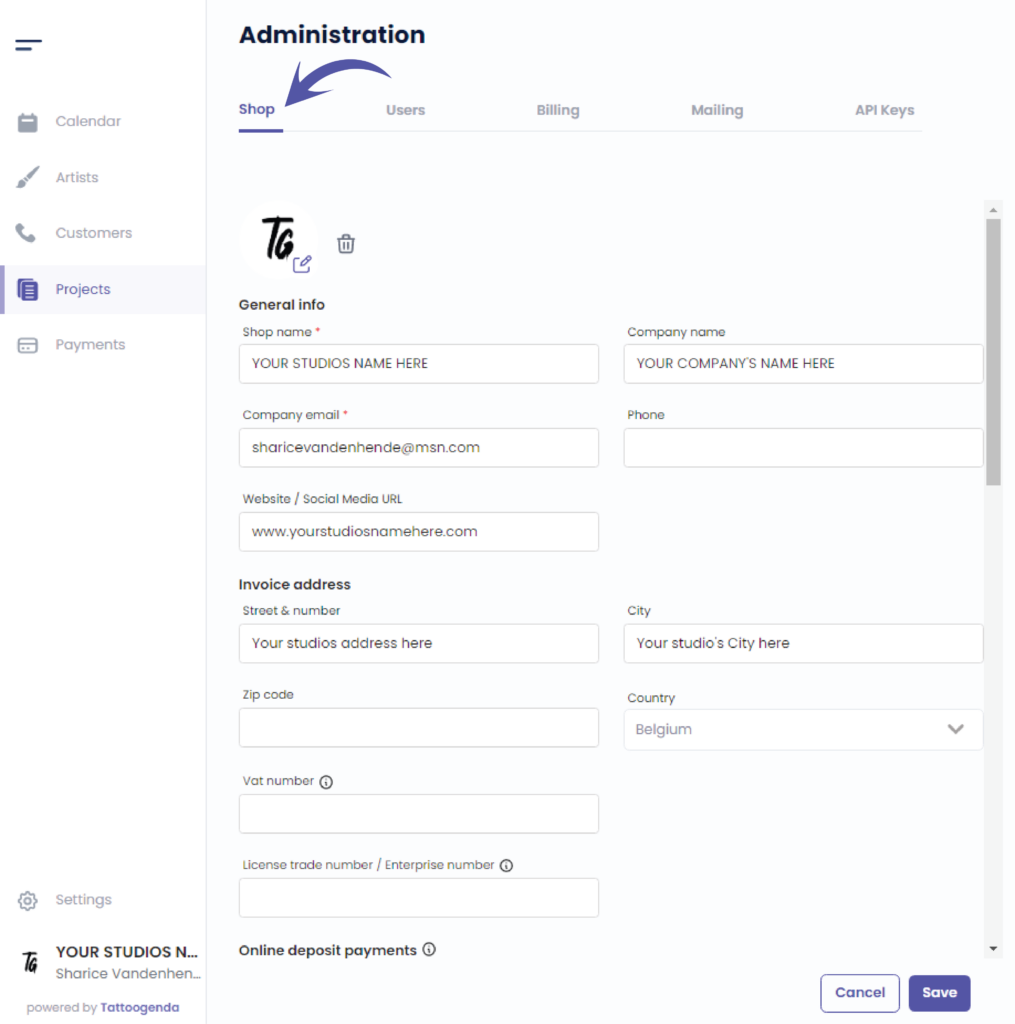
Vous serez automatiquement dans la ‘Boutique’ tab.
You can check that here.
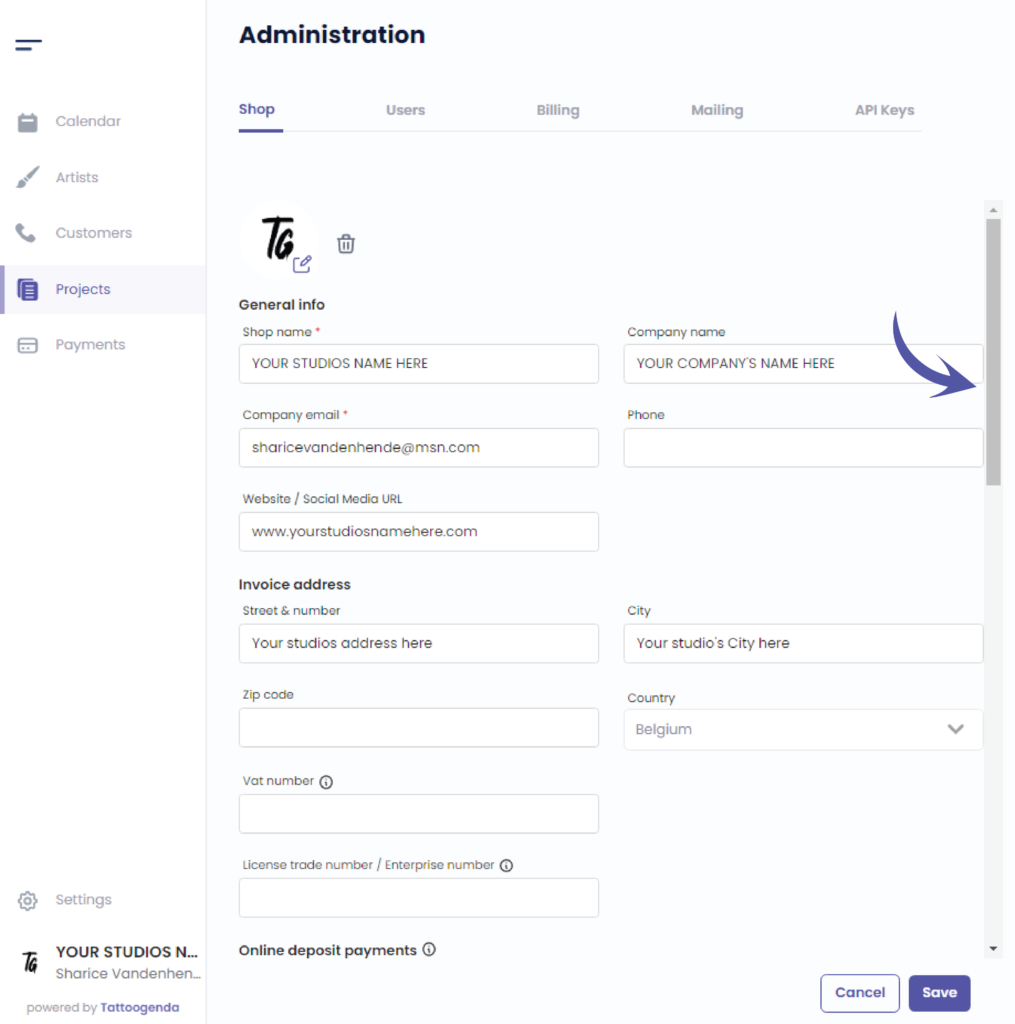
Nous utiliserons la barre de défilement pour accéder à ‘Paiements par dépôt en ligne’.
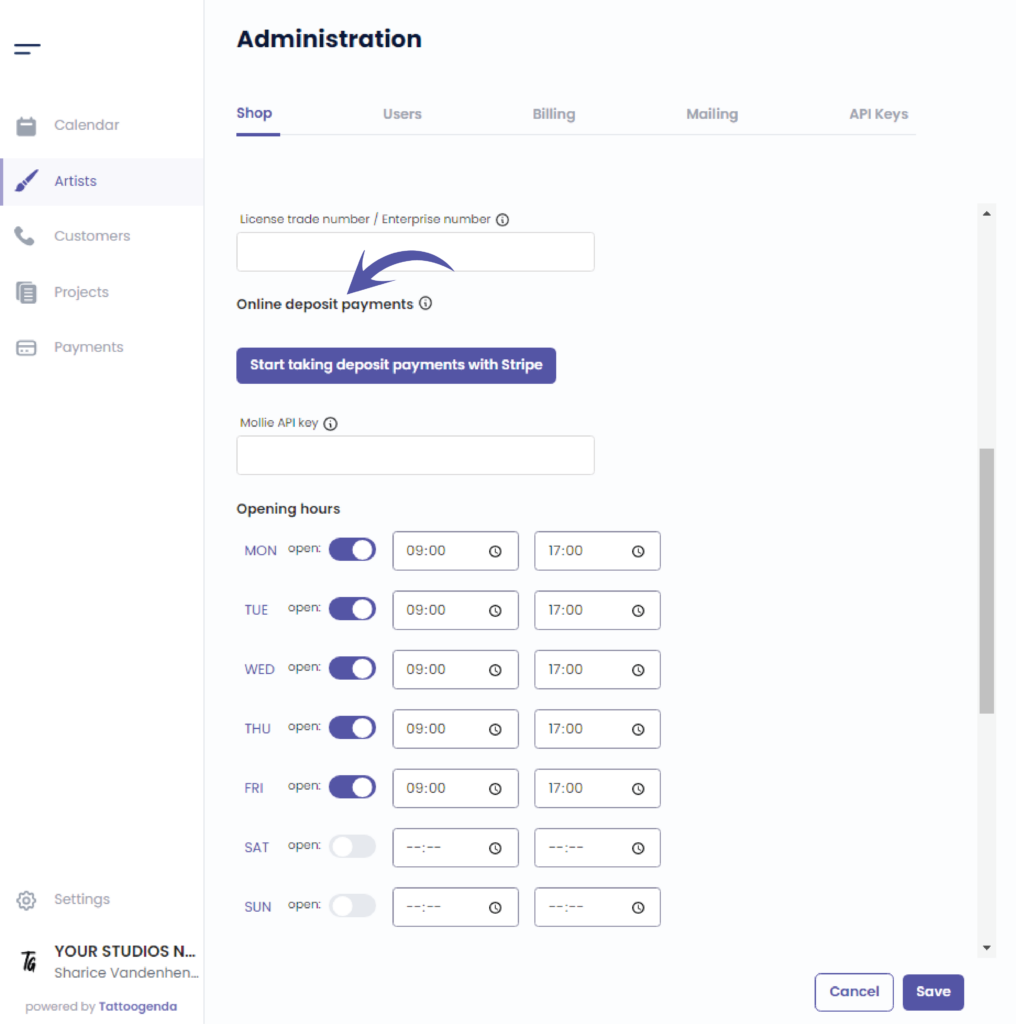
Cliquez sur ‘Start taking deposit payments with Stripe’.
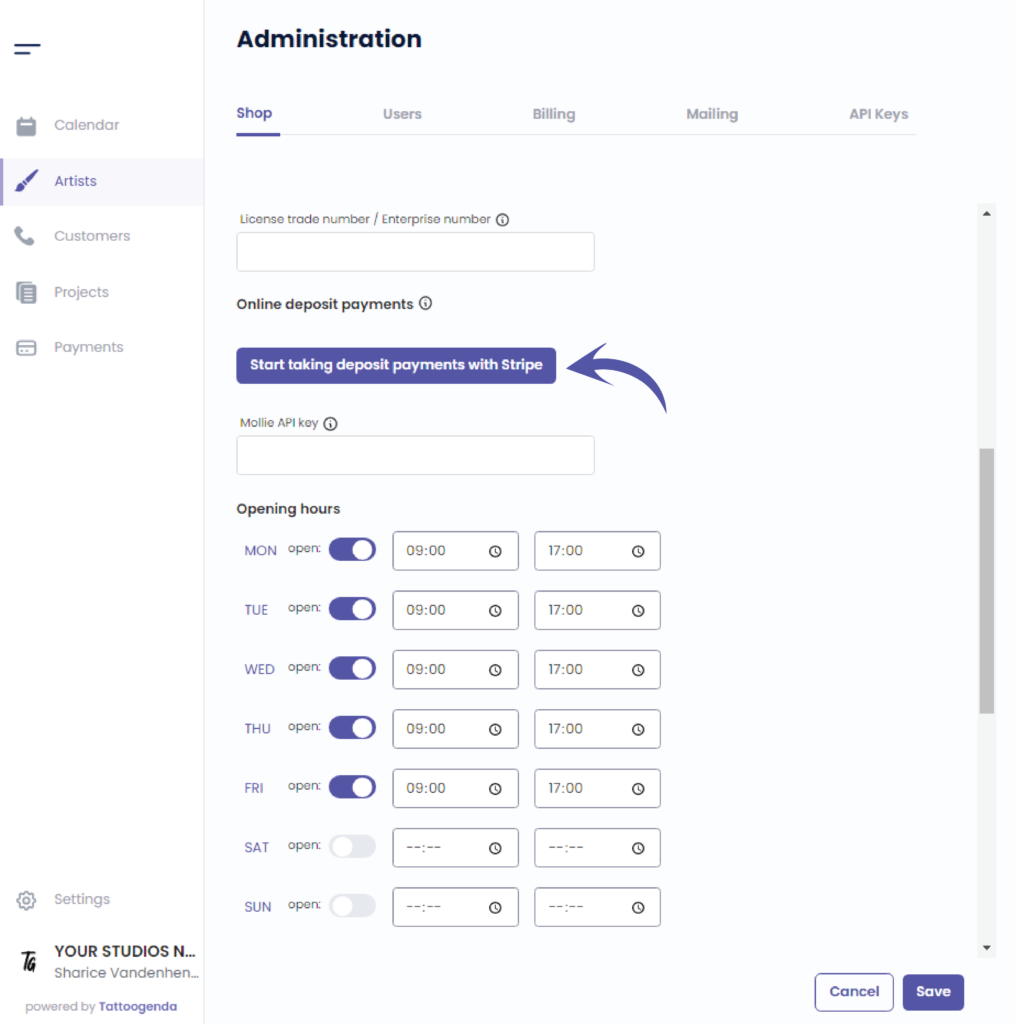
This action will take you to a new tab into your browser.
The email you have filled out for your shop will be prefilled here.
Cliquez sur ‘Continue’.
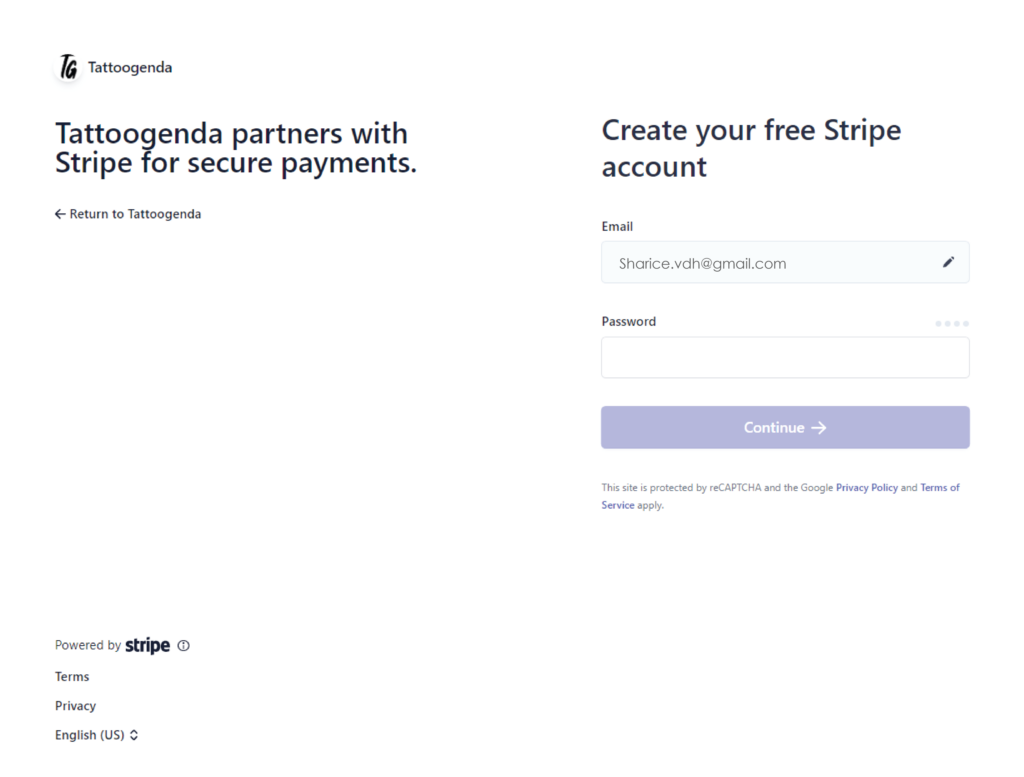
Create your free stripe account.
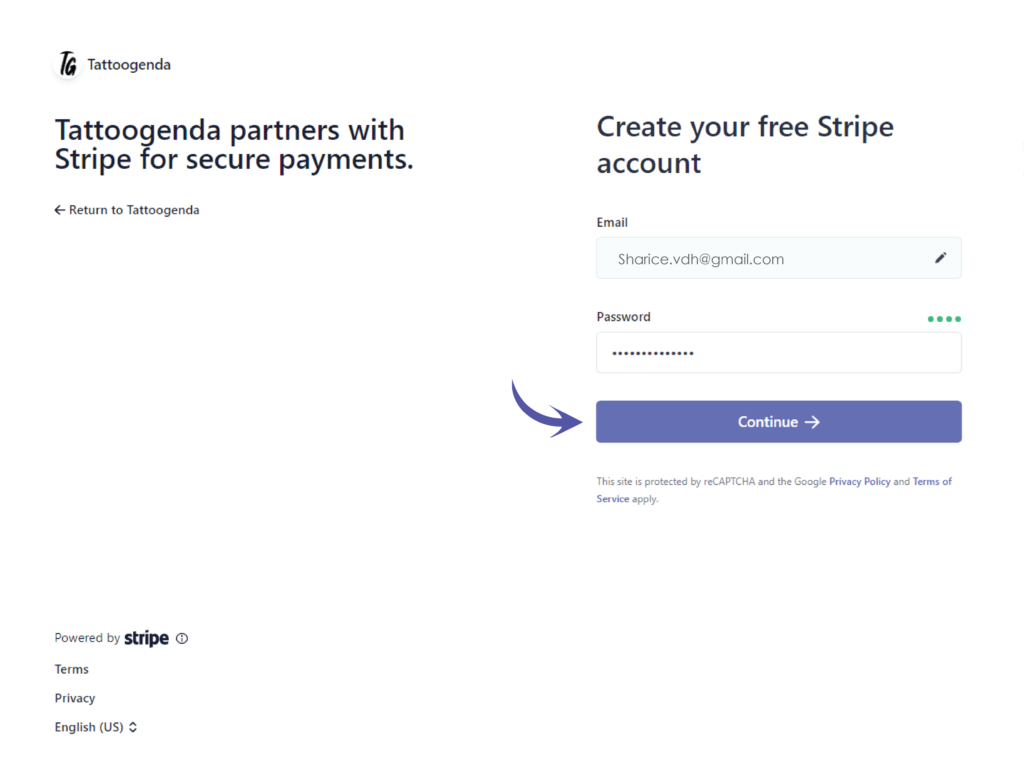
You have to create a new Stripe account to use with TG. If you already have a Stripe account, you can not use the same one.
Enter your chosen password and click on continue.
Secure your account with a mobile number.
Enter your mobile number here.
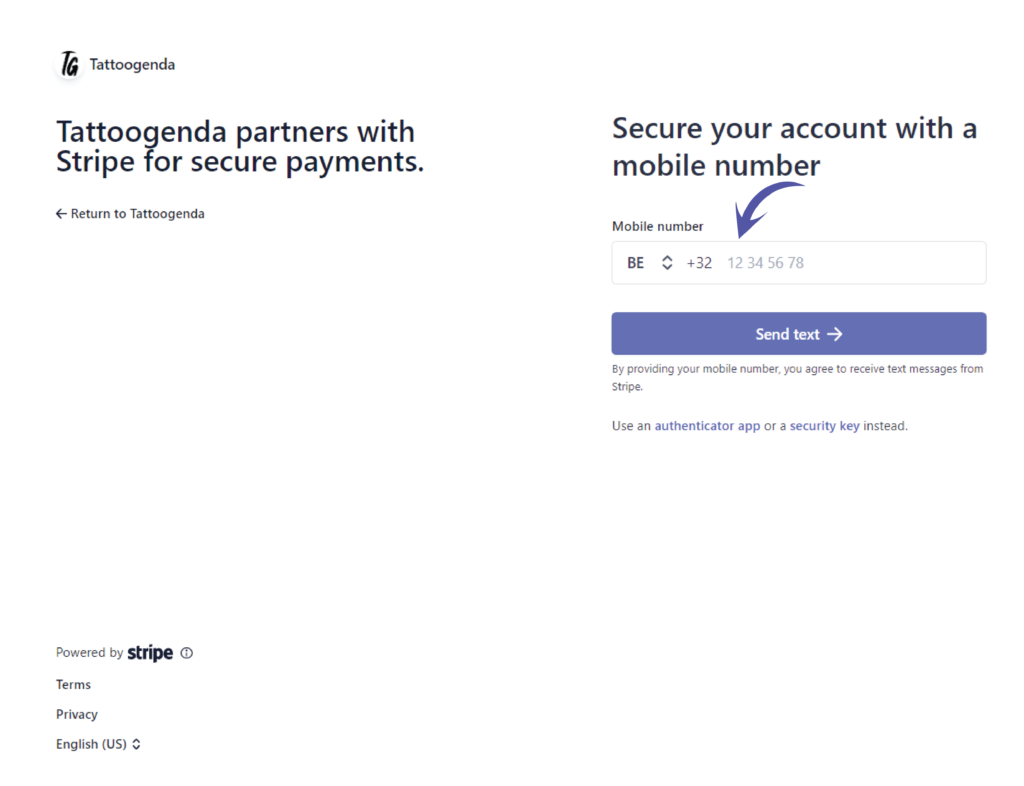
Click on Send text.
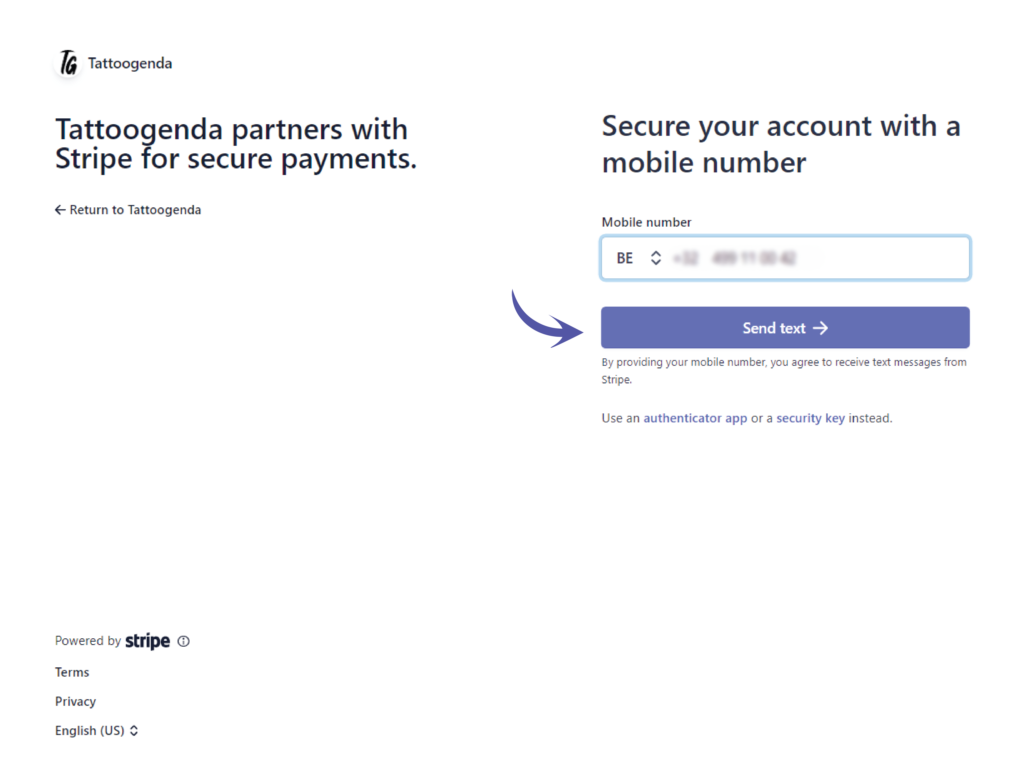
You will automatically receive an SMS on the number you just entered.
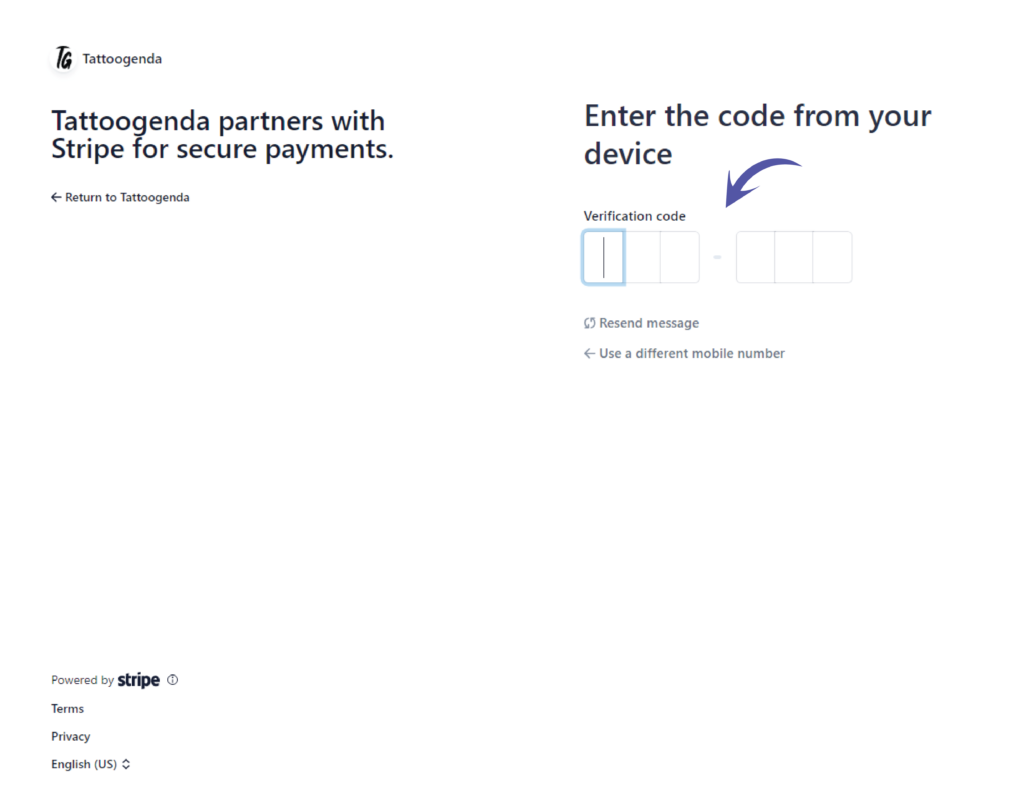
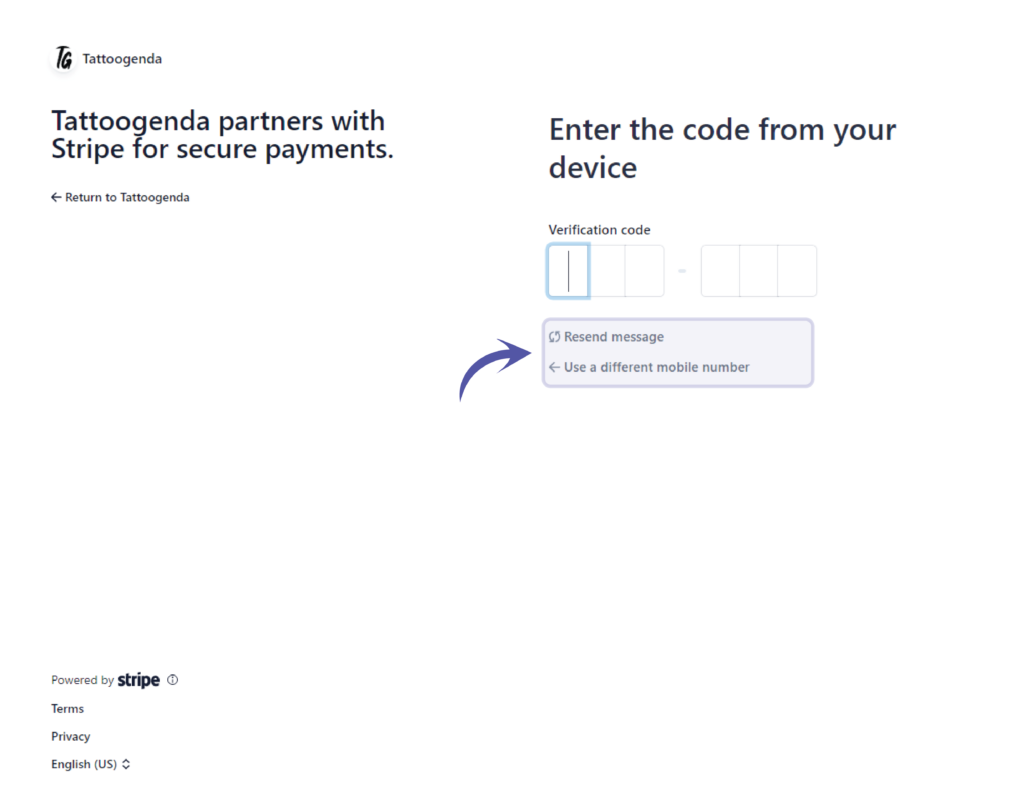
If you did not receive an SMS you can try to resend message OU use a different mobile number.
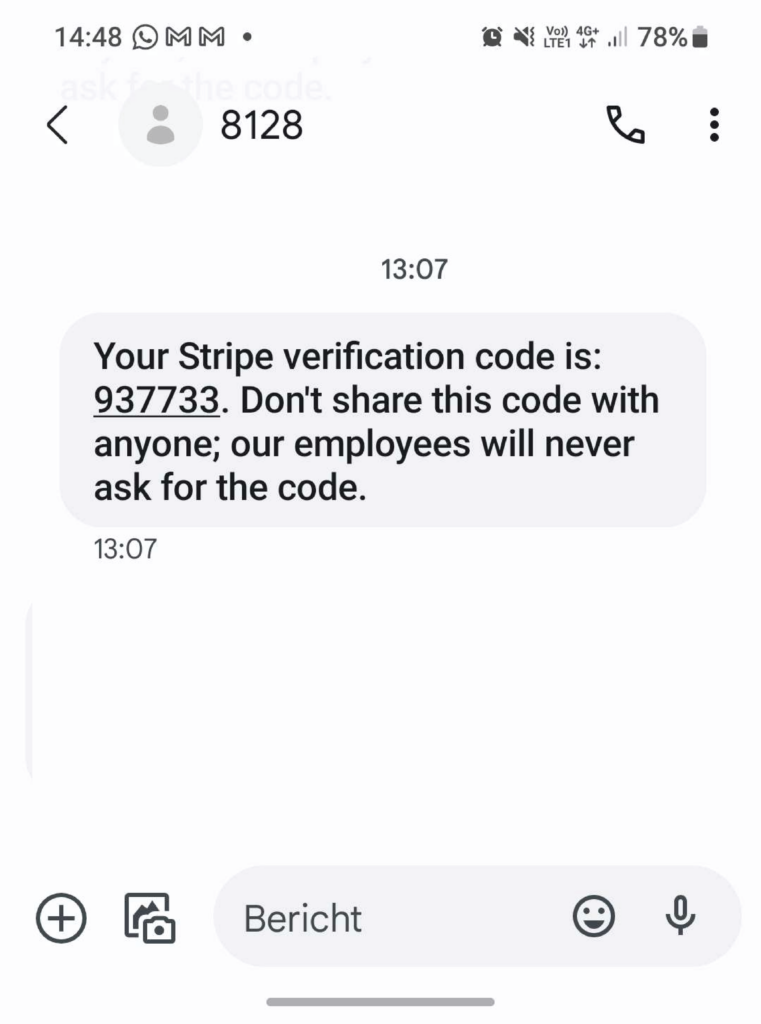
If the last four digits where correct you should have received an SMS that could look like this on your phone.
Fill out your own SMS code here.
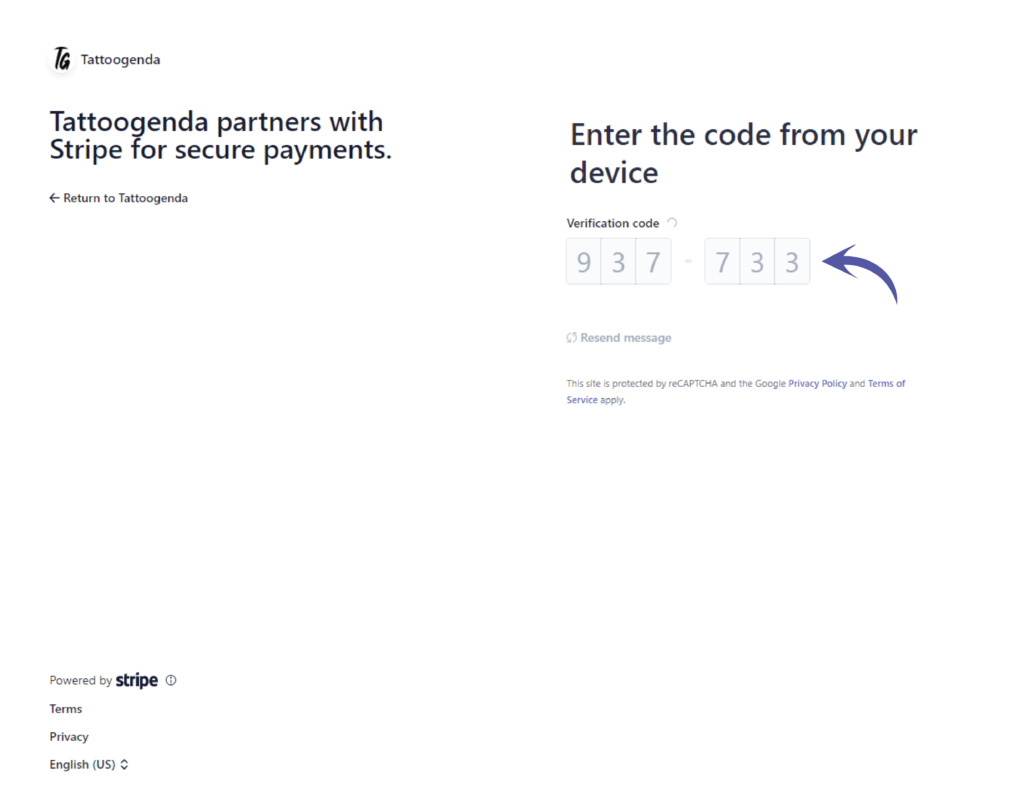
It will automatically start verifying the code you have entered.
Please be patient.
Your account is secure
Store this code carefully, download the code or copy it and put it somewhere safe!
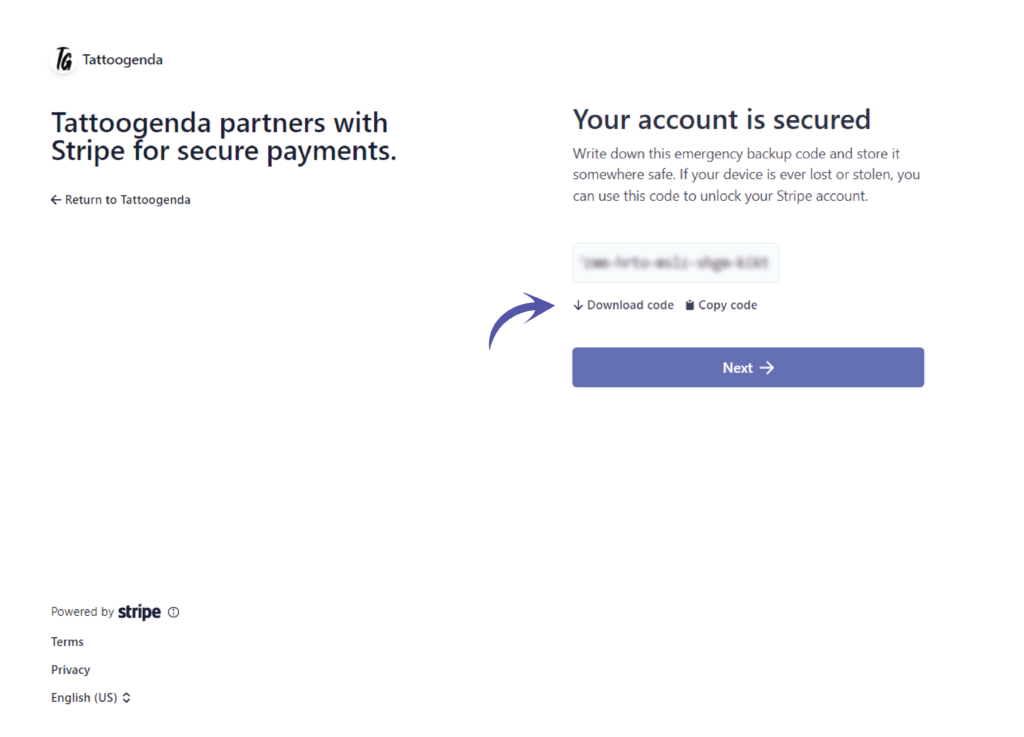
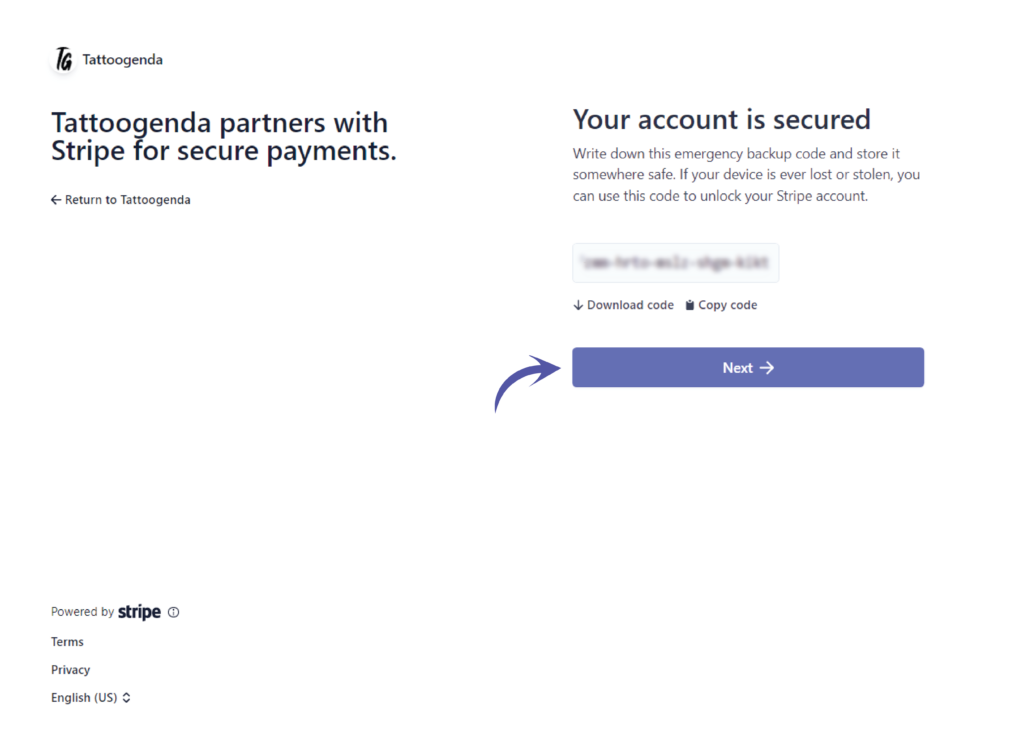
Click ‘Next’.
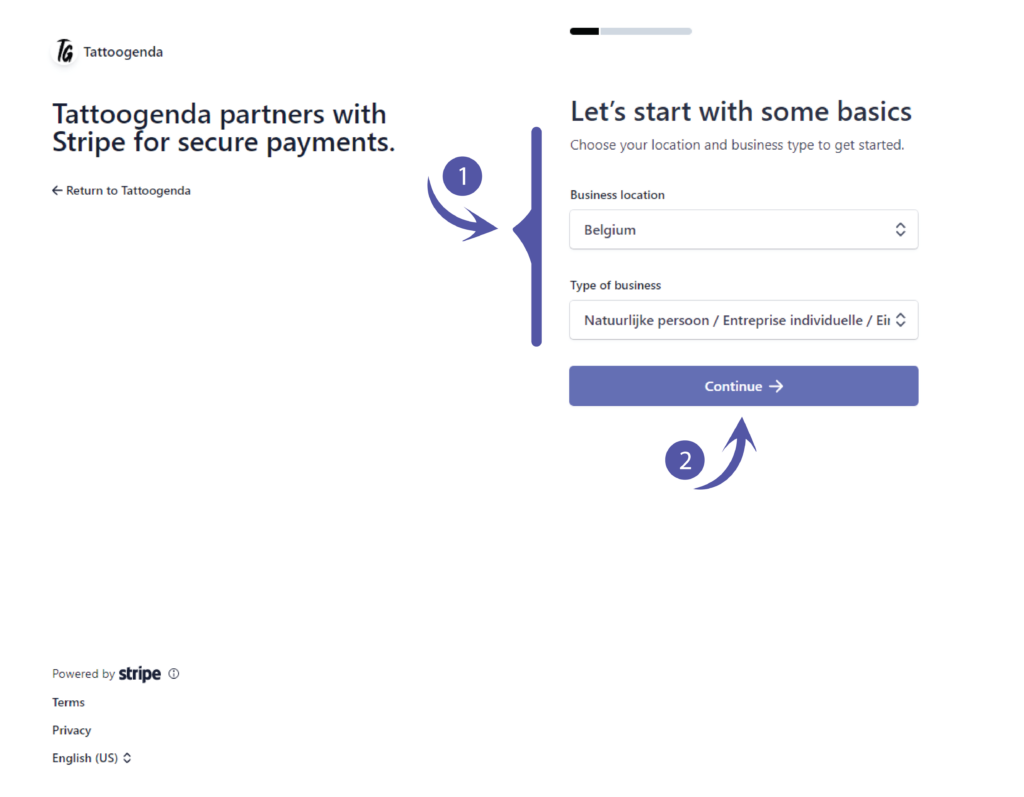
Let’s start with some basics.
Please fill out what applies to you and click continue.
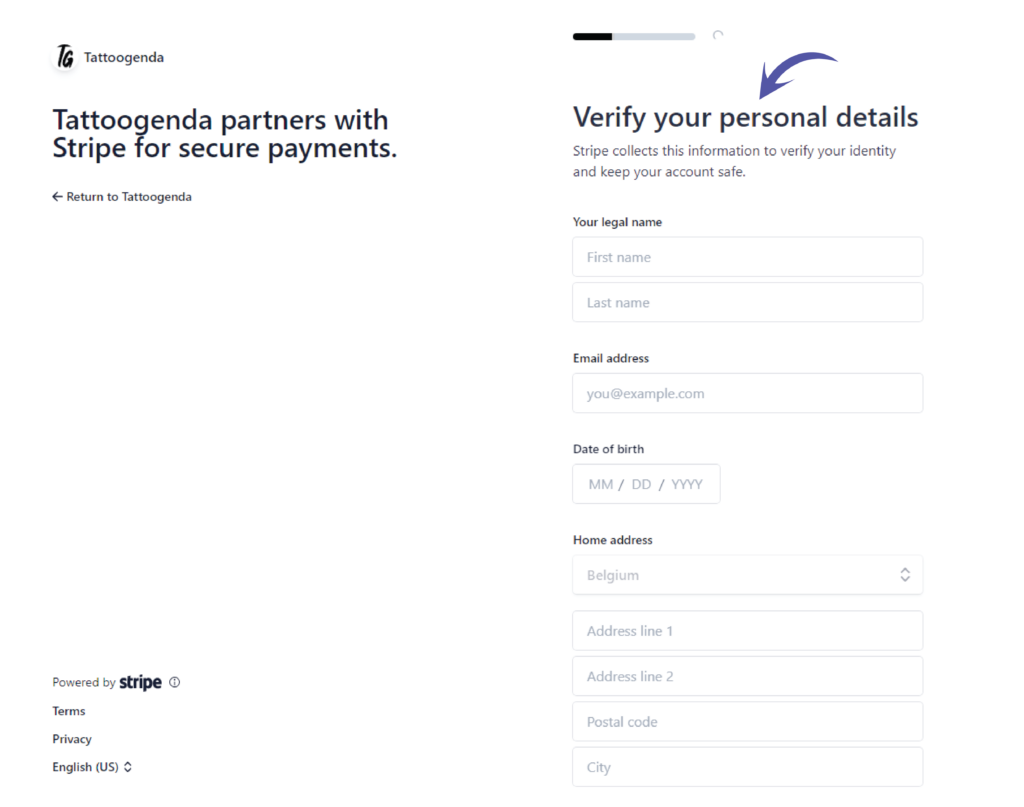
Verify your personal details
You should see the following screen
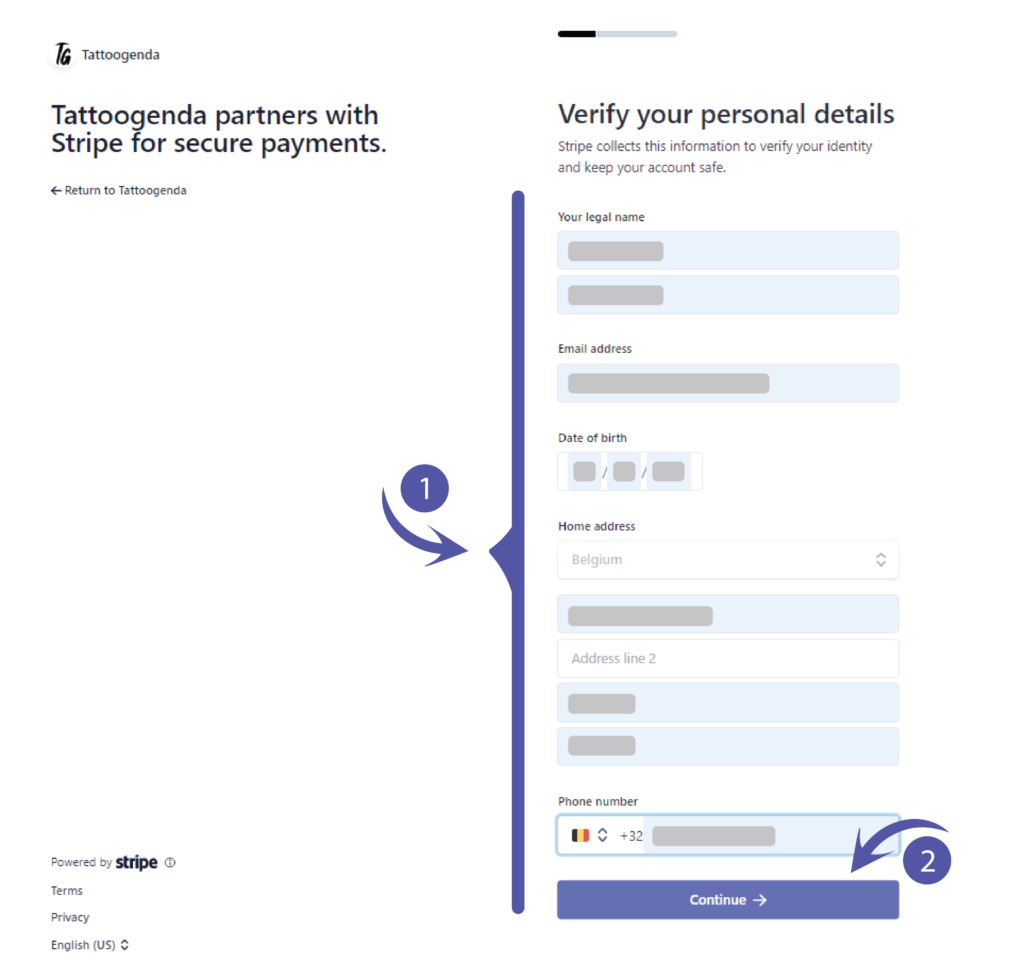
Fill out your credentials et click continue.
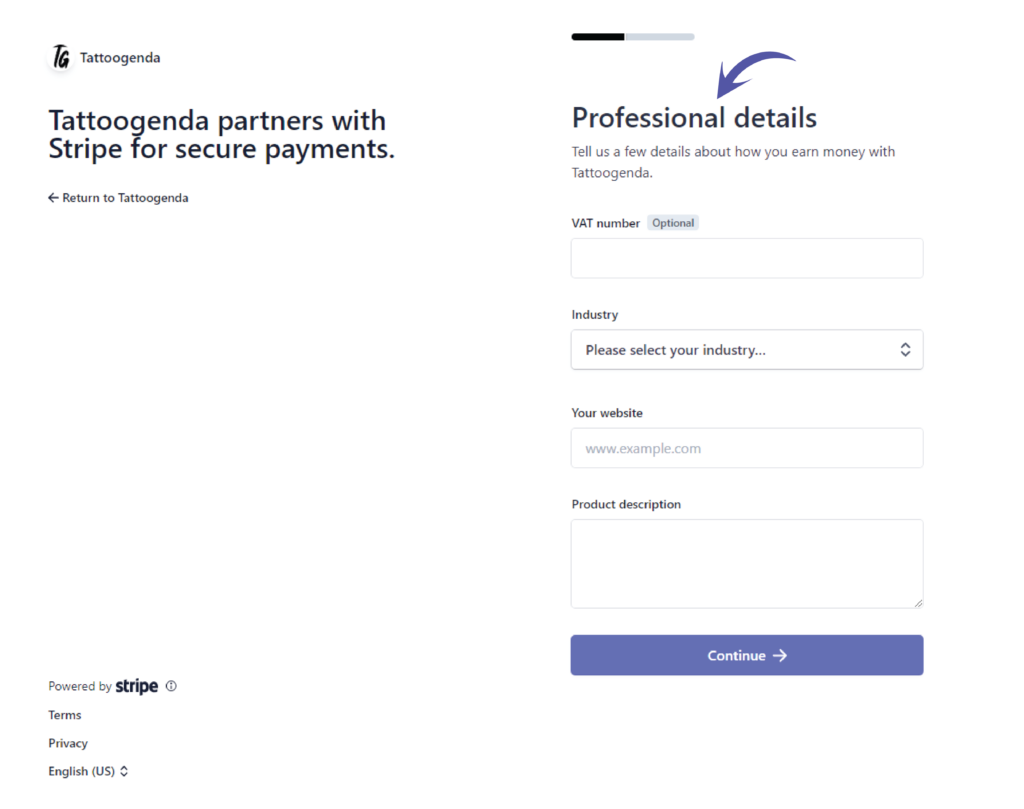
Professional details.
You should see the following screen.
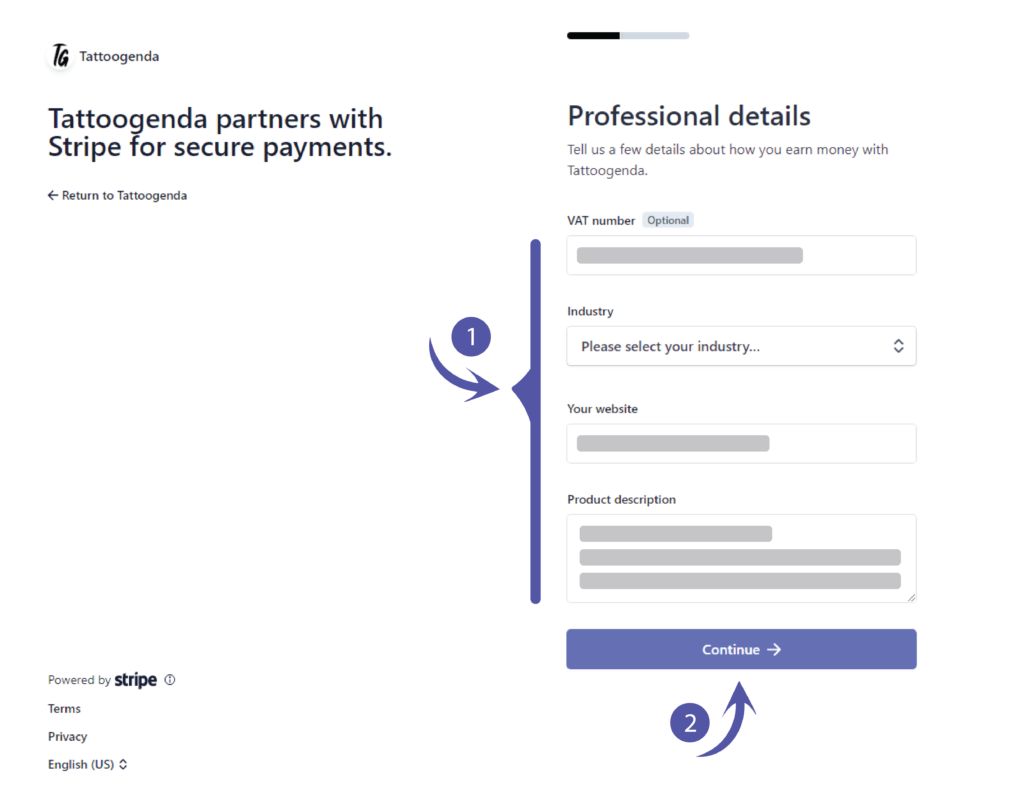
Fill out what applies to you and click continue.
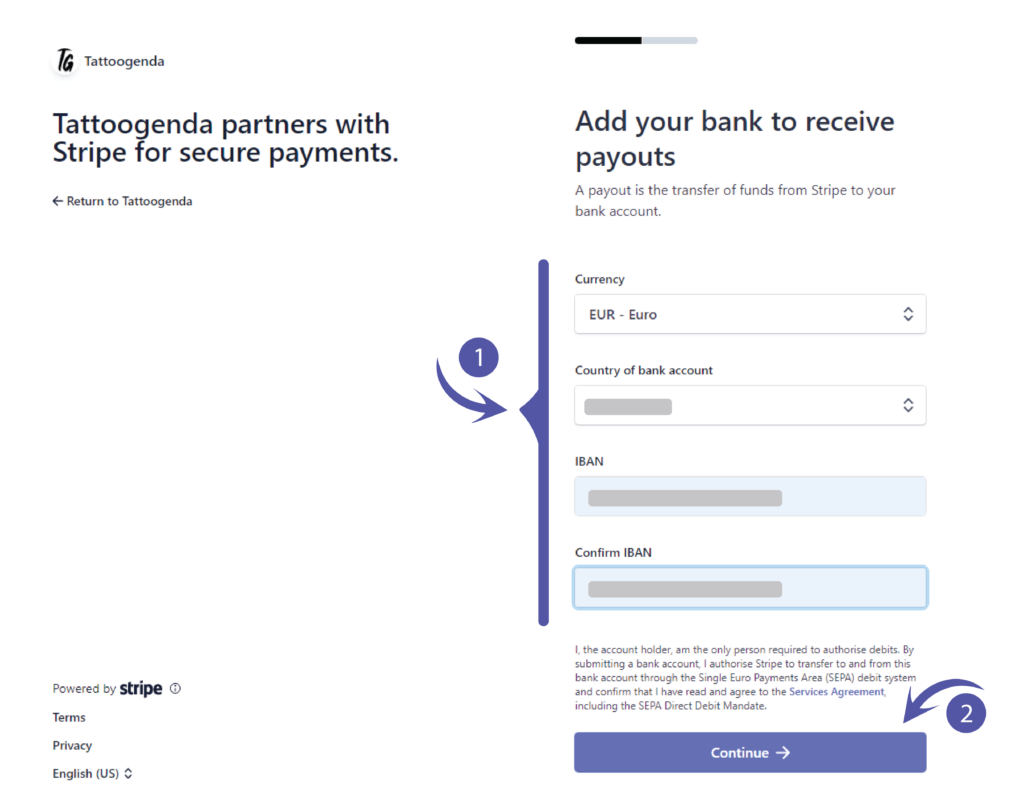
Add your bank to receive payouts.
Please fill out what applies to you and click continue..
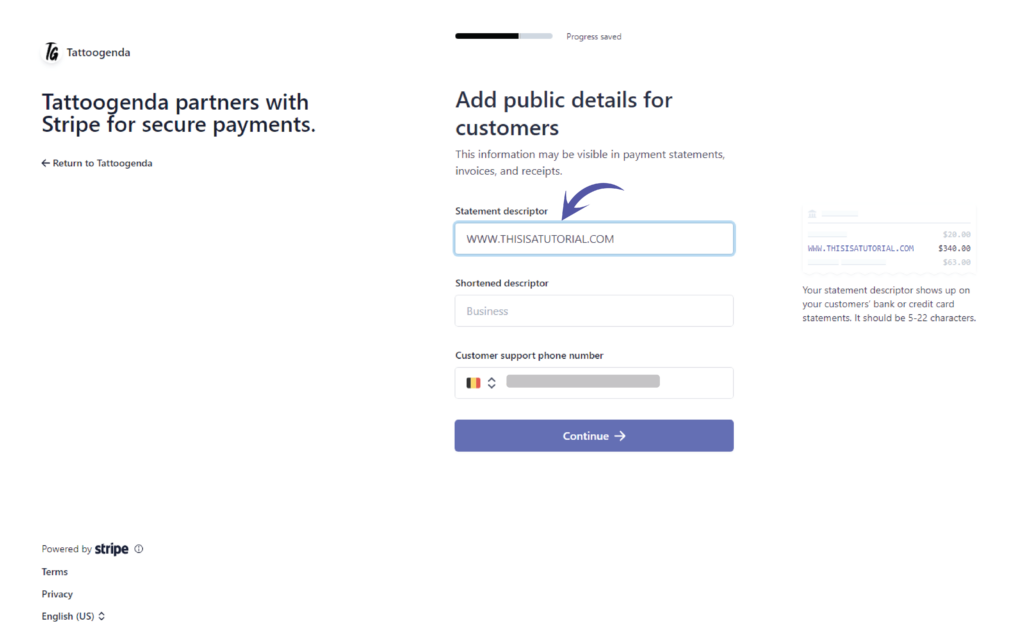
Add public details for customers.
Le ‘Statement descriptor’ will be automatically filled out if you have entered a website.
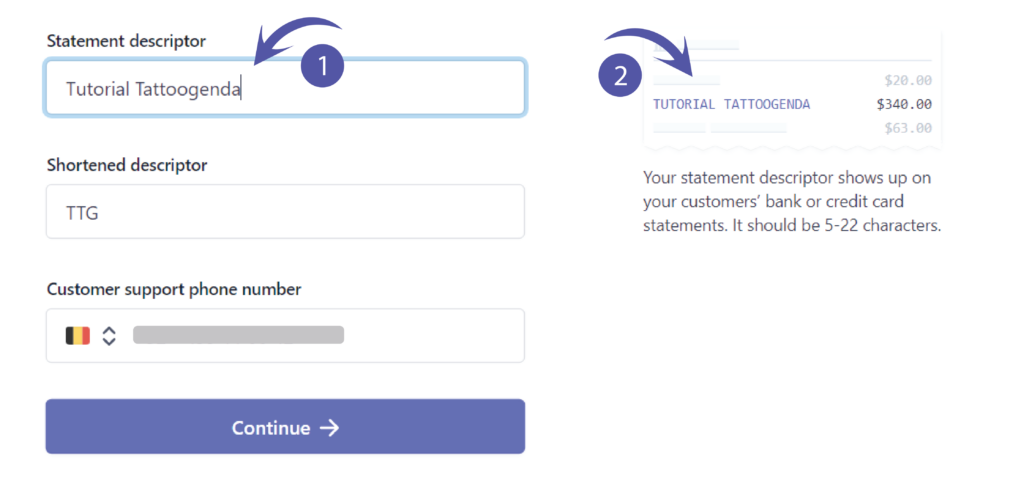
However, you can change this into anything you’d like!
This is what your customer will see on their bankaccount when they made a payment to you.
You will get a little preview that shows you how it will look like.
Fill out what applies to your studio.
Do the same with the shortened descriptor.
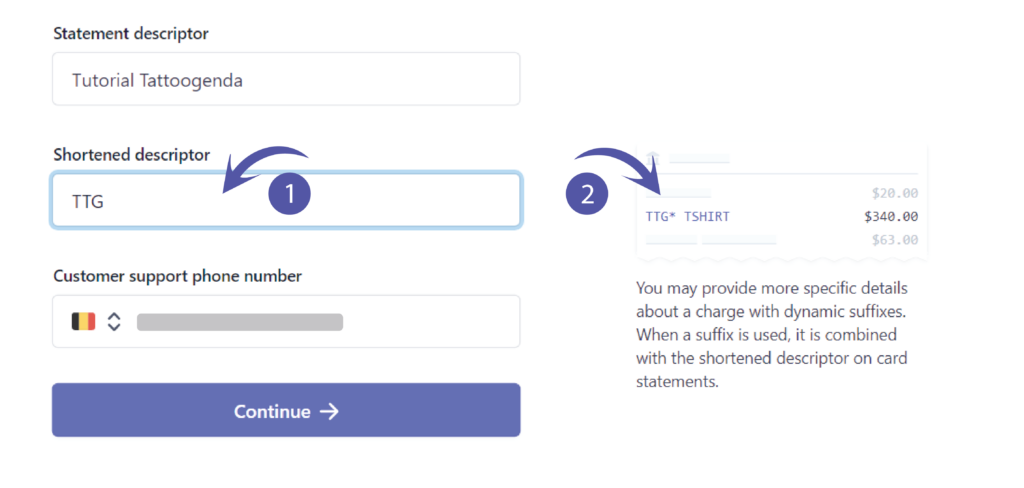
Fill out your support phone number and click continue.

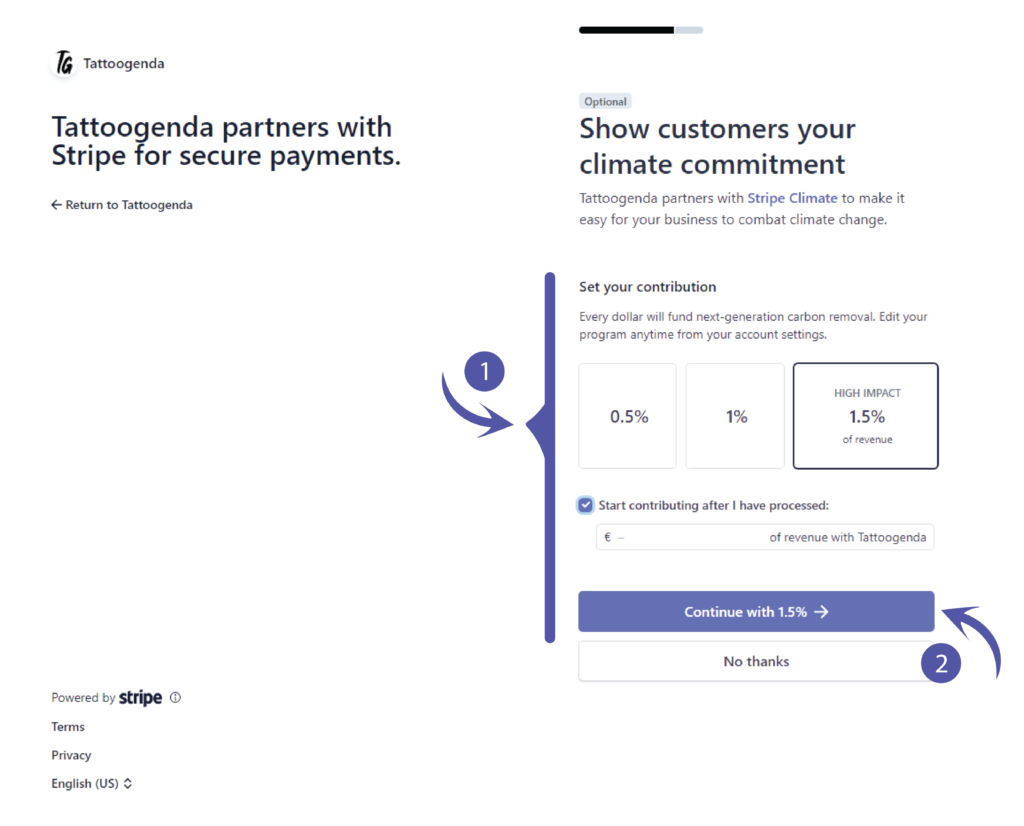
Show customers your climate commitment.
If you do not wish to contribute anything you can choose no thanks.
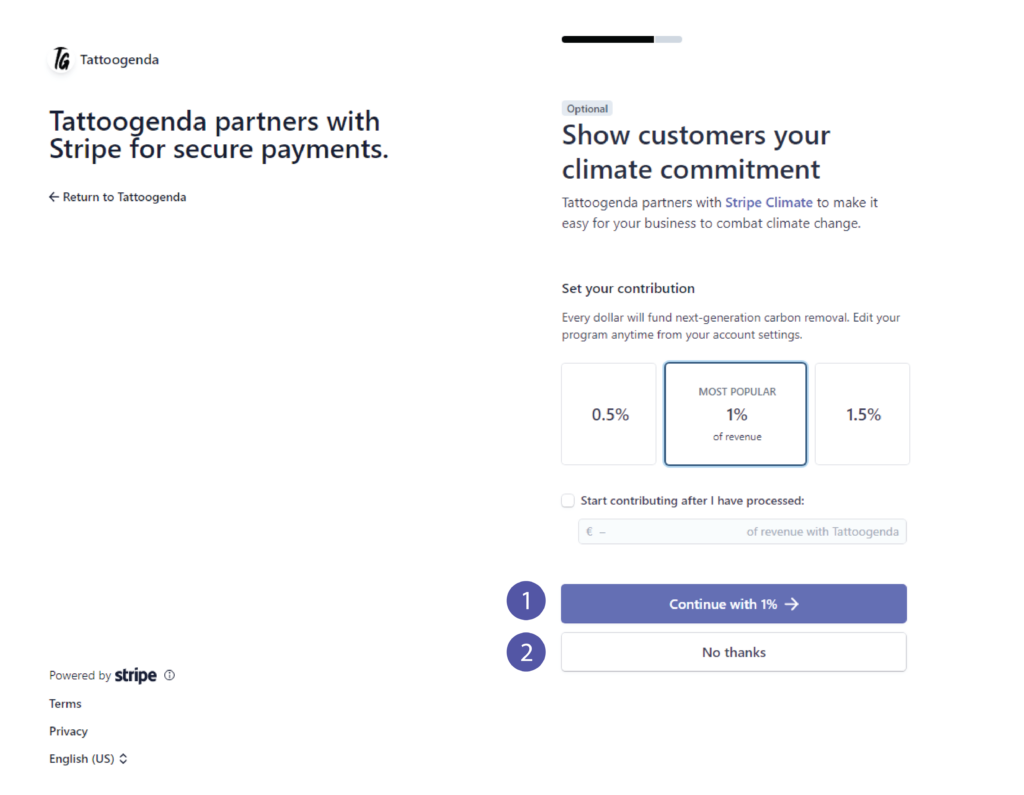
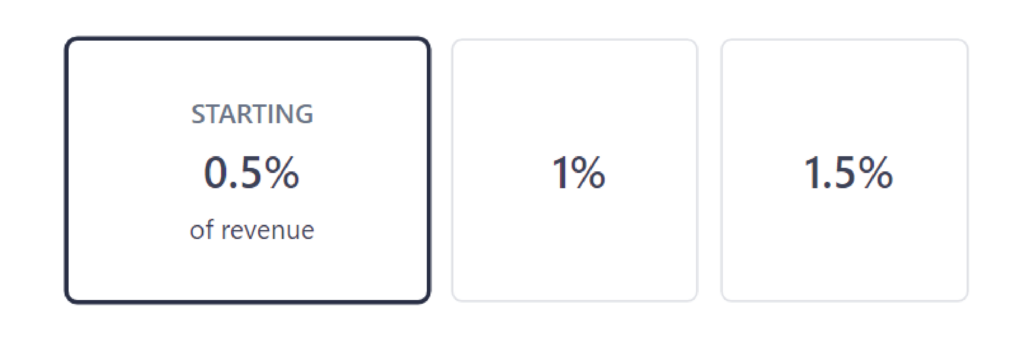
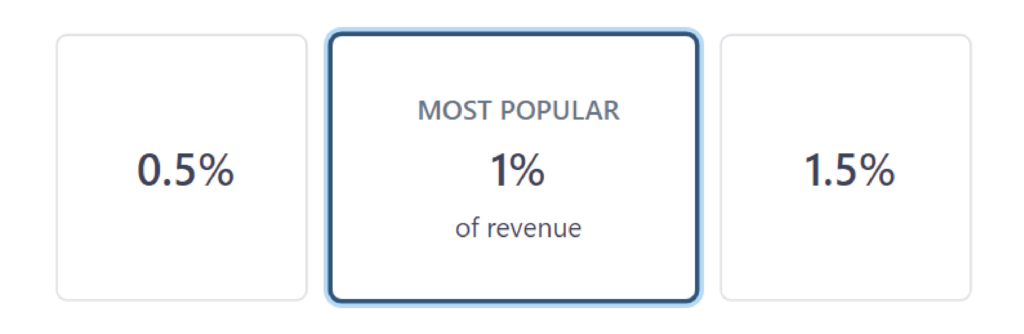
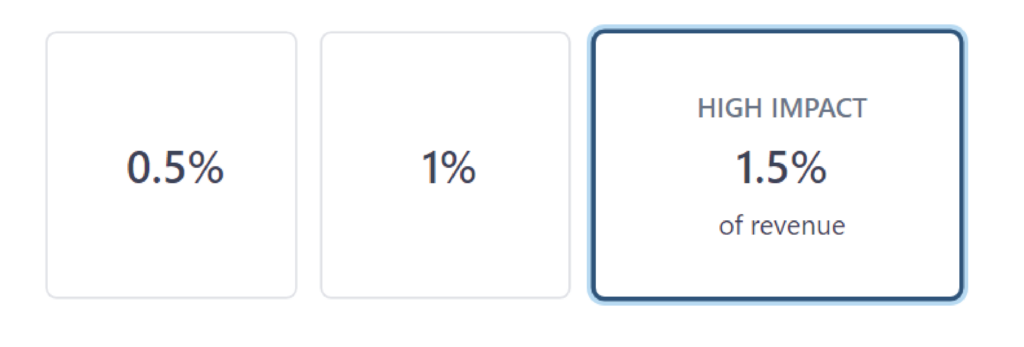
If you chose ‘No thanks’ you can skip this part.
You can choose to contribute after you have processed by checking the checkbox.
Cliquez sur ‘Continue with (e.g. 1.5% )’.
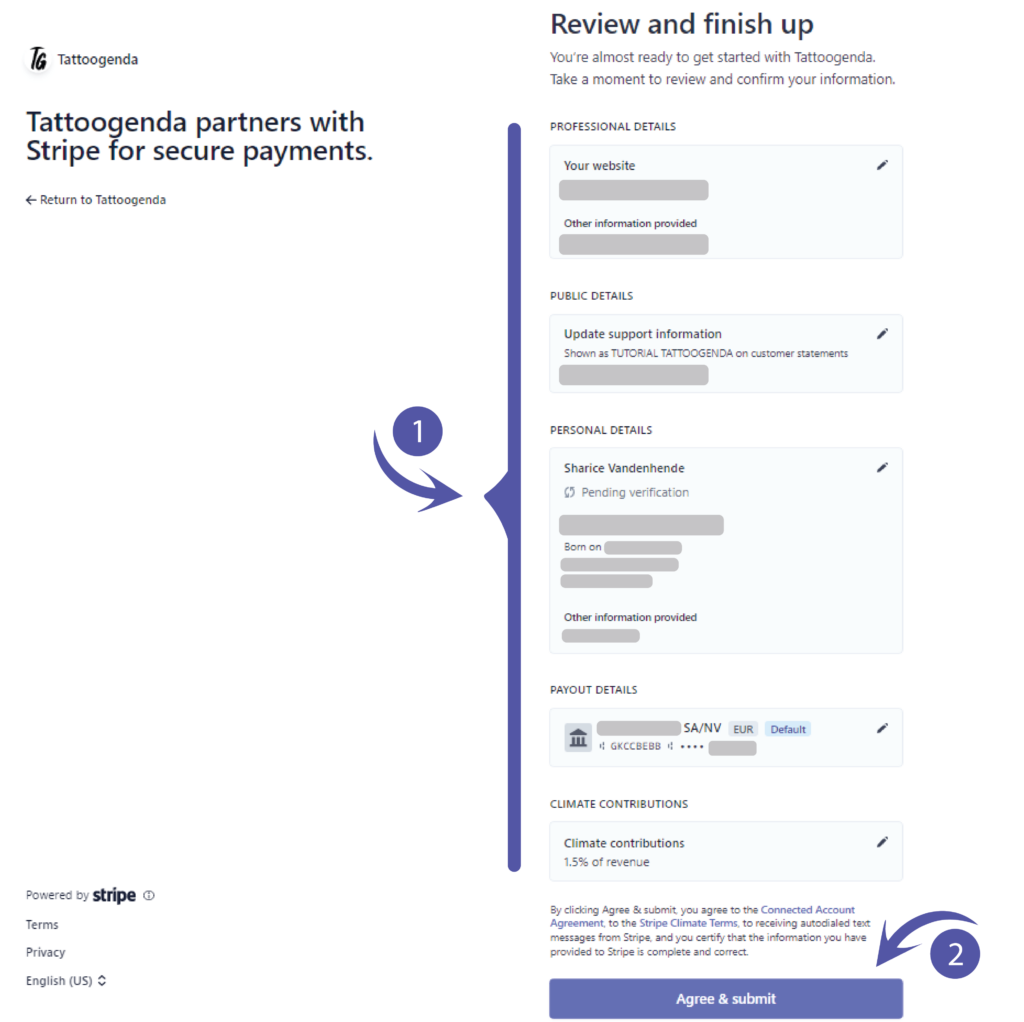
Review and finish up.
This will hold all the information you have just filled out.
Please check for any mistakes or preferred changes.
After reviewing click ‘Agree & Submit’.
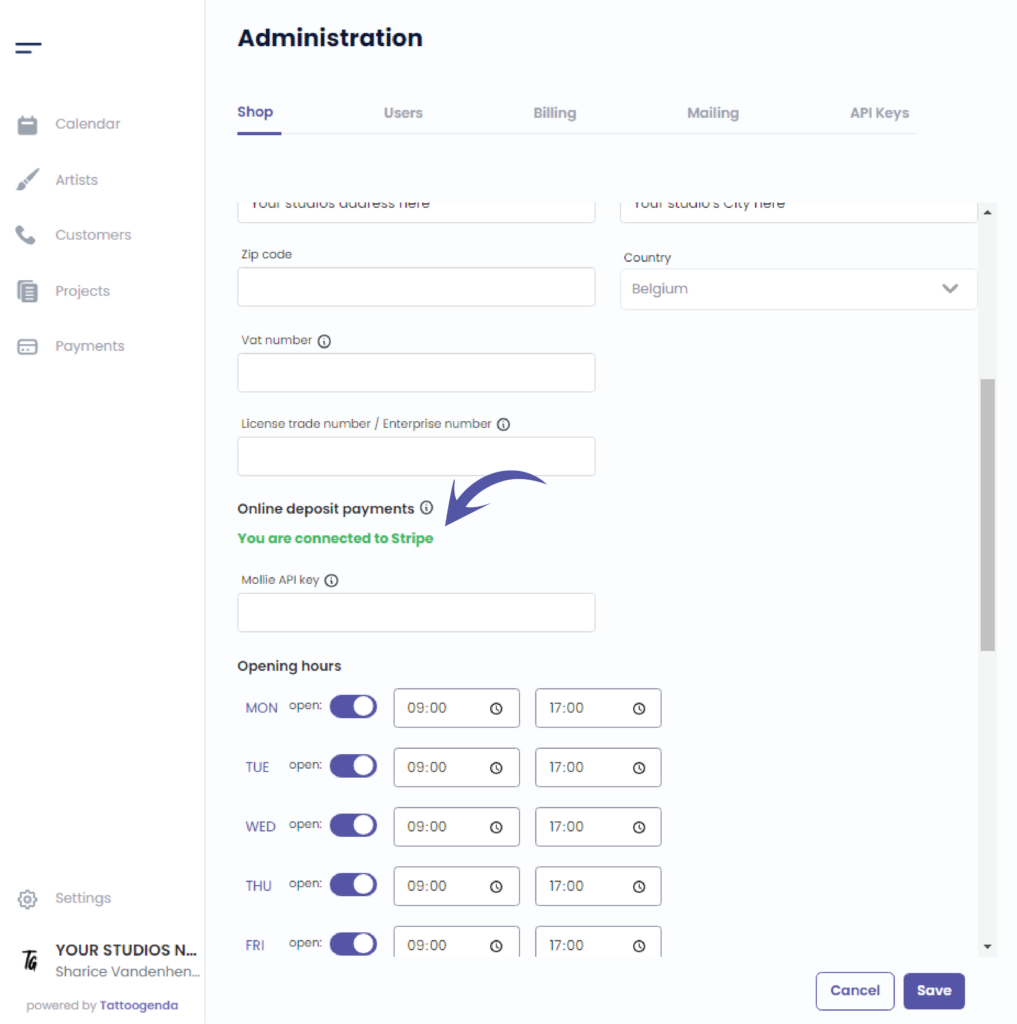
Vous serez automatically brought back to your Tattoogenda software.
Please give it a little time to process and it will turn green.
‘You are connected to Stripe’.
This confirms the setup was successful.
Vous avez encore un problème ou une question ?
Vous trouverez ci-dessous un petit lien intitulé ‘Toujours bloqué ? Comment pouvons-nous vous aider ?’
Rédigé par
Sharice Vandenhende
Par Tattoogenda


 English
  Dutch
Dutch  Dutch (Belgium)
  French
  German
  Spanish