

Aller à ‘Calendrier’
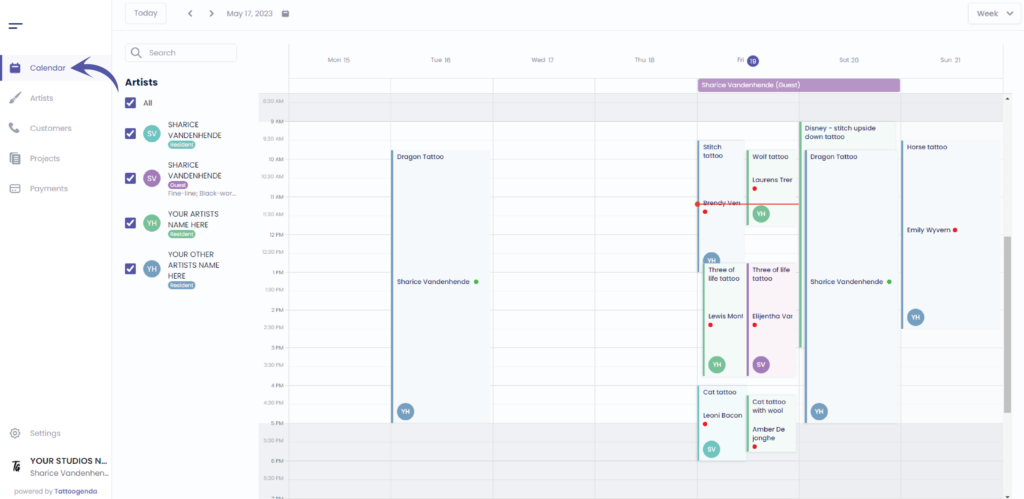
L'écran suivant s'affiche
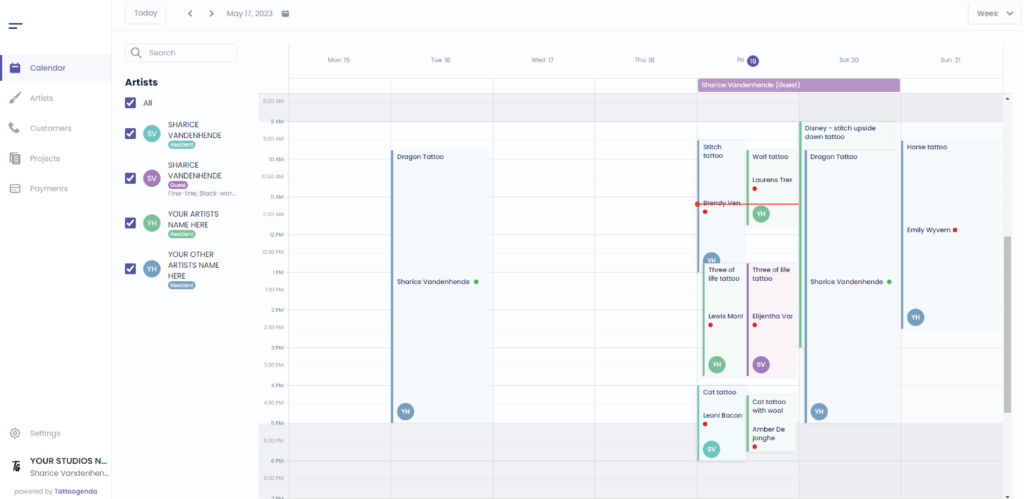
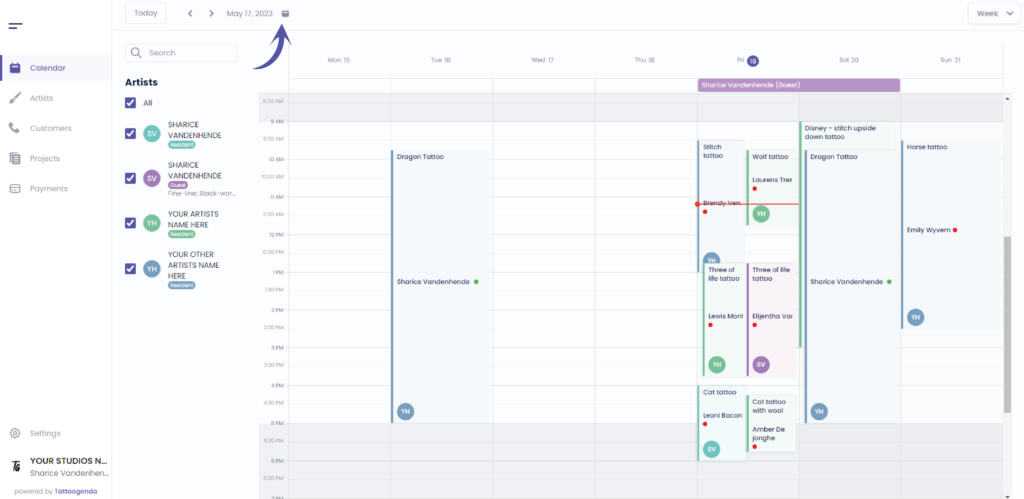
If you do not want to make an appointment on this week, go to the calendar icon to choose a date
Feel free to skip this
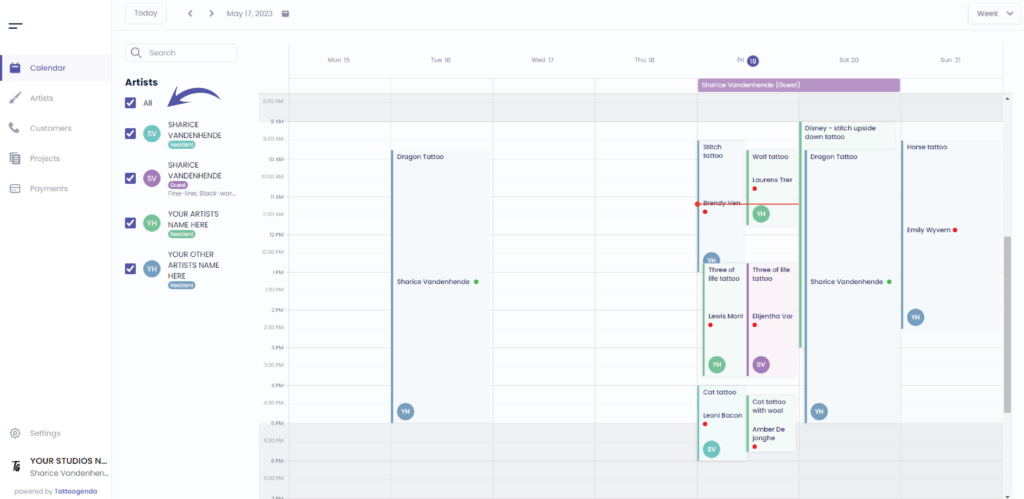
Vous pouvez uncheck all artists to get a clear calendar
You can add an appointment in two ways
Click on any given moment ( the default duration will be 30 minutes )
OU
Drag and release your desired timeframe ( e.g. 2PM – 5PM )
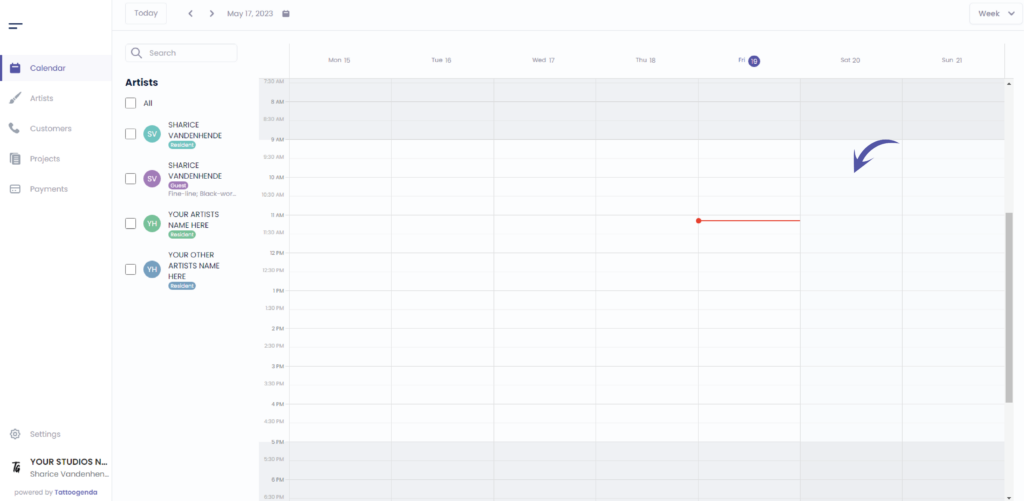
Video how to drag and release
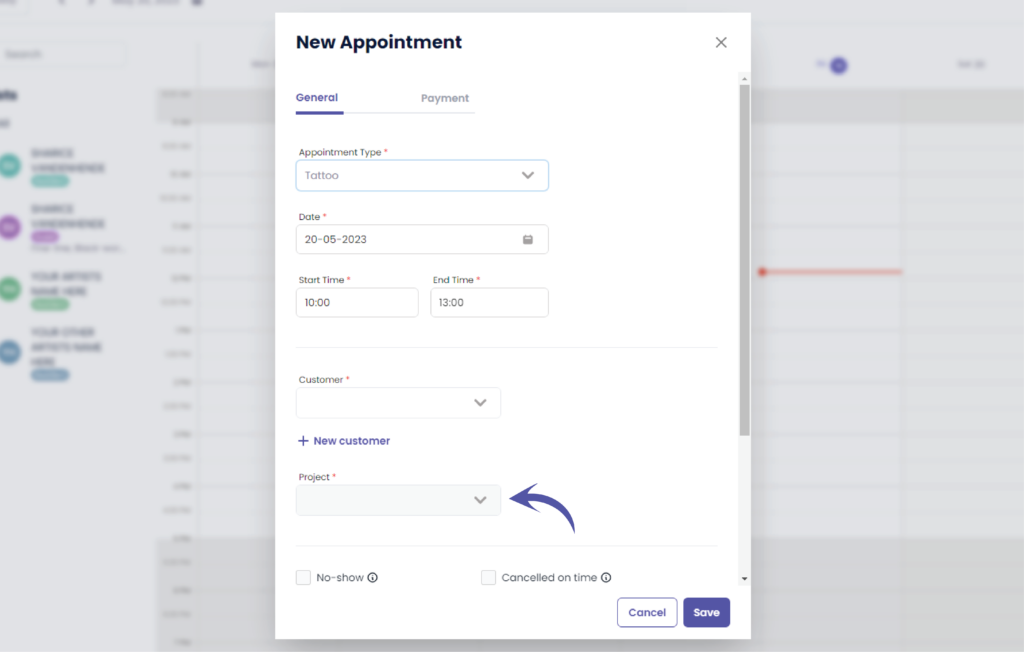
L'écran suivant s'affiche
Select the appointment type
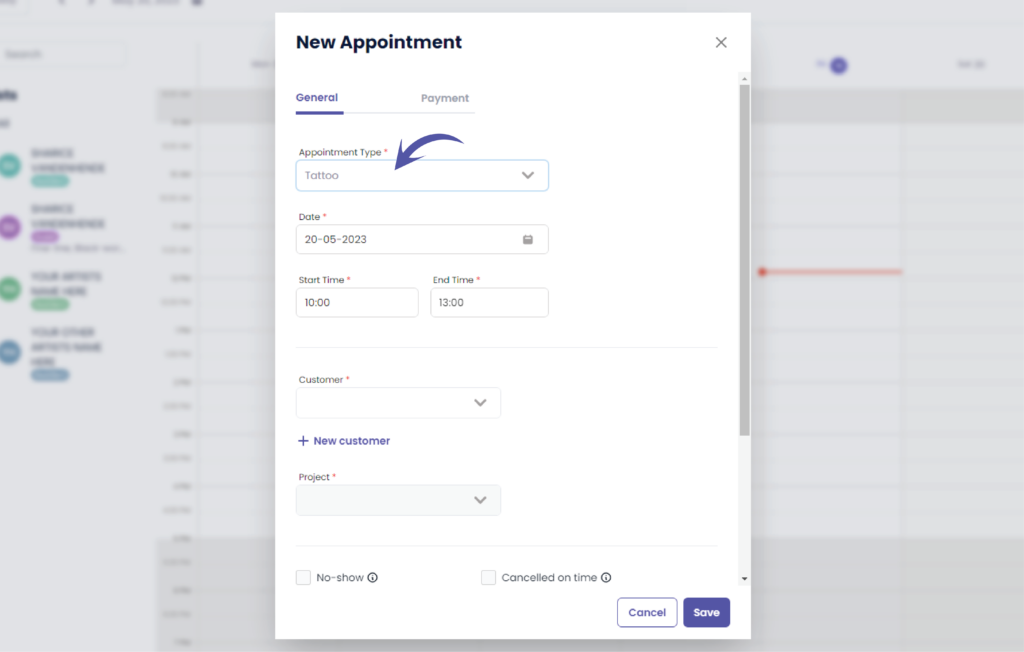
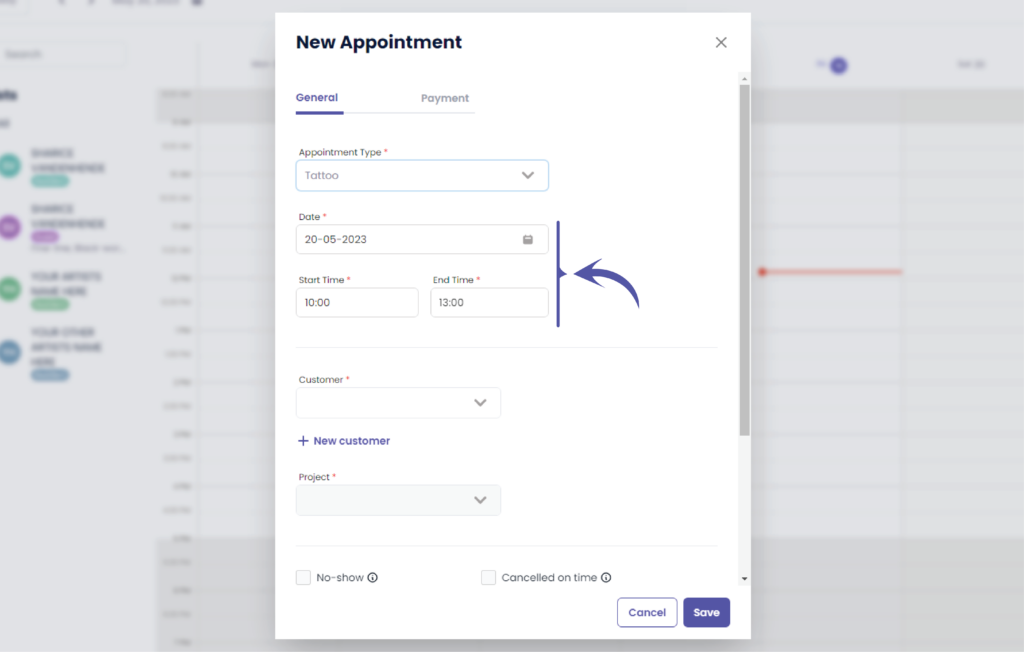
Define your desired date
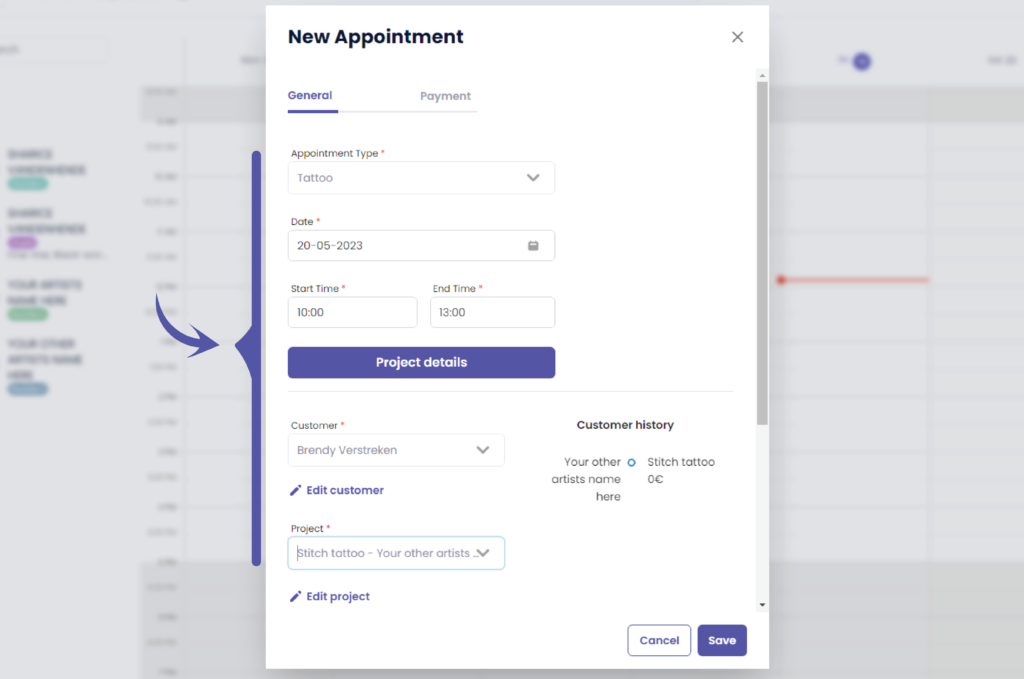
This will automatically prefilled to the date you have selected
If you did not select a timeframe the duration of the appointment will be automatically set to the default duration of 30 minutes
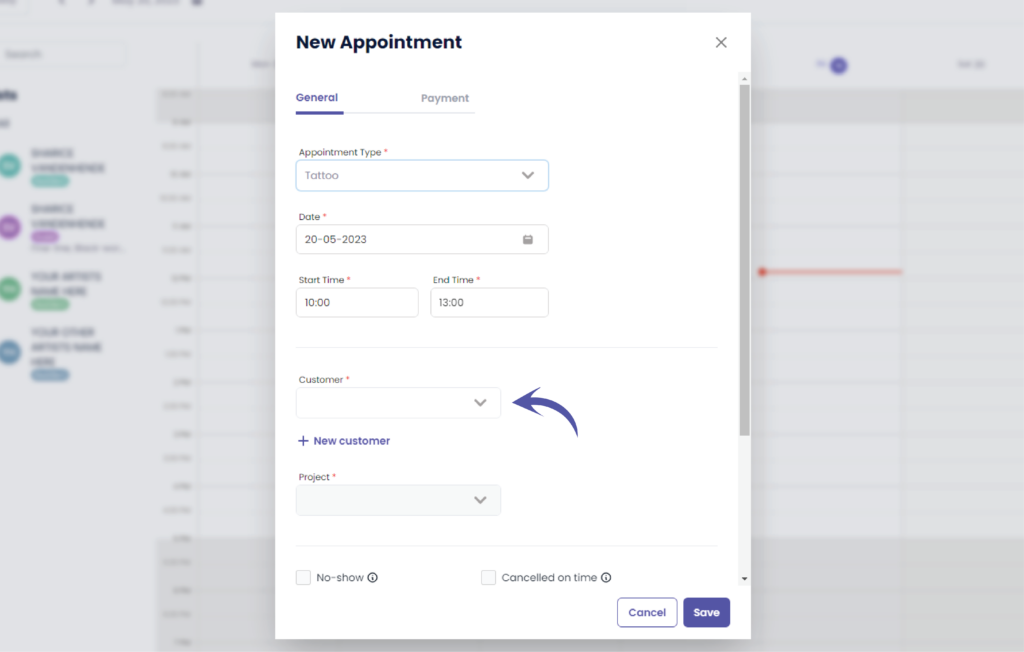
Select or add your customer
Select or create your project
An appointment always belongs to a tattoo project.
A tattoo project holds all the information about the tattoo, eg. the place on the body, color or black and grey, description, size, the artist, etc..
A tattoo project has 1 or more appointments to it. A tattoo project like a little name has 1 appointment, a tattoo project like a full sleeve has eg. 5 or 8 appointments.
Check if everything is filled our correctly
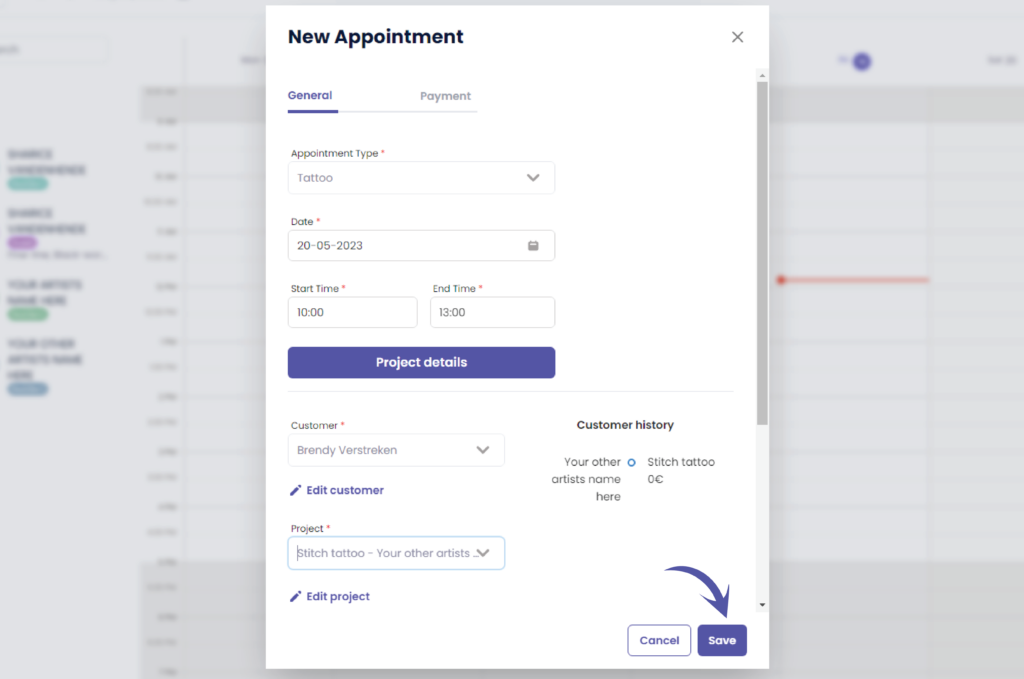
Cliquez sur ‘Sauvegarder’ to save your appointment
Vous avez encore un problème ou une question ?
Vous trouverez ci-dessous un petit lien intitulé ‘Toujours bloqué ? Comment pouvons-nous vous aider ?’
Rédigé par
Sharice Vandenhende
Par Tattoogenda


 English
  Dutch
Dutch  Dutch (Belgium)
  French
  German
  Spanish