

Ga naar ‘Kalender’
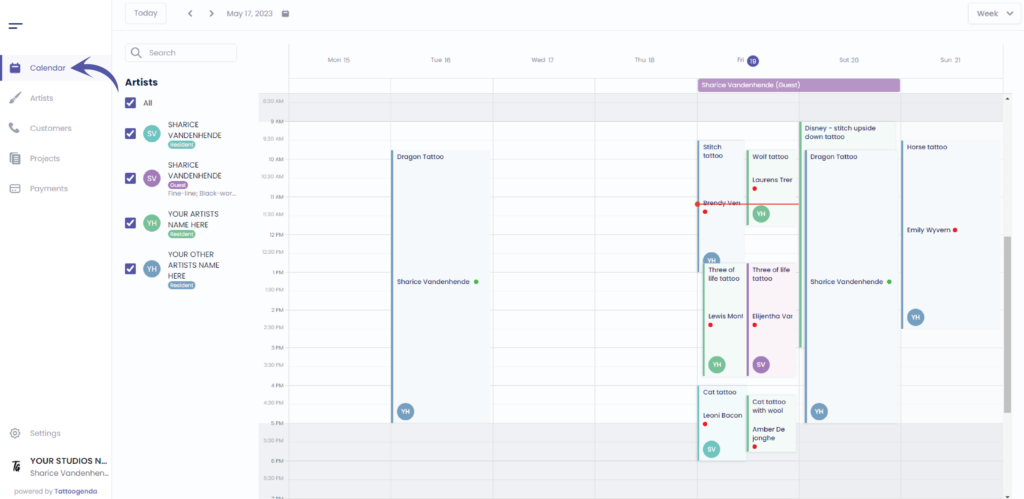
U ziet het volgende scherm
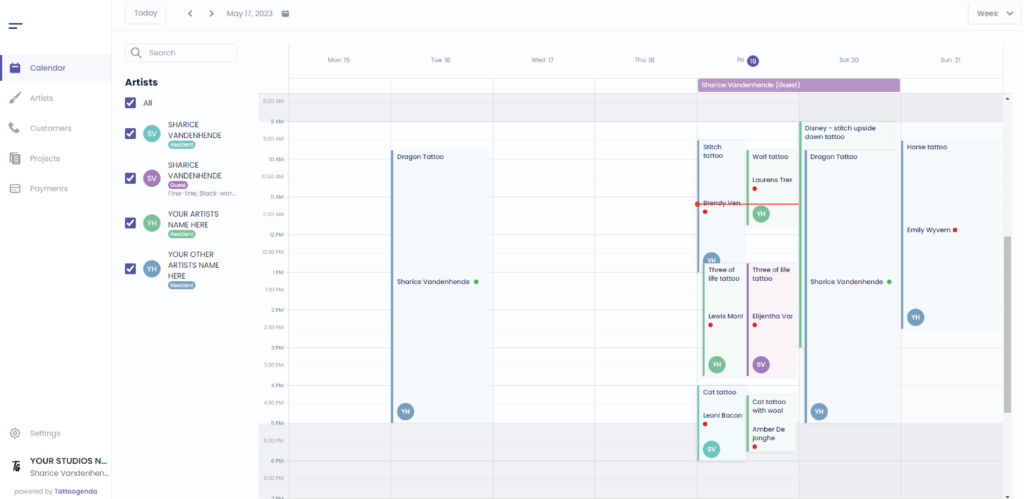
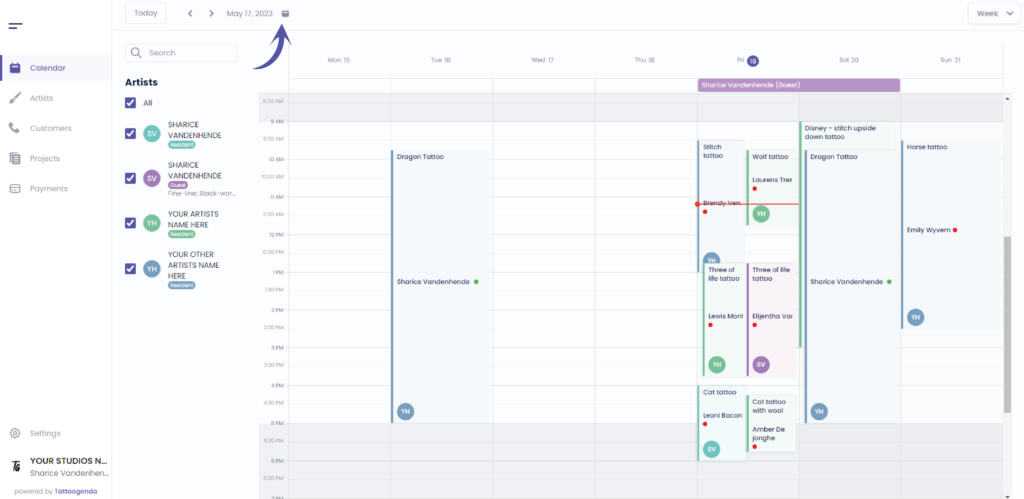
If you do not want to make an appointment on this week, go to the calendar icon to choose a date
Feel free to skip this
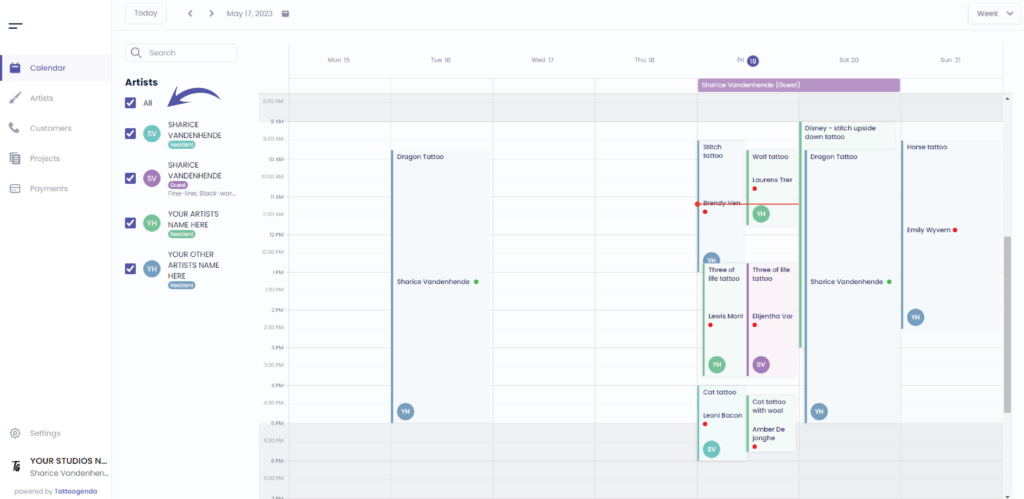
U kunt uncheck all artists to get a clear calendar
You can add an appointment in two ways
Click on any given moment ( the default duration will be 30 minutes )
OR
Drag and release your desired timeframe ( e.g. 2PM – 5PM )
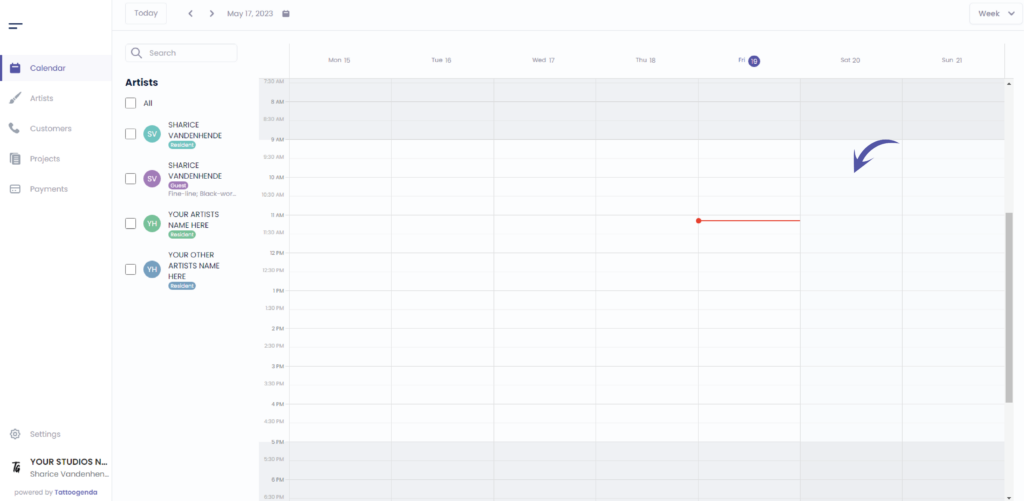
Video how to drag and release
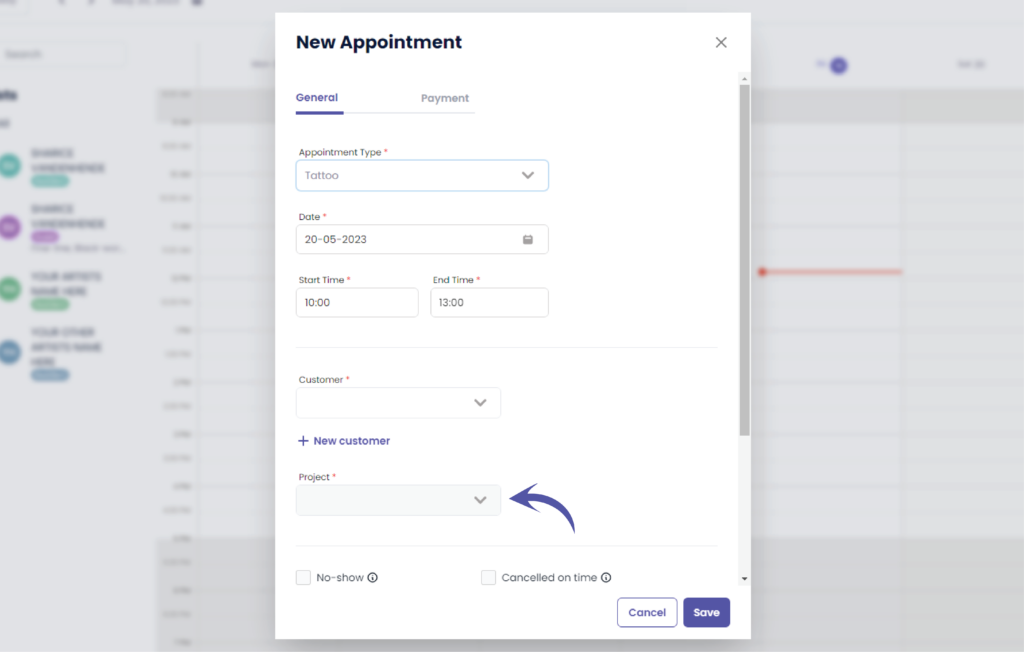
U ziet het volgende pop-upscherm
Select the appointment type
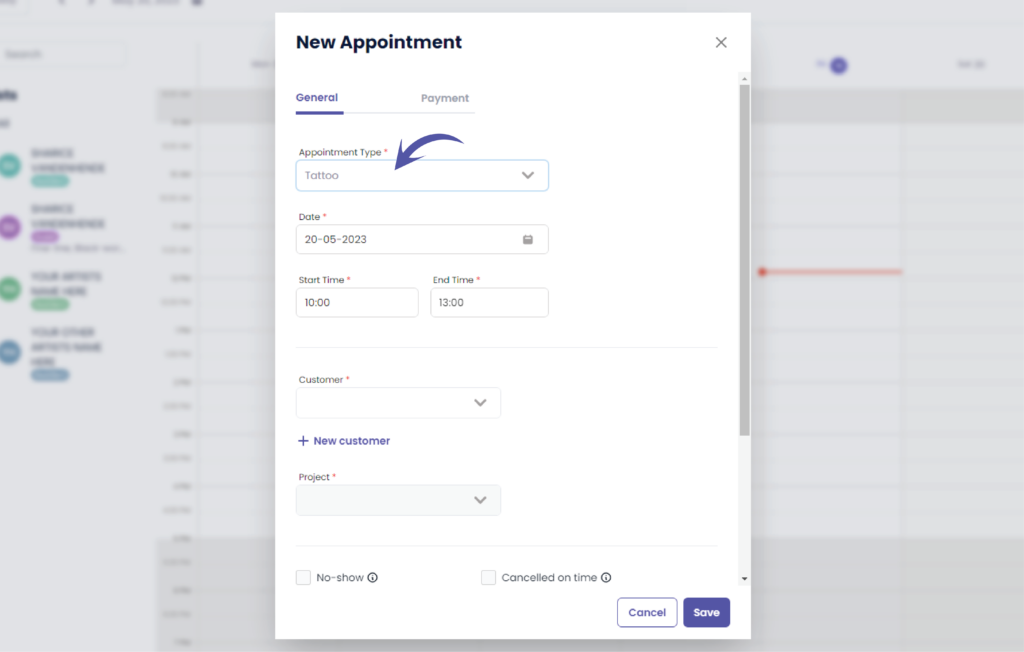
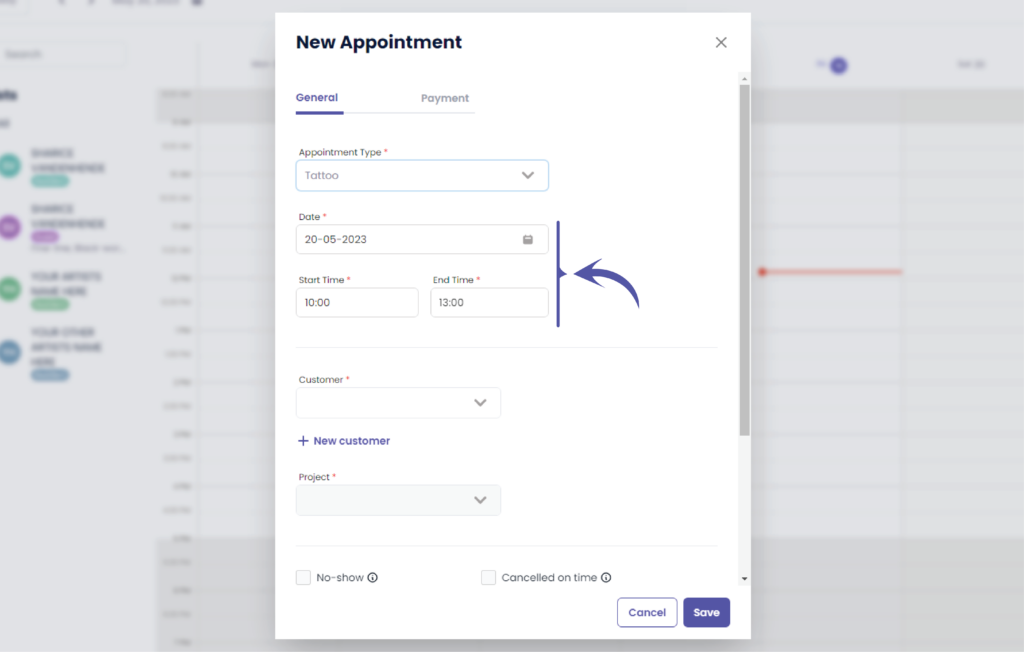
Define your desired date
This will automatically prefilled to the date you have selected
If you did not select a timeframe the duration of the appointment will be automatically set to the default duration of 30 minutes
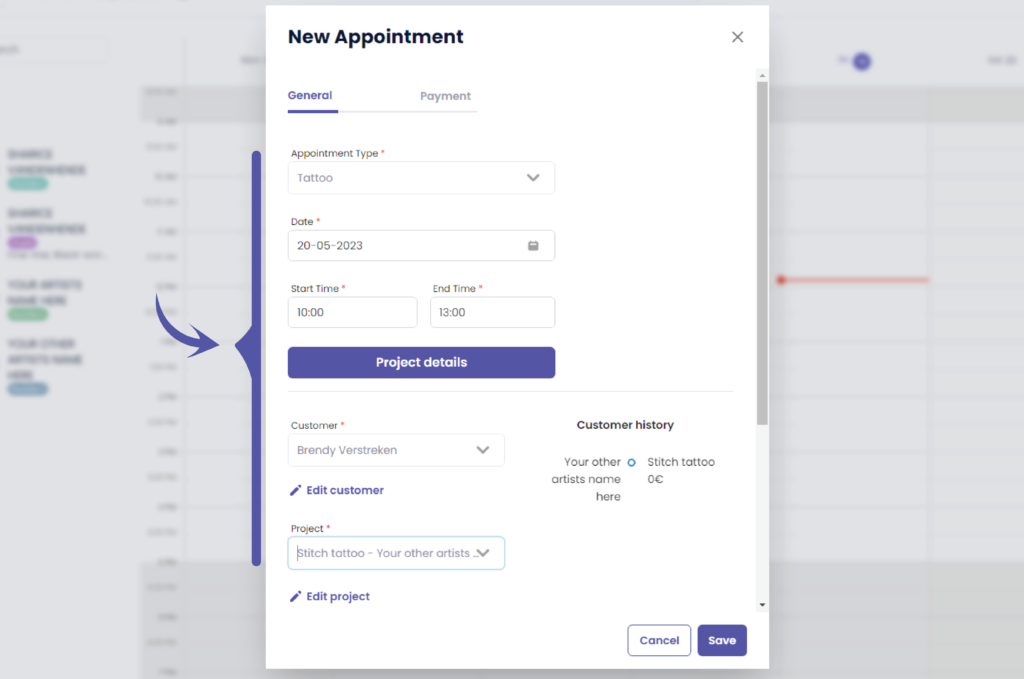
Select or add your customer
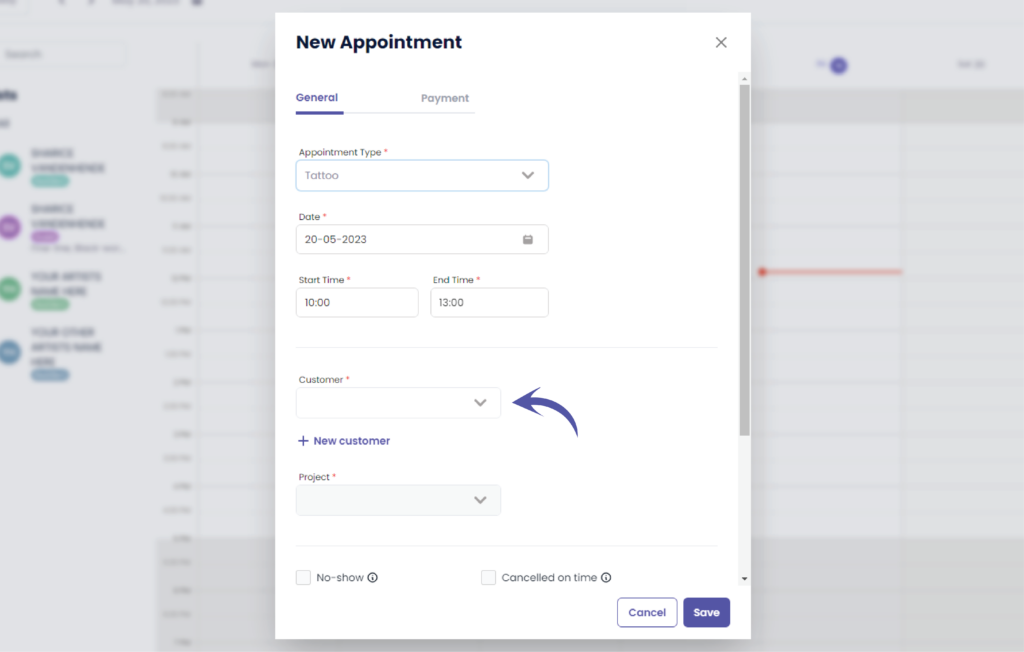
Select or create your project
An appointment always belongs to a tattoo project.
A tattoo project holds all the information about the tattoo, eg. the place on the body, color or black and grey, description, size, the artist, etc..
A tattoo project has 1 or more appointments to it. A tattoo project like a little name has 1 appointment, a tattoo project like a full sleeve has eg. 5 or 8 appointments.
Check if everything is filled our correctly
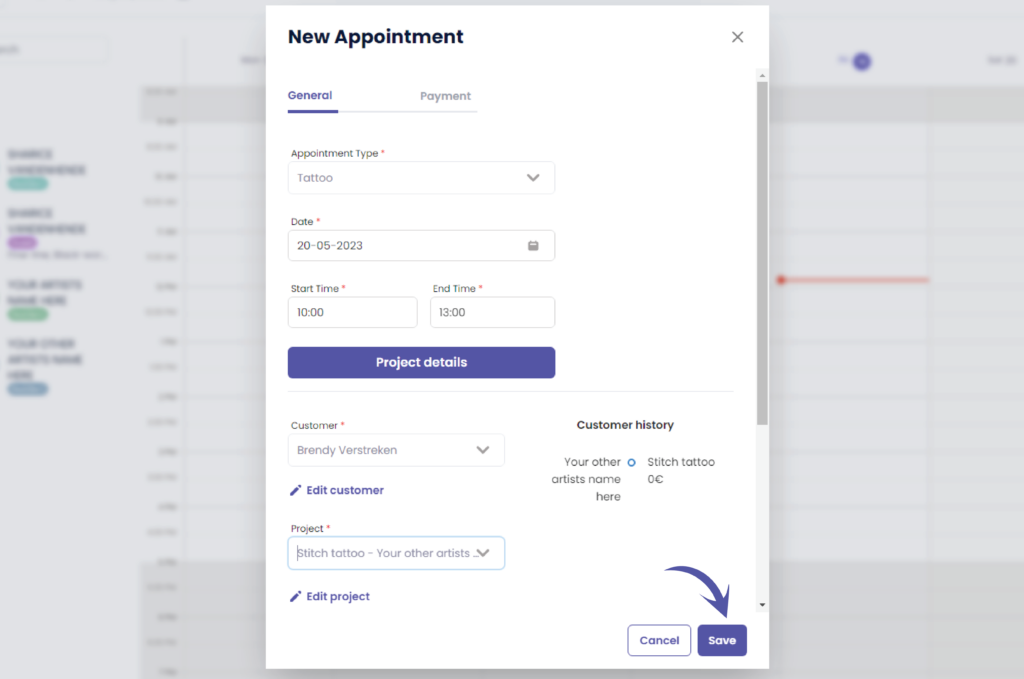
Klik op ‘Opslaan’ to save your appointment
Heb je nog steeds een probleem of een vraag?
Hieronder vind je een kleine link met de naam ‘Nog steeds vast? Hoe kunnen we helpen!’
Geschreven door
Sharice Vandenhende
Door Tattoogenda


 English
  Dutch
Dutch  Dutch (Belgium)
  French
  German
  Spanish