

In uw Tattoogenda studio software,
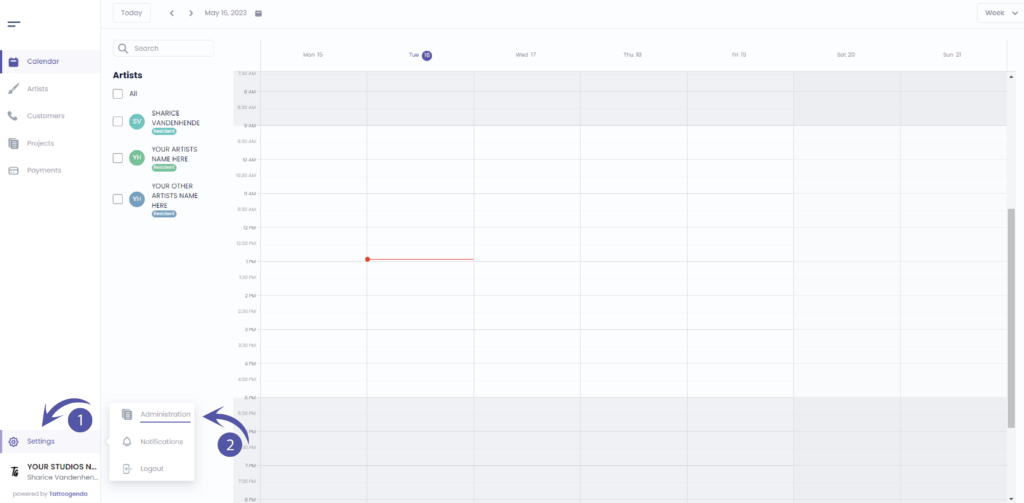
U vindt uw instellingen linksonder in uw scherm boven uw studionaam.
Ga naar je instellingen en kies ‘Administratie’
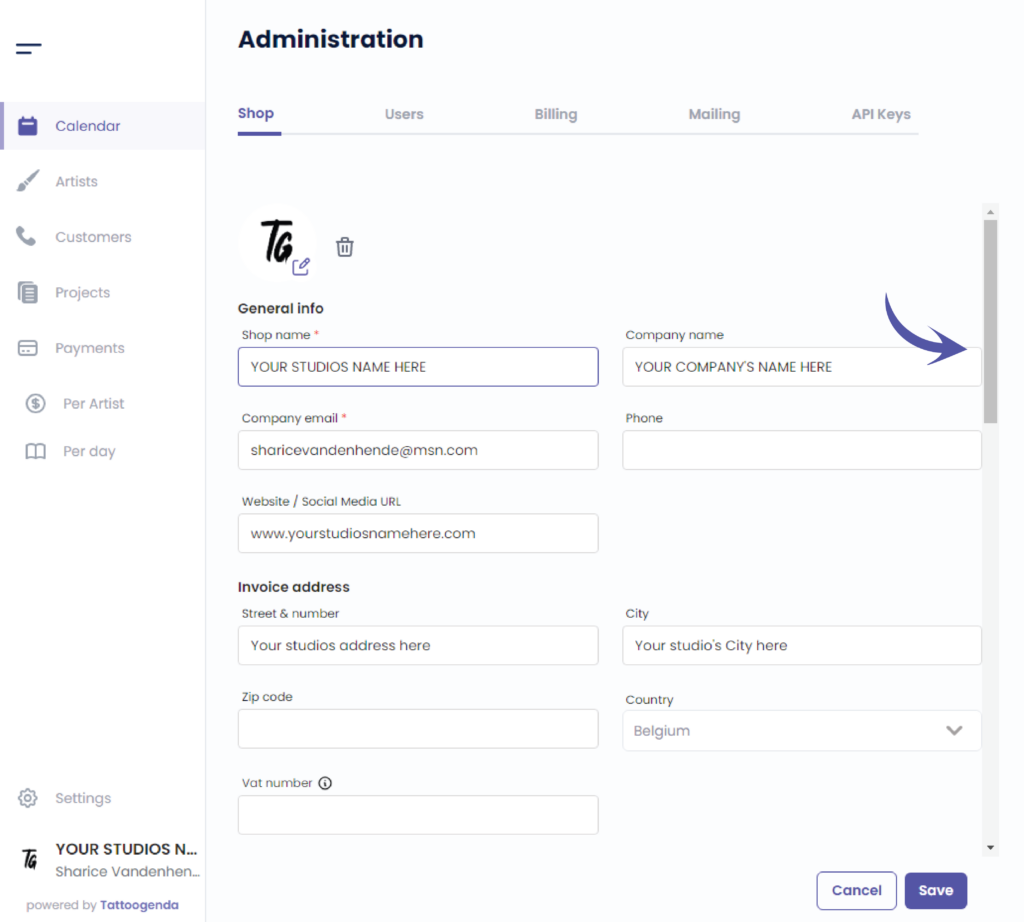
Je moet automatisch op tabblad staan ‘Winkel’, Als dat niet het geval is, klikt u op winkelen.

Use the scrollbar to scroll all the way down
Appointment types
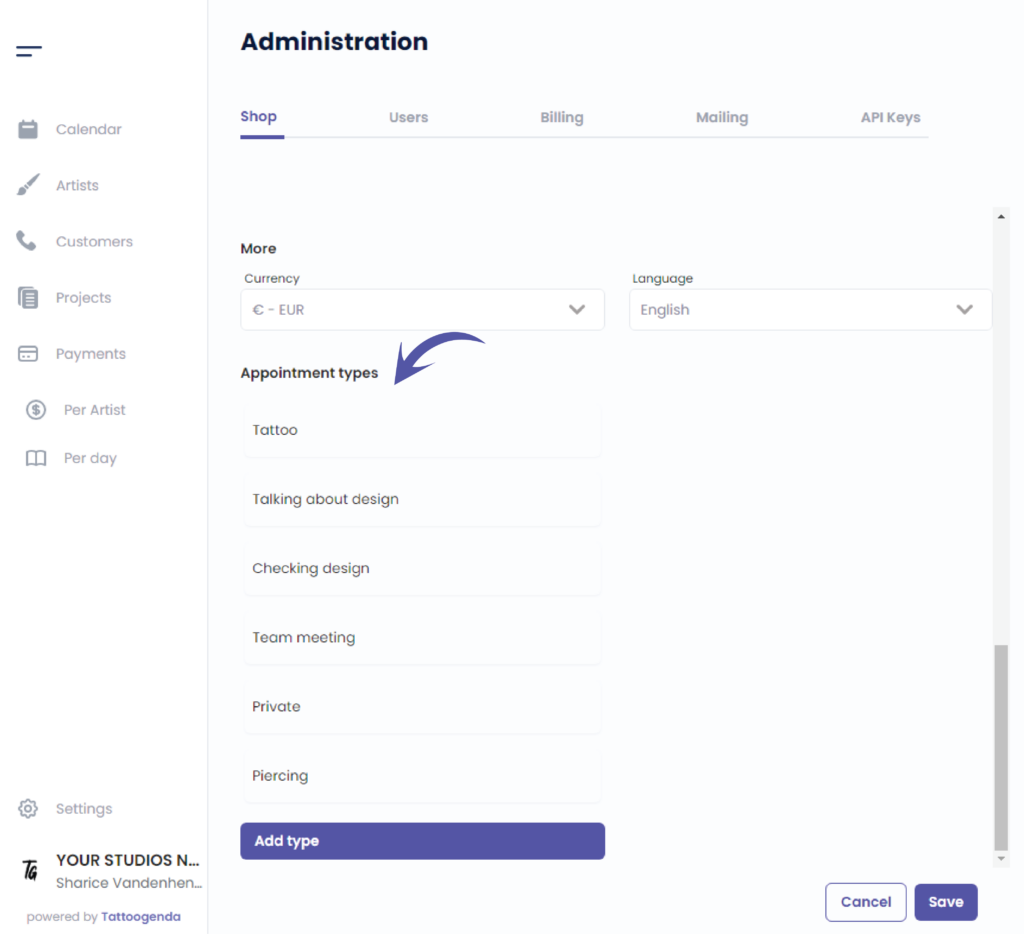
You can add your own appointment types here
Click on the article below to find out more about appointment types
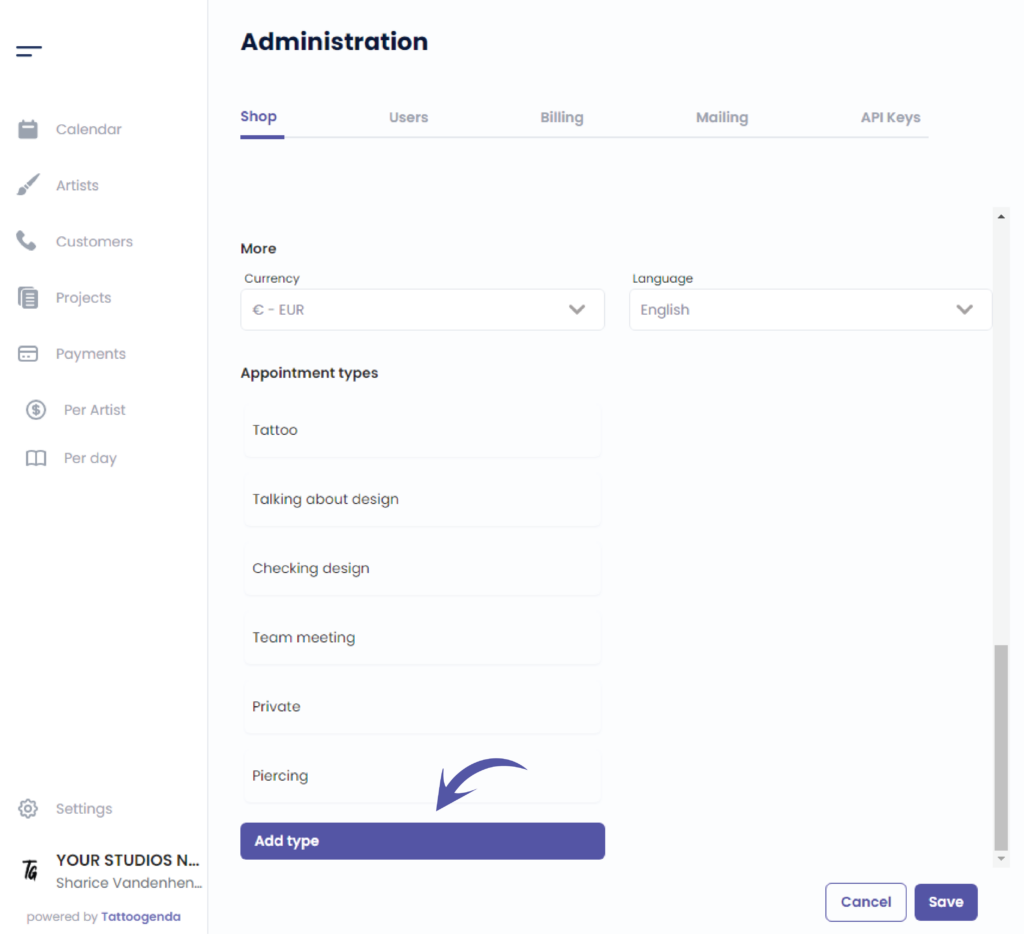
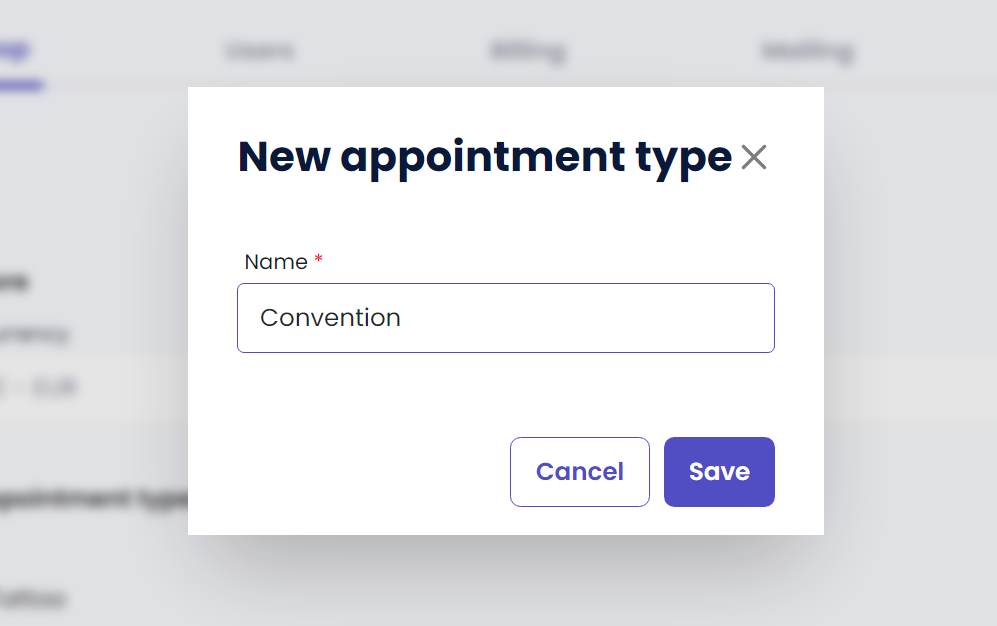
Enter the name of your new appointment type
( e.g. Convention, Podcast recordings, Teambuilding, .. whatever frequently returns in your stuio )
Klik op ‘Opslaan’ to save your new appointment type
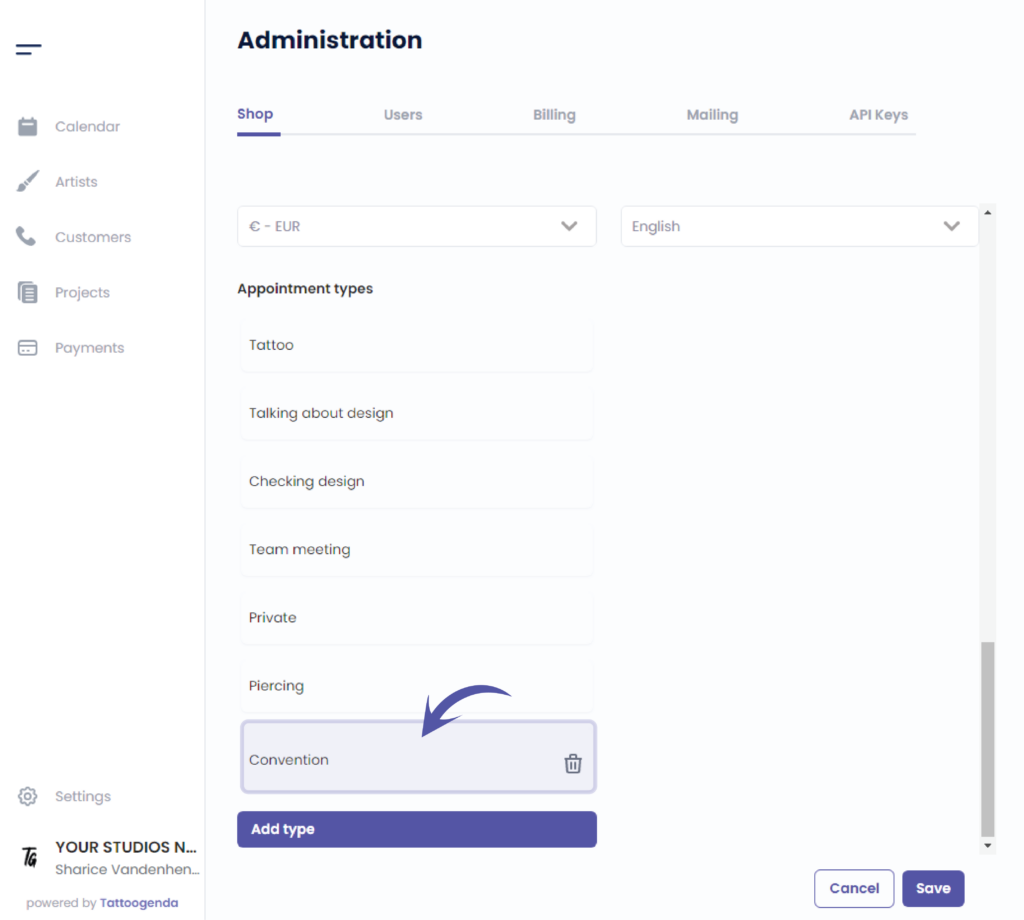
You can see your newly added appointment type here
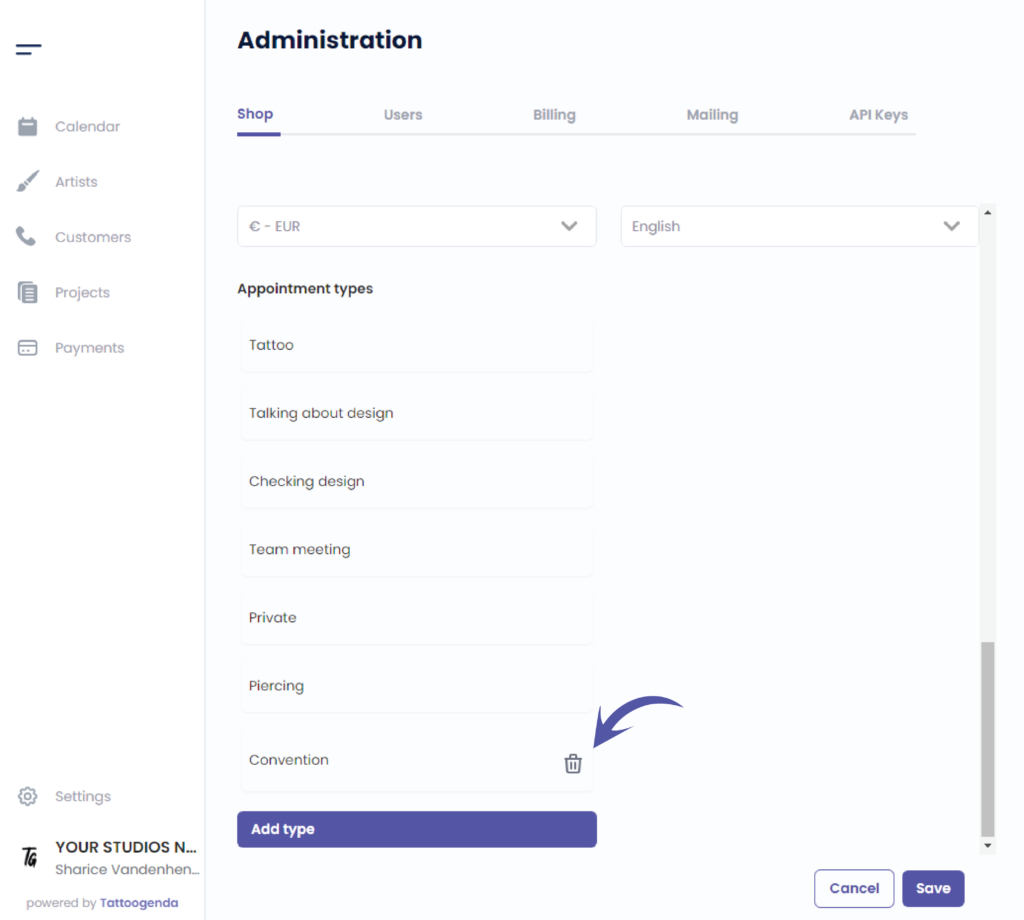
To remove an added appointment type simply click on the bin icon
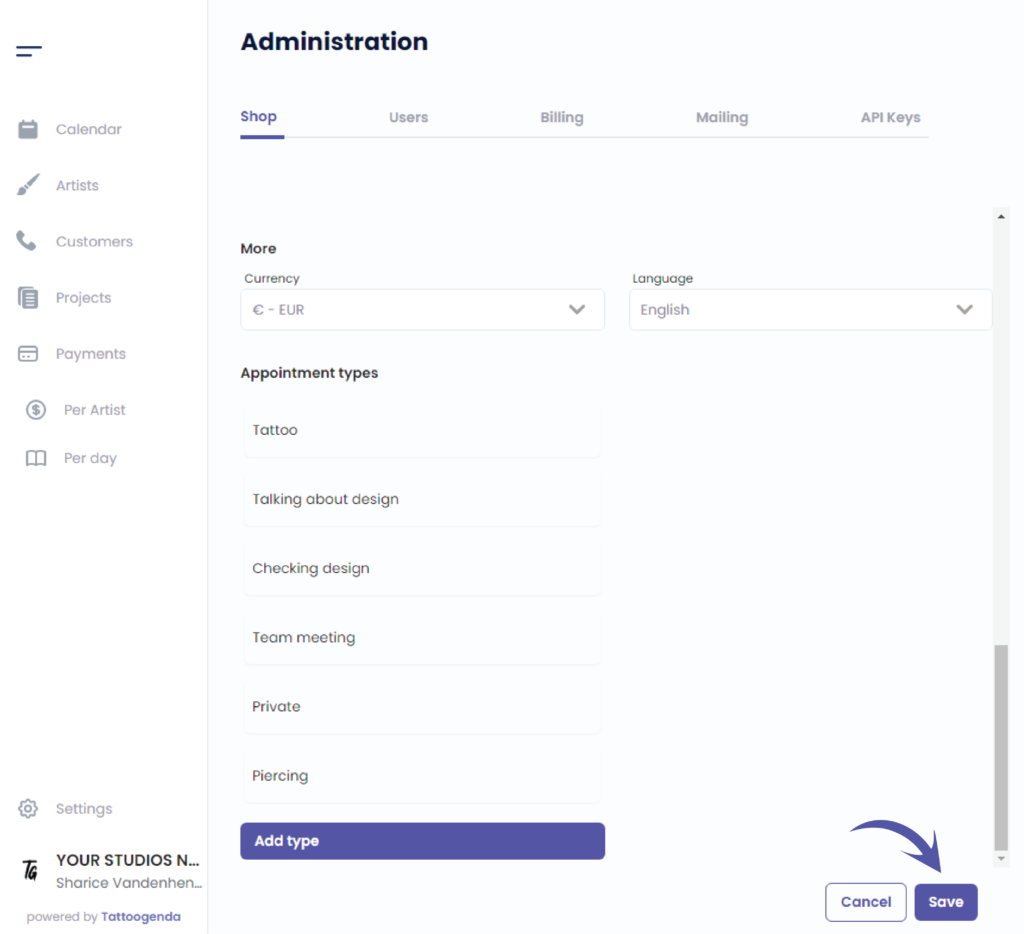
Klik op ‘Opslaan’ to save your shop settings
Heb je nog steeds een probleem of een vraag?
Hieronder vind je een kleine link met de naam ‘Nog steeds vast? Hoe kunnen we helpen!’
Geschreven door
Sharice Vandenhende
Door Tattoogenda


 English
  Dutch
Dutch  Dutch (Belgium)
  French
  German
  Spanish