
When your customer does not show up or cancels too late you can choose to use the deposit according to your deposit rules of your studio.
Before you check on the type of cancellation there’s a few things we need to do to use the deposit amount.

Gehe zu ‘Kalender’
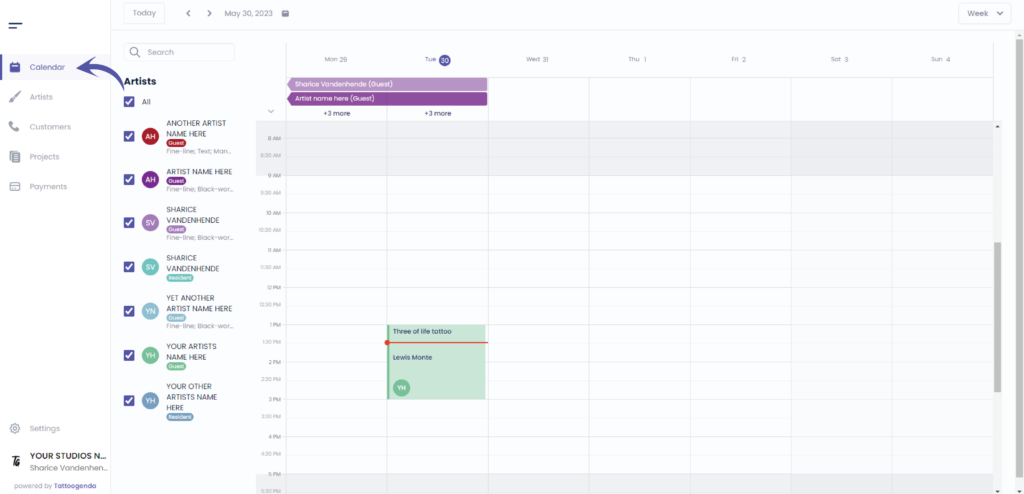
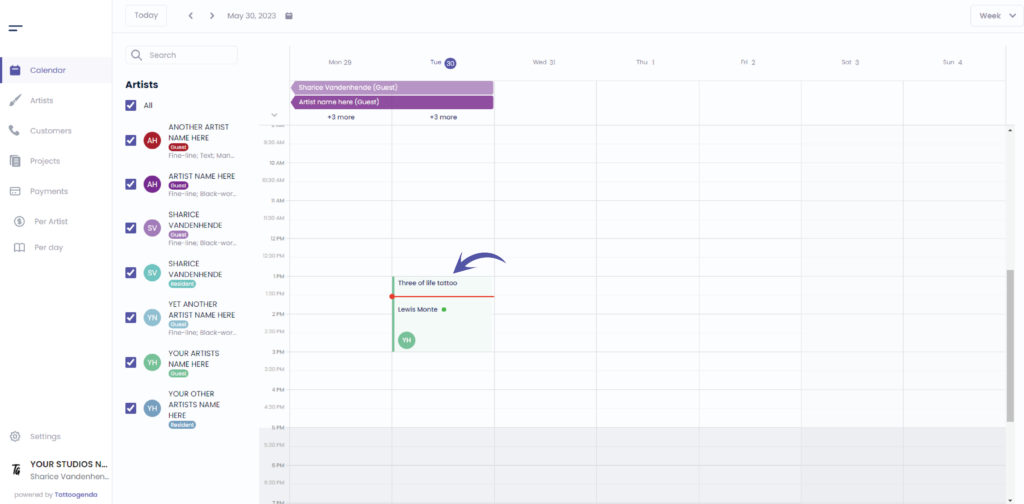
This red line indicates the current time
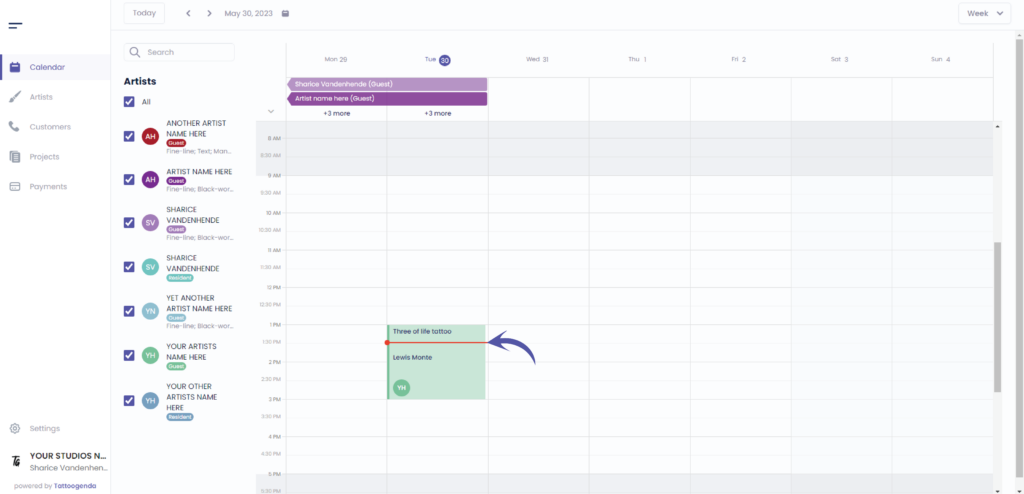
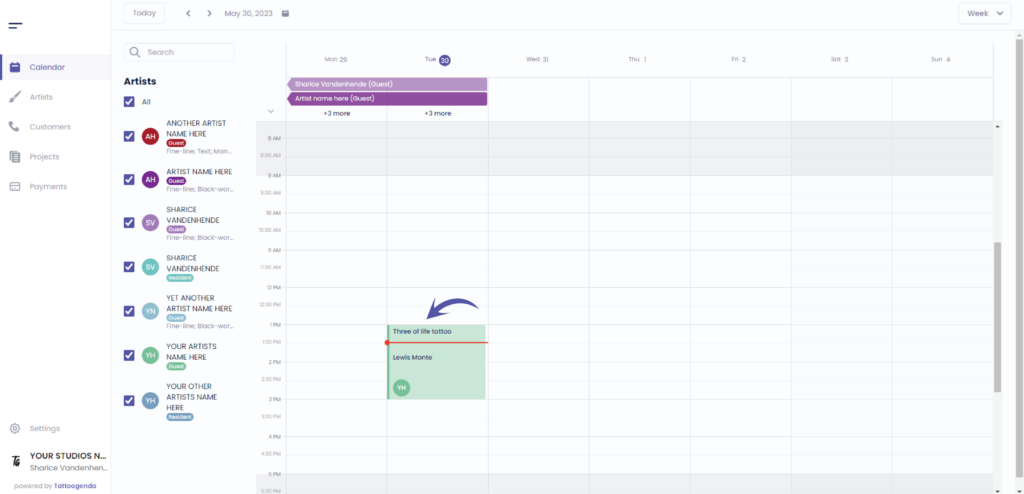
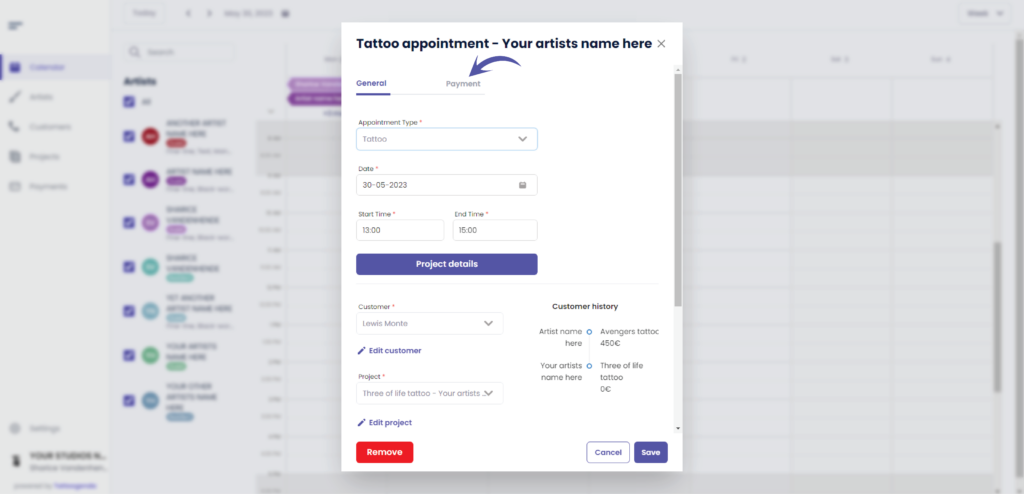
Click on the appointment
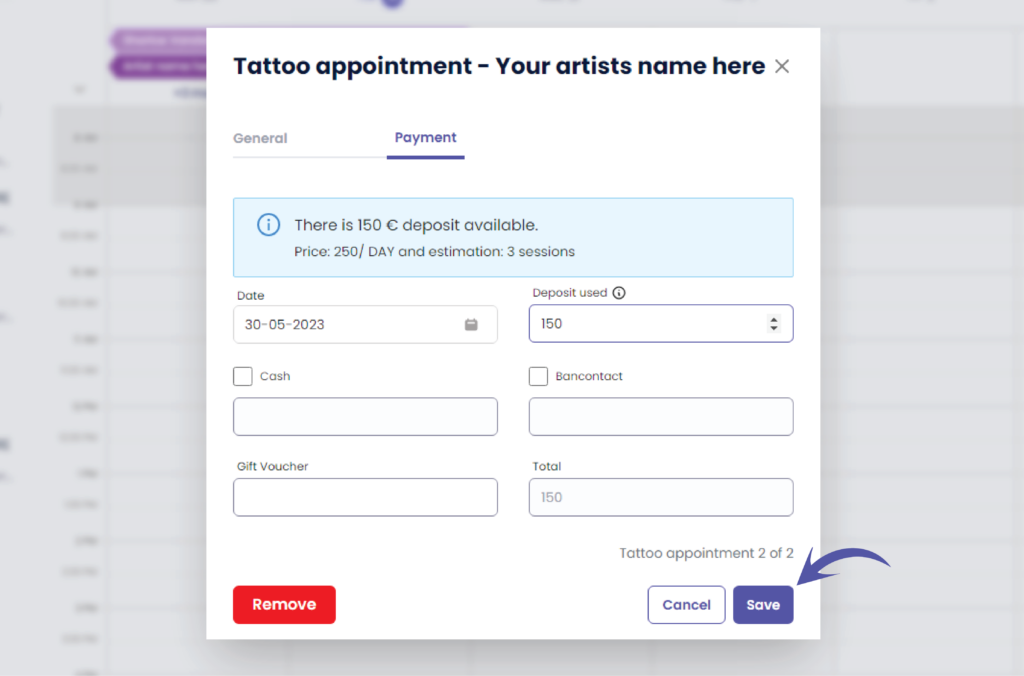
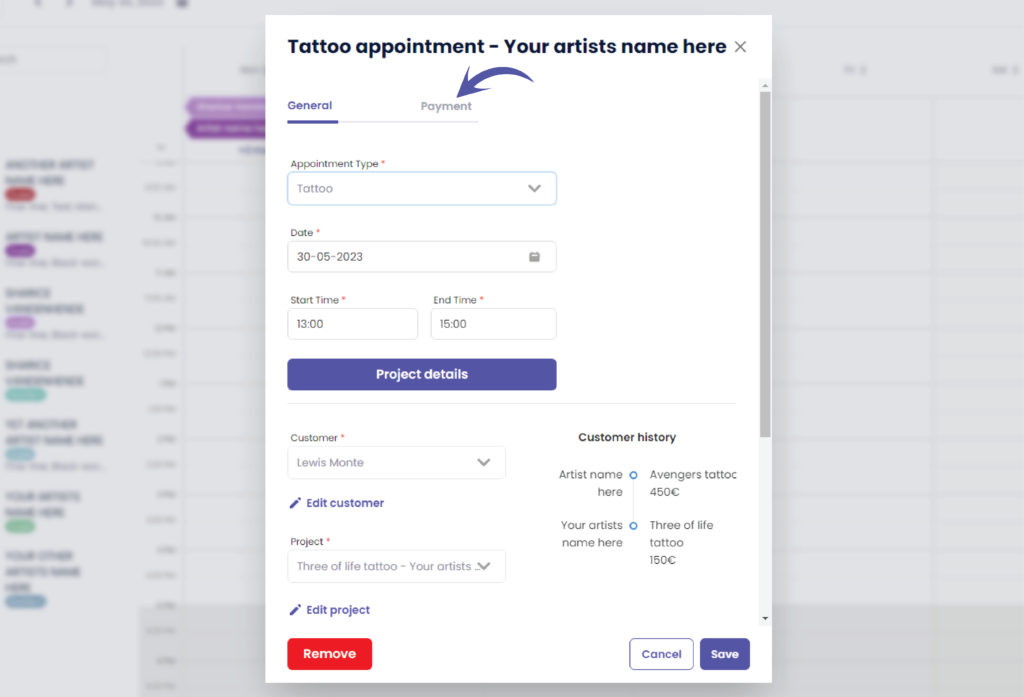
Sie sehen den folgenden Bildschirm
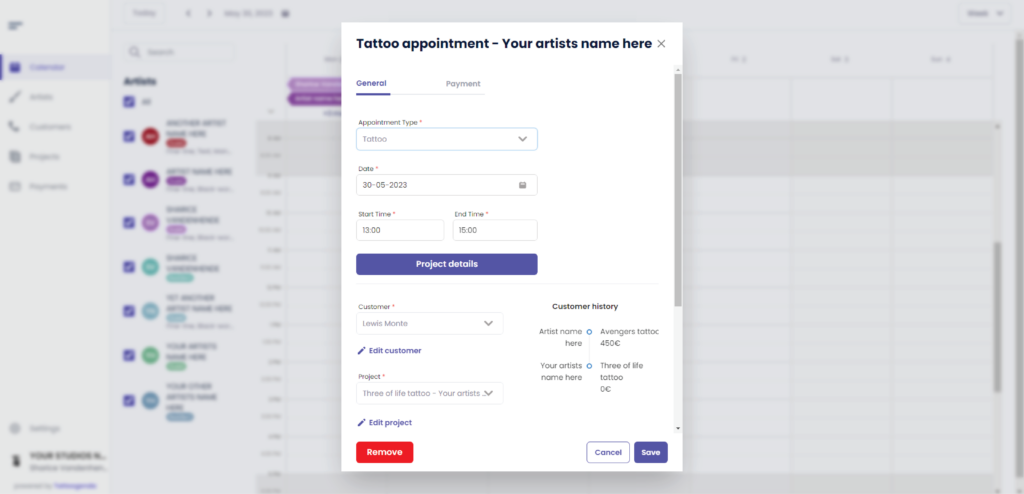
Klicken Sie auf ‘Payment’
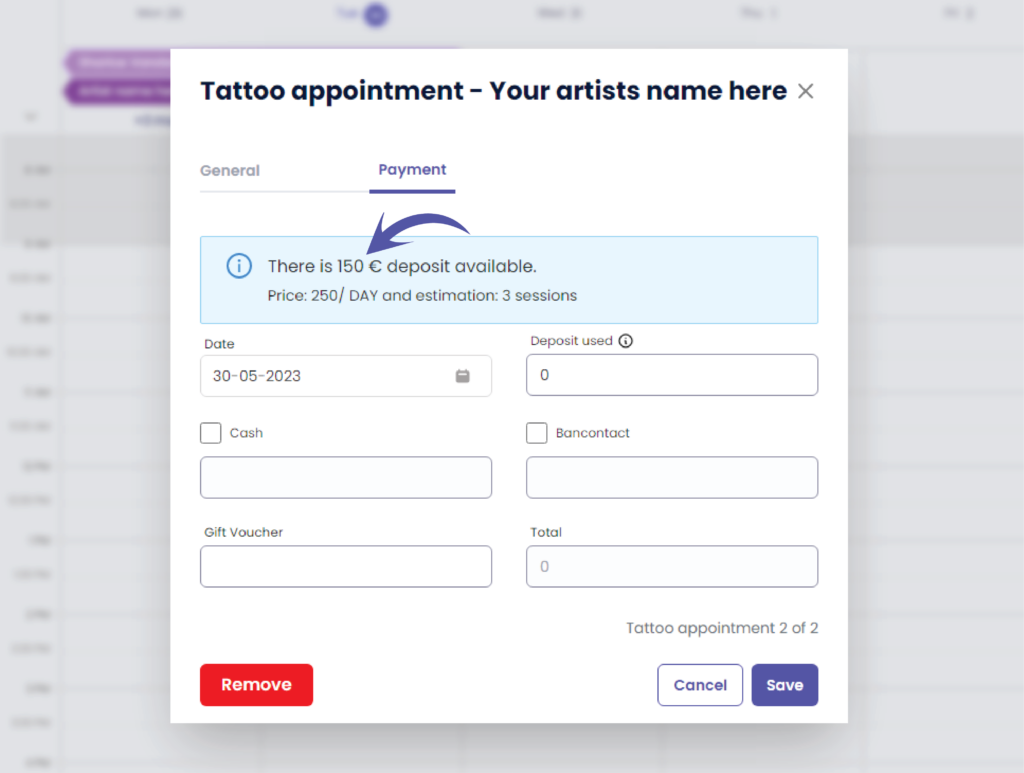
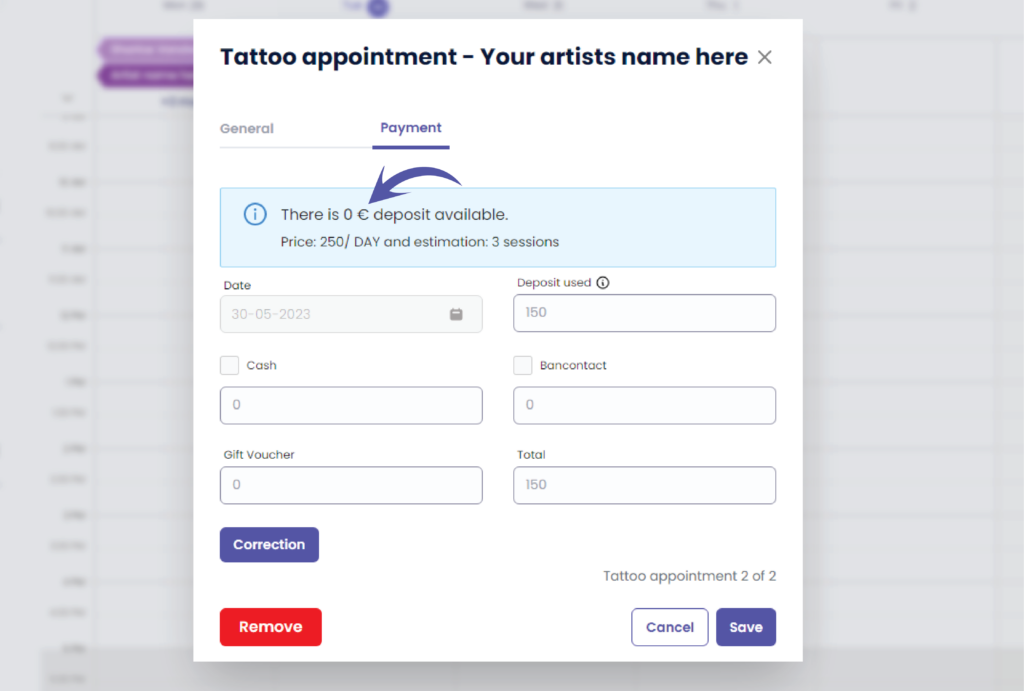
Here you can see if there is a deposit available
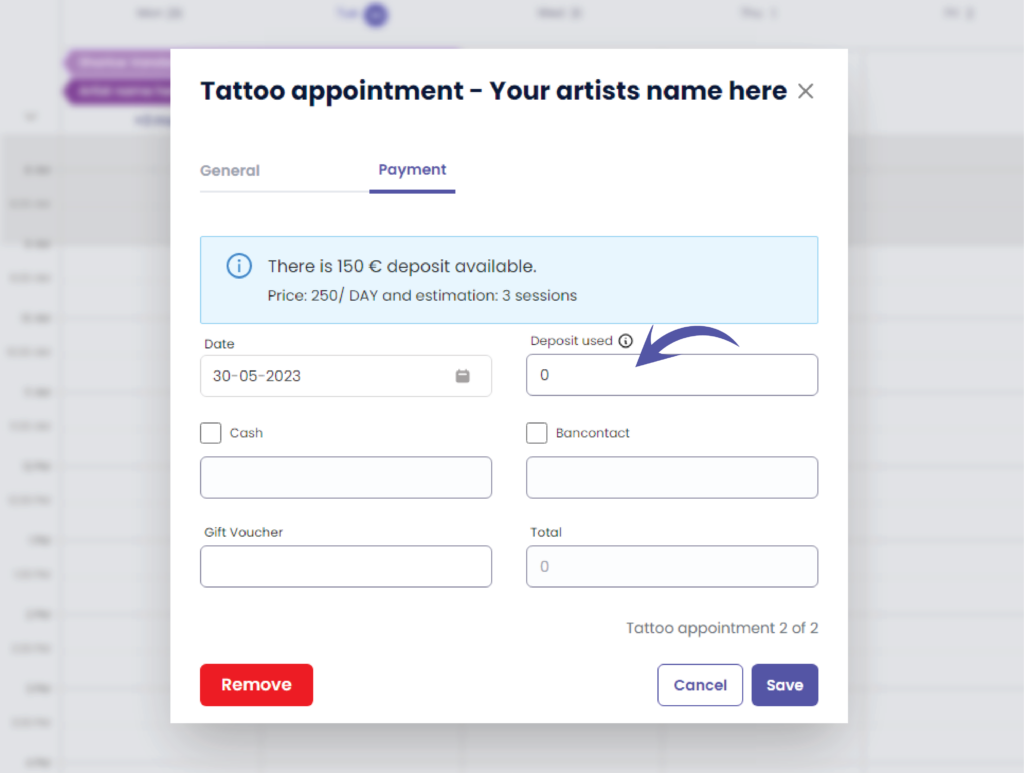
Enter the amount you wish to use
( e.g. the customer did not show up so you could use the full deposit amount )
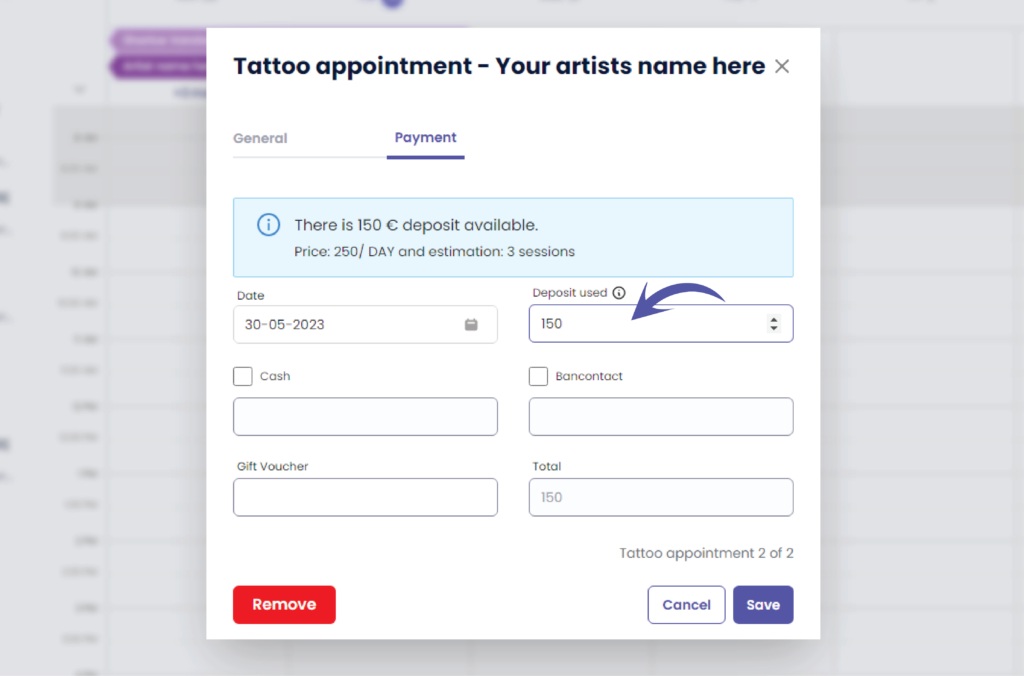
Klicken Sie auf ‘Speichern’.’
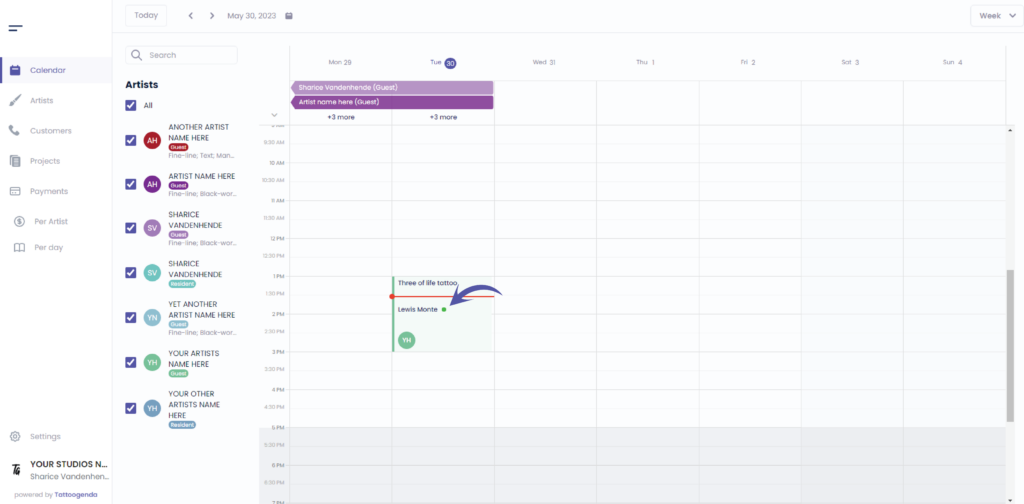
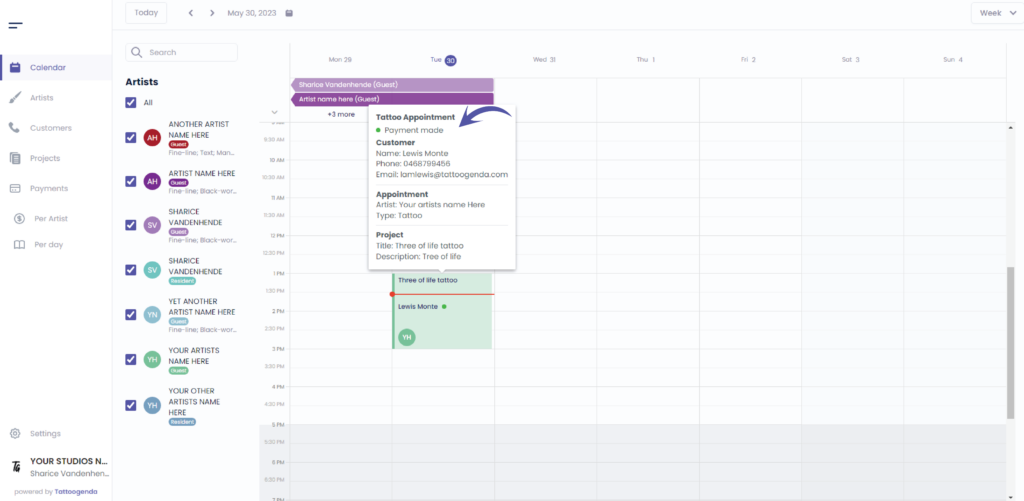
You can see that there is a green dot into your appointment this means a payment has been made for this appointment
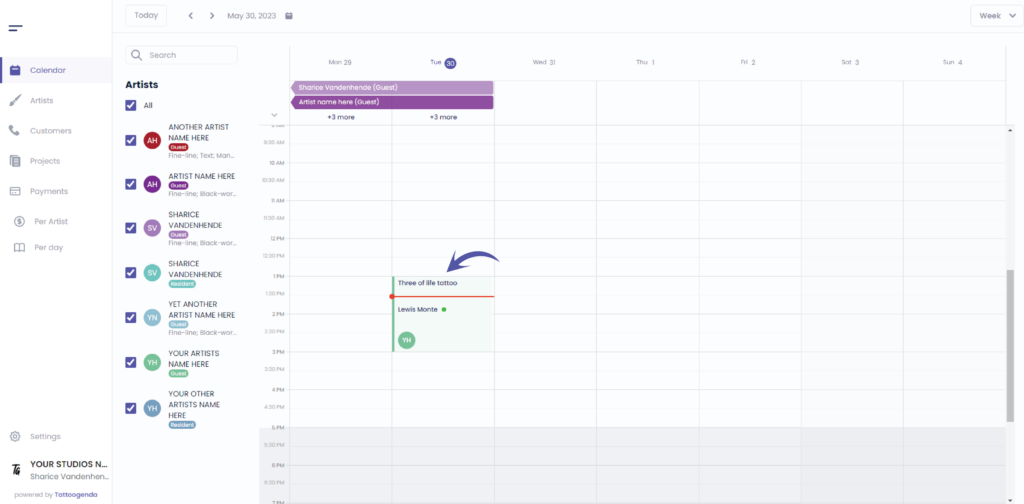
Hover over Ihr Termin
You will get this pop up detail summary
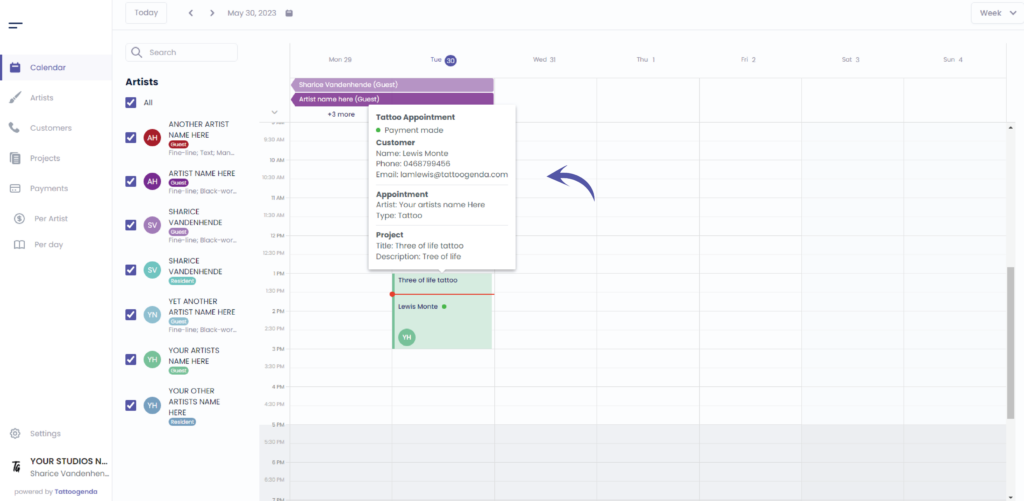
We can see the green dot means a payment was made
Klicken Sie auf your appointment
Gehe zu ‘Payment’
We can now see that there is no deposit available
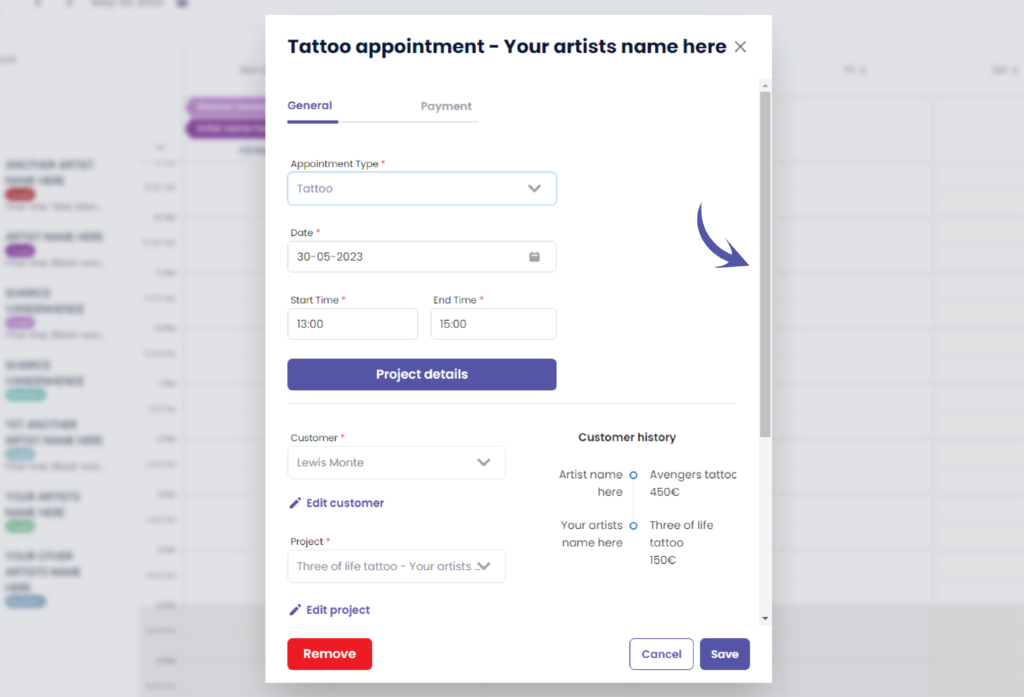
Go back to ‘General’
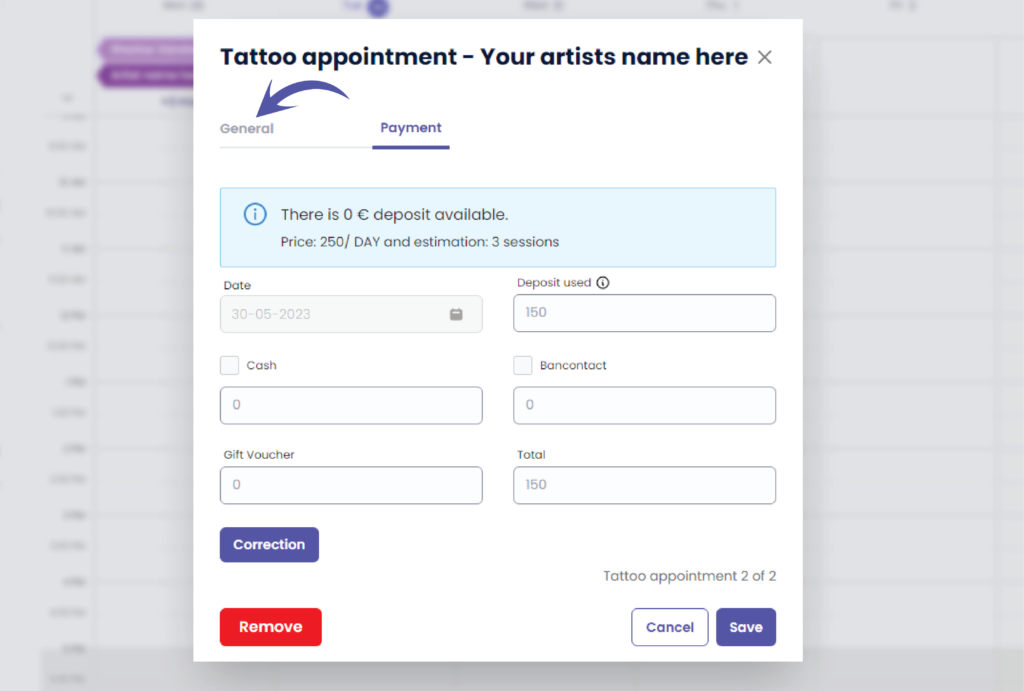
We will now check it as a cancellation or a no show
Verwenden Sie die Bildlaufleiste, um nach unten zu blättern
Scroll down until you see the following options
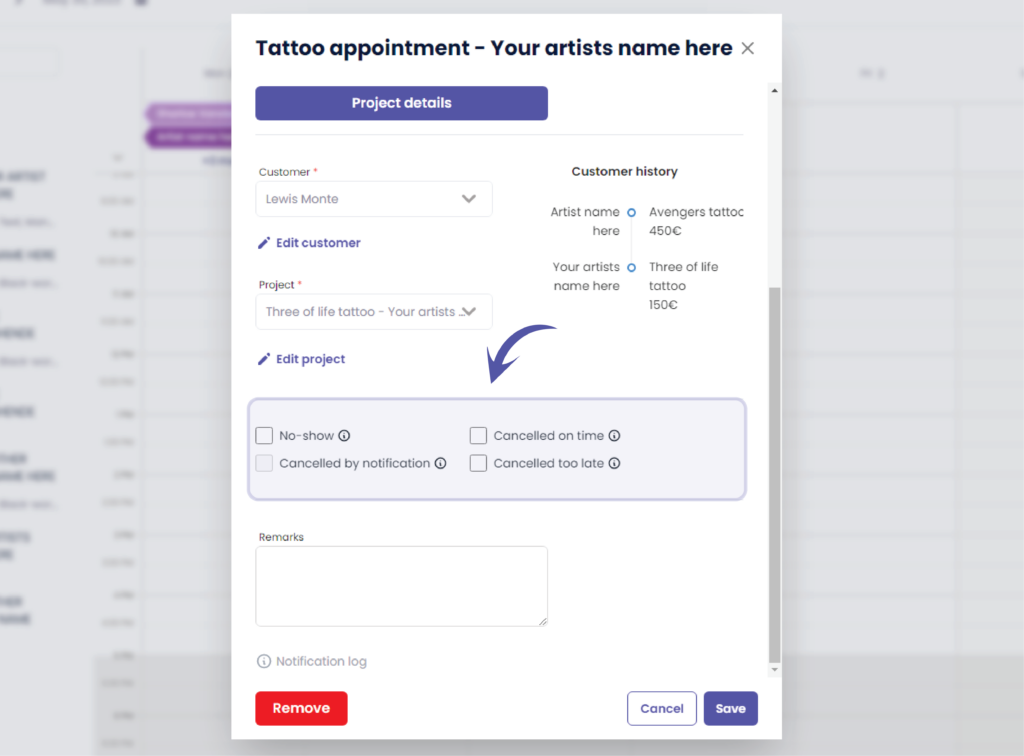
Choose your cancellation type and click save
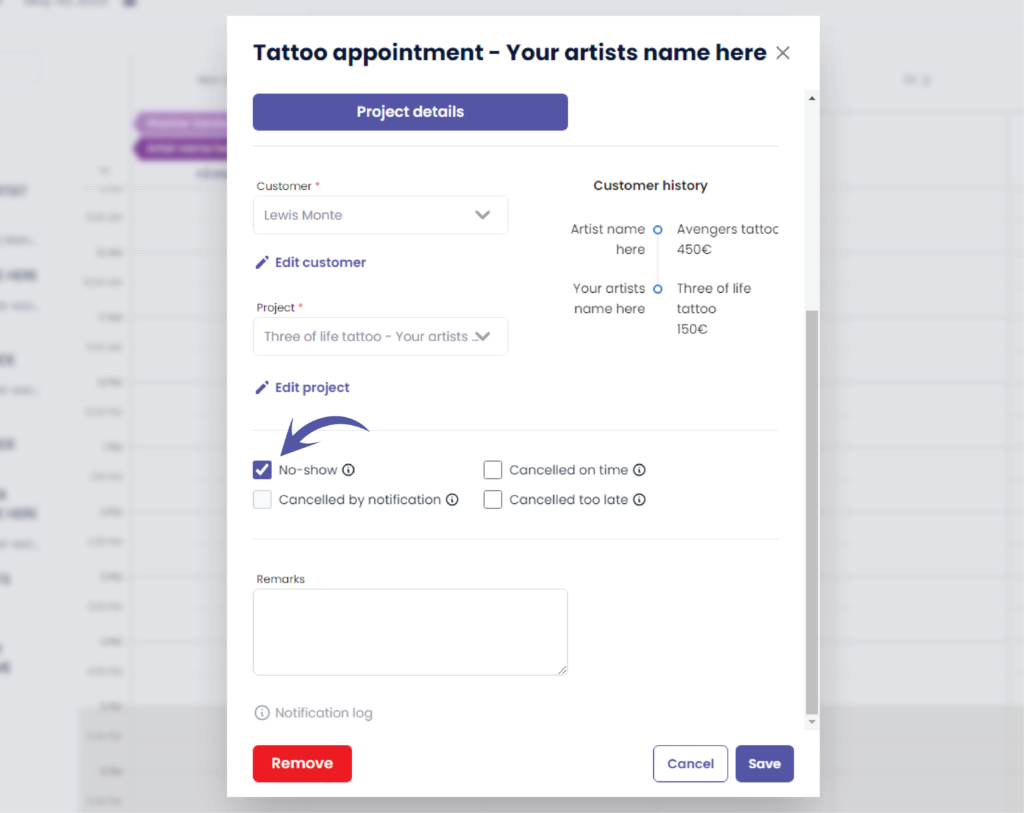
You will go back to your calendar automatically
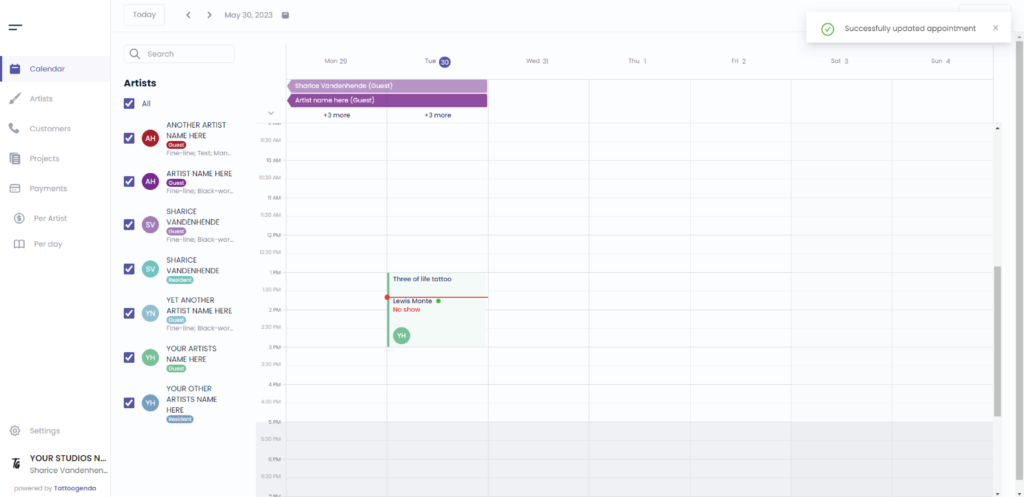
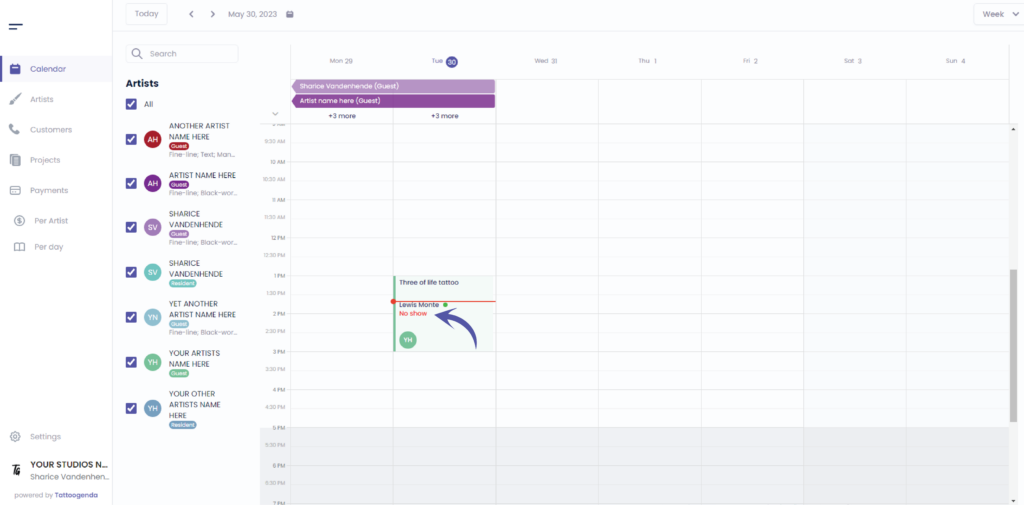
We can now see that this appointment was a no show but we have use the deposit
Sie haben noch ein Problem oder eine Frage?
Nachstehend finden Sie einen kleinen Link mit der Bezeichnung ‘Stecken Sie immer noch fest? Wie können wir helfen?’
Geschrieben von
Sharice Vandenhende
Unter Tattoogenda


 English
  Dutch
Dutch  Dutch (Belgium)
  French
  German
  Spanish